BootXChanger2.0 for macOS
Changes the icon shown during Mac startup from the default Apple logo
Free · Proprietary
You are on Windows — this is the macOS version.
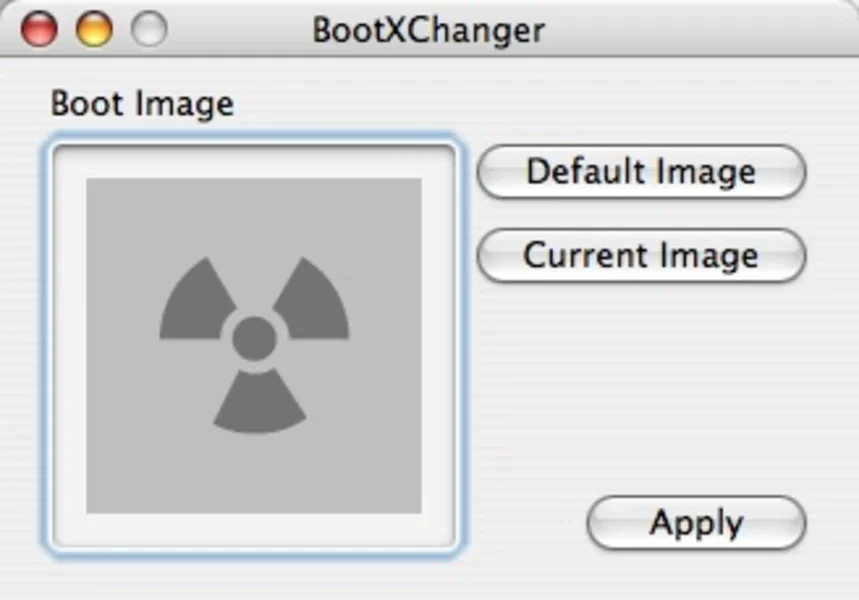
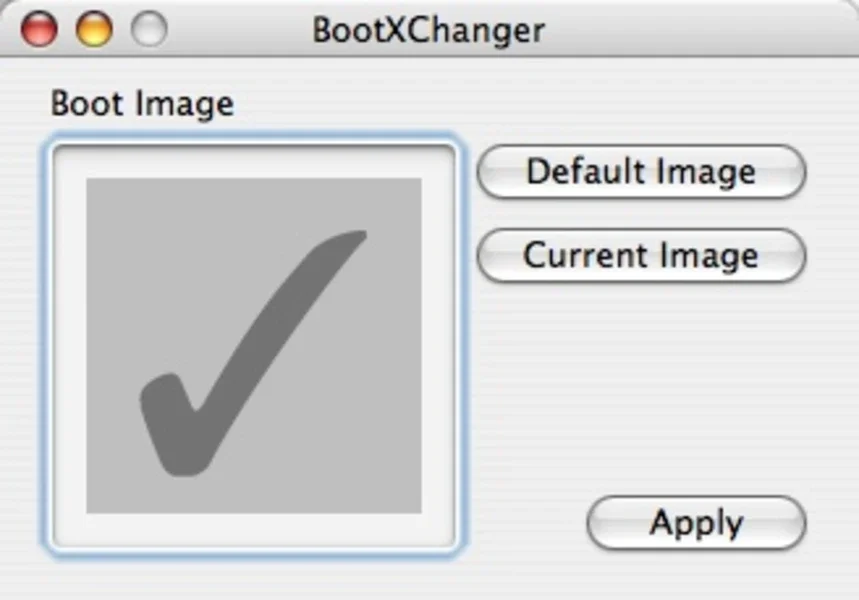
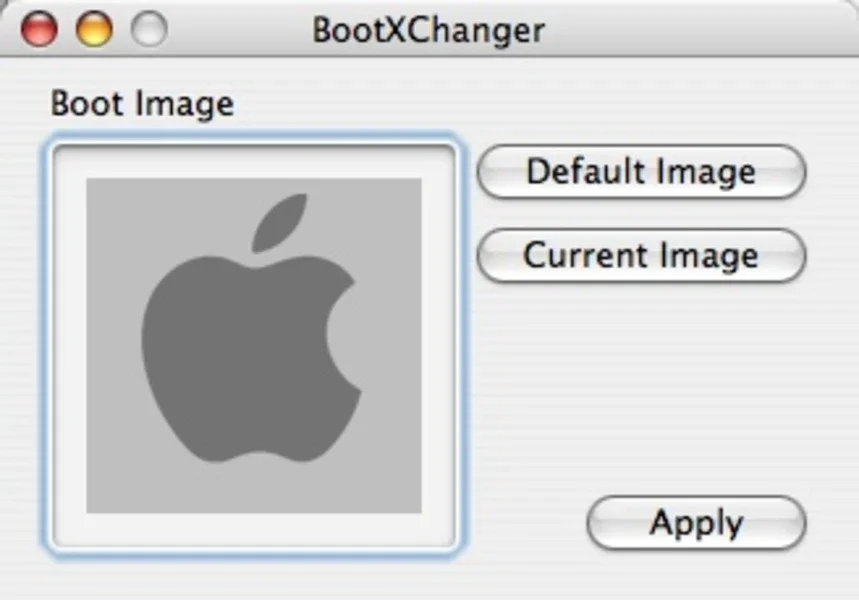
BootXChanger swaps out the Apple logo shown while a Mac boots for an image of your own. It is a small utility, and the default icon is the only thing it replaces.
Changing the startup icon
Drag and drop the image file onto the program's interface, then enter the administrator password. Any format Mac OS X supports works, including GIF, JPEG, PICT, TIFF or PNG. PNG is the author's recommendation, since it makes it easier to limit the number of colors in the image. On Macs with Intel processors, the author also recommends images with fewer colors and smaller sizes. The background color stays fixed at BFBFBF and cannot be changed.
It runs on Mac OS X 10.4 or later, Leopard included.
[Release notes coming soon]
Verify the file
Compare the SHA-256 of the file you downloaded with the value below. Files exactly as the publisher released them.
-
bootxchanger-2.0.dmg
2.0 · DMG · 678.3 KB
SHA-256
cfb05680ab6a7d0b1793a33135dd15562a7b5fd59bb1ebf3ad6067c2c9fad6c1Check on VirusTotal Get
Files exactly as the publisher released them.
Information
- Seller
- Jesús A. Álvarez
- Size
- 678.3 KB
- Category
- Maintenance
- Compatibility
macOS Mac OS X 10.5 or later
- Languages
English
- Age rating
- All ages
- License
- Proprietary
- Price
- Free