Butler4.4.9 for macOS
Build custom menu bar menus for apps, scripts and system actions
Free · Proprietary
You are on Windows — this is the macOS version. See the Windows version
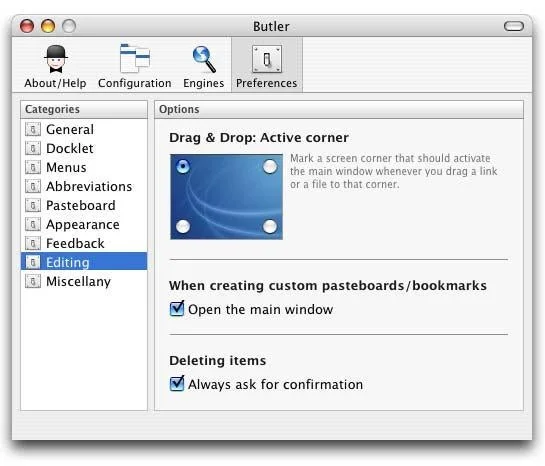
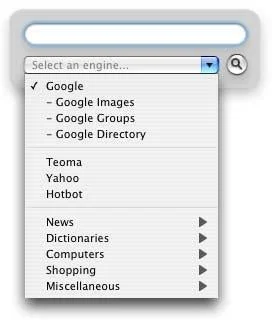
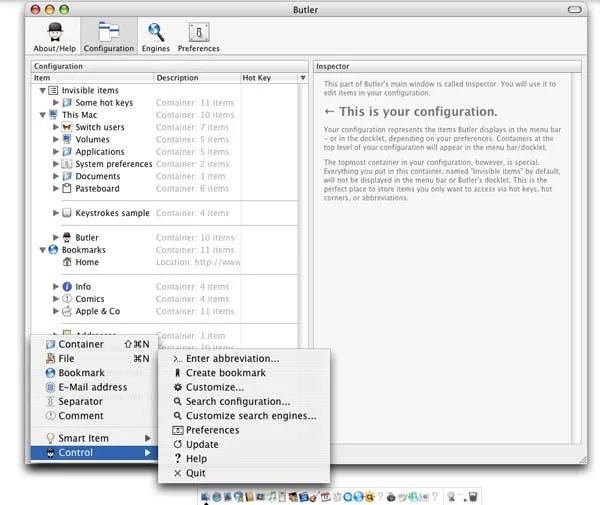
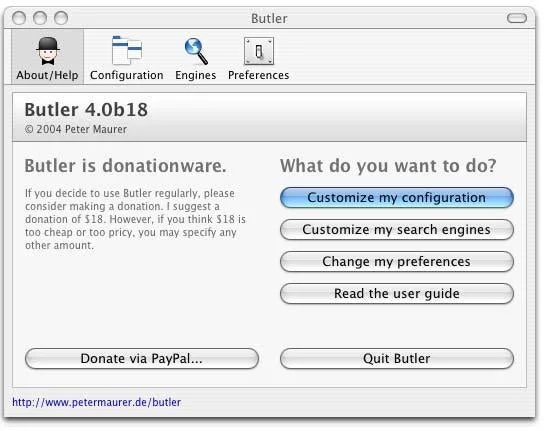
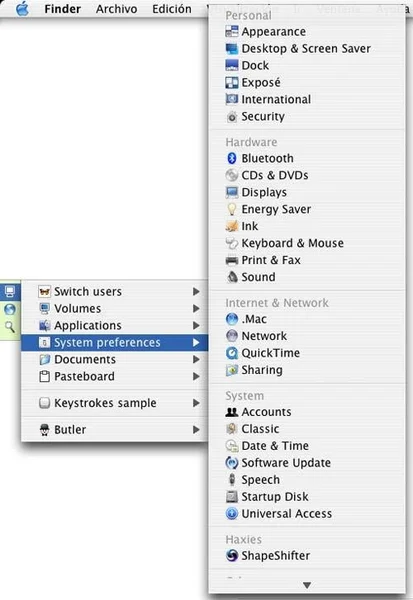
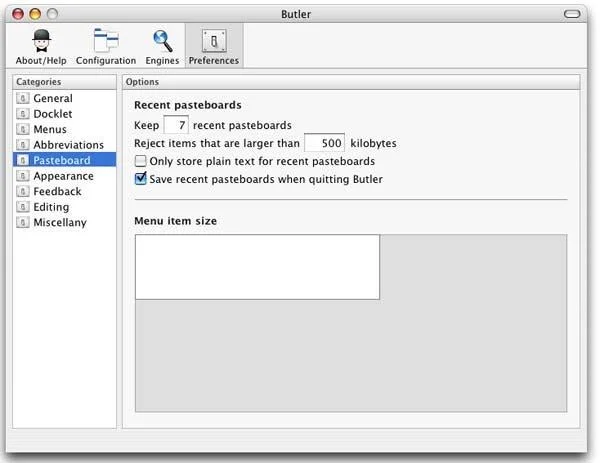
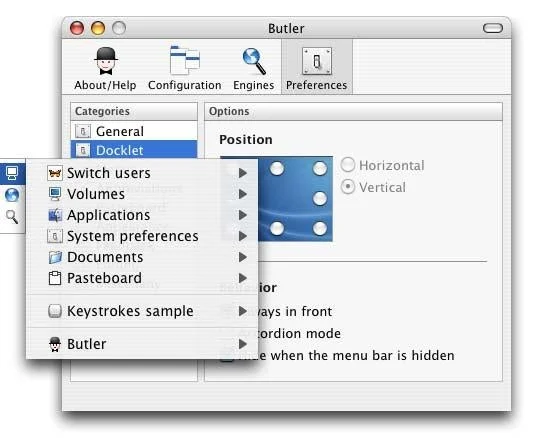
Butler puts two new elements in the menu bar, and each of them can be set up to do a particular job. A menu item can open an application or an AppleScript, launch a specific System Preferences panel, control iTunes, or switch the user session. Mounted volumes can be listed too. The point is to carry out repetitive tasks without repeating yourself.
What the menus can reach
Behavior is configurable, so the menus can perform many different functions. That reach extends past system resources: Butler automates access to any resource present on the computer, and it is not limited to simplifying access to system resources.
[Release notes coming soon]
Verify the file
Compare the SHA-256 of the file you downloaded with the value below. Files exactly as the publisher released them.
-
butler-4-4-9.dmg
4.4.9 · DMG · 4.3 MB
SHA-256
fe01992fa005bc4162f7b38d9d8521b713a48f4e43fc3ebf7e787f570803fab1Check on VirusTotal Get
Files exactly as the publisher released them.
Information
- Seller
- Many Tricks
- Size
- 4.3 MB
- Category
- Maintenance
- Compatibility
macOS macOS 10.15 or later
- Languages
English
- Age rating
- All ages
- License
- Proprietary
- Price
- Free
- Platform
- Also available on Windows