Skip to content

Cyberduck9.6.0 for macOS

FTP and SFTP client for Mac with resume, caching, and editor integration

David V. Kocher

Free · Proprietary

Download 9.6.0 · 174.2 MB
  • Age rating
    0+
    All ages
  • Category
    FTP & Network
  • Developer
    David V. Kocher
  • Languages
    2
    English
  • Size
    174.2
    MB

Mac

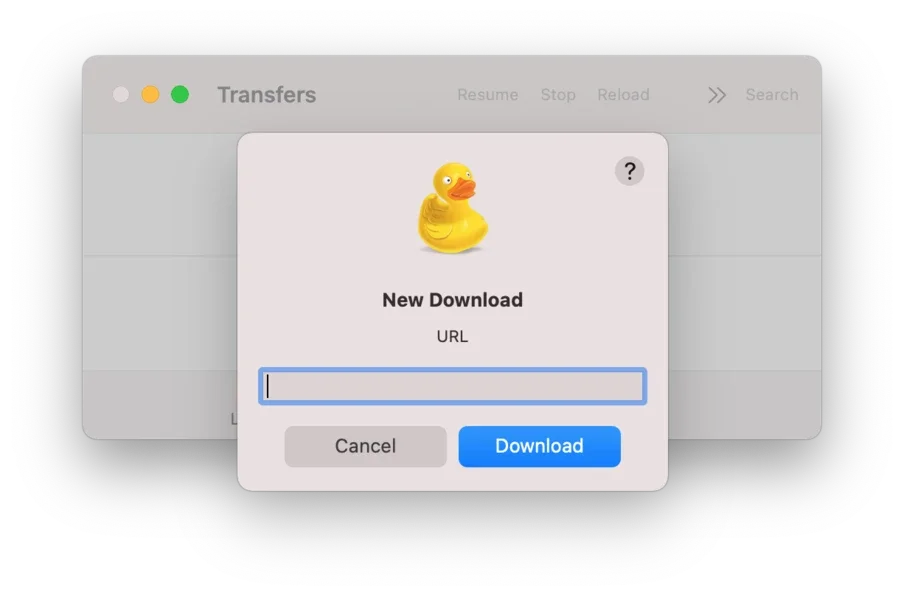
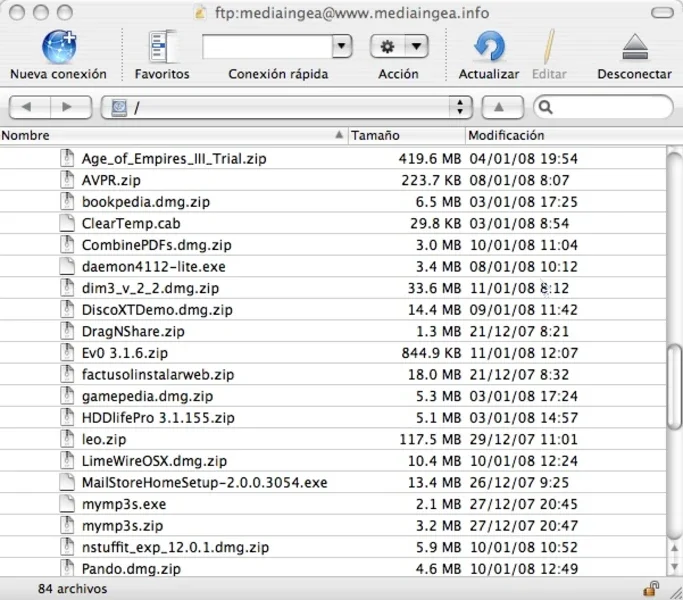
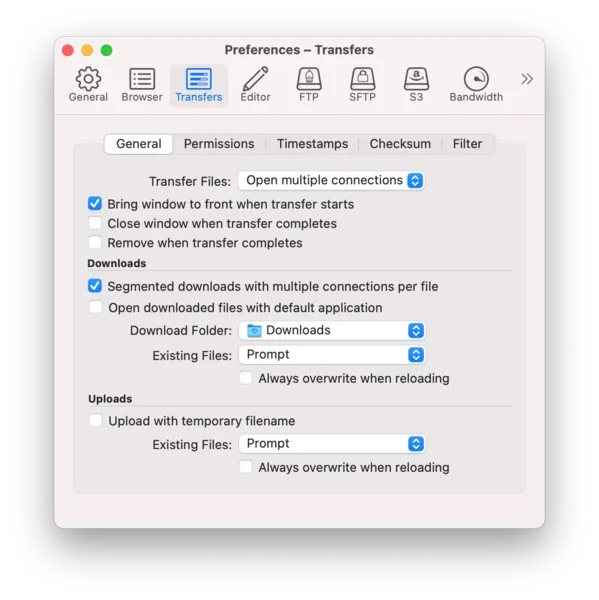
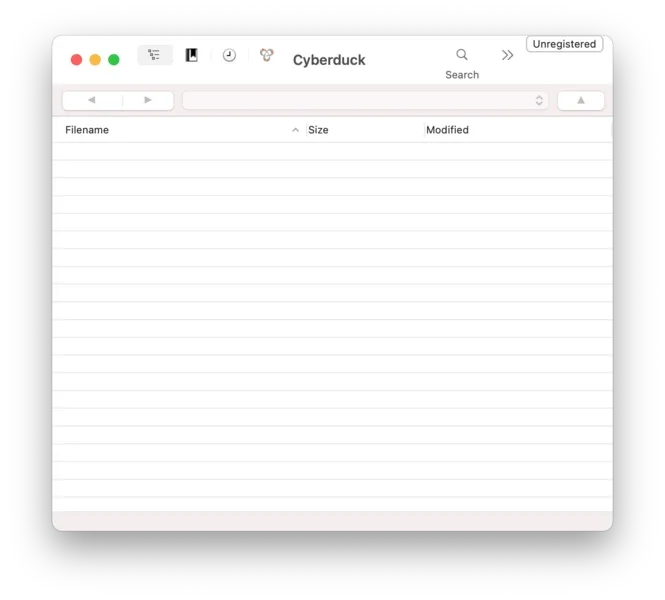
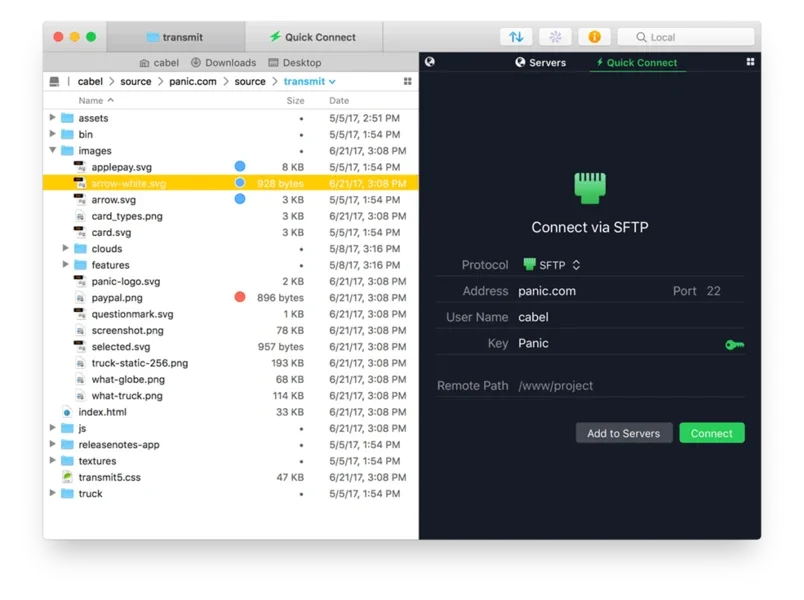
You open Cyberduck to move files to and from servers over FTP or SFTP. It can transfer directories recursively and limit how many transfers run at once. Interrupted uploads and downloads can resume if the server supports it.

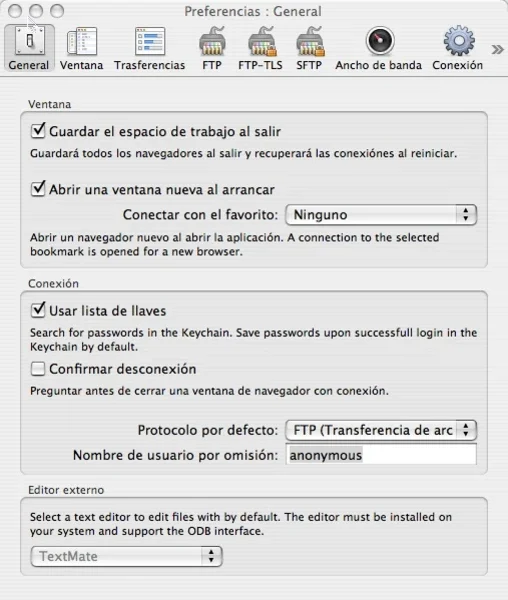
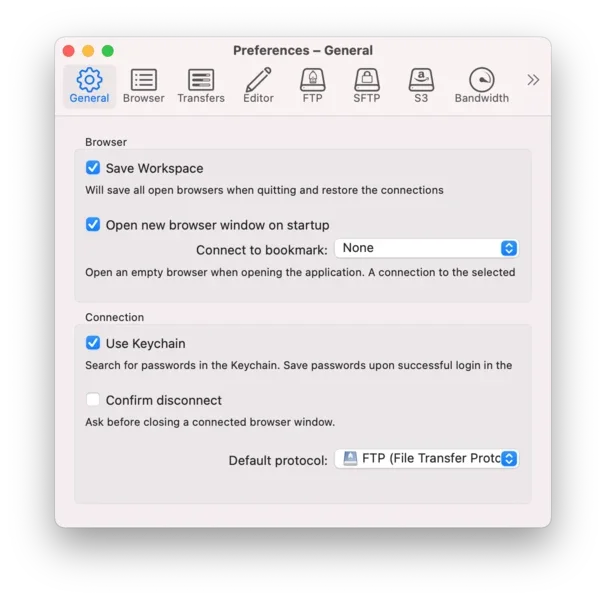
File lists from servers can be shown without an active connection, using a cache the program stores. A regular expression can filter files. Several Mac services are integrated: Spotlight, Bonjour, Keychain, AppleScript, and iDisk. The client also hooks into a set of text editors for editing files in place: skEdit, SubEthaEdit, BBEdit, Smultron, JeditX, CSSEdit, and PageSpinner.

The software is a third-party FTP and SFTP client.

[Release notes coming soon]

Version 9.6.0

Verify the file

Compare the SHA-256 of the file you downloaded with the value below. Files exactly as the publisher released them.

  • cyberduck-9-6-0.zip

    9.6.0 · ZIP · 174.2 MB

    SHA-256

    a9195fb3dc904265dbb1b238d707e3ac4ac8a1ed356b188464e8773aad3a8ca8 Check on VirusTotal Get

Files exactly as the publisher released them.

Information

Size
174.2 MB
Category
FTP & Network
Compatibility
macOS
Languages
English, Spanish
Age rating
All ages
License
Proprietary
Price
Free

Version history

  • [Release notes coming soon]

    9.6.0
  • [Release notes coming soon]

    9.5.4
  • [Release notes coming soon]

    9.5.3
  • [Release notes coming soon]

    9.5.2
  • [Release notes coming soon]

    9.5.0
  • [Release notes coming soon]

    9.4.1
  • [Release notes coming soon]

    9.4.0
  • [Release notes coming soon]

    9.3.0
  • [Release notes coming soon]

    9.2.4
  • [Release notes coming soon]

    9.2.1
  • [Release notes coming soon]

    9.1.6.43284
  • [Release notes coming soon]

    9.1.4.43177
  • [Release notes coming soon]

    9.1.3.42945
  • [Release notes coming soon]

    9.1.2.42722
  • [Release notes coming soon]

    9.1.1
  • [Release notes coming soon]

    9.1.0.42520
  • [Release notes coming soon]

    9.0.2.42108
  • [Release notes coming soon]

    9.0.1.41941
  • [Release notes coming soon]

    9.0.0.41777
  • [Release notes coming soon]

    8.8.2.41344
  • [Release notes coming soon]

    8.8.1.41263
  • [Release notes coming soon]

    8.8.0.41209
  • [Release notes coming soon]

    1.6.00.35961
  • [Release notes coming soon]

    8.7.1.40770
  • [Release notes coming soon]

    8.7.0
  • [Release notes coming soon]

    8.6.2.40032
  • [Release notes coming soon]

    8.6.0.39818
  • [Release notes coming soon]

    8.5.9
  • [Release notes coming soon]

    8.5.8
  • [Release notes coming soon]

    8.5.6.39394
  • [Release notes coming soon]

    8.5.5
  • [Release notes coming soon]

    8.5.3.38959
  • [Release notes coming soon]

    8.5.2.38799
  • [Release notes coming soon]

    8.4.5
  • [Release notes coming soon]

    8.4.4
  • [Release notes coming soon]

    8.4.3
  • [Release notes coming soon]

    8.4.2.38090
  • [Release notes coming soon]

    8.4.0
  • [Release notes coming soon]

    8.3.0
  • [Release notes coming soon]

    8.3.2
  • [Release notes coming soon]

    8.2.3
  • [Release notes coming soon]

    8.2.1.36773
  • [Release notes coming soon]

    8.2.0
  • [Release notes coming soon]

    8.1.1
  • [Release notes coming soon]

    8.1.0
  • [Release notes coming soon]

    8.0.2
  • [Release notes coming soon]

    8.0.0
  • [Release notes coming soon]

    7.10.2
  • [Release notes coming soon]

    7.10.1
  • [Release notes coming soon]

    7.9.2

All versions ›