Skip to content

Google Drive133.0.2 for macOS

Cloud storage that works in the browser and syncs to your Mac

Google LLC

Free · Proprietary

Download 133.0.2 · 133.4 MB
  • Age rating
    0+
    All ages
  • Category
    FTP & Network
  • Developer
    Google LLC
  • Languages
    1
    English
  • Size
    133.4
    MB

Mac

Sign in at drive.google.com and you get 15GB of cloud storage on the free version. Files made outside Google's apps can go there too: photos, video, audio, CAD renderings. Folders organize them and dragging moves a file between folders. Search finds a specific one quickly.

Office suite and sharing

Drive is built into the web versions of Google Docs, Sheets and Slides, so you don't install a paid office suite on each machine. You can write reports, invoices and client presentations, and clicking New creates a Doc, Sheet, Slide or Form. Sharing with collaborators allows real-time edits that are backed up automatically, and historic versions of a file can be accessed. There is no password protection for an individual file or folder.

Paid tiers and the Mac app

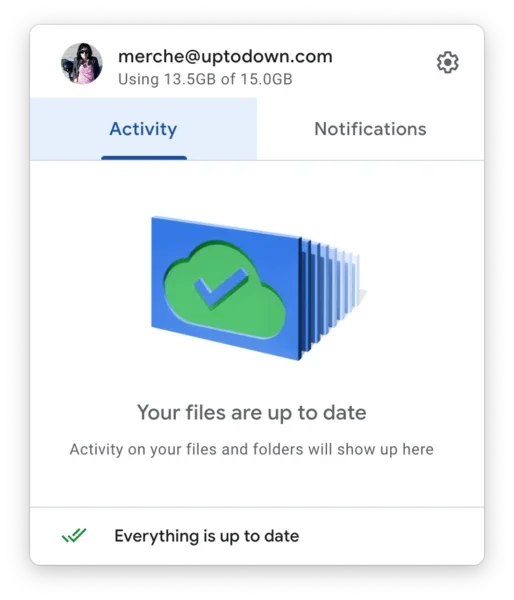
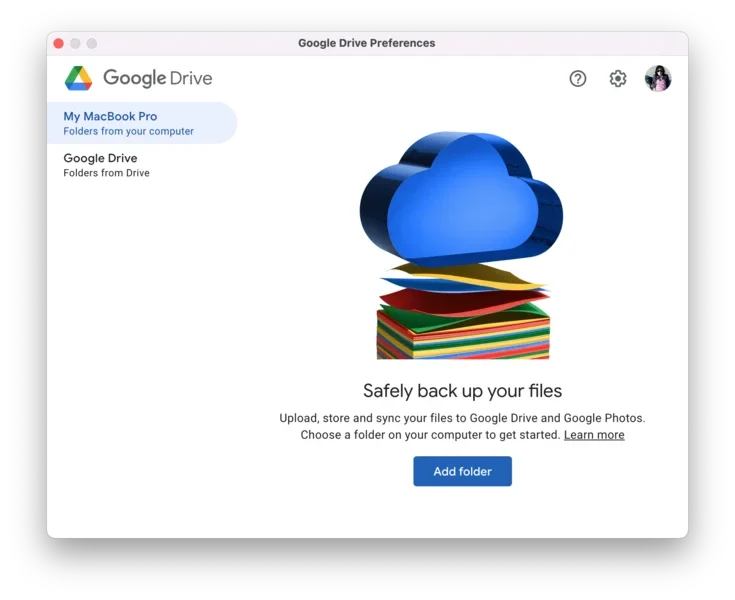
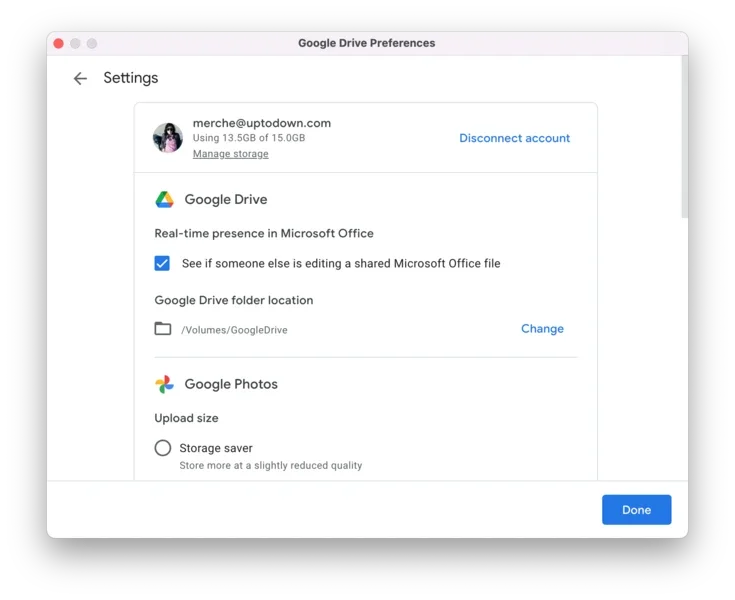
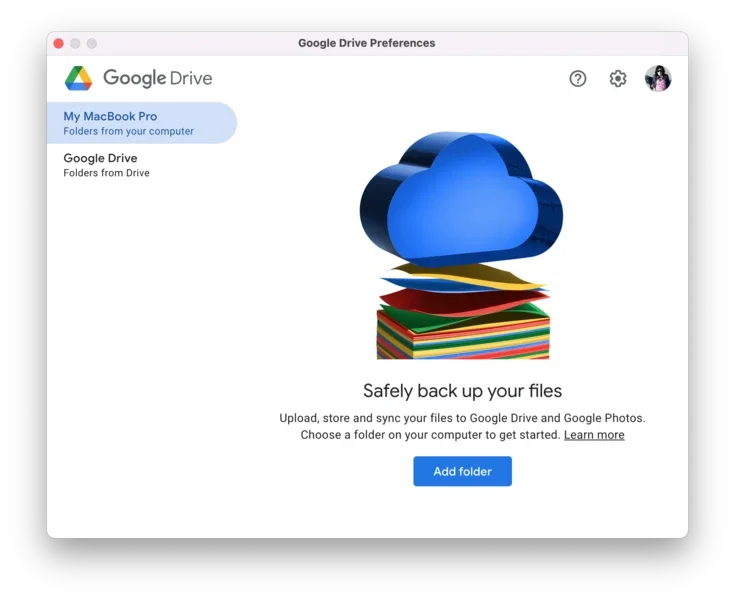
Business tiers need a subscription. Starter gives 30GB per user with security and management controls plus 24-hour support. Standard gives 2TB and shared team drives; Plus has more storage than Standard and enhanced security. The Enterprise tier takes a quote and adds compliance controls. A Mac desktop application installs on macOS Big Sur 11.0 and newer and provides cloud-based backup.

[Release notes coming soon]

Version 133.0.2

Verify the file

Compare the SHA-256 of the file you downloaded with the value below. Files exactly as the publisher released them.

  • google-drive-133-0-2.dmg

    133.0.2 · DMG · 133.4 MB

    SHA-256

    edfe08e00728c5084366f68a9e086a8ccafa3087bb0b47c2998148ac5db16661 Check on VirusTotal Get

Files exactly as the publisher released them.

Information

Seller
Google LLC
Size
133.4 MB
Category
FTP & Network
Compatibility
macOS
Languages
English
Age rating
All ages
License
Proprietary
Price
Free

Version history

  • [Release notes coming soon]

    133.0.2
  • [Release notes coming soon]

    132.0.0
  • [Release notes coming soon]

    131.0.2
  • [Release notes coming soon]

    130.0.2
  • [Release notes coming soon]

    129.0.1
  • [Release notes coming soon]

    128.0.0
  • [Release notes coming soon]

    127.0.1
  • [Release notes coming soon]

    126.0.5
  • [Release notes coming soon]

    126.0.4
  • [Release notes coming soon]

    124.0.3
  • [Release notes coming soon]

    123.0.1
  • [Release notes coming soon]

    121.0.1
  • [Release notes coming soon]

    120.0.1
  • [Release notes coming soon]

    119.0.2
  • [Release notes coming soon]

    117.0.0
  • [Release notes coming soon]

    116.0.6
  • [Release notes coming soon]

    114.0.1.0
  • [Release notes coming soon]

    103.0.3.0
  • [Release notes coming soon]

    101.0.3.0
  • [Release notes coming soon]

    98.0.0.0
  • [Release notes coming soon]

    94.0.2.0
  • [Release notes coming soon]

    94.0.1.0
  • [Release notes coming soon]

    93.0.1.0
  • [Release notes coming soon]

    92.0.1.0
  • [Release notes coming soon]

    92.0.0.0
  • [Release notes coming soon]

    89.0.2.0
  • [Release notes coming soon]

    87.0.2.0
  • [Release notes coming soon]

    86.0.9.0
  • [Release notes coming soon]

    85.0.26
  • [Release notes coming soon]

    85.0.25.0
  • [Release notes coming soon]

    84.0.13.0
  • [Release notes coming soon]

    84.0.11.0
  • [Release notes coming soon]

    84.0.4.0
  • [Release notes coming soon]

    82.0.2.0
  • [Release notes coming soon]

    76.0.3.0
  • [Release notes coming soon]

    75.0.2.0
  • [Release notes coming soon]

    68.0.2.0
  • [Release notes coming soon]

    67.0
  • [Release notes coming soon]

    63.0.5
  • [Release notes coming soon]

    60.0.2.0
  • [Release notes coming soon]

    57.0.5.0
  • [Release notes coming soon]

    58.0.3.0
  • [Release notes coming soon]

    53.0

All versions ›