DAEMON Tools8.5.762 for macOS
Mounts disc images as virtual CD and DVD drives on a Mac
Free · Proprietary
You are on Windows — this is the macOS version. See the Windows version
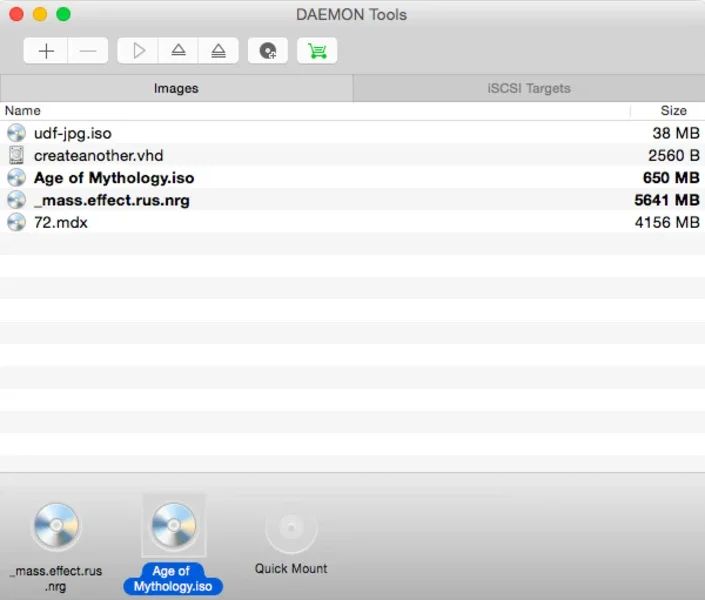
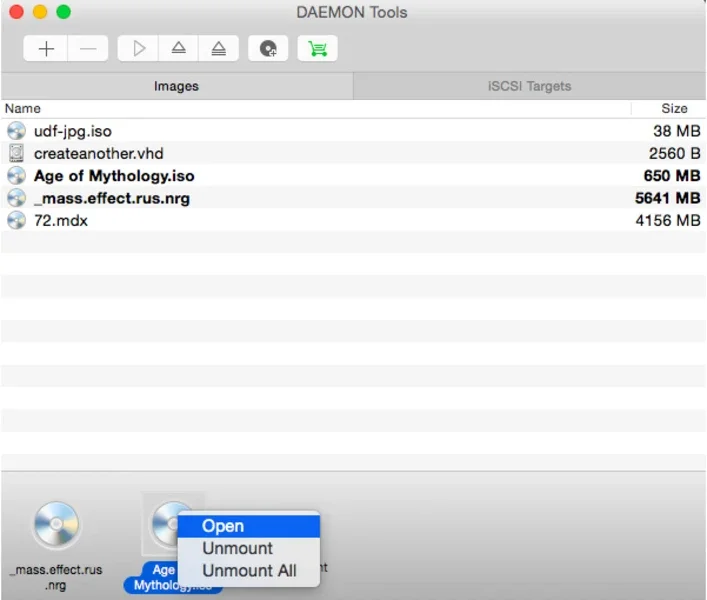
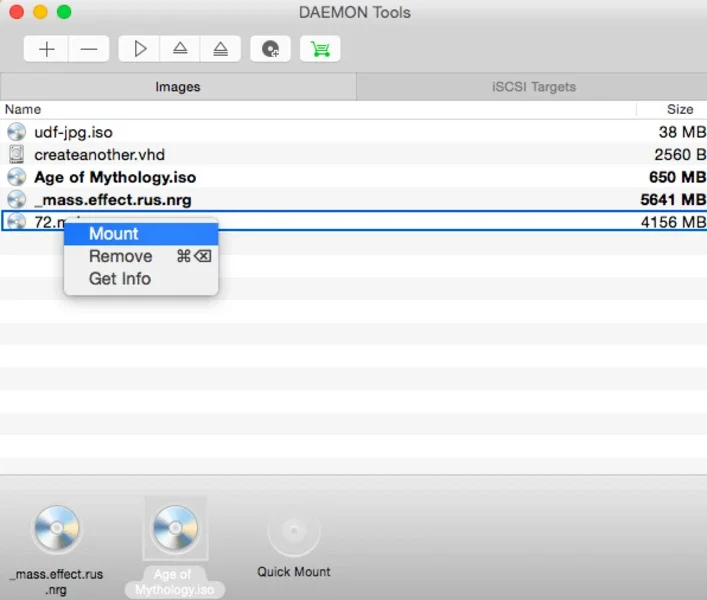
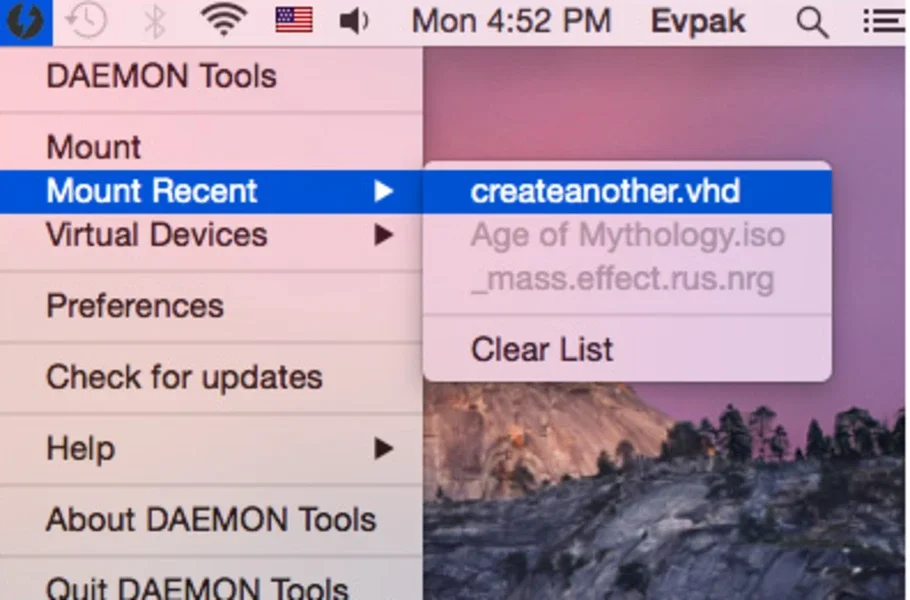
DAEMON Tools mounts disc images as virtual drives on a Mac. Install the app, and you can emulate a drive as if it were a physical disc. Images can be mounted and unmounted in real time, which helps with installations that ask for several disks in turn. The program makes up to four virtual CD or DVD drives, and its interface runs in the background.
Readable formats include CUE, ISO, PDI (CD or DVD snapshots), BWT, CDI and B5T. Nero's NRG files open too, and so do CloneCD images saved as CCD and MDS. Both DT and SCSI formats are supported. The program works with most imaging software.
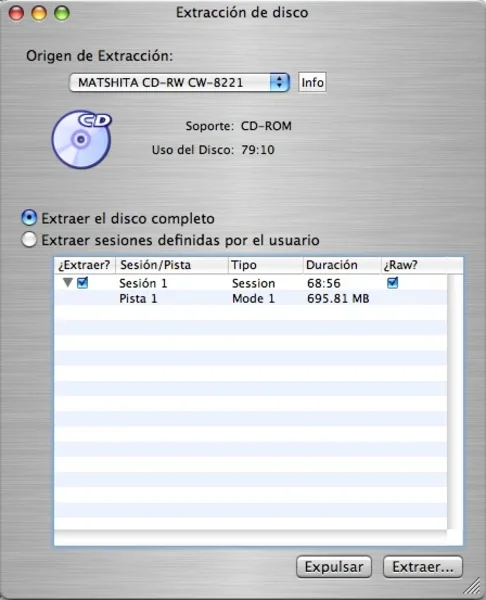
Discs that use protection schemes can still be read and their data manipulated. Safedisc, Laserlock, Securom, StarForce and RMPS are among them. Because the drive is virtual, disc contents sit on the hard disk where security systems cannot block access. That means you can install software or a video game and bypass protection when it causes trouble. Recent versions also burn images from CDs, DVDs and Blu-rays straight to ISO, MDS, MDF and MDX.
[Release notes coming soon]
Verify the file
Compare the SHA-256 of the file you downloaded with the value below. Files exactly as the publisher released them.
-
8.5.762
8.5.762 · DMG · 35.8 MB
SHA-256
1509bf30b9aa3c7deaced92bda9e288ddabcda4507b155b6f01170a2f1245235Check on VirusTotal Get
Files exactly as the publisher released them.
Information
- Seller
- Disc Soft Ltd
- Size
- 35.8 MB
- Category
- CD/DVD
- Compatibility
macOS 10.4 Tiger or later
- Languages
English
- Age rating
- All ages
- License
- Proprietary
- Price
- Free
- Platform
- Also available on Windows