
DAEMON Tools Pro 5.7.0 for Windows
Mount CD, DVD and Blu-ray images on up to four virtual drives
You are on macOS — this is the Windows version. See the macOS version
Screenshots
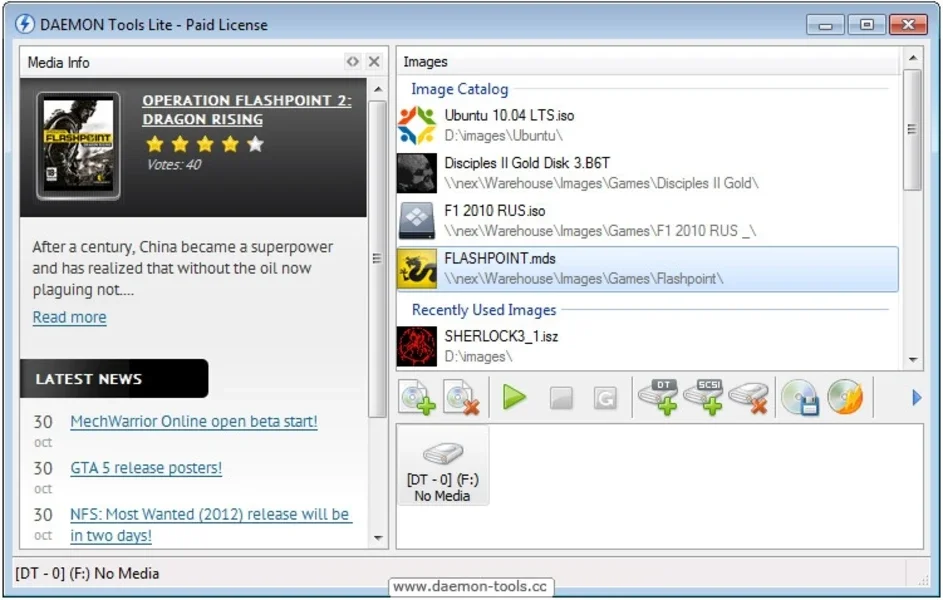
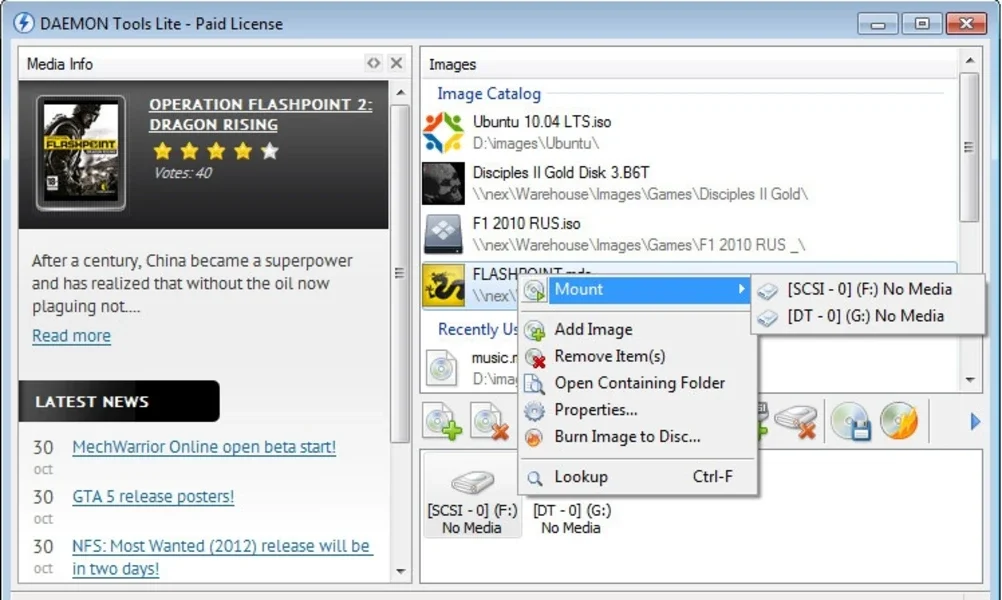
Description
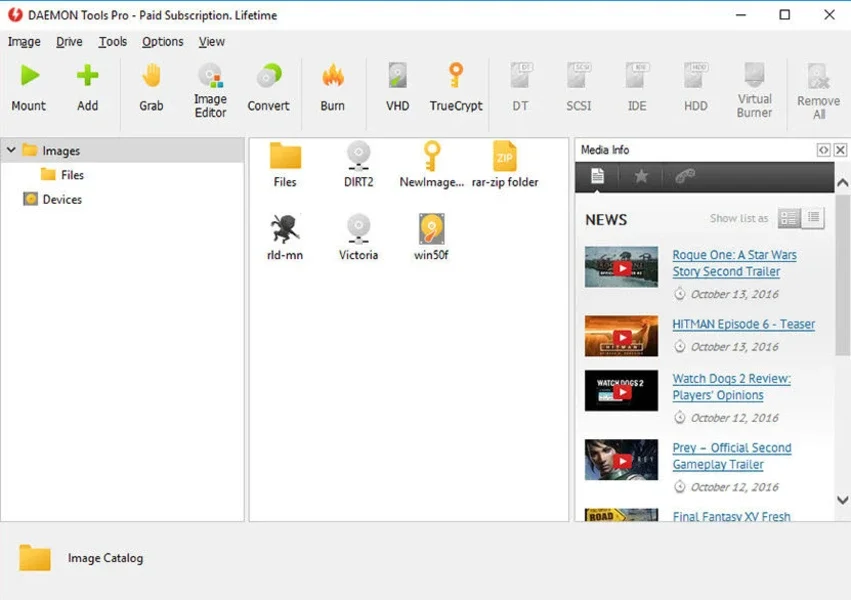
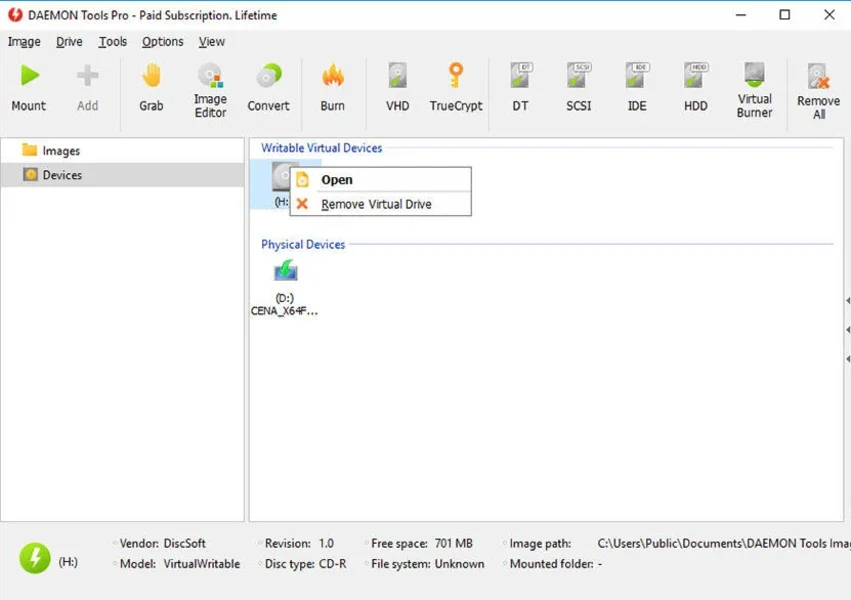
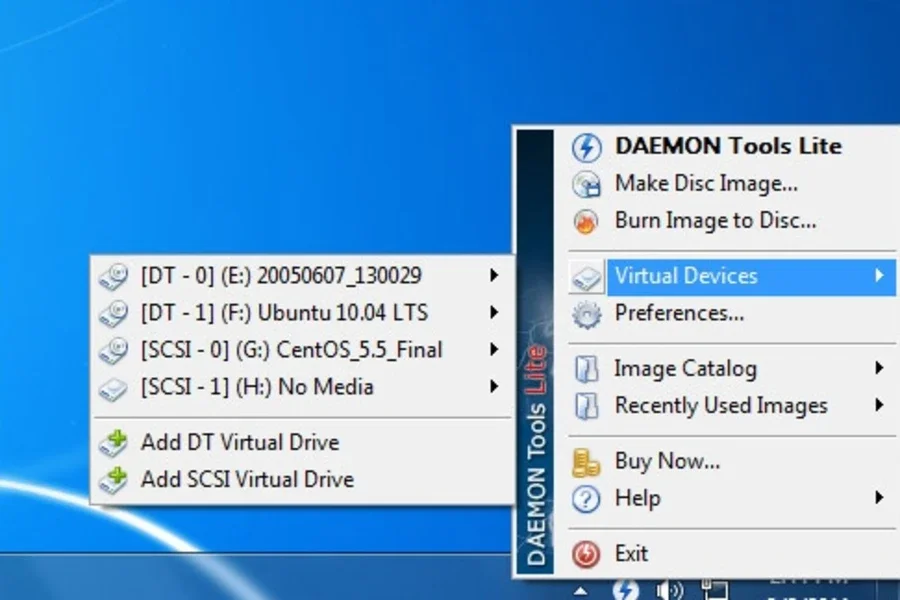
DAEMON Tools Pro lets you mount and unmount images in real time, so you can install something spread across several discs without swapping physical media. The program can create up to four virtual CD or DVD drives. Each one can hold a formatted image stored on your hard drive and present it to the system as a physical disc, so the software on that image installs normally.
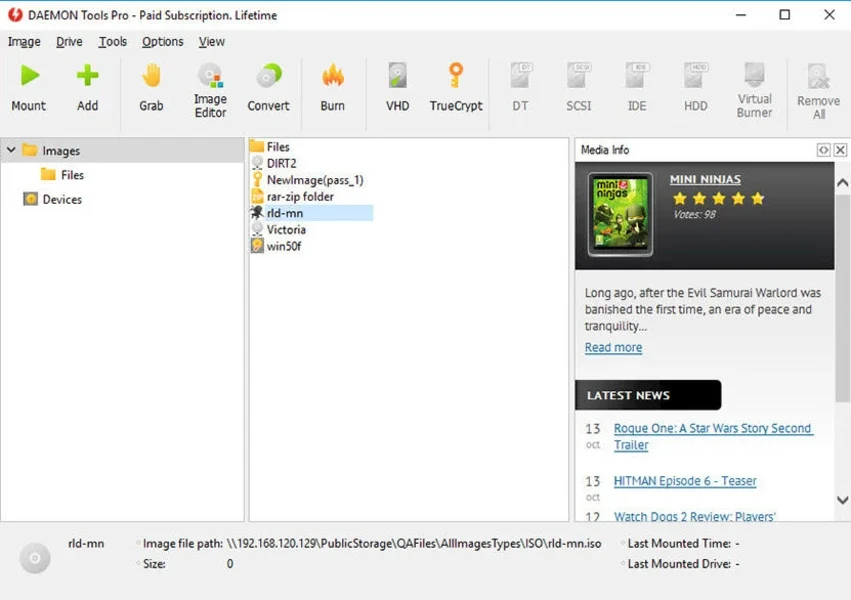
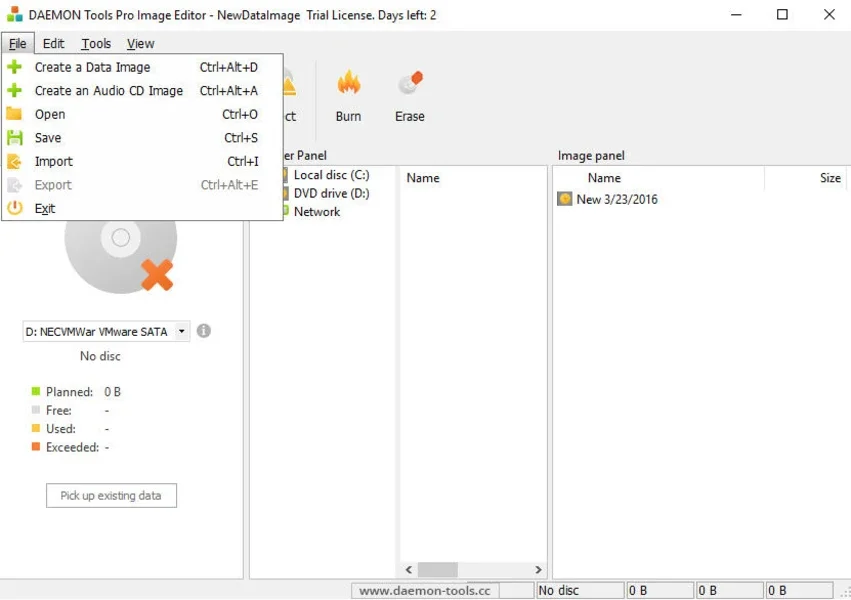
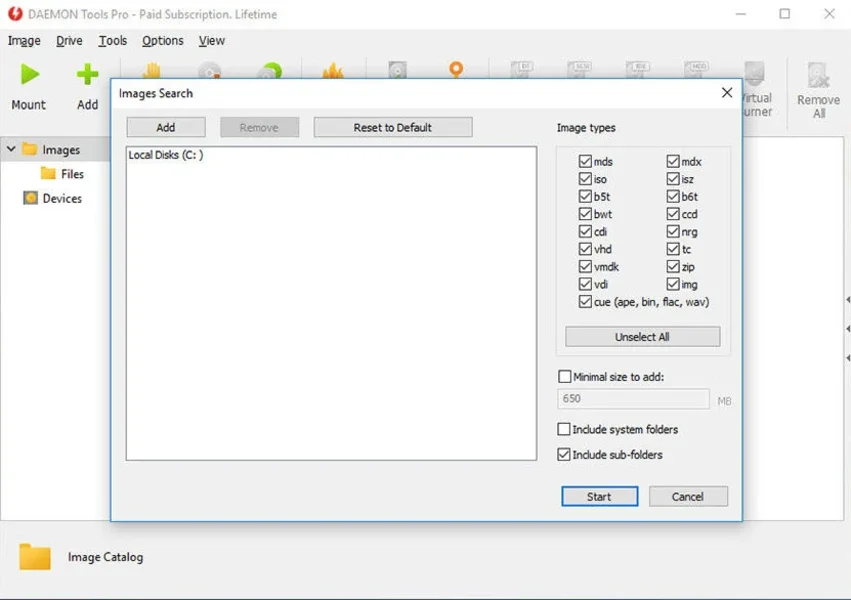
Supported image formats include CUE, ISO, BWT, CDI, B5T, CCD (CloneCD), MDS, NRG (Nero) and PDI (instant CD or DVD). Both DT and SCSI formats work. The latest versions can create images directly from CDs, DVDs and Blu-rays to ISO, MDS, MDF and MDX. The program is compatible with most image creation software. When you need to install utilities or video games and protection gets in the way, it can override that protection. It also lets you use CD and DVD content that has anticopy protection without restrictions. Information on such discs, including Safedisc, Laserlock, Securom, StarForce and RMPS, can be read and manipulated. The interface runs in the background.
DAEMON Tools Pro is proprietary software from DAEMON Tools. It runs on Windows, costs nothing, and the latest version is 5.7.0.
Download files
0d76936f527e3fcffa268ef4ec19be93de96959f868b30fa4399498e770a5d27
Signed by AVB Disc Soft, SIA · valid until May 29, 2021adc0f72bba8a6edc293b34fa57f907d9bd5d0fb0825c2dd5f7d352e356f3e66f
38bbe7234b384d3c77ec9183ab30dc5facf184b01830afd89a39b79b56b61b2c
1f298336252ec062babd3f1d423103984218d59efc3bb1558ad2341d8fd3ed0d
2aef066ff9d92b1d288a5c8d553bd529b5029718c4b1b57b939c30c07ff79fd9
System requirements
Available on:
Minimum OS:
Windows XP or later
Additional information
Developer
Latest release
Size
File type
SHA-256
0d76936f527e3fcffa268ef4ec19be93de96959f868b30fa4399498e770a5d27