DiskMaker X9 for macOS
Copies an OS X installer onto a USB drive that boots at startup
Free · Proprietary
You are on Windows — this is the macOS version.
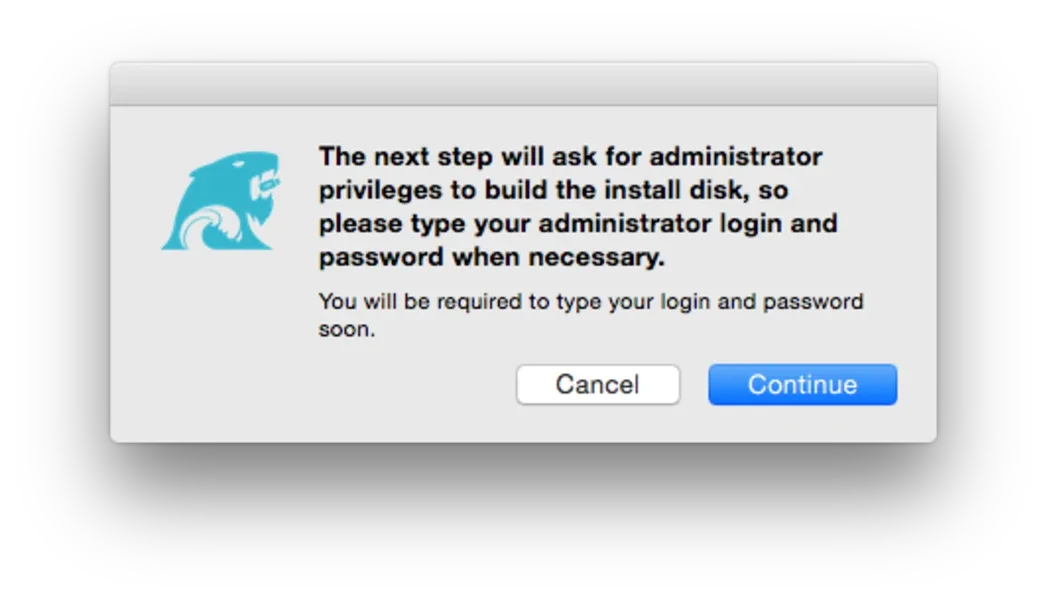
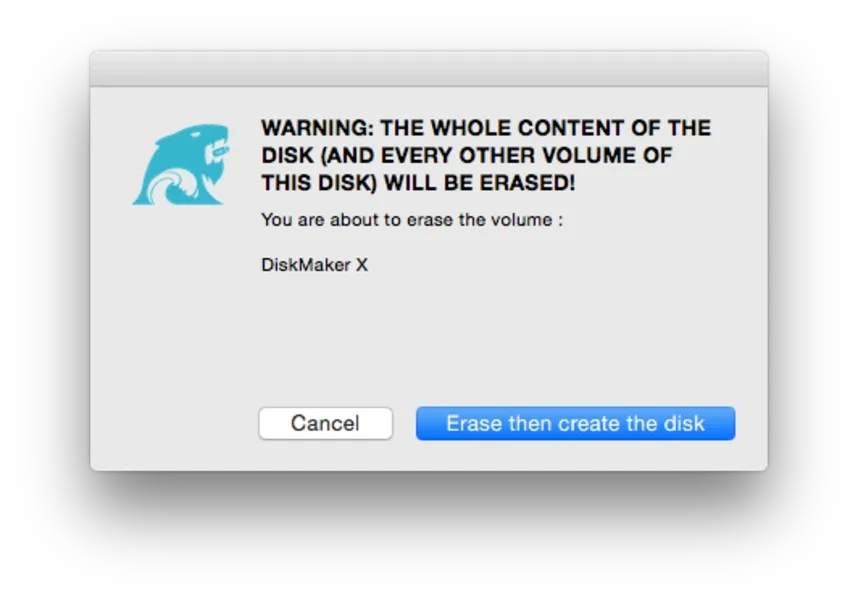
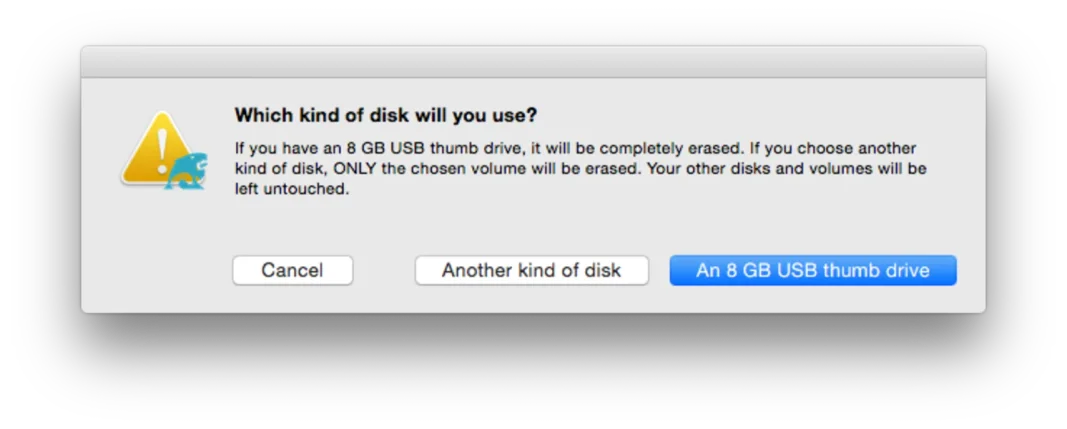
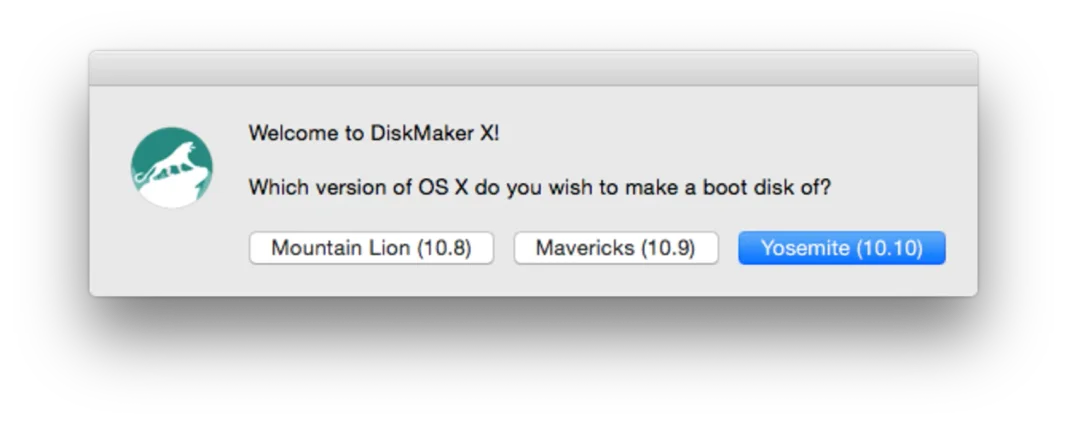
Point DiskMaker X at a USB drive and it copies an OS X Yosemite install file onto it. A few minutes later the drive holds a working Yosemite installer. That installer can put a fresh copy of the system on a Mac, and the same drive works as a boot disk when you restart.
The drive needs at least 8 gigabytes of space. Anything already on it is wiped, since the whole thing gets reformatted, so move important files off first. Setup is a matter of working through the assistant's steps.
Installer files for Mavericks and Mountain Lion are handled too. The app itself is written in AppleScript.
[Release notes coming soon]
Verify the file
Compare the SHA-256 of the file you downloaded with the value below. Files exactly as the publisher released them.
-
DiskMaker_X_9.dmg
9 · DMG · 6.0 MB
SHA-256
96845cd375543401b822fb4e17d2ecc300fcb621f56afcdad613ae11c9afddceCheck on VirusTotal Get
Files exactly as the publisher released them.
Information
- Seller
- DiskMaker X
- Size
- 6.0 MB
- Category
- Disc/Files
- Compatibility
macOS Mac OS X or later
- Age rating
- All ages
- License
- Proprietary
- Price
- Free