DrawPad Plus12.09 for macOS
Drawing and design tool with three tabs for brushes, objects and effects
Trial · Proprietary
You are on Windows — this is the macOS version.
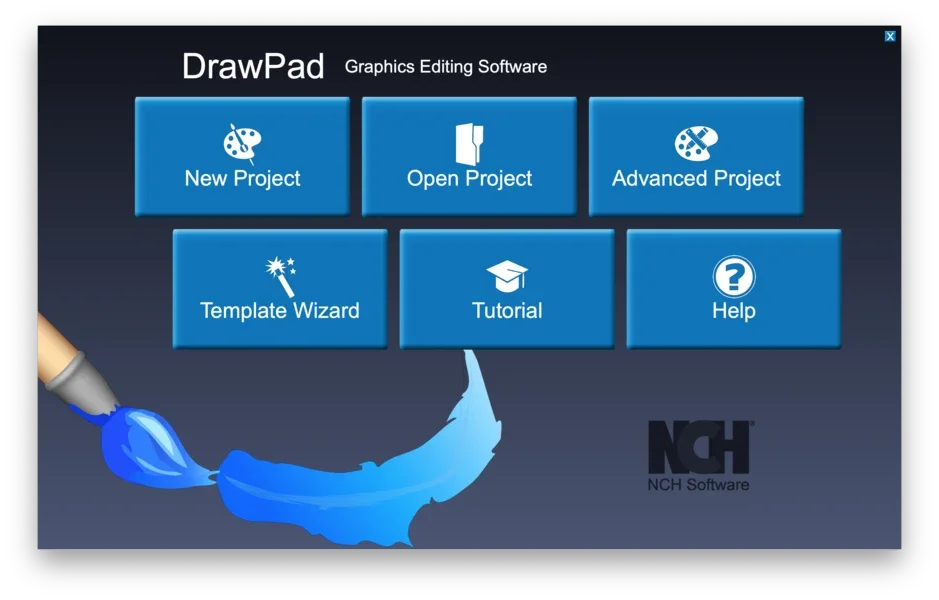
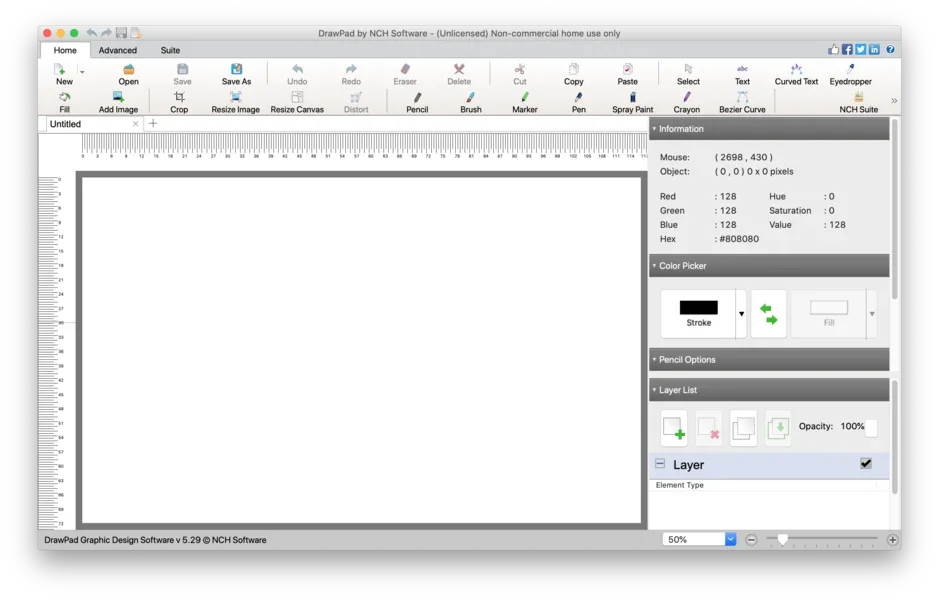
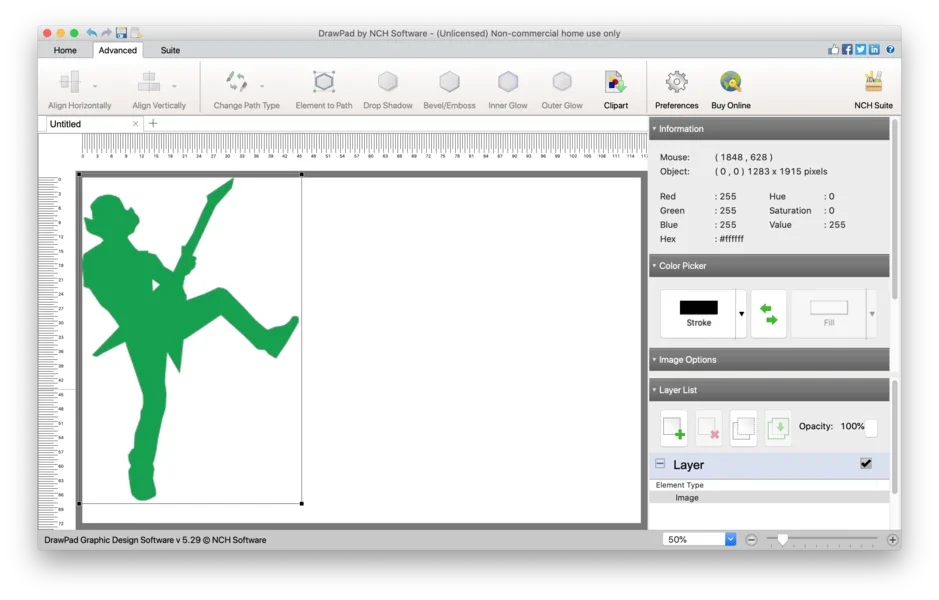
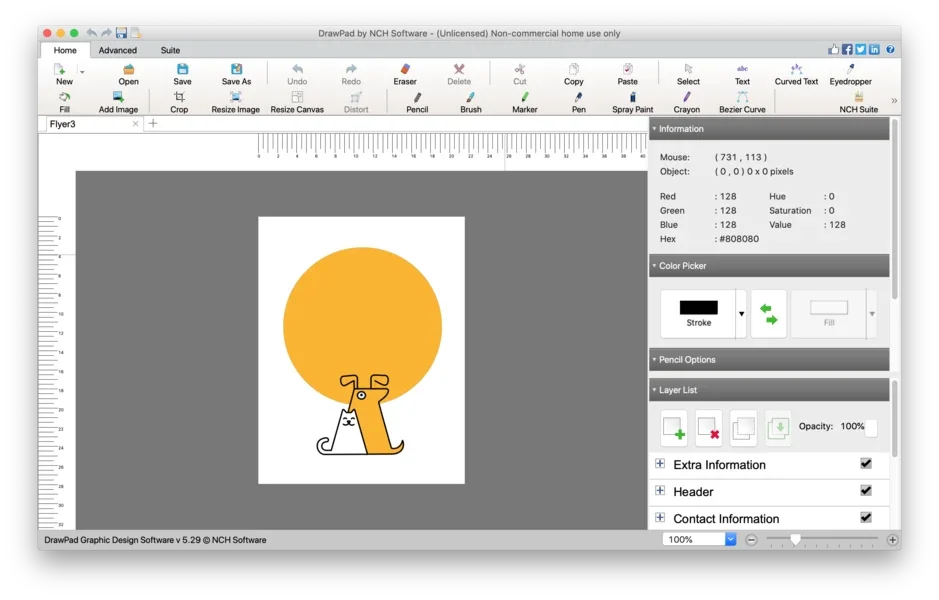
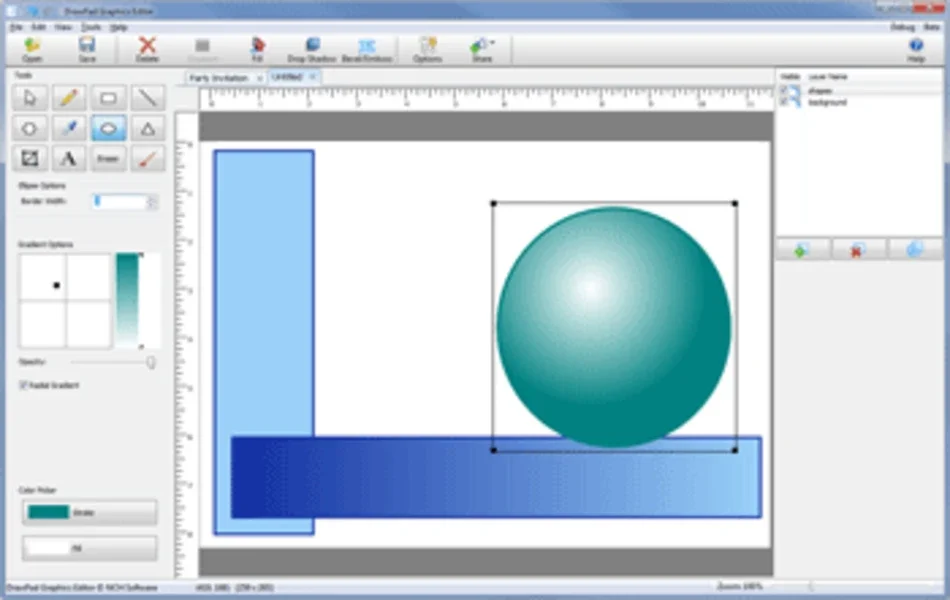
DrawPad Plus puts its tools into three main tabs at the top of the screen. The first tab holds the drawing tools: pencils, brushes, markers and sprays.
That first tab also carries an eyedropper, text and layers, and each of those can be modified after you place it. Effects and filters cover glows, colors and shadows. A ruler runs along the top and side of the layer so you can measure elements as you work. The second tab is where you insert objects, which can then be adjusted with high precision. Once a design is finished, it can be printed at the best possible quality. Supported formats include .svg, .gif, .jpg, .jpeg, .bmp, .ico, .png, .tif and .tiff.
It runs on the mac.
[Release notes coming soon]
Verify the file
Compare the SHA-256 of the file you downloaded with the value below. Files exactly as the publisher released them.
-
drawpad-plus-for-mac-12-09.zip
12.09 · ZIP · 13.3 MB
SHA-256
0ae046e955dc7b6877271c724e4c9037056c6990a220122f0ff1db578f7f8dfcCheck on VirusTotal Get
Files exactly as the publisher released them.
Information
- Seller
- NCH Software
- Size
- 13.3 MB
- Category
- Design & editing
- Compatibility
macOS
- Languages
English
- Age rating
- All ages
- License
- Proprietary
- Price
- Trial