Duet Display4.0.502 for macOS
Turns an iPad into a second screen for a Mac over USB or wirelessly
Free · Proprietary
You are on Windows — this is the macOS version. See the Windows version
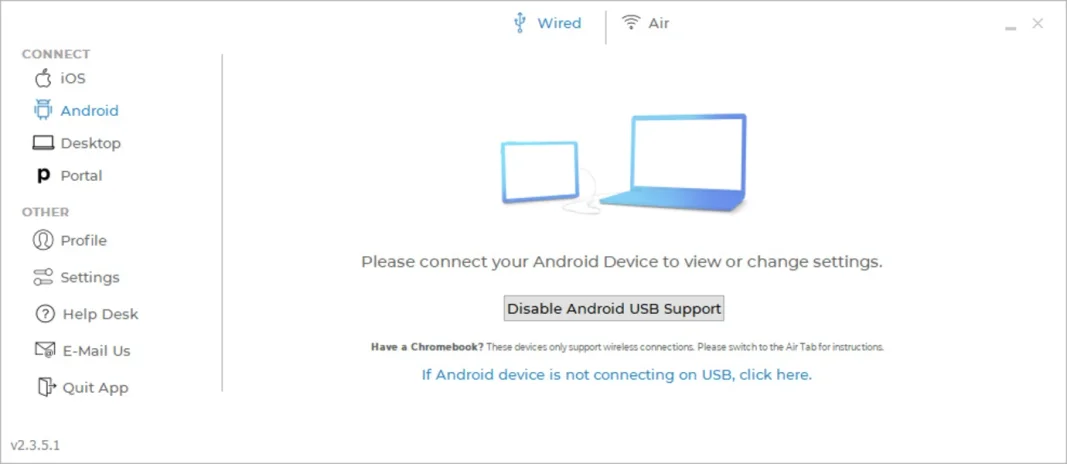
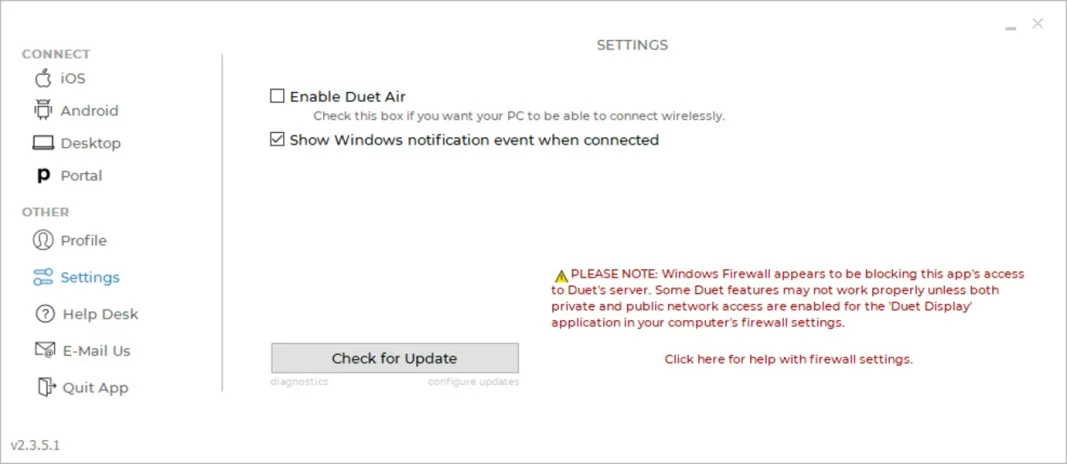
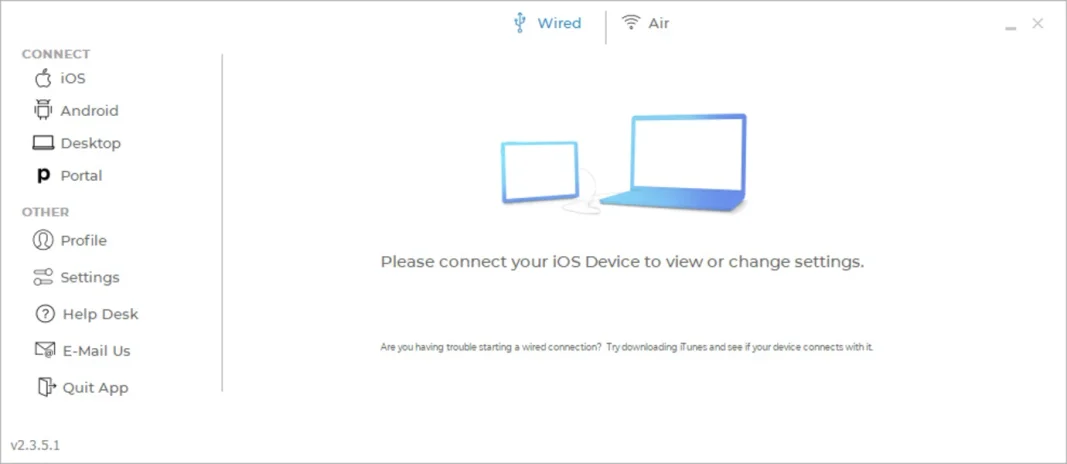
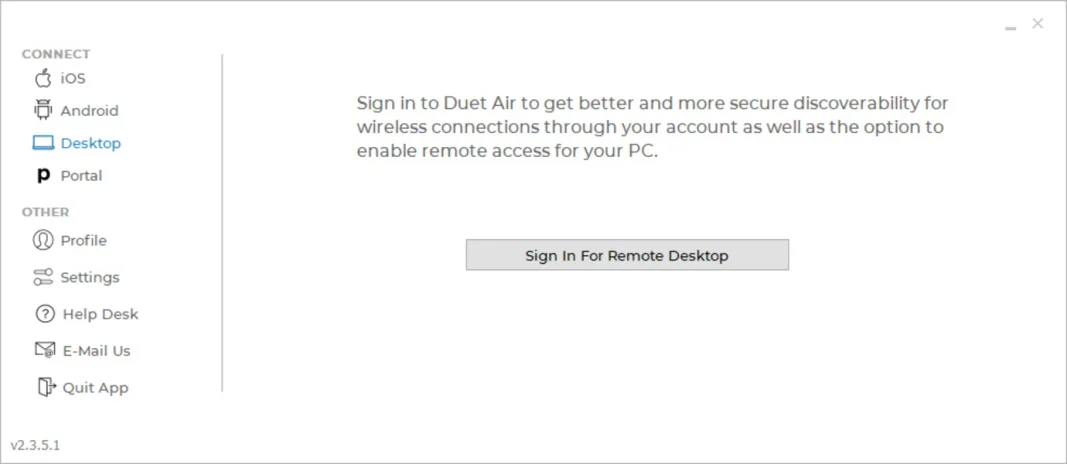
You install Duet Display on the Mac, then pick the iPad setup option that fits best. Getting the iPad running as a second screen takes a few seconds after that. An iPad of any generation works, and it does not matter which Mac model you have.
The Duet Display plan uses the iPad as a second screen only while it is connected by USB cable. The Duet Air plan adds features and works without a cable. Whichever plan you use, you need to register or log in before you can reach all the features. Touch features on the second screen depend on the operating system, so some may be available. Older devices can be turned into portable second screens, which keeps a spare iPad useful.
It is a Mac app that turns an iPad into a second screen for that Mac.
[Release notes coming soon]
Verify the file
Compare the SHA-256 of the file you downloaded with the value below. Files exactly as the publisher released them.
-
duet-display-4-0-502.dmg
4.0.502 · DMG · 126.3 MB
SHA-256
da13163c463cc43a5244c03483fe26b8124a0e433b198aec4003d4b57864be68Check on VirusTotal Get
Files exactly as the publisher released them.
Information
- Seller
- Duet, Inc
- Size
- 126.3 MB
- Category
- Power Tools
- Compatibility
macOS
- Languages
English
- Age rating
- All ages
- License
- Proprietary
- Price
- Free
- Platform
- Also available on Windows