
Turns an iPad into a second screen for a Windows PC over USB
You are on macOS — this is the Windows version. See the macOS version
Screenshots
Description
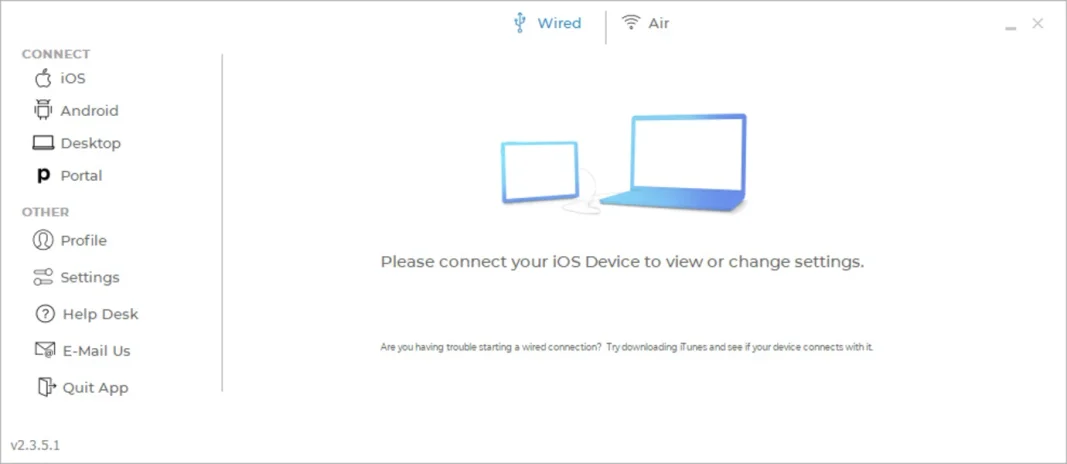
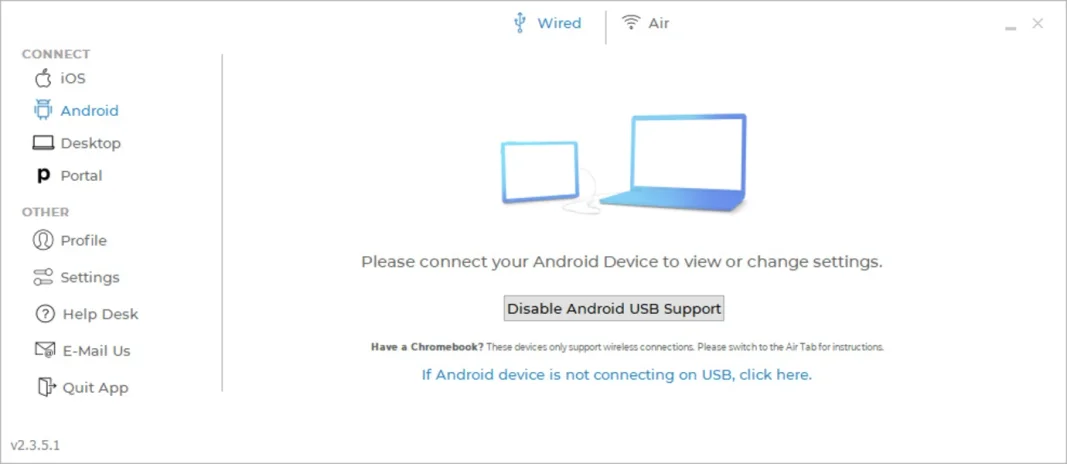
Duet Display is a utility that turns an iPad into a second screen for a Windows PC. The program has to be installed on the computer first.
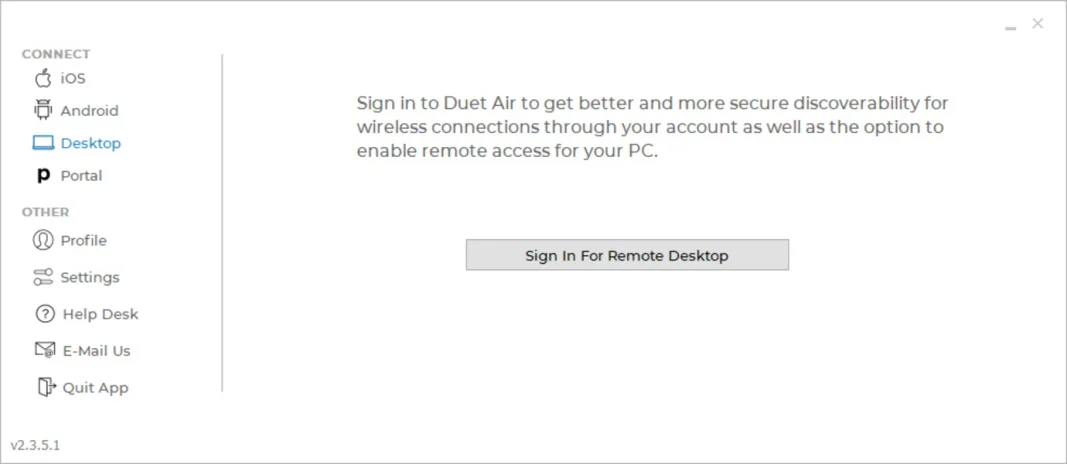
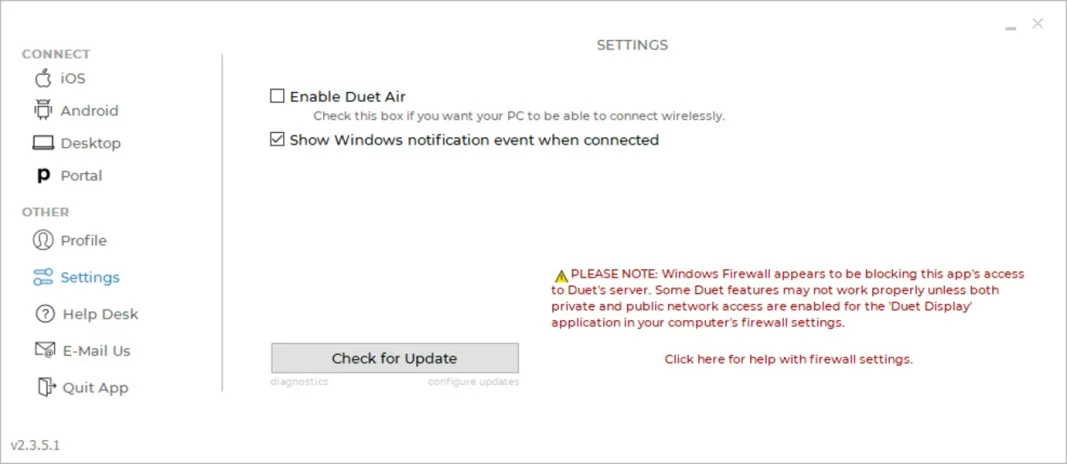
The iPad connects by USB cable. Setup can take a few seconds, depending on the chosen plan, and the iPad is configured by selecting the option that fits best. Depending on the operating system, the iPad's touch screen can be used. Registration or login is required to access all benefits. Duet Air has more features and works without a cable. Older devices can be repurposed as improvised, portable second screens.
The program is free and runs on Windows.
Download files
f4c438c45331638d2d41ac45344edd05347df1da5abed9765e659cb7e996f1ae
Signed by Duet, Inc. · valid until Mar 16, 2028335ae06701db8bfb69628fe0f5961affa46648dc85144475c5da375106120f3d
Signed by Duet, Inc. · valid until Mar 16, 2028590f1dcf857596ececbf1943e37880603bc7b8c527ef665e9d08f9725eafc4b9
Signed by Duet, Inc. · valid until Mar 16, 20289fc9961e75c27a3d7ddaf2b6e8cc16fdcd492d9ba046481e4fe660b731d7d97b
Signed by Duet, Inc. · valid until Mar 16, 20283be478aa4ad6132cef5457706fe8325899e0a51e85a8f17a6cae814bfb301a50
Signed by Duet, Inc. · valid until Mar 16, 2028System requirements
Available on:
Minimum OS:
Windows XP or later
Additional information
Developer
Latest release
Size
File type
SHA-256
f4c438c45331638d2d41ac45344edd05347df1da5abed9765e659cb7e996f1ae





