EA App13.832.0.6345 for macOS
Install and launch Electronic Arts games on macOS
Free · Proprietary
You are on Windows — this is the macOS version. See the Windows version
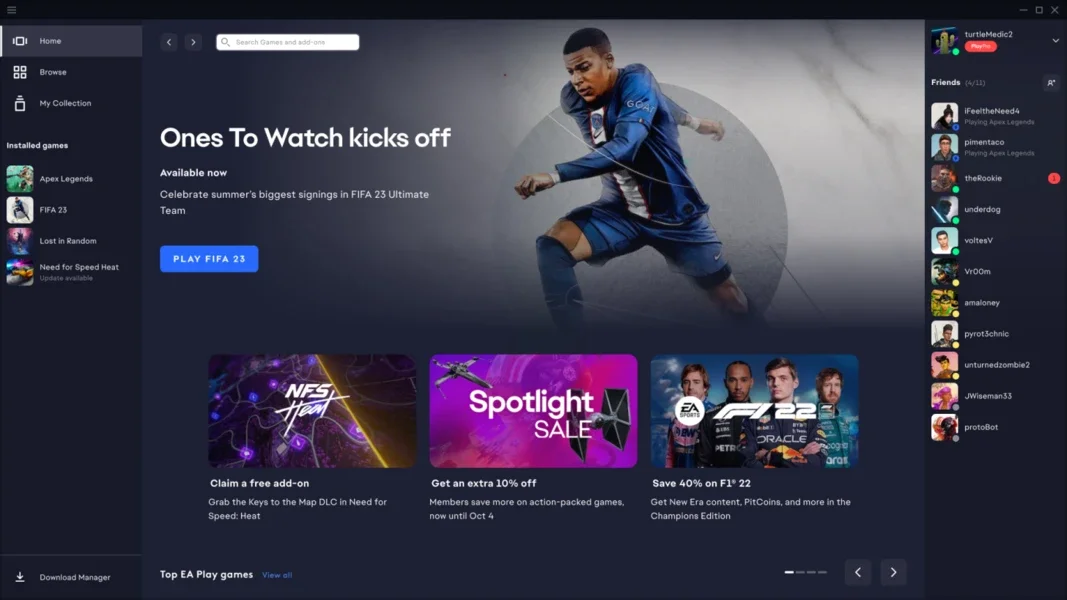
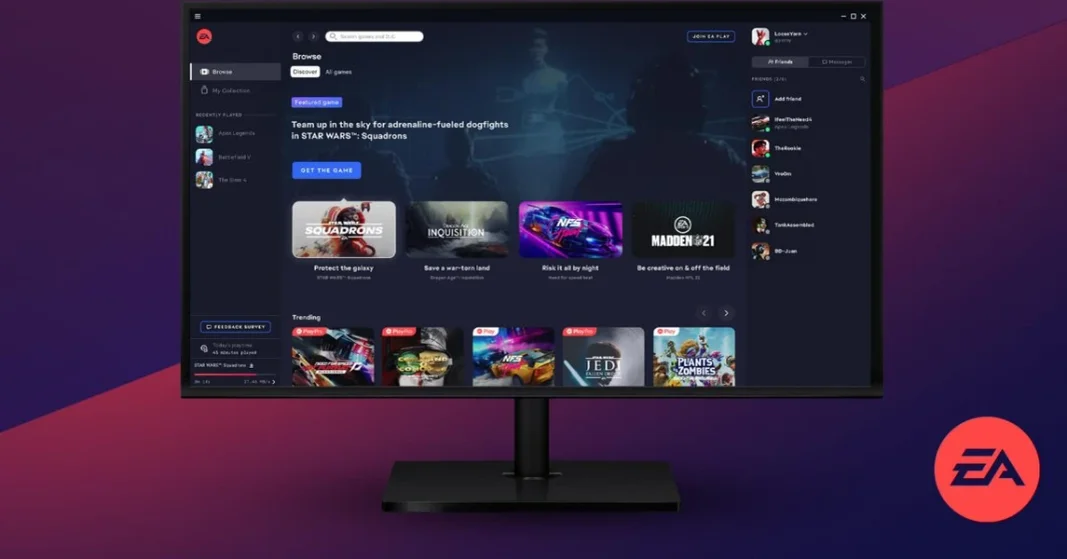
EA App installs and launches Electronic Arts games on a Mac. Sign in with an EA account to reach your game library, download titles and start playing. The library includes series such as The Sims, NBA 2K and EA Sports FC.
What happens to your Origin library
EA App replaces Origin. Games bought on Origin still appear in the catalog once you log in, and your progress, saves and purchases carry over as well. The interface is modern and puts many games up front.
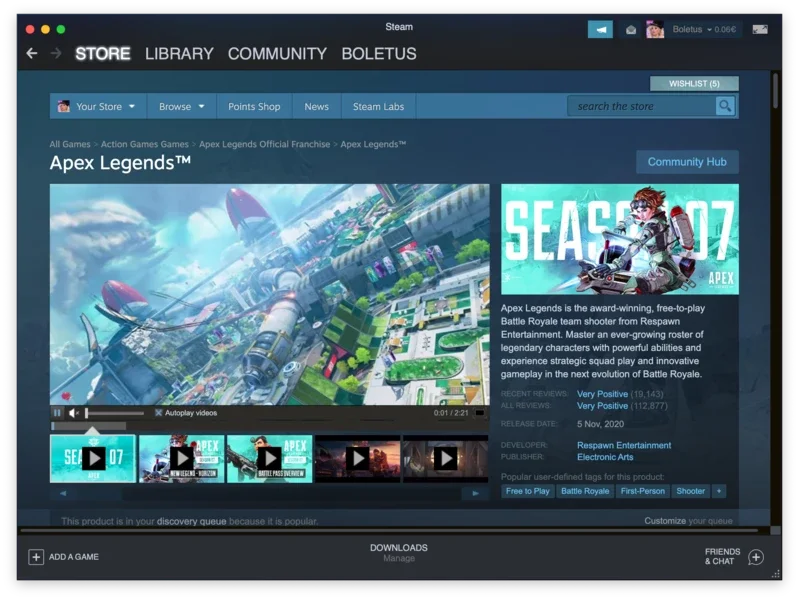
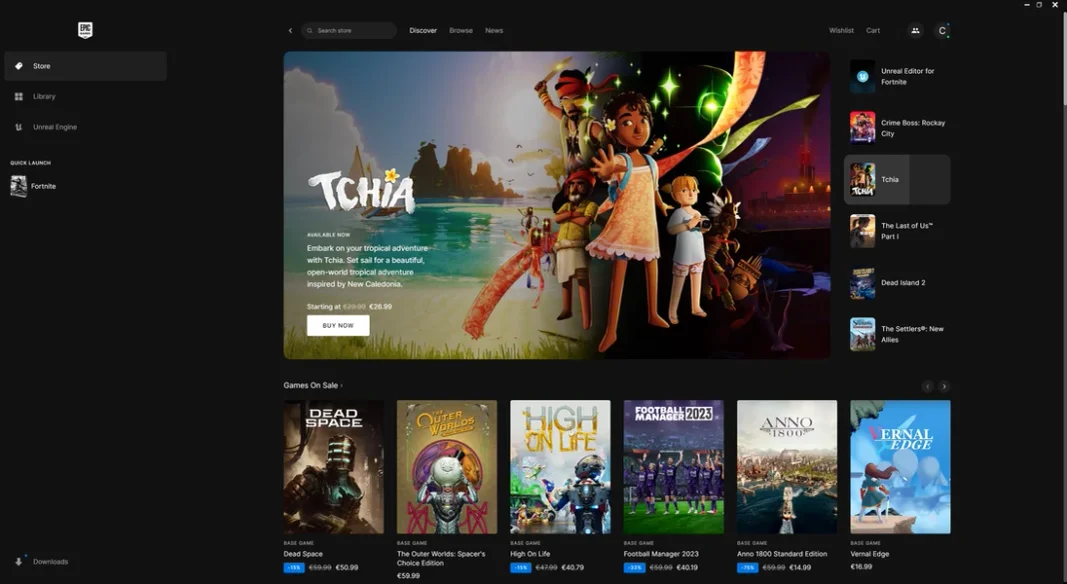
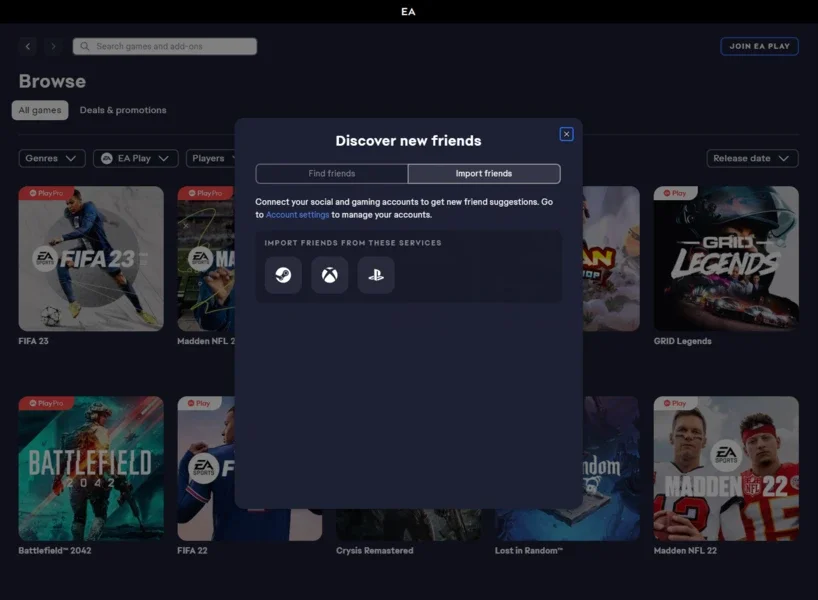
You can follow other users to cross-reference data. Following also lets you check other players' progress, exchange messages and invite them to play online. If you play through Steam or the Epic Games launcher, EA App must also be installed on the Mac to run EA titles.
[Release notes coming soon]
Verify the file
Compare the SHA-256 of the file you downloaded with the value below. Files exactly as the publisher released them.
-
ea-app-13-832-0-6345.pkg
13.832.0.6345 · PKG · 356.5 MB
SHA-256
229806feda71d97a1afe5d3ff33876b4c56f4a27adb7a8c18b7c8d6375b9c7a8Check on VirusTotal Get
Files exactly as the publisher released them.
Information
- Seller
- ELECTRONIC ARTS
- Size
- 356.5 MB
- Category
- Gaming Tools
- Compatibility
macOS
- Languages
English
- Age rating
- All ages
- License
- Proprietary
- Price
- Free
- Platform
- Also available on Windows