Electron45.4.1 for macOS
Builds macOS apps with HTML, CSS and JavaScript
Free · Proprietary
You are on Windows — this is the macOS version. See the Windows version
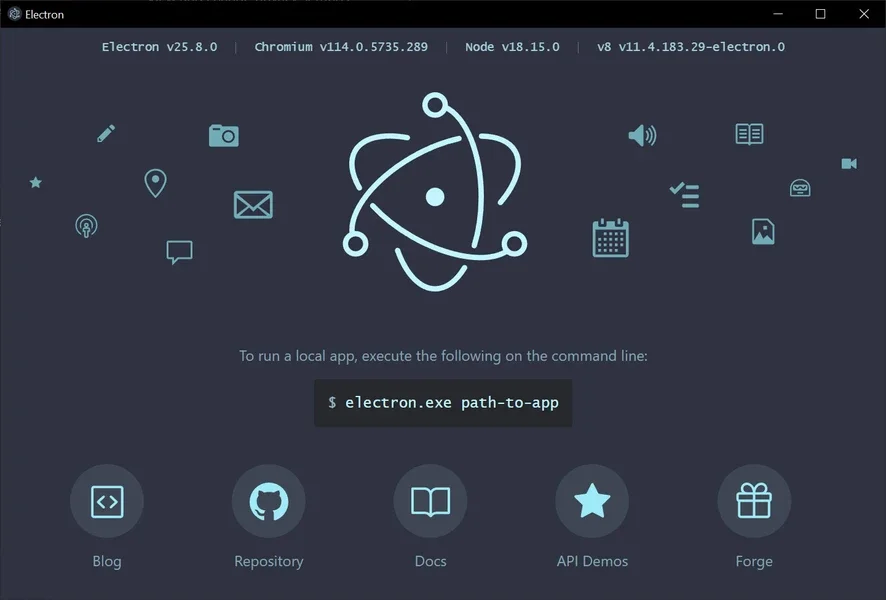
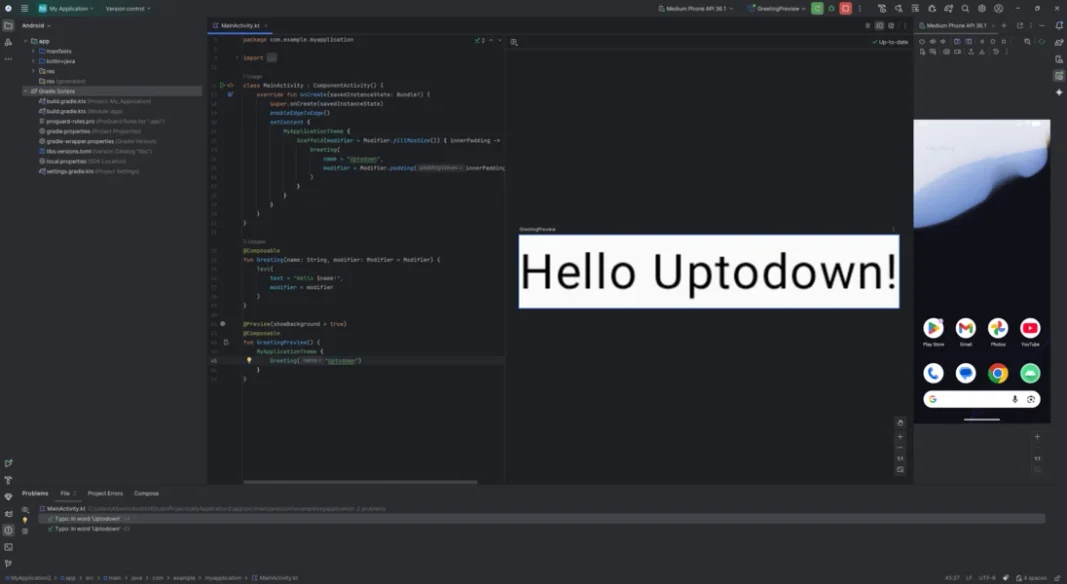
Electron builds desktop apps out of HTML, CSS and JavaScript. It runs a Chromium process that executes that code, so a program loads the way a web page does. It is a macOS development framework, and you write the same app for several platforms in one place.
- Node.js goes in first.
- npm init produces a package.json file.
- npm install adds dependencies.
- main.js and index.html have to exist before the process loads in Chromium.
- npm run start compiles and runs the app.
Electron's own API is how your code reaches the operating system. You can build messaging apps, email clients and games with it. WhatsApp, Spotify, Slack and Discord are built with Electron. Tracking down errors in the code can eat more time than you expect, and it takes up more space than other development environments. It is free.
[Release notes coming soon]
Verify the file
Compare the SHA-256 of the file you downloaded with the value below. Files exactly as the publisher released them.
-
electron-45-4-1.zip
45.4.1 · ZIP · 115.4 MB
SHA-256
d080c3b05a01bd16137f2c12ab9ebf083c577757fe846844ba325bafa8e8bdf4Check on VirusTotal Get
Files exactly as the publisher released them.
Information
- Seller
- Electron
- Size
- 115.4 MB
- Category
- Development
- Compatibility
macOS 13.0 Ventura or later
- Languages
Afrikaans and 47 more
- Afrikaans, Amharic, Arabic, Armenian, Belarusian, Bulgarian, Catalan, Chinese, Croatian, Czech, Danish, Dutch, English, Estonian, Farsi, Finnish, French, German, Greek, Hebrew, Hindi, Hungarian, Icelandic, Indonesian, Italian, Japanese, Kazakh, Korean, Latvian, Lithuanian, Malay, Norwegian, Polish, Portuguese, Romanian, Russian, Serbian, Slovak, Slovenian, Spanish, Swahili, Swedish, Tagalog, Thai, Turkish, Ukrainian, Vietnamese, Zulu
- Age rating
- All ages
- License
- Proprietary
- Price
- Free
- Platform
- Also available on Windows