Build desktop apps with HTML, CSS, and JavaScript in one environment
You are on macOS — this is the Windows version. See the macOS version
Screenshots
Description
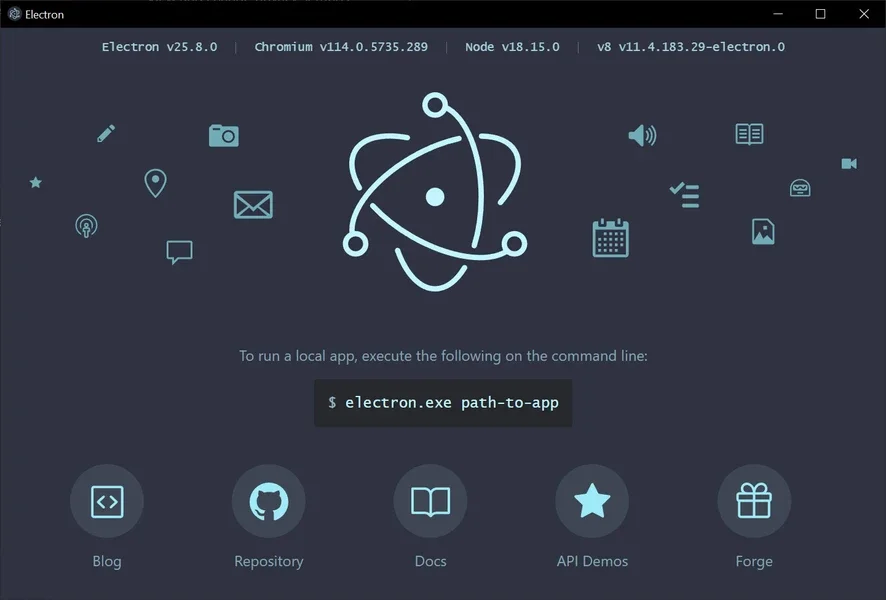
Electron is a Windows development framework for building apps with HTML, CSS and JavaScript in one environment. Whatever you program loads like a web page: Electron runs a Chromium process that executes HTML, CSS and JavaScript, and the same app can be programmed for multiple platforms in one place.
Node.js must be installed first. A project is created with npm init, which produces a package.json file, and dependencies are added with npm install. The main.js and index.html files are created, the process loads in Chromium, and the app is compiled and run with npm run start. Electron’s own API lets code interact with the system it runs on. The framework has been used for cross-platform apps such as WhatsApp, Spotify, Slack and Discord, and developers can build messaging apps, mail clients and games with it.
Debugging code to find and fix errors is harder. It also takes up more space than other development environments.
Download files
2ba6223afa9121f42831fefe92c434334907540165294fc56697449d12e7cfe9
cd1ab0d49c2f76838c0c9ff75afefb4d9d85ca59036691932bf35be8eceba98b
7c342aee45d5b4ccafe5dfe9037028796b082735a576e21e2b4e2d8422ebb727
55eaba17abff7b5bba6c3bbc85068967379024fe742fe9c7fdba9118922ccbe2
ae53887a23bb640369c93dbd38c408a2af5c0deb86f2fa76c6c244cb444b7f47
System requirements
Available on:
Minimum OS:
Windows XP or later
Additional information
Developer
Latest release
Size
Category
File type
SHA-256
2ba6223afa9121f42831fefe92c434334907540165294fc56697449d12e7cfe9