
Epic Games Launcher 1.3.210.0 for Windows
Install, launch and keep your Epic library in one place
You are on macOS — this is the Windows version. See the macOS version
Screenshots
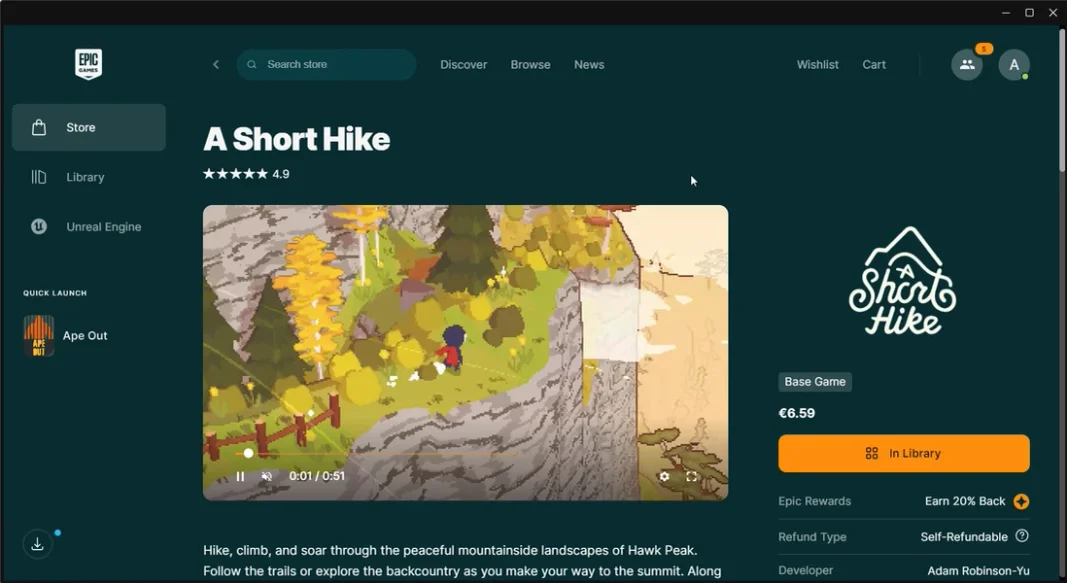
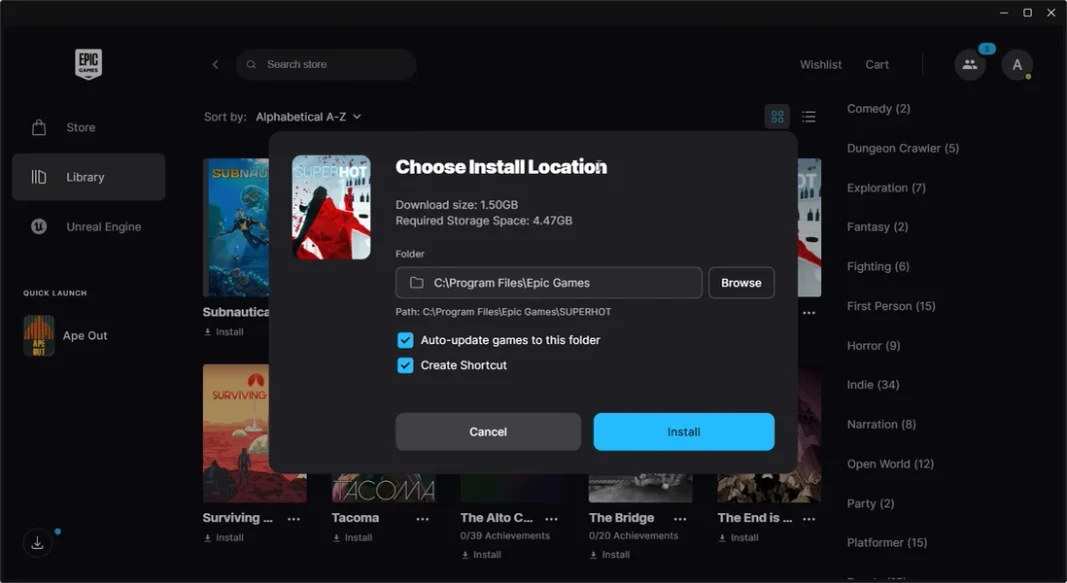
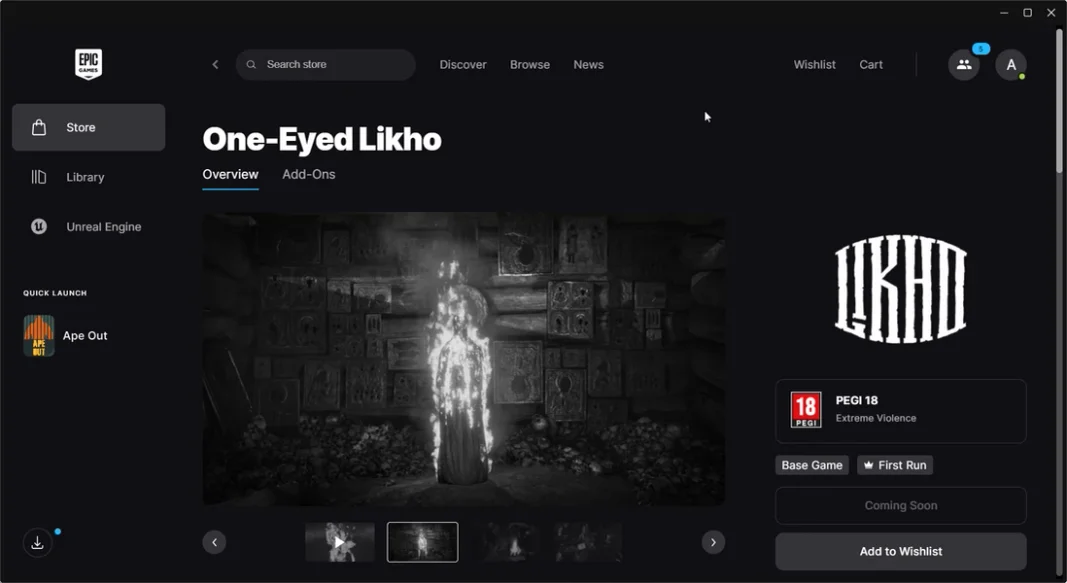
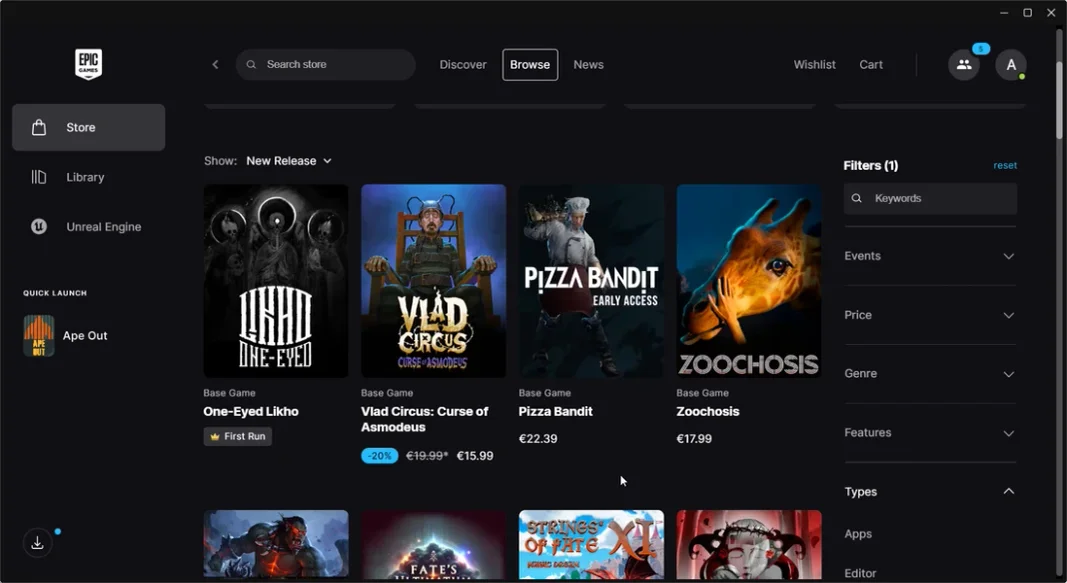
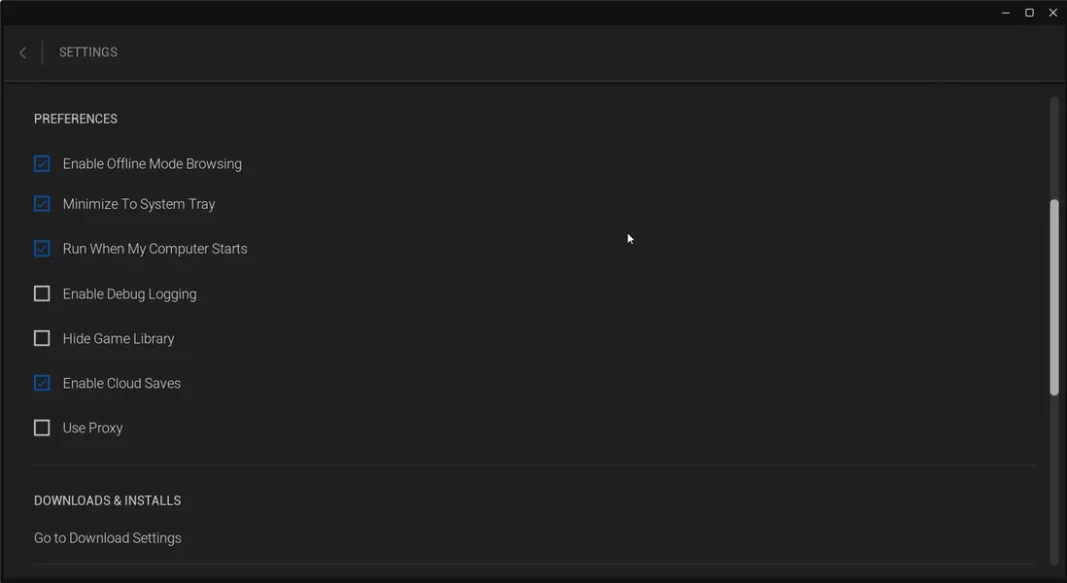
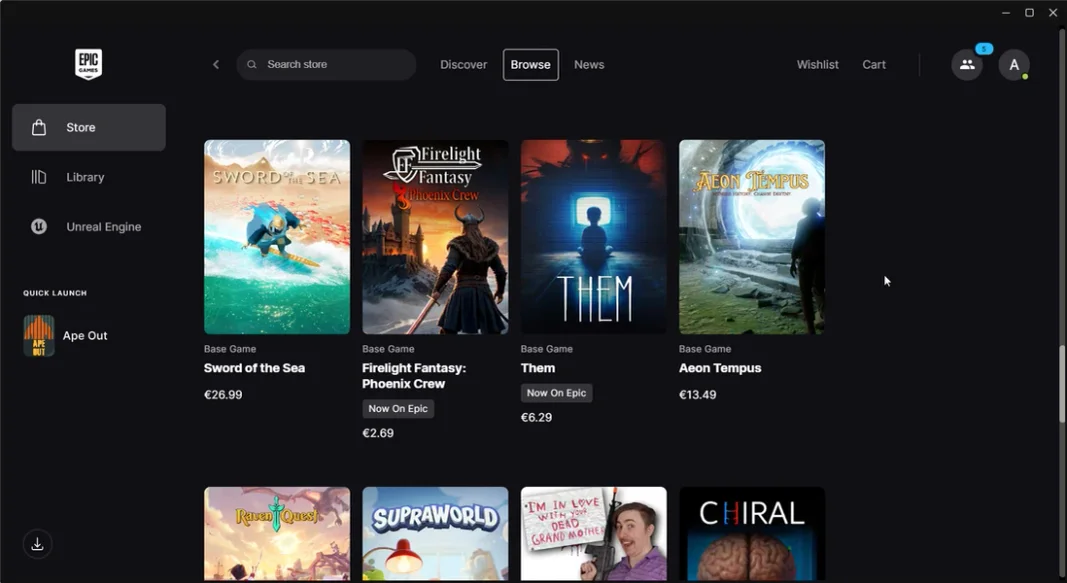
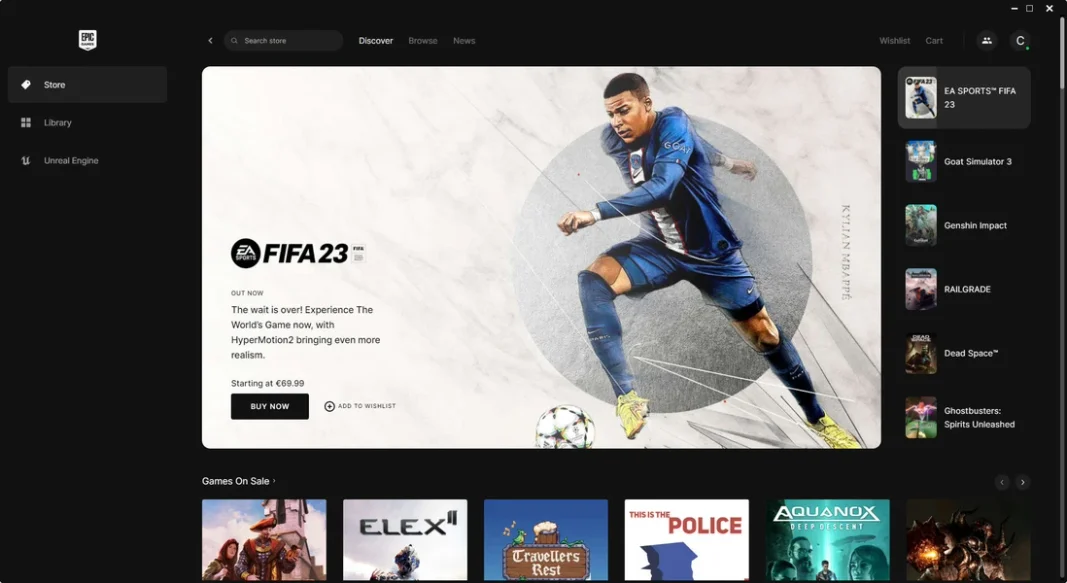
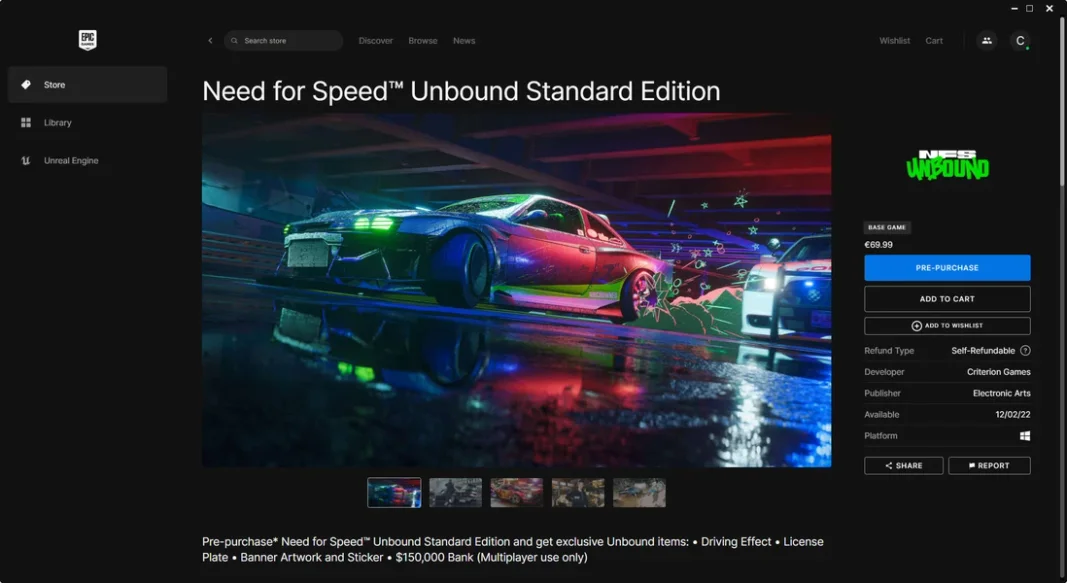
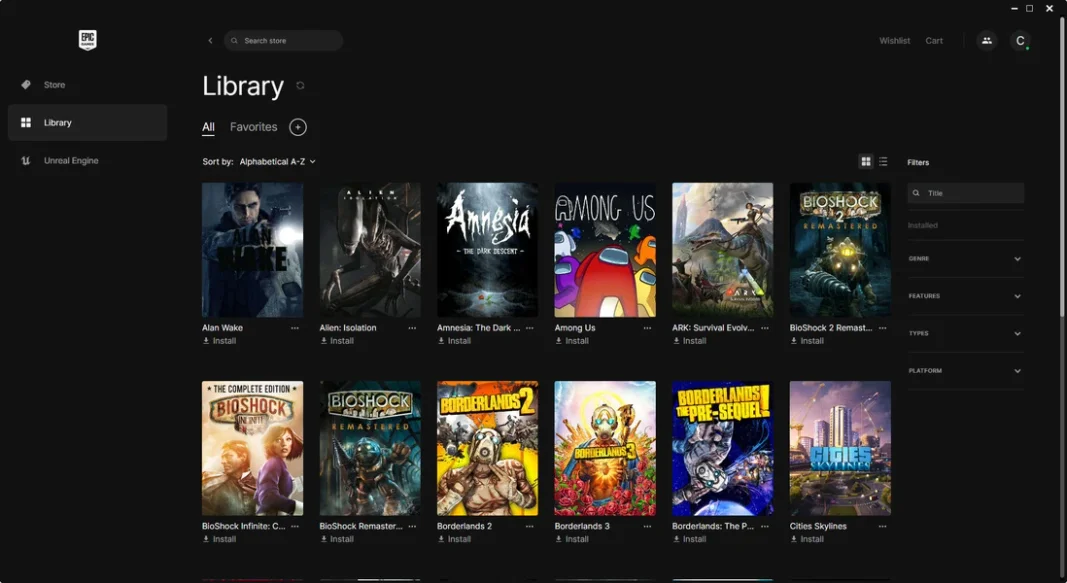
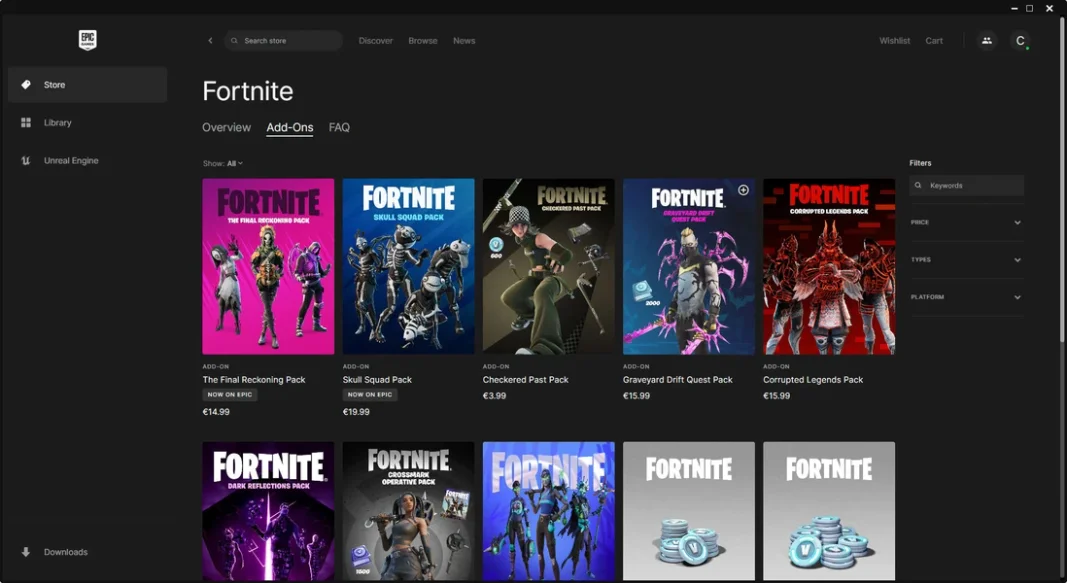
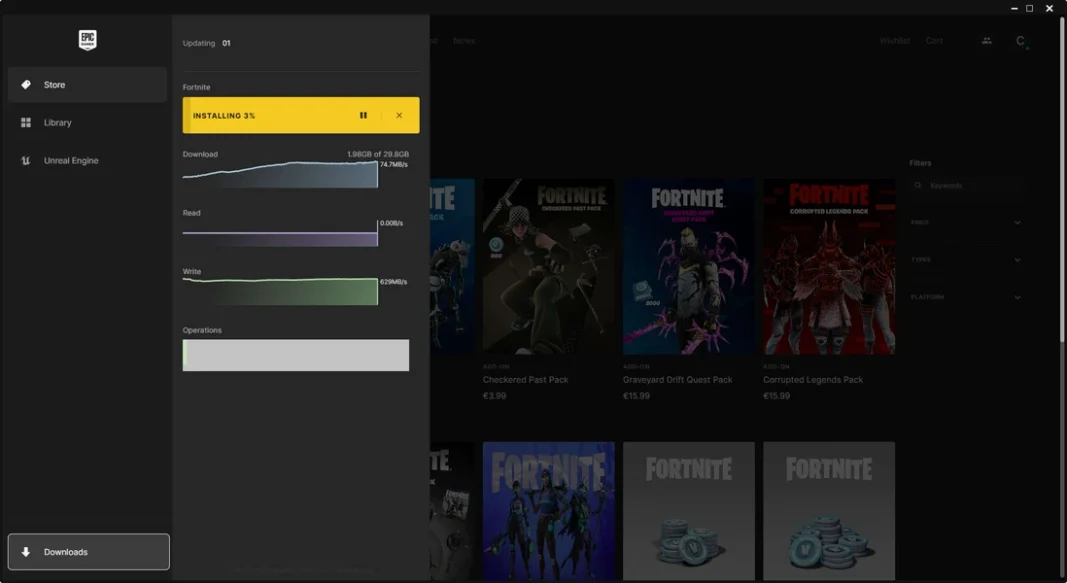
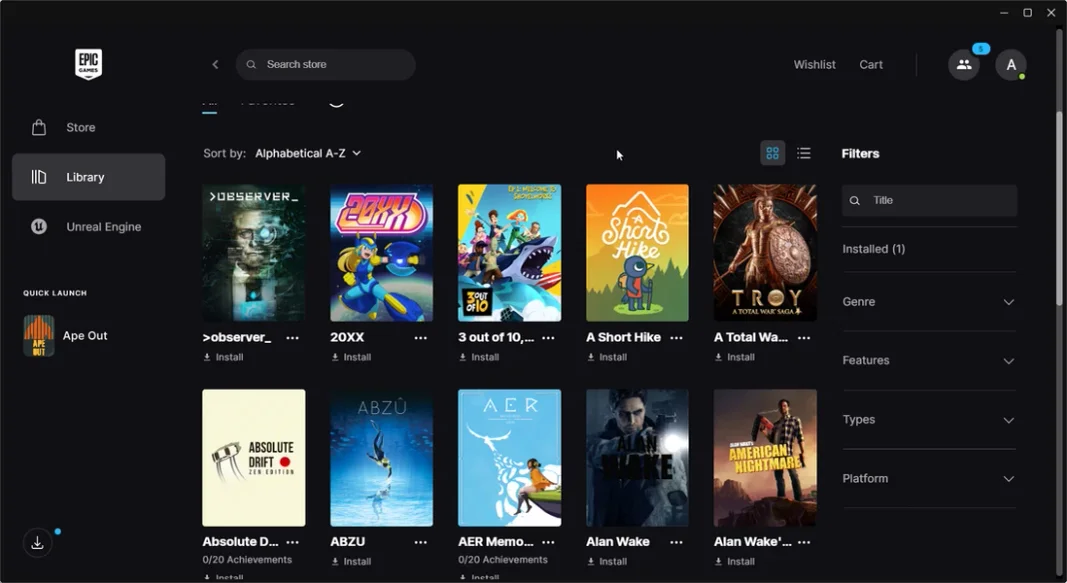
Description
Epic Games Launcher is the authorized place to install and play Epic Games titles. Sign-in comes first: the launcher asks for an existing Epic account, or you create one, and console or first-party account credentials also work. Fortnite and other Epic first-party games run only through it, and games built with Unreal Engine can be played from here too. Third-party developers' licensed titles sit alongside the in-house exclusives.
Not every game on the platform costs money, and free titles picked up periodically as promotions stay in your library for good. The launcher itself downloads and installs at no charge on compatible Windows systems, Windows 11 included, but the catalog has paid games as well. It behaves like Steam, Origin or GOG GALAXY, with friends lists and chat attached. Epic Games, the studio behind Fortnite and Unreal Engine, develops it, and the official website is the place to get a legitimate copy. It also turns up on third-party download sites, which are worth checking for malware and spyware. To grab it from Epic's own product pages, the Fortnite site and the Unreal Engine site both carry it. Many players rate it below Steam.
Fixes exist for the common snags. If it hangs in the background, end the EpicGamesLauncher task in Task Manager, which opens with Ctrl, Shift and Esc. A broken install repairs through Control Panel: Programs and Features, right-click Epic Games Launcher, Repair. Launch trouble can come from display settings, so set Scale and layout to 100%, and updating graphics drivers may help; Driver Booster Free, Snappy Driver Installer, DriverUpdate and Advanced Driver Updater all handle that. Some antivirus tools flag the launcher over its memory and CPU use, and an exception may settle it. For some users, appending -OpenGL to the target box in the shortcut's Properties did the trick. If the desktop shortcut fails, type the name into the Start Menu. Uninstalling leaves game files behind, so delete them by hand to reclaim space; the account and its games survive and return on reinstall.
Download files
d55d79710edfeaa107a62f2ea007bec1eeeac8b715a43c2ba3858eec7bc60337
Signed by Epic Games Inc. · valid until Feb 1, 2029d55d79710edfeaa107a62f2ea007bec1eeeac8b715a43c2ba3858eec7bc60337
Signed by Epic Games Inc. · valid until Feb 1, 2029632dfd8f07279dfdaf862d0a1e1118143c94a795adaf7c85eeed026e11ff069b
Signed by Epic Games Inc. · valid until Feb 1, 20297a5c6881412ad1956a9ab22cd73aeb060fde98c001bc7409fe94c479bd97df82
Signed by Epic Games Inc. · valid until Feb 1, 2029b1c9a107759f96948be478e53dda63219940b2e67044134406bd18df0638cc62
System requirements
Available on:
Additional information
Developer
Latest release
Size
Category
File type
SHA-256
d55d79710edfeaa107a62f2ea007bec1eeeac8b715a43c2ba3858eec7bc60337