FastIcns3.1 for macOS
Turns dropped images into Mac icons, one at a time or in batch
Free · Proprietary
You are on Windows — this is the macOS version.
Download
3.1 · 347.4 KB
Mac
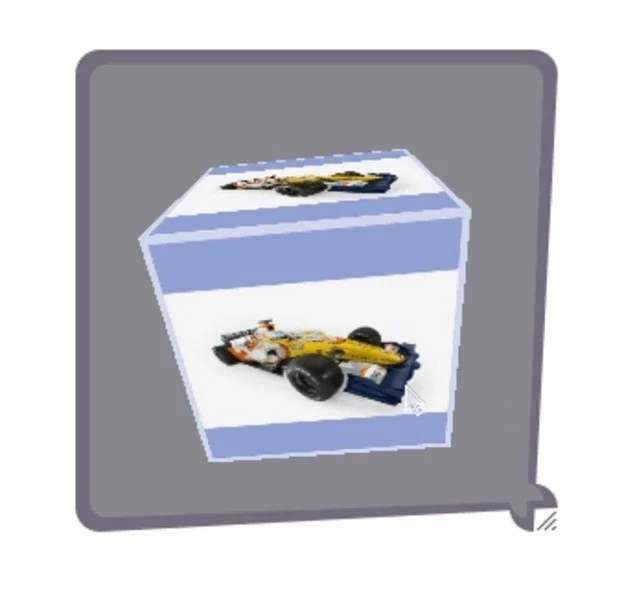
Drag an image onto FastIcns and it becomes a Mac icon in two steps. The interface is a three-dimensional cube, and the image you drop lands on it; while the cube turns at random, it shows a preview of the icon. One image gives you a single icon. Press Command B and batch mode takes several at once.
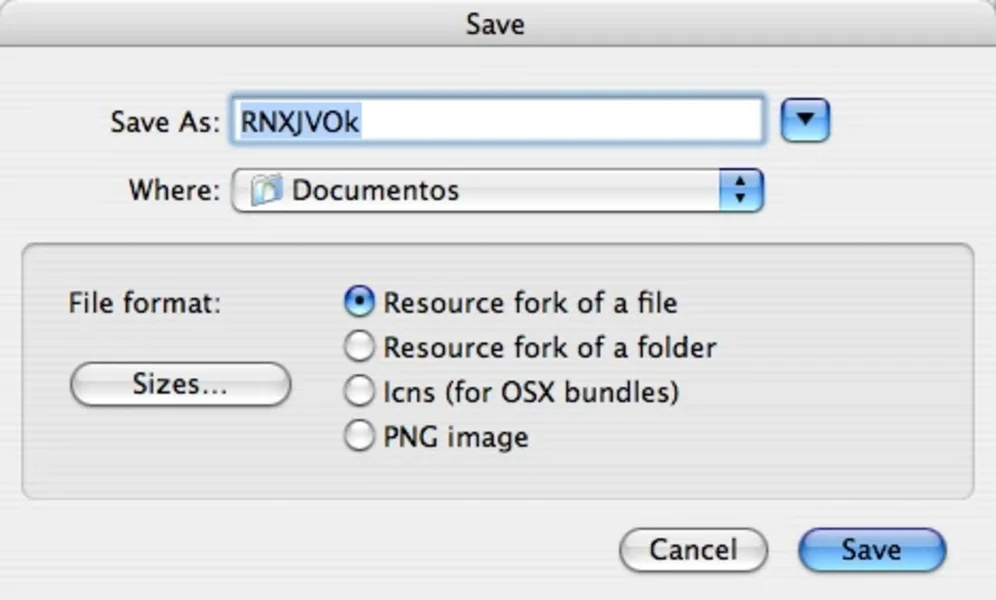
Finished icons can be saved as a PNG file, an ICNS file, or an icon distribution package.
[Release notes coming soon]
Version 3.1
Verify the file
Compare the SHA-256 of the file you downloaded with the value below. Files exactly as the publisher released them.
-
3.1
3.1 · DMG · 347.4 KB
SHA-256
675dc2f7766f5041250e35925e6a7375dd048c811409a8248cbff4d4b0004ae9Check on VirusTotal Get
Files exactly as the publisher released them.
Information
- Seller
- Digital Waters
- Size
- 347.4 KB
- Category
- Wallpapers & Icons
- Compatibility
macOS
- Age rating
- All ages
- License
- Proprietary
- Price
- Free