LiteIcon4.1 for macOS
Drag new icons onto system icons and restart Finder to apply them
Free · Proprietary
You are on Windows — this is the macOS version.
Download
4.1 · 3.9 MB
Mac
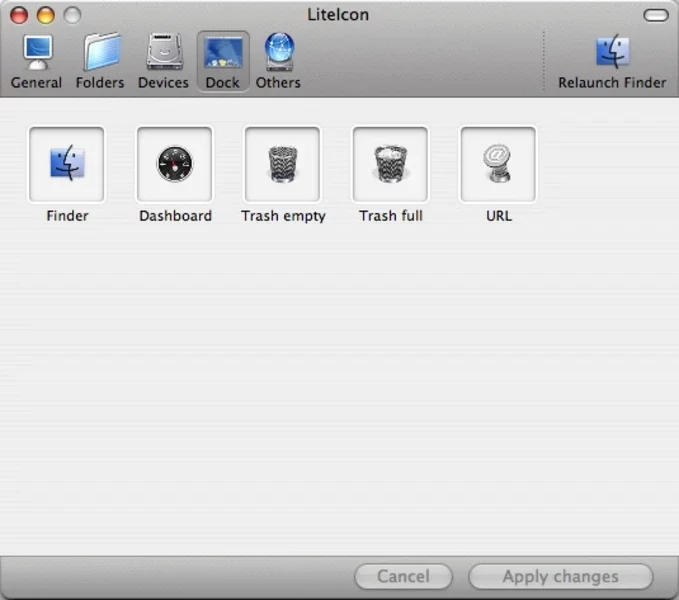
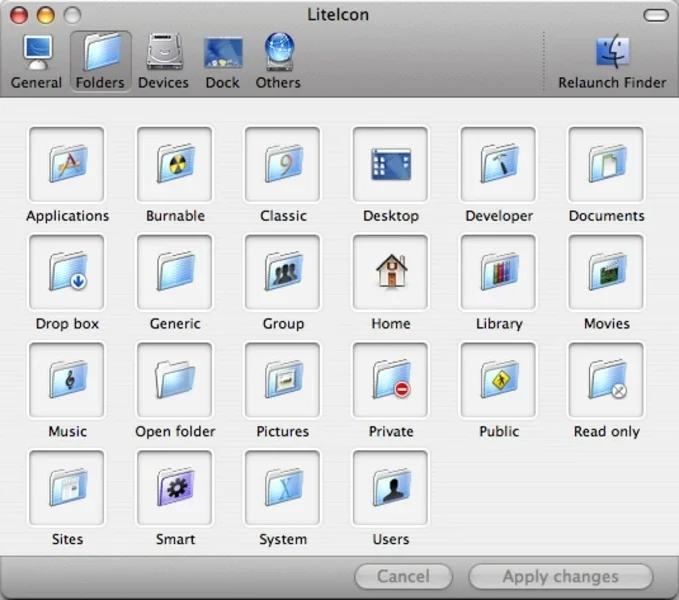
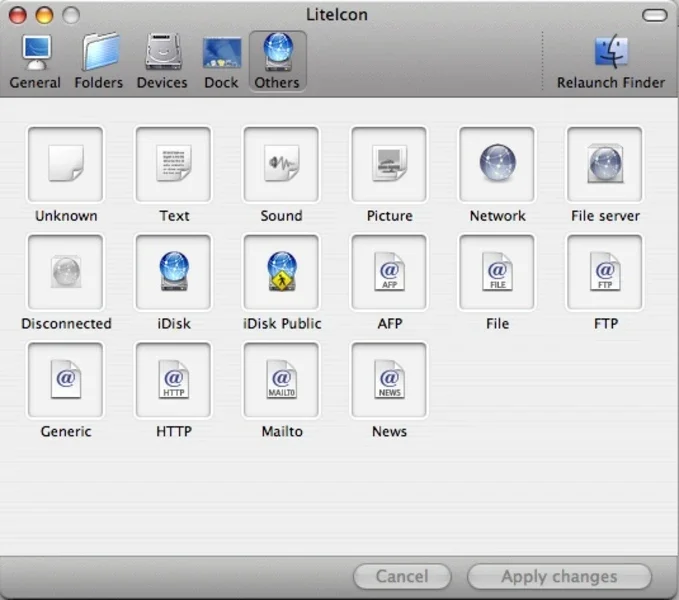
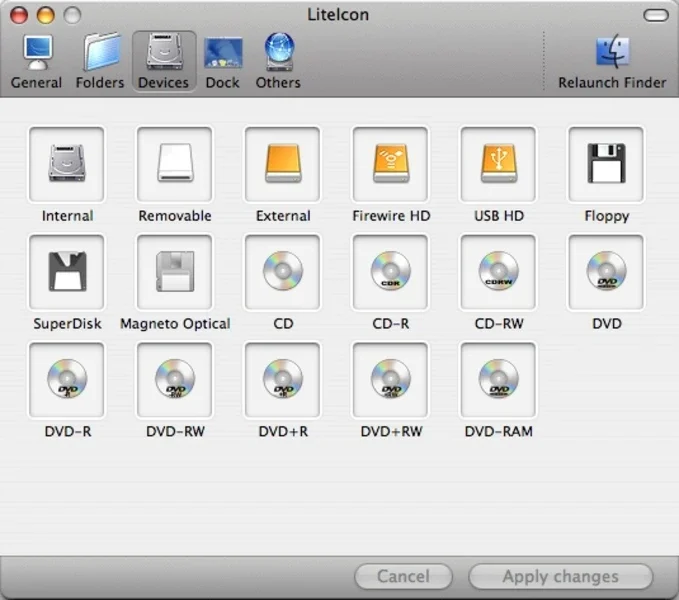
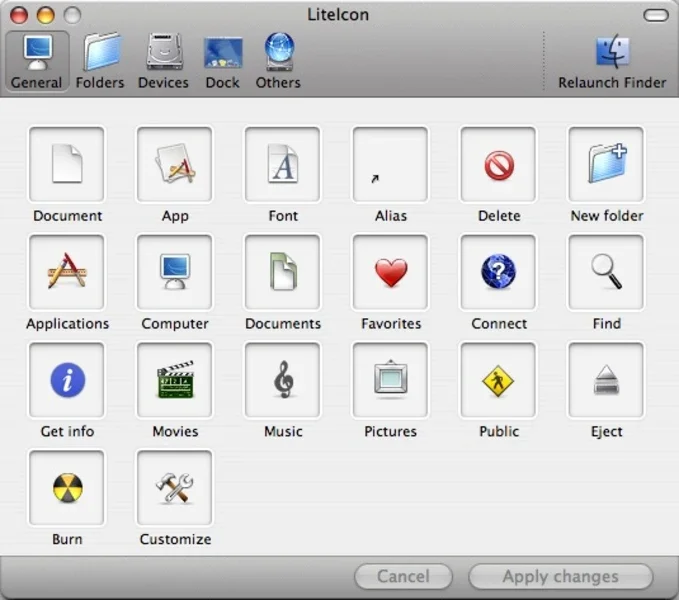
LiteIcon is a small Mac tool for changing system icons. Replacing one is a drag-and-drop job: find the icon you want to change and pick a replacement.
- General
- Folders
- Devices
- Dock
- Others
System icons are grouped into those five categories. You drag the new icon onto the name and image of the current one. Finder has to be restarted before the changes take effect.
[Release notes coming soon]
Version 4.1
Verify the file
Compare the SHA-256 of the file you downloaded with the value below. Files exactly as the publisher released them.
-
4.1
4.1 · ZIP · 3.9 MB
SHA-256
545cff53df31b63fe28e794fb7f45e4c891885f5de57422b1483724f6d7ed4e0Check on VirusTotal Get
Files exactly as the publisher released them.
Information
- Seller
- FreeMacSoft
- Size
- 3.9 MB
- Category
- Wallpapers & Icons
- Compatibility
macOS Mac OS X or later
- Age rating
- All ages
- License
- Proprietary
- Price
- Free