FreeFileSync14.13 for macOS
Compares folders and syncs changes between drives on macOS
Free · Proprietary
You are on Windows — this is the macOS version. See the Windows version
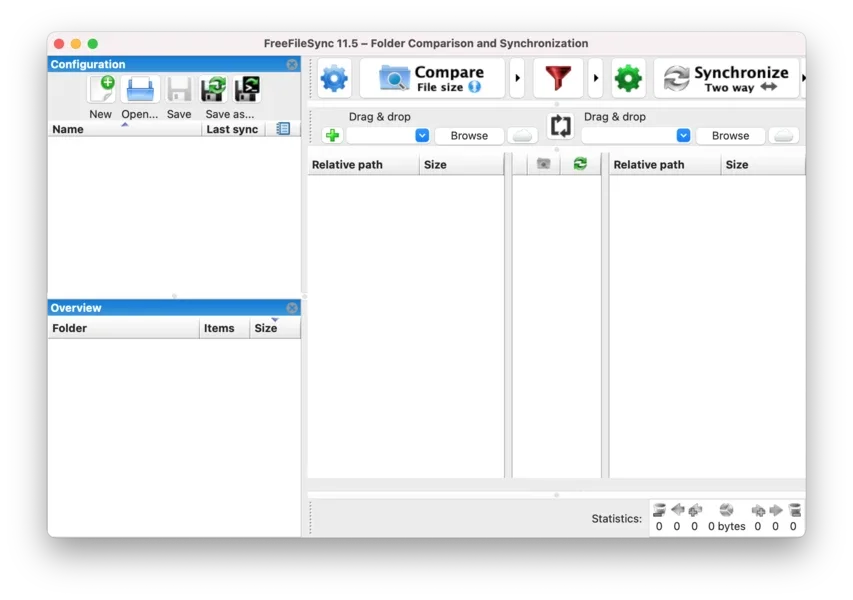
FreeFileSync compares folders you pick on a Mac. You choose the folders to inspect and the program displays the contents of both, so the differences sit side by side.
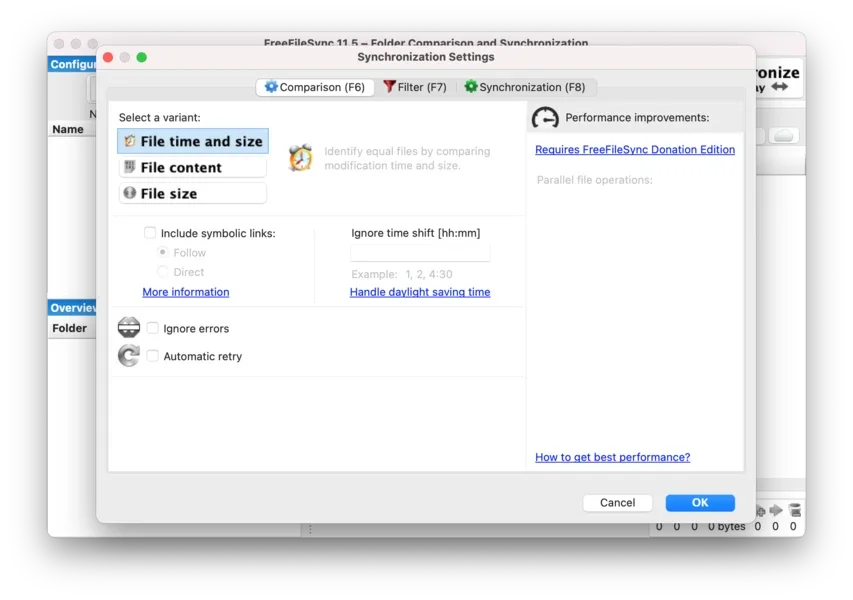
Comparison results can be filtered to files in both folders, files in only one folder, or files in both that differ. Sorting handles alphabetical order, creation date, size and other criteria. It can also compare multiple hard drives to show what is stored on each.
The purpose is managing folder contents without deleting or duplicating saved items. A synchronization system transfers files from one folder to another or updates a folder with recent changes. It is free and the current build is 14.13.
[Release notes coming soon]
Verify the file
Compare the SHA-256 of the file you downloaded with the value below. Files exactly as the publisher released them.
-
freefilesync-14-13.zip
14.13 · ZIP · 29.0 MB
SHA-256
b77ac29c6dd7cfabcb06c9e0232407504401fce9ccd72c25a1883deda5f6a2abCheck on VirusTotal Get
Files exactly as the publisher released them.
Information
- Seller
- ZenJu
- Size
- 29.0 MB
- Category
- Disc/Files
- Compatibility
macOS
- Languages
Afrikaans and 47 more
- Afrikaans, Amharic, Arabic, Armenian, Belarusian, Bulgarian, Catalan, Chinese, Croatian, Czech, Danish, Dutch, English, Estonian, Farsi, Finnish, French, German, Greek, Hebrew, Hindi, Hungarian, Icelandic, Indonesian, Italian, Japanese, Kazakh, Korean, Latvian, Lithuanian, Malay, Norwegian, Polish, Portuguese, Romanian, Russian, Serbian, Slovak, Slovenian, Spanish, Swahili, Swedish, Tagalog, Thai, Turkish, Ukrainian, Vietnamese, Zulu
- Age rating
- All ages
- License
- Proprietary
- Price
- Free
- Platform
- Also available on Windows