Skip to content

Geekbench7.1.0 for macOS

Benchmarks processor and memory, then writes a system report

Primate Labs

Demo · Proprietary

Download 7.1.0 · 485.4 MB
  • Age rating
    3+
  • Category
    Maintenance
  • Developer
    Primate Labs
  • Languages
    1
    English
  • Size
    485.4
    MB

Mac

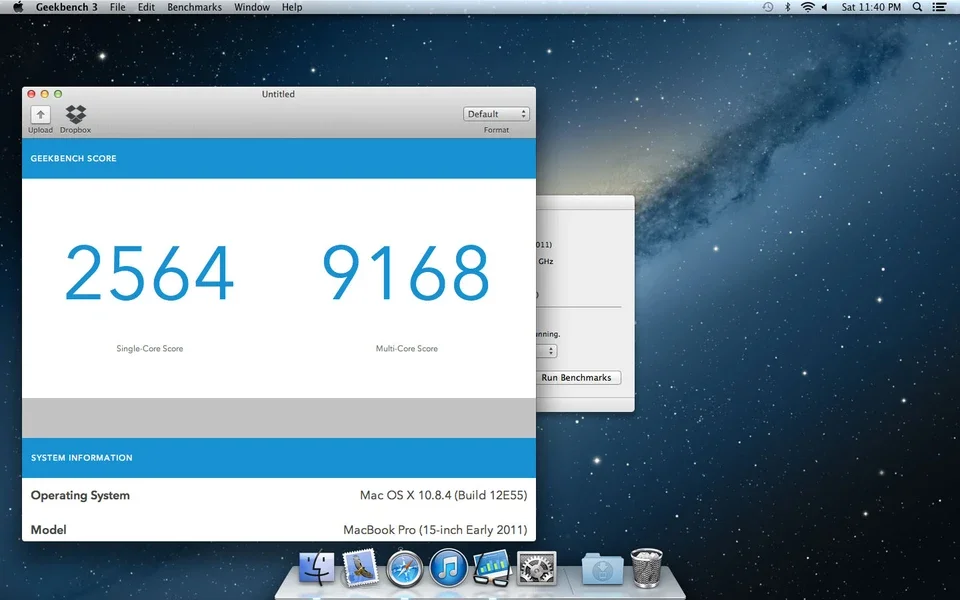
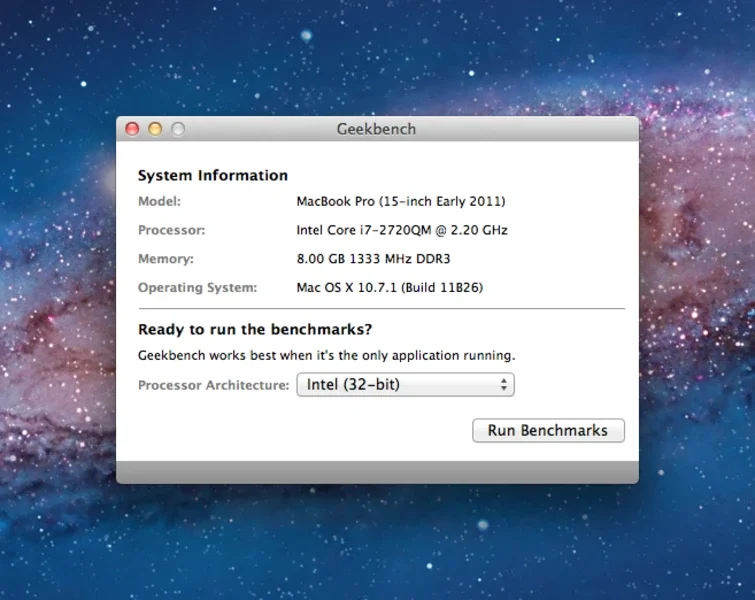
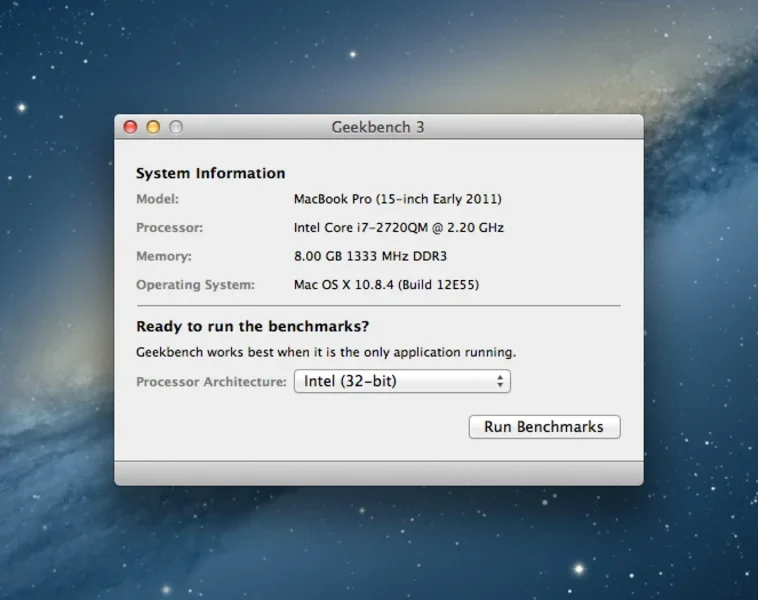
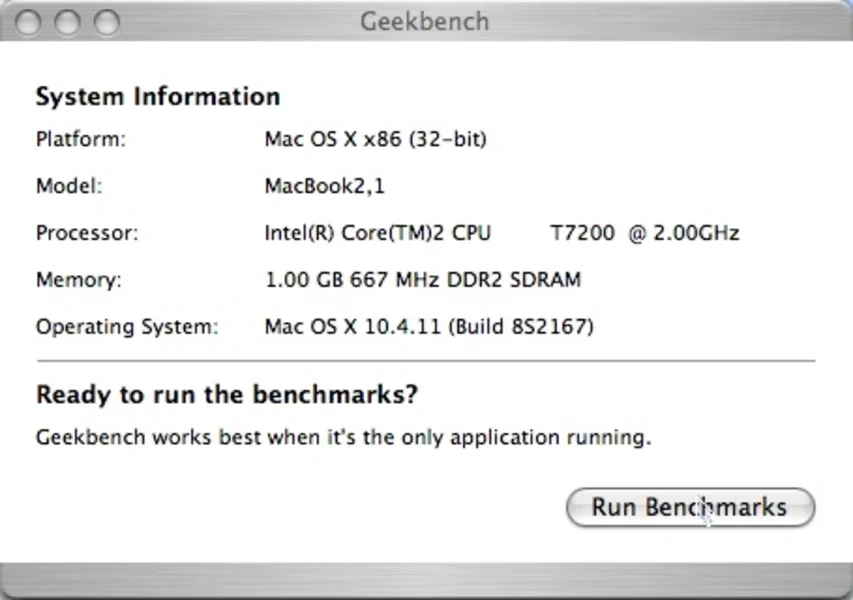
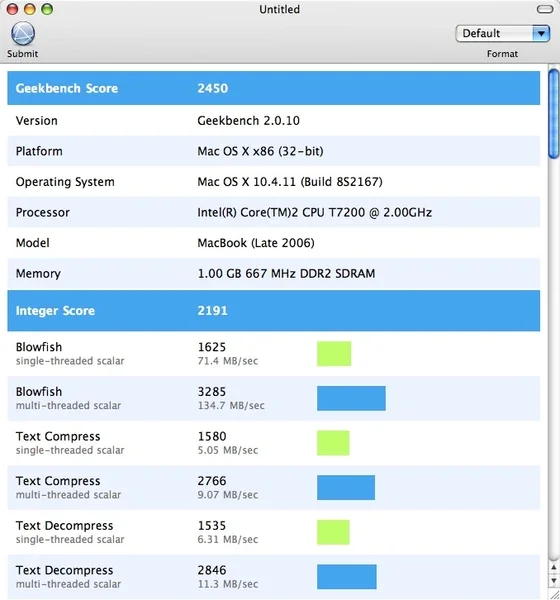
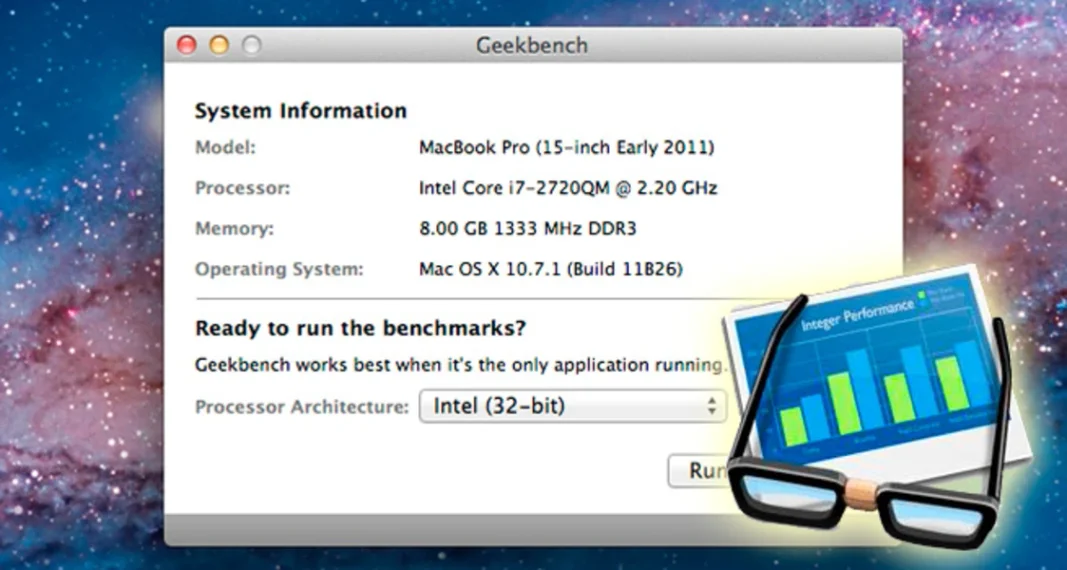
Geekbench tests processor and memory performance, and all of the tests run with a single click. The application runs on multiple platforms, so results from one machine can be set beside results from another.

It produces a report covering details about the system, which gives you something concrete to look at when a machine feels off. Comparing results helps determine whether the machine is working properly. Results can be shared with other users for comparison, so a score can be checked against the same hardware elsewhere rather than judged on its own. The tests cover the processor and the memory, and the whole set starts from one click, which keeps a run repeatable when you want to compare before and after.

Geekbench is a benchmarking application from Primate Labs. It is a demo and is proprietary. The current version is 7.1.0.

[Release notes coming soon]

Version 7.1.0

Verify the file

Compare the SHA-256 of the file you downloaded with the value below. Files exactly as the publisher released them.

  • geekbench-7-1-0.zip

    7.1.0 · ZIP · 485.4 MB

    SHA-256

    9361240d2cf448d5f0833d8b86aa323b9ff5d2a8f73f3cd81b321271fe4a18a8 Check on VirusTotal Get

Files exactly as the publisher released them.

Information

Size
485.4 MB
Category
Maintenance
Compatibility
macOS 10.4 Tiger or later
Languages
English
Age rating
3+
License
Proprietary
Price
Demo

Version history

  • [Release notes coming soon]

    7.1.0
  • [Release notes coming soon]

    7.0.0
  • [Release notes coming soon]

    6.7.1
  • [Release notes coming soon]

    6.7.0
  • [Release notes coming soon]

    6.6.0
  • [Release notes coming soon]

    6.5.0
  • [Release notes coming soon]

    6.4.0
  • [Release notes coming soon]

    6.3.0
  • [Release notes coming soon]

    6.2.2
  • [Release notes coming soon]

    6.2.1
  • [Release notes coming soon]

    6.2.0
  • [Release notes coming soon]

    6.1.0
  • [Release notes coming soon]

    6.0.3
  • [Release notes coming soon]

    6.0.2
  • [Release notes coming soon]

    6.0.1
  • [Release notes coming soon]

    6.0.0
  • [Release notes coming soon]

    5.5.1
  • [Release notes coming soon]

    5.5.0
  • [Release notes coming soon]

    5.14.7
  • [Release notes coming soon]

    5.4.3
  • [Release notes coming soon]

    5.4.2
  • [Release notes coming soon]

    5.3.2
  • [Release notes coming soon]

    5.3.1
  • [Release notes coming soon]

    5.3.0
  • [Release notes coming soon]

    5.2.5
  • [Release notes coming soon]

    5.1.1
  • [Release notes coming soon]

    5.1.0
  • [Release notes coming soon]

    4.3.0
  • [Release notes coming soon]

    4.0.3
  • [Release notes coming soon]

    4.0.1
  • [Release notes coming soon]

    4.0.0
  • [Release notes coming soon]

    3.3.2
  • [Release notes coming soon]

    3.3.0
  • [Release notes coming soon]

    3.2.2
  • [Release notes coming soon]

    3.2.0
  • [Release notes coming soon]

    3.1.4
  • [Release notes coming soon]

    3.1.3
  • [Release notes coming soon]

    3.0.2
  • [Release notes coming soon]

    2.4.2
  • [Release notes coming soon]

    2.3.4
  • [Release notes coming soon]

    2.3.0
  • [Release notes coming soon]

    2.2.0
  • [Release notes coming soon]

    2.1.13
  • [Release notes coming soon]

    2.1.11
  • [Release notes coming soon]

    5.4.4
  • [Release notes coming soon]

    5.4.5
  • [Release notes coming soon]

    2.2.7
  • [Release notes coming soon]

    5.4.1
  • [Release notes coming soon]

    3.1.2

All versions ›