GeekTool3.4-11 for macOS
Puts Unix command output, logs and images on the Mac desktop
Free · Proprietary
You are on Windows — this is the macOS version.
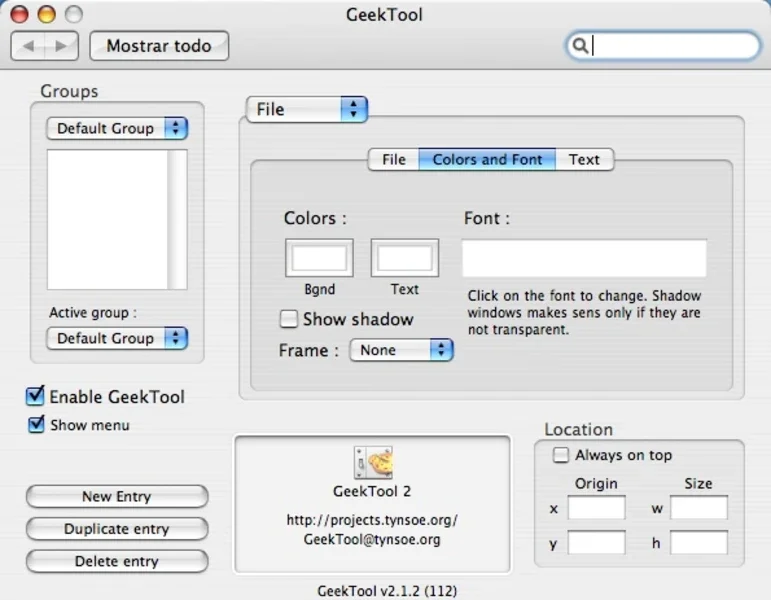
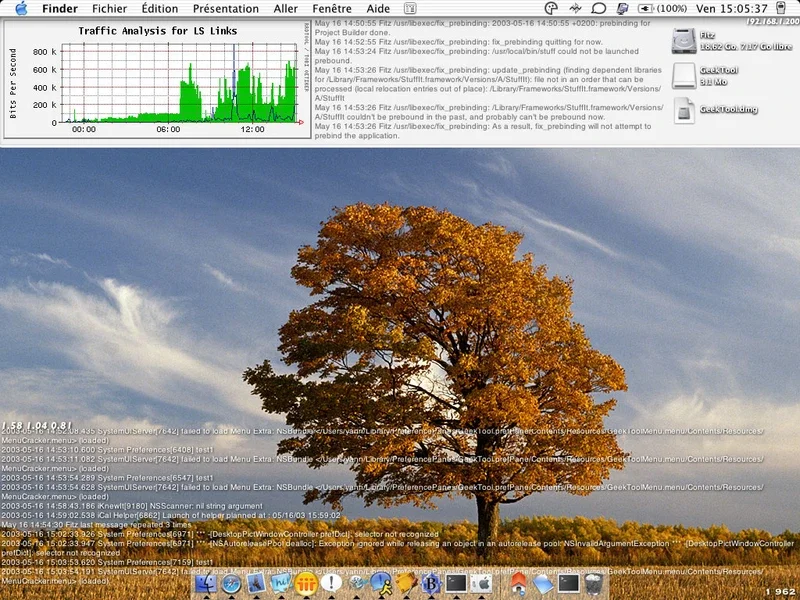
GeekTool puts things on your Mac desktop that the desktop does not normally show. It installs as an extra pane in System Preferences.
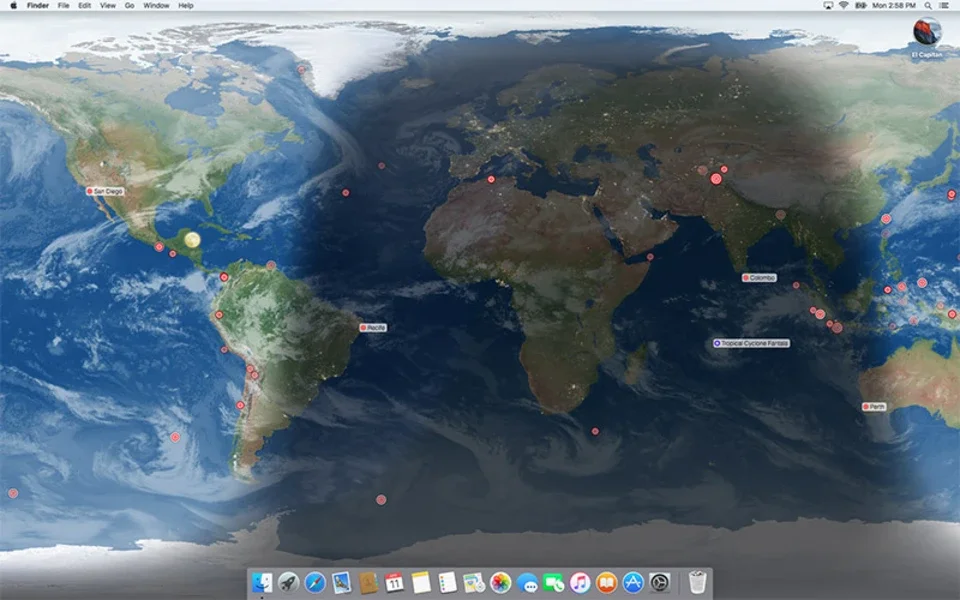
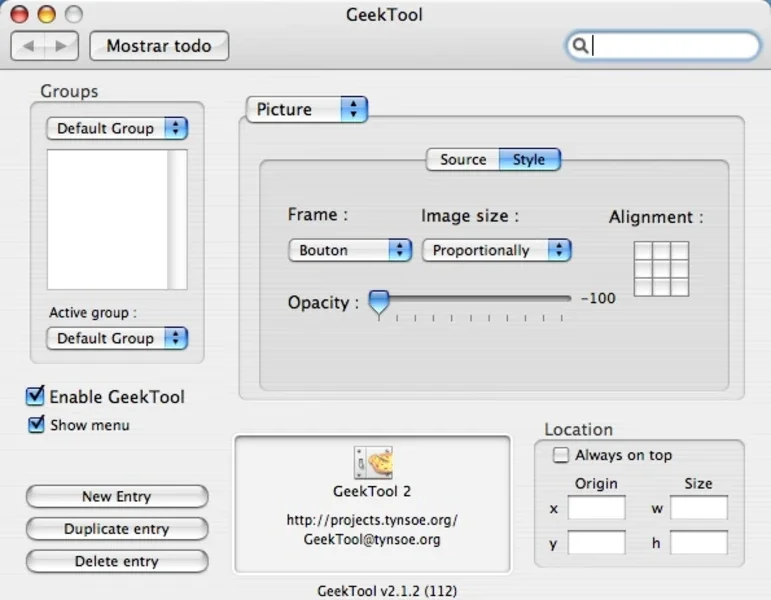
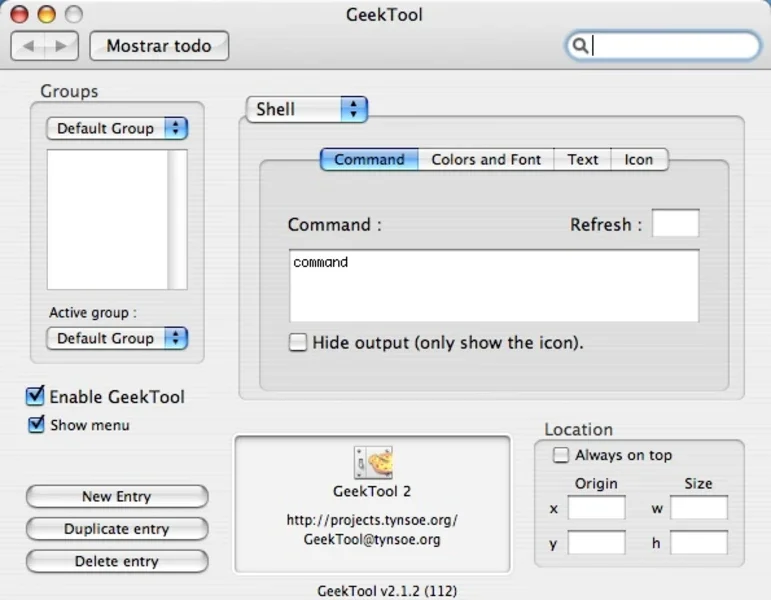
You type a Unix command and GeekTool displays its output on the desktop, so a value you would otherwise check in a terminal sits there in plain view. It also shows system logs on the desktop. Images work too, either pulled from the Internet or read from the hard disk; you can drop them on the desktop or use one as the background of any Finder window. Each of these is placed and configured from the preference pane.
The package includes an option to uninstall GeekTool.
[Release notes coming soon]
Verify the file
Compare the SHA-256 of the file you downloaded with the value below. Files exactly as the publisher released them.
-
geektool-3-4-11.zip
3.4-11 · ZIP · 7.6 MB
SHA-256
724fa310891f7fdaa0207dce4abddca9a7044153709d49e0b4faccb0e958cf6aCheck on VirusTotal Get
Files exactly as the publisher released them.
Information
- Seller
- Tynsoe.org
- Size
- 7.6 MB
- Category
- Wallpapers & Icons
- Compatibility
macOS
- Languages
English
- Age rating
- All ages
- License
- Proprietary
- Price
- Free