Google Chrome Dev160.0.8171.0 for macOS
Preview build of Chrome with upcoming features about a month early
Free · Proprietary
You are on Windows — this is the macOS version. See the Windows version
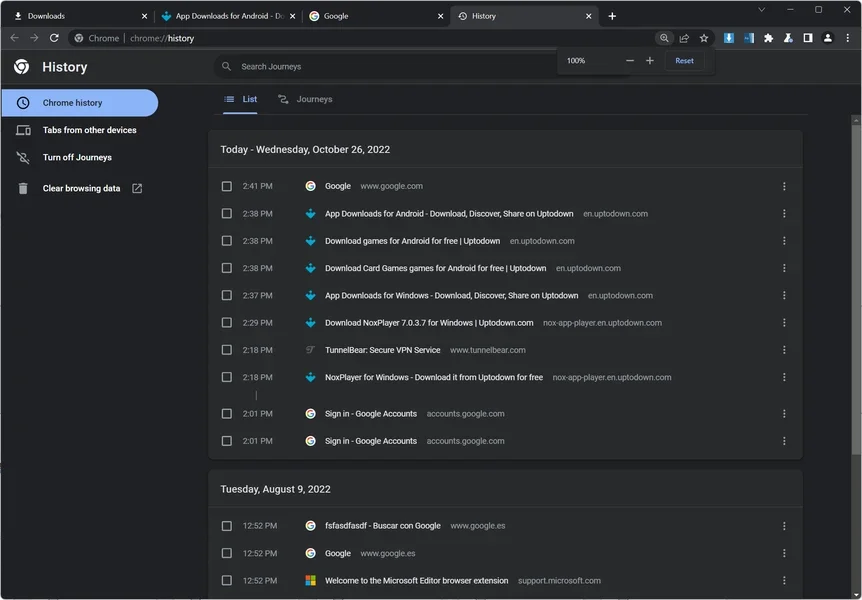
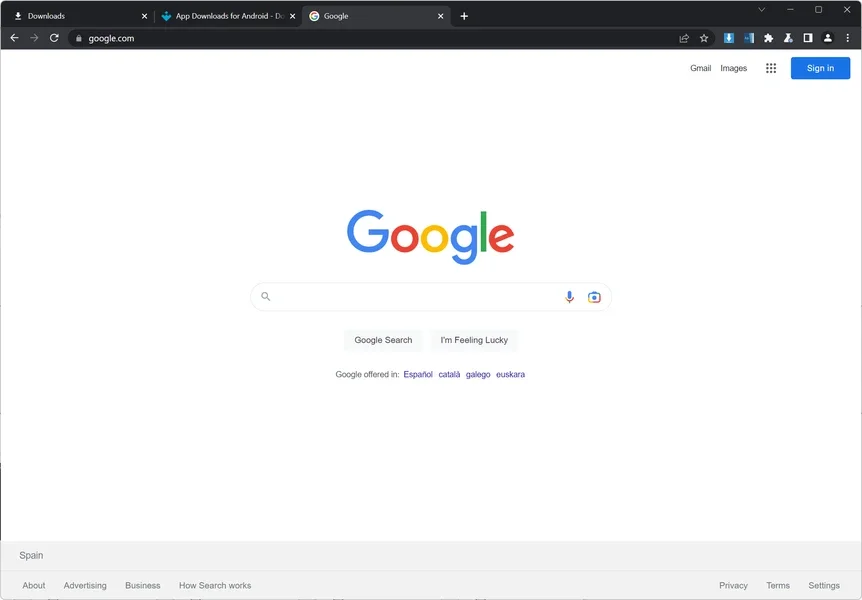
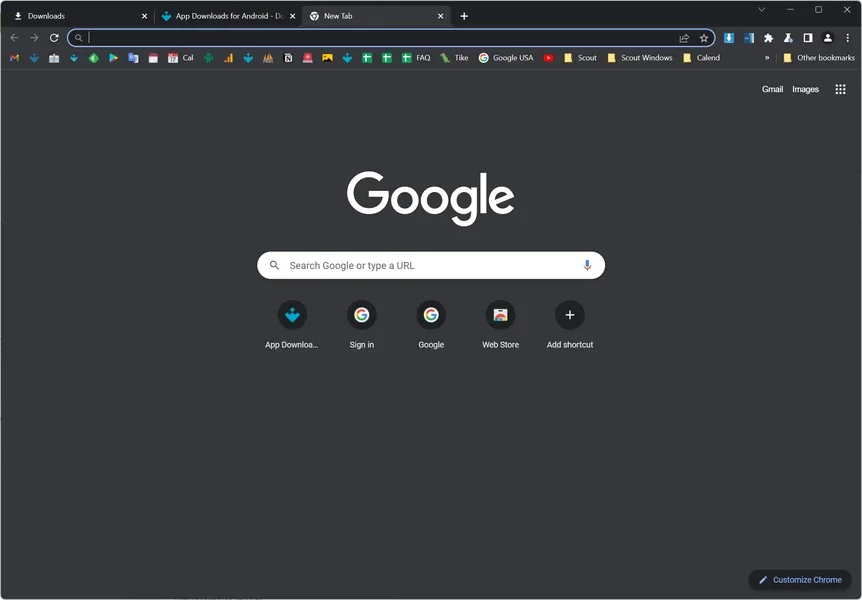
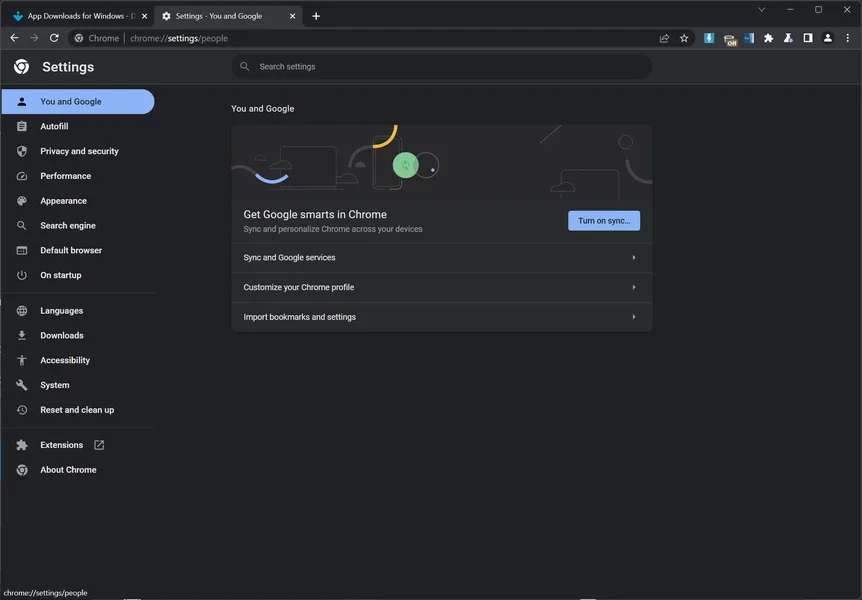
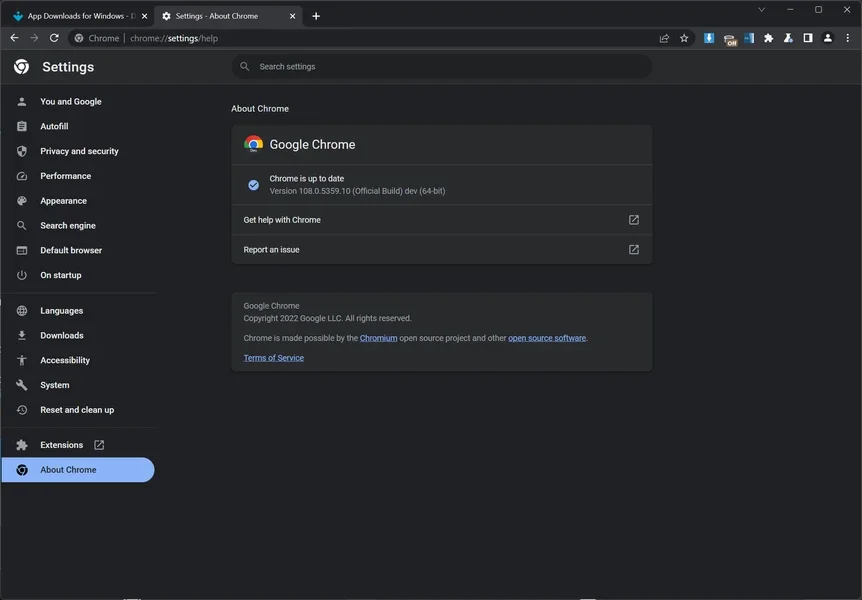
Google Chrome Dev installs separately from other Chrome editions, so it can sit on a Mac next to Stable or Beta. The point of the separate install is quick access to multiple accounts in different browsers without signing in and out inside one window. Everyday browsing works the same way it does in the stable release, with bookmarks, history and incognito mode all present.
How Dev fits the release chain
Chrome ships as Stable, Beta, Dev and Canary, ordered by stability. Dev is built once or twice a week and carries new features and changes from the past few days or the previous week. Google developers oversee this version. You get to try upcoming Chrome features roughly a month before they reach Stable. Bugs and stability problems are possible, though basic operation is guaranteed.
Canary sits below Dev on the stability scale, is built automatically every day whether or not the code changed, and gets no developer review.
[Release notes coming soon]
Verify the file
Compare the SHA-256 of the file you downloaded with the value below. Files exactly as the publisher released them.
-
google-chrome-dev-160-0-8171-0.dmg
160.0.8171.0 · DMG · 279.0 MB
SHA-256
0389dc0983ff0b1ee30fe69eb0845941c24c3424a3739438cefc8309fe10f83eCheck on VirusTotal Get
Files exactly as the publisher released them.
Information
- Seller
- Google LLC
- Size
- 279.0 MB
- Category
- Web Browsers
- Compatibility
macOS 13.0 Ventura or later
- Languages
English
- Age rating
- 3+
- License
- Proprietary
- Price
- Free
- Platform
- Also available on Windows