Skip to content

Hearthstone Deck Tracker3.7.4 for macOS

Tracks cards in every Hearthstone match and shows the stats behind them

HearthSim, LLC

Free · MIT

Download 3.7.4 · 66.8 MB
  • Age rating
    0+
    All ages
  • Category
    Gaming Tools
  • Developer
    HearthSim, LLC
  • Languages
    1
    English
  • Size
    66.8
    MB

Mac

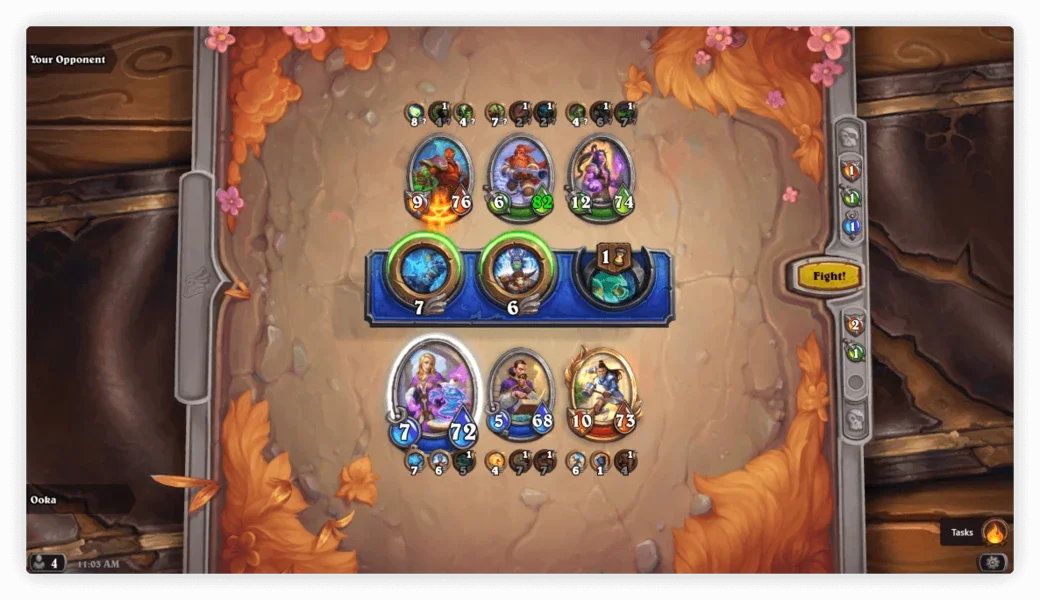
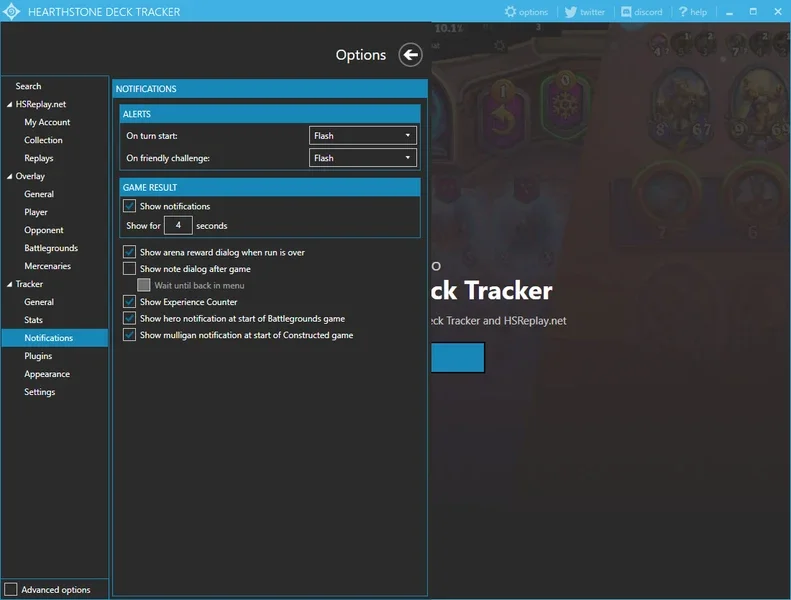
Hearthstone Deck Tracker follows every card played in a match, yours and your opponent's, and records how each game ends. From that record it builds a win and loss percentage for each card you usually play, along with all your statistics. It suggests the best deck available to you based on those game statistics, and it shows which decks have better synergies with each other. You can also customize a deck in a visual way. All of this is done without cheating or hacks.

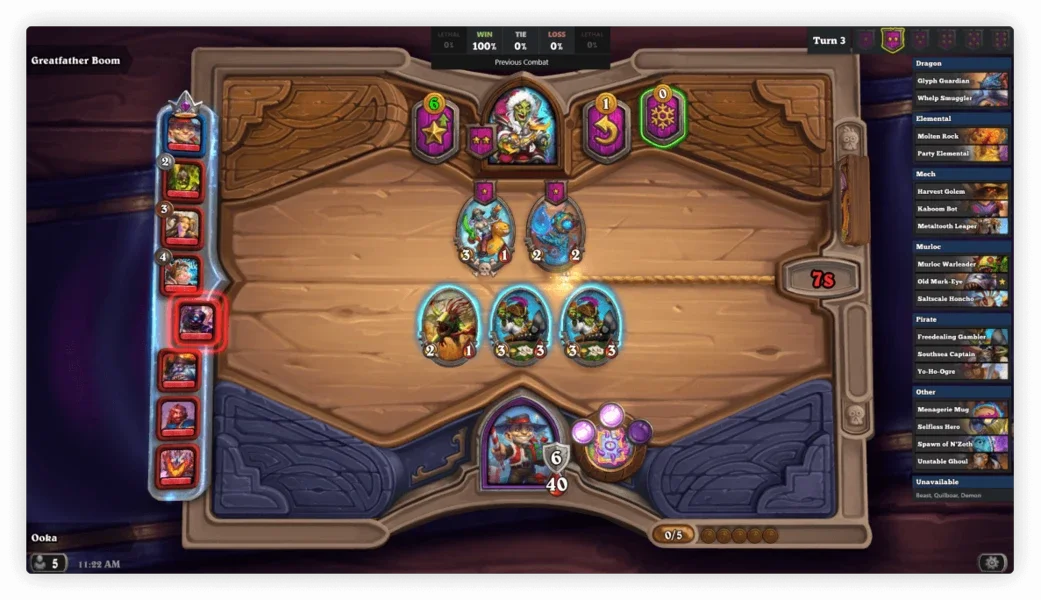
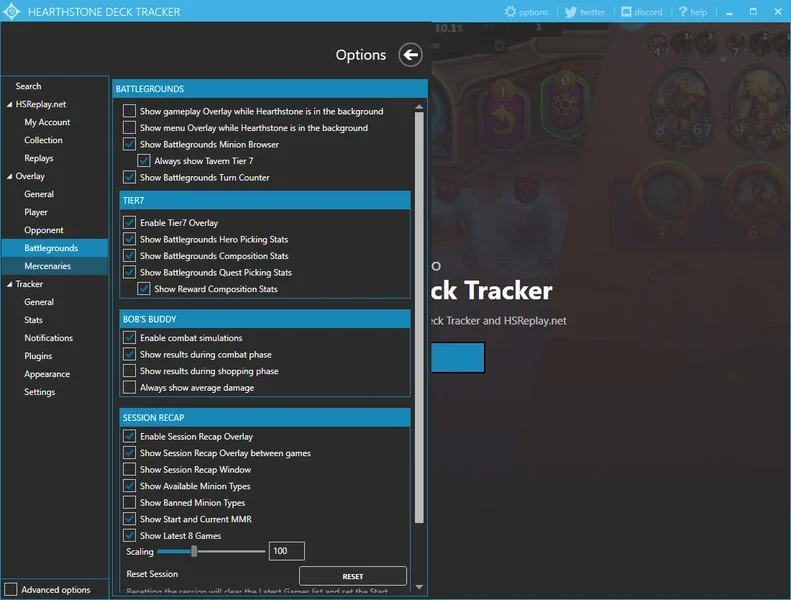
The app is compatible with all Hearthstone game modes. In Battlegrounds Mode it shows your chances of defeat after a battle, and in Mercenaries Mode it shows opponents' skills and their speed modifiers. It also shows when the opponent drew each of their cards.

[Release notes coming soon]

Version 3.7.4

Verify the file

Compare the SHA-256 of the file you downloaded with the value below. Files exactly as the publisher released them.

  • hearthstone-deck-tracker-3-7-4.zip

    3.7.4 · ZIP · 66.8 MB

    SHA-256

    958ad241ef2378a6735494d7573442b798554ae08183bb23a9b18eb6634215a4 Check on VirusTotal Get

Files exactly as the publisher released them.

Information

Size
66.8 MB
Category
Gaming Tools
Compatibility
macOS
Languages
English
Age rating
All ages
License
MIT
Price
Free

Version history

  • [Release notes coming soon]

    3.7.4
  • [Release notes coming soon]

    3.7.3
  • [Release notes coming soon]

    3.7.2
  • [Release notes coming soon]

    3.7.1
  • [Release notes coming soon]

    3.7.0
  • [Release notes coming soon]

    3.6.14
  • [Release notes coming soon]

    3.6.13
  • [Release notes coming soon]

    3.6.12
  • [Release notes coming soon]

    3.6.11
  • [Release notes coming soon]

    3.6.10
  • [Release notes coming soon]

    3.6.9
  • [Release notes coming soon]

    3.6.7
  • [Release notes coming soon]

    3.6.5
  • [Release notes coming soon]

    1.55.4
  • [Release notes coming soon]

    3.6.4
  • [Release notes coming soon]

    3.6.3
  • [Release notes coming soon]

    3.6.2
  • [Release notes coming soon]

    3.6.1
  • [Release notes coming soon]

    3.6.0
  • [Release notes coming soon]

    1.52.20
  • [Release notes coming soon]

    3.5.11
  • [Release notes coming soon]

    3.5.10
  • [Release notes coming soon]

    3.5.9
  • [Release notes coming soon]

    1.52.4
  • [Release notes coming soon]

    3.5.6
  • [Release notes coming soon]

    3.5.7
  • [Release notes coming soon]

    3.5.5
  • [Release notes coming soon]

    3.5.4
  • [Release notes coming soon]

    3.5.1
  • [Release notes coming soon]

    3.5.3
  • [Release notes coming soon]

    3.5.0
  • [Release notes coming soon]

    3.4.11
  • [Release notes coming soon]

    3.4.10
  • [Release notes coming soon]

    3.4.8
  • [Release notes coming soon]

    1.49.1
  • [Release notes coming soon]

    1.48.19
  • [Release notes coming soon]

    1.48.4
  • [Release notes coming soon]

    1.47.9
  • [Release notes coming soon]

    1.47.4
  • [Release notes coming soon]

    1.46.18
  • [Release notes coming soon]

    1.45.8
  • [Release notes coming soon]

    1.45.4
  • [Release notes coming soon]

    1.44.13
  • [Release notes coming soon]

    1.44.6
  • [Release notes coming soon]

    1.44.5
  • [Release notes coming soon]

    1.44.1
  • [Release notes coming soon]

    1.43.3.4
  • [Release notes coming soon]

    1.43.2
  • [Release notes coming soon]

    1.43.1
  • [Release notes coming soon]

    1.41.6

All versions ›