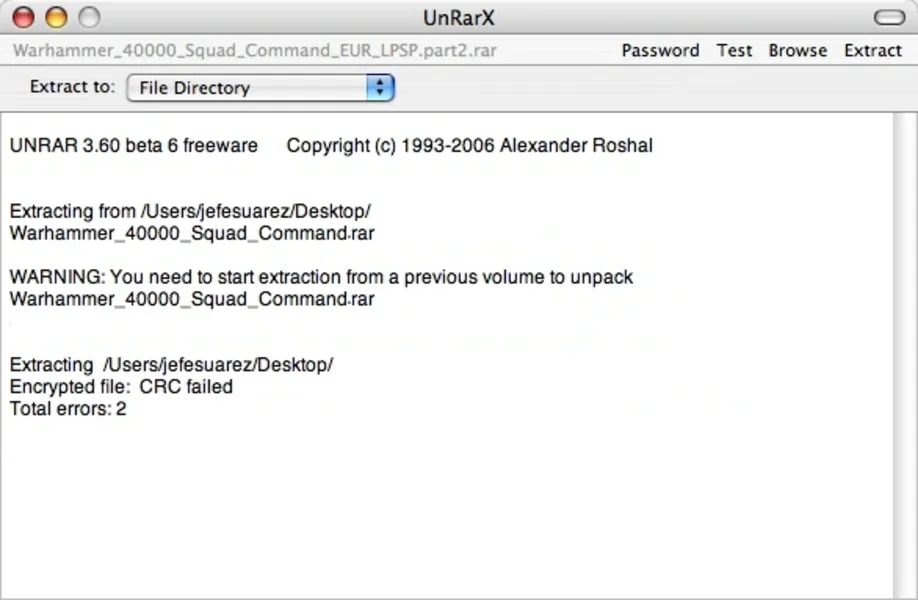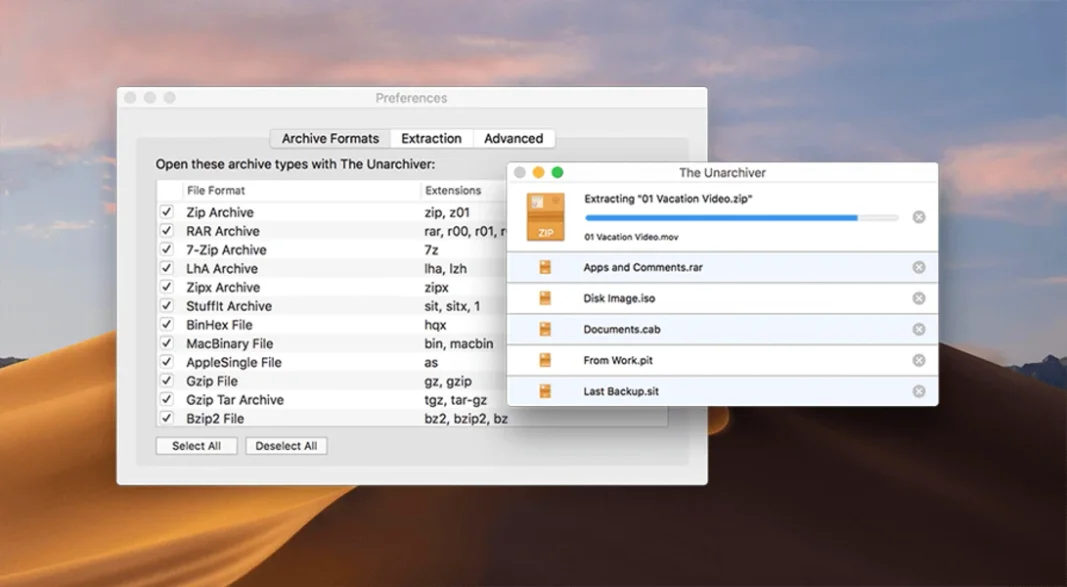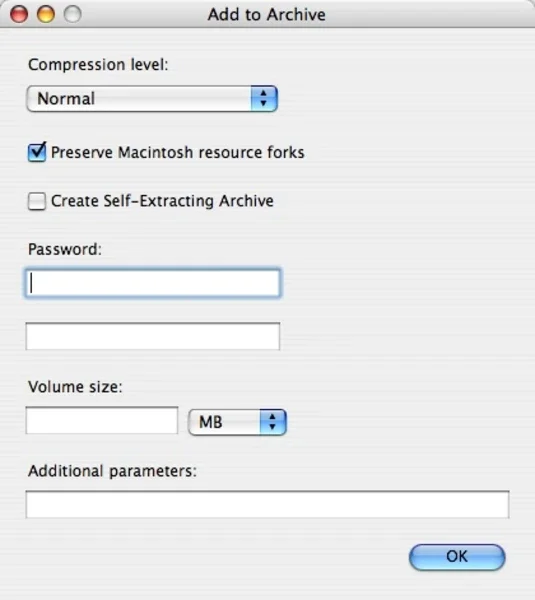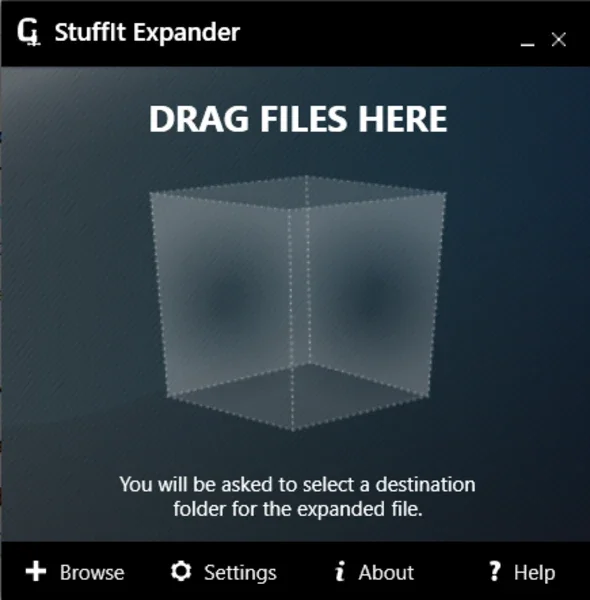
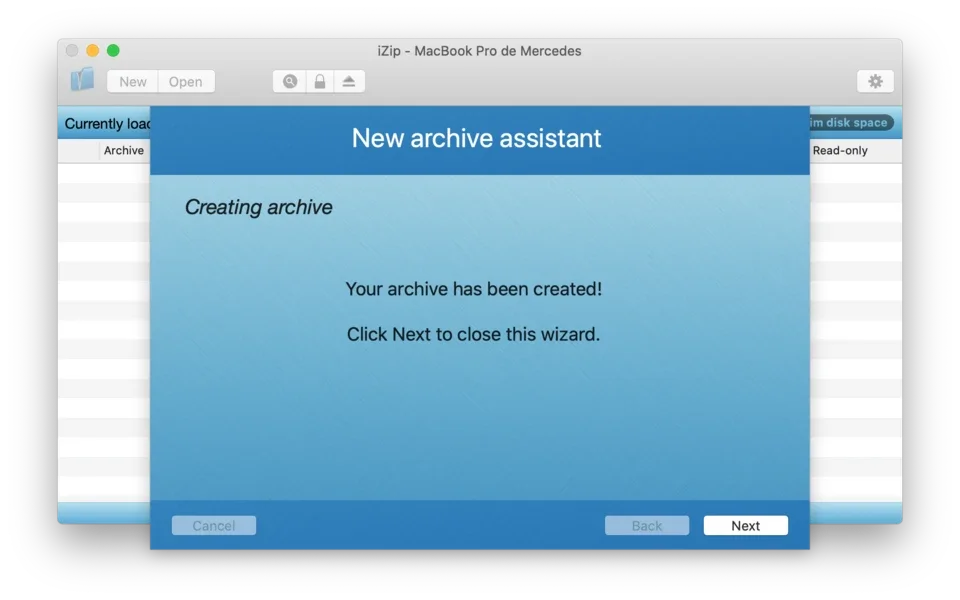
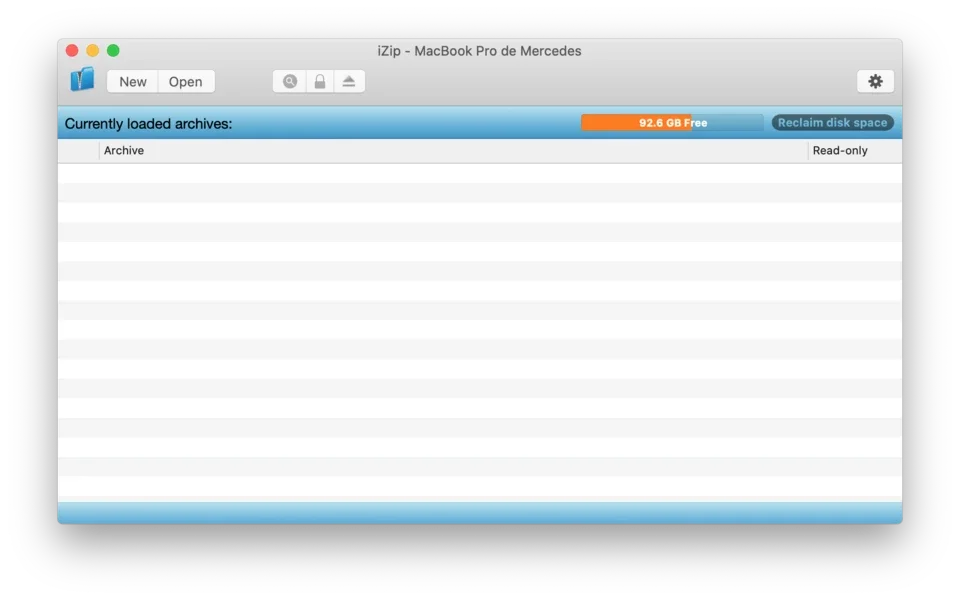
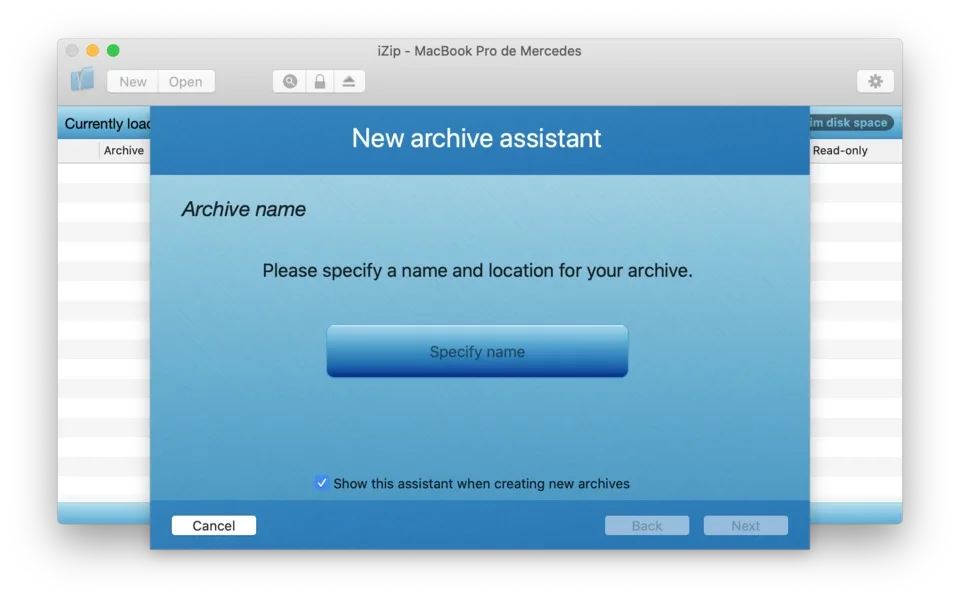
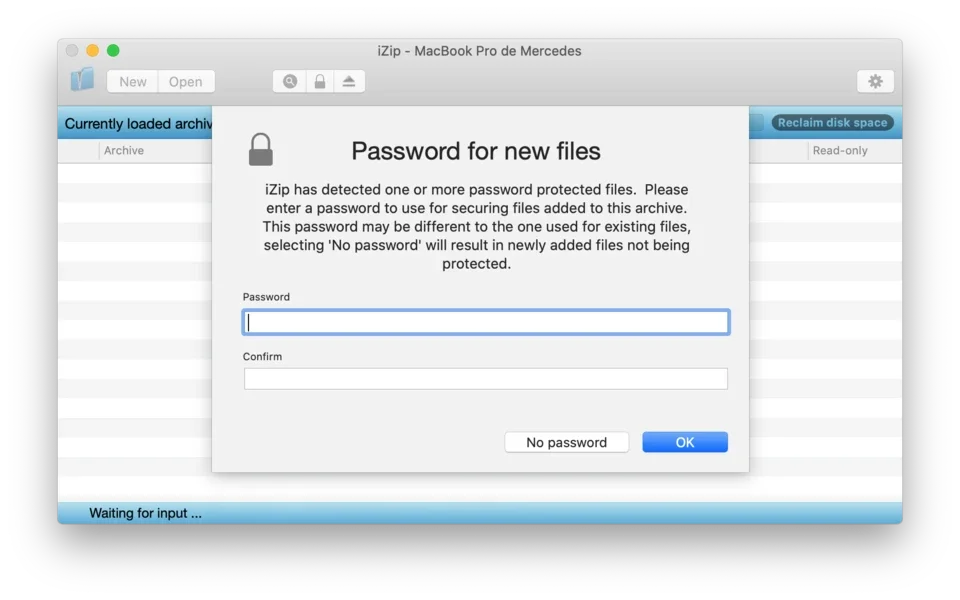
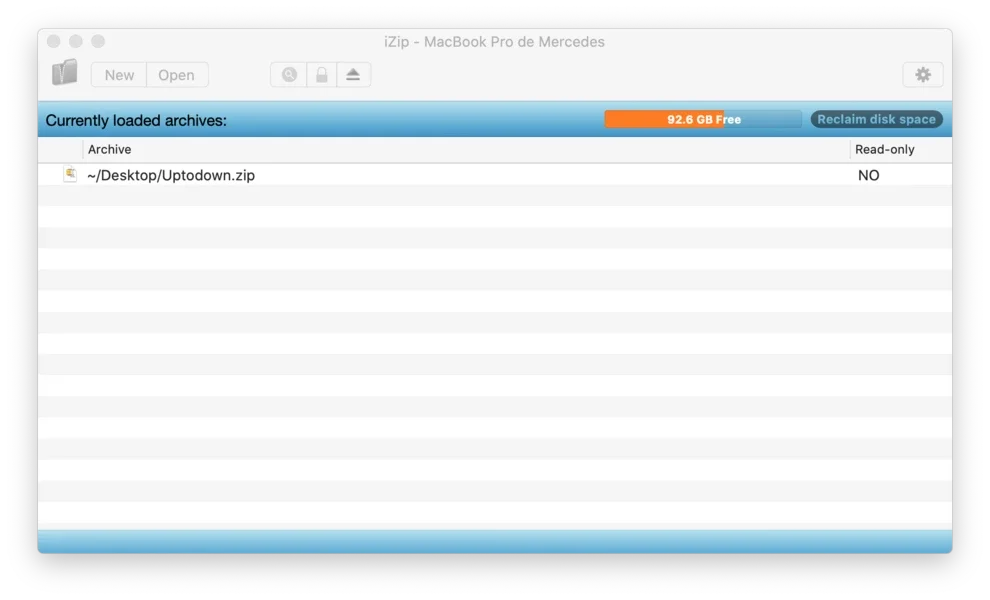
Compressing or extracting with iZip starts with one choice: create a compressed file or work from an existing one. From there the program walks you through it with step-by-step instructions, so the order of operations is never in question.
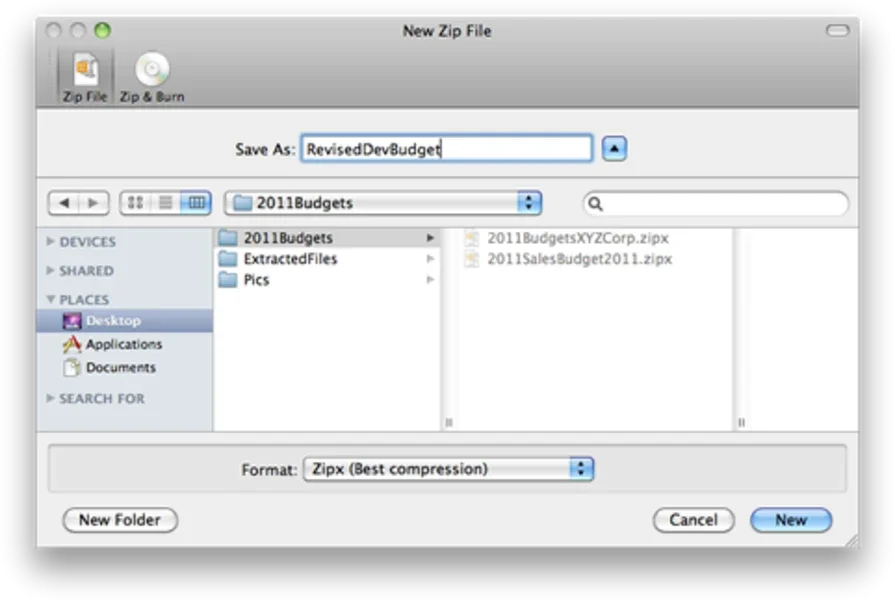
- To compress, browse for and select the files you need.
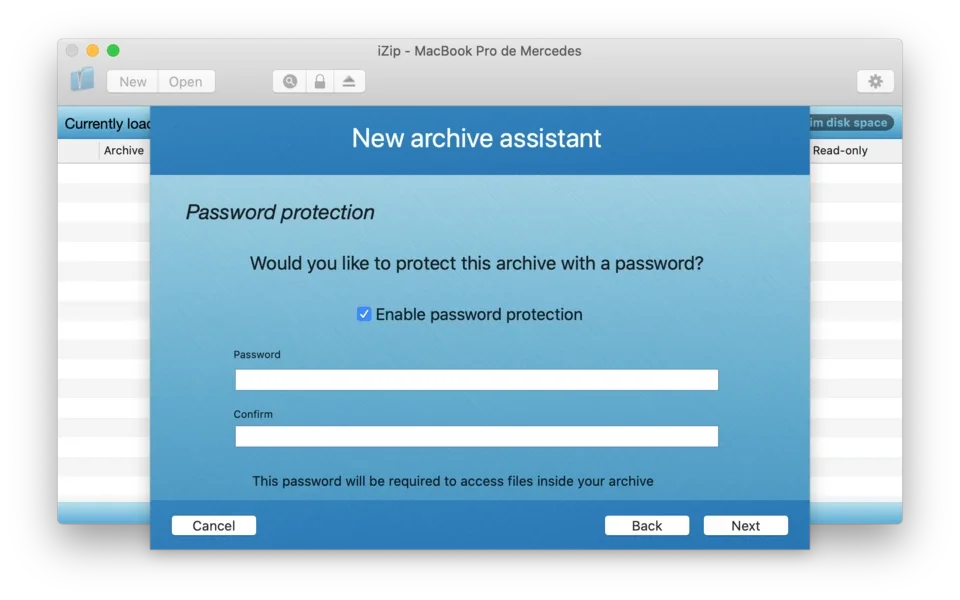
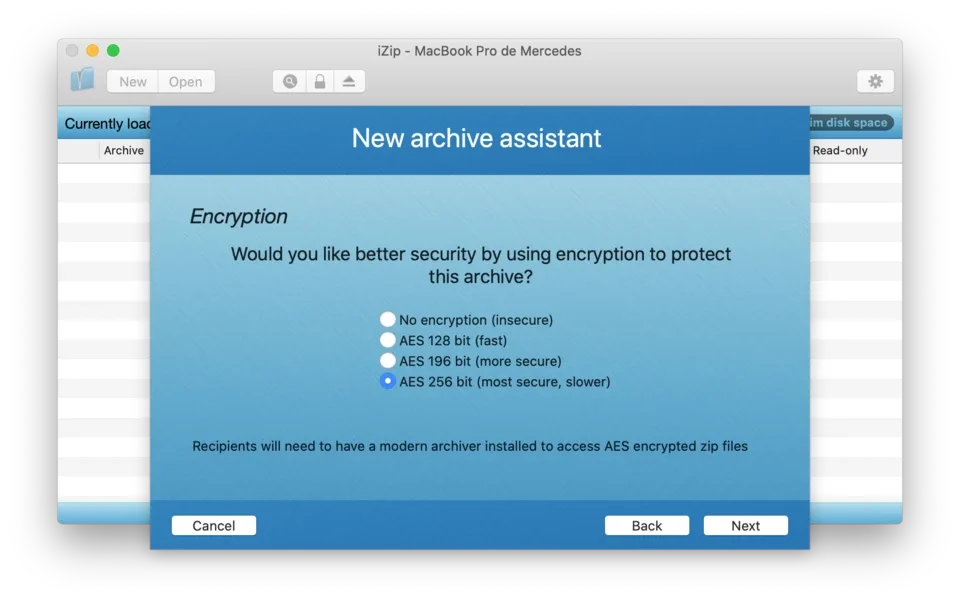
- Set a custom password, name the file, and pick the extension.
- To extract, select the file and enter the password if one is needed.
Passwords added to compressed files block unauthorized access. ZIP, ZIPX, RAR, TAR, and 7ZIP all work, and you can choose whatever file extension is needed. It also creates packages and opens packages that hold multiple items. After extraction, you pick what happens to the files without leaving the program. The interface is simple enough for someone who has never used a compression tool.
[Release notes coming soon]
Verify the file
Compare the SHA-256 of the file you downloaded with the value below. Files exactly as the publisher released them.
-
izip-26-11.dmg
26.11 · DMG · 6.6 MB
SHA-256
c773173e7dbdf360f3a38af98540f6b65338c6f4e685a7b2f0c6b408d2a82365Check on VirusTotal Get
Files exactly as the publisher released them.
Information
- Seller
- iBoostUp
- Size
- 6.6 MB
- Category
- Compressors
- Compatibility
macOS
- Languages
English
- Age rating
- All ages
- License
- Proprietary
- Price
- Free