Skip to content

Logitech G HUB2026.7.992920 for macOS

Tunes Logitech G keyboards, mice, headsets, mics and speakers

Logitech

Free · Proprietary

Download 2026.7.992920 · 7.9 MB
  • Age rating
    0+
    All ages
  • Category
    Power Tools
  • Developer
    Logitech
  • Languages
    1
    English
  • Size
    7.9
    MB

Mac

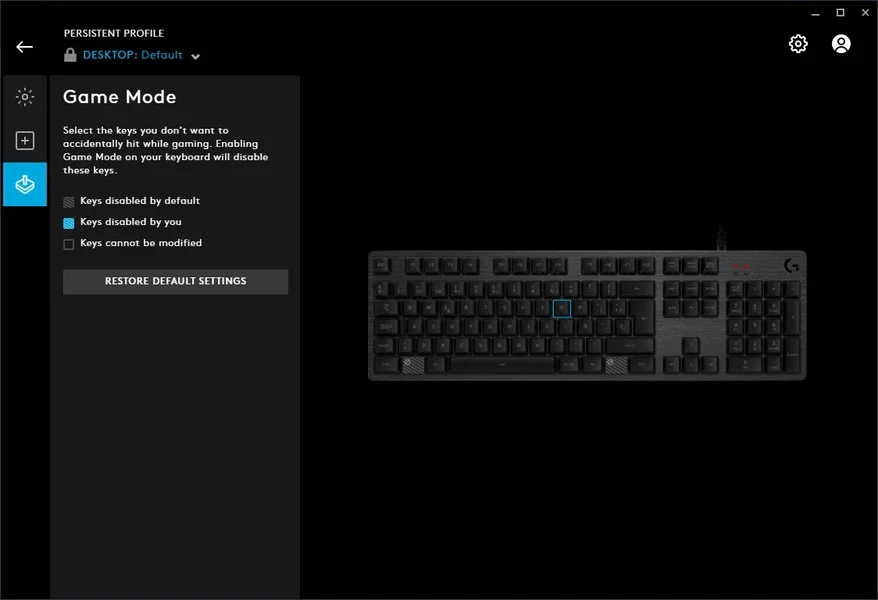
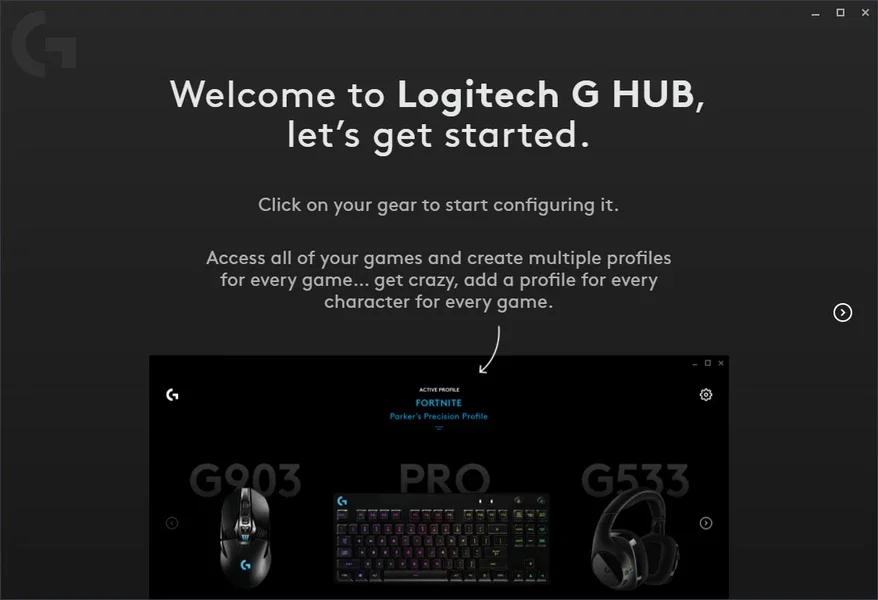
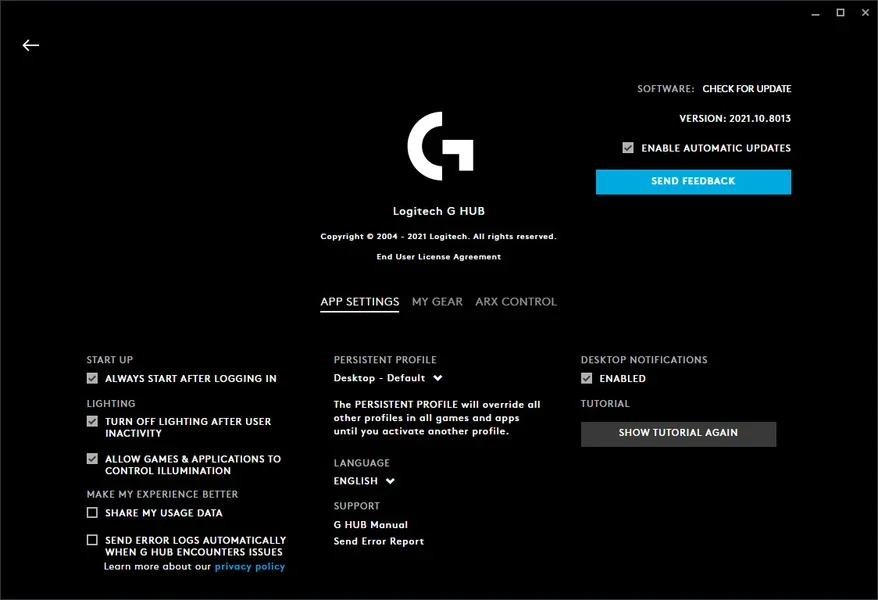
Opening Logitech G HUB starts with detection: it checks which connected Logitech G devices are attached to the Mac, which takes a few seconds. From there you customize devices in the Logitech G Gaming range, including keyboards, mice, headphones, microphones and speakers. For many of these devices, the app is needed to unlock features that otherwise stay locked.

Profiles and game-specific settings

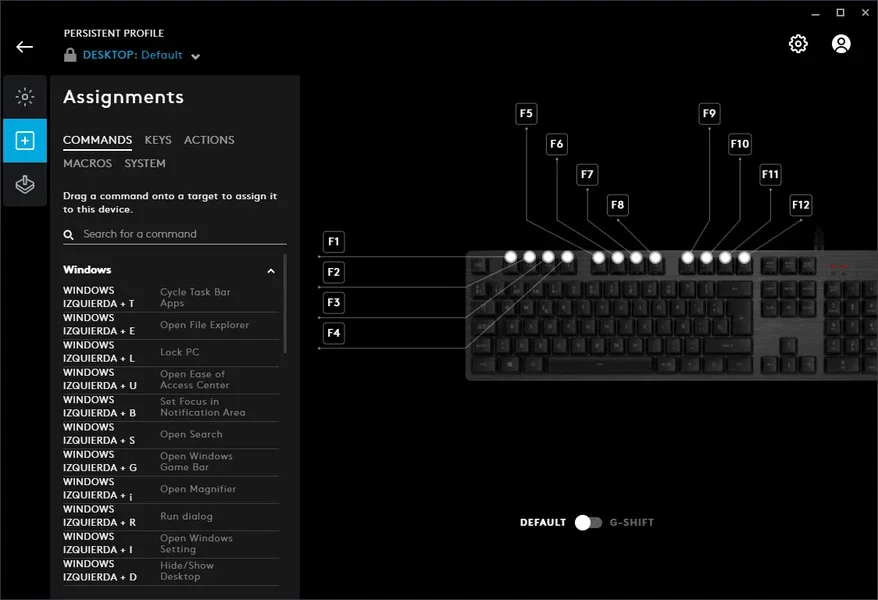
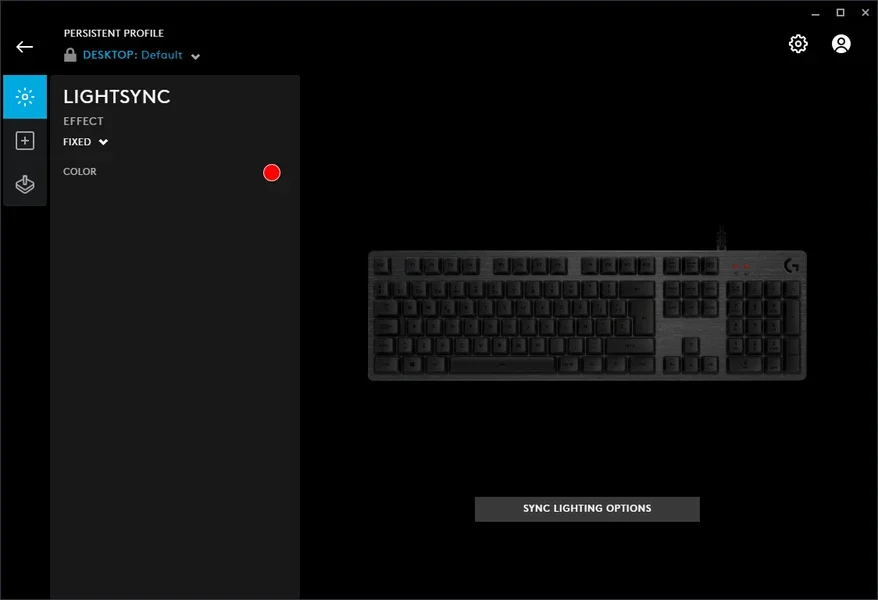
Profiles can change device settings when a game starts. One profile can make the keyboard light red and black during Dark Souls and turn the lighting off when play stops. Other examples include custom keyboard shortcuts for specific games and keyboard backlight color changes per game. Almost all Logitech keyboard lighting is customized directly in this app.

You can sign in with a Logitech G account or continue as a guest. Guest users cannot save profiles to the cloud.

[Release notes coming soon]

Version 2026.7.992920

Verify the file

Compare the SHA-256 of the file you downloaded with the value below. Files exactly as the publisher released them.

  • logitech-g-hub-2026-7-992920.zip

    2026.7.992920 · ZIP · 7.9 MB

    SHA-256

    f363498f835be903362d5ce506151d0632c7f758f6461ab9874111e839ee32c3 Check on VirusTotal Get

Files exactly as the publisher released them.

Information

Seller
Logitech
Size
7.9 MB
Category
Power Tools
Compatibility
macOS
Languages
English
Age rating
All ages
License
Proprietary
Price
Free

Version history

  • [Release notes coming soon]

    2026.7.992920
  • [Release notes coming soon]

    2026.6.981214
  • [Release notes coming soon]

    2026.5.939708
  • [Release notes coming soon]

    2026.3.880543
  • [Release notes coming soon]

    2026.2.861820
  • [Release notes coming soon]

    2026.1.829723
  • [Release notes coming soon]

    2026.1.822780
  • [Release notes coming soon]

    2025.6.759533
  • [Release notes coming soon]

    2025.5.730277
  • [Release notes coming soon]

    2025.4.719084.0
  • [Release notes coming soon]

    2025.3.6161.0
  • [Release notes coming soon]

    2025.2.7008.0
  • [Release notes coming soon]

    2025.1.673329
  • [Release notes coming soon]

    2024.6.476.0
  • [Release notes coming soon]

    2024.9.9333
  • [Release notes coming soon]

    2024.8.641856
  • [Release notes coming soon]

    2024.7.621167
  • [Release notes coming soon]

    2024.4.572095
  • [Release notes coming soon]

    2024.3.553733
  • [Release notes coming soon]

    2024.2.534136
  • [Release notes coming soon]

    2024.1.515200
  • [Release notes coming soon]

    2023.9.471553
  • [Release notes coming soon]

    2023.9.471553
  • [Release notes coming soon]

    2023.7.8769
  • [Release notes coming soon]

    2023.6.723
  • [Release notes coming soon]

    2023.4.407679
  • [Release notes coming soon]

    2023.2.0.373424
  • [Release notes coming soon]

    2023.1.364056
  • [Release notes coming soon]

    2020.12.3534
  • [Release notes coming soon]

    2022.11.345634
  • [Release notes coming soon]

    2022.8.306864
  • [Release notes coming soon]

    2022.6.271036
  • [Release notes coming soon]

    2022.5.262536
  • [Release notes coming soon]

    2022.3.2300
  • [Release notes coming soon]

    2022.1.3492
  • [Release notes coming soon]

    2021.11.8744
  • [Release notes coming soon]

    2021.10.8013

All versions ›