Logitech Options10.26.49 for macOS
Configures Logitech mice, keyboards and touchpads on a Mac
Free · Proprietary
You are on Windows — this is the macOS version. See the Windows version



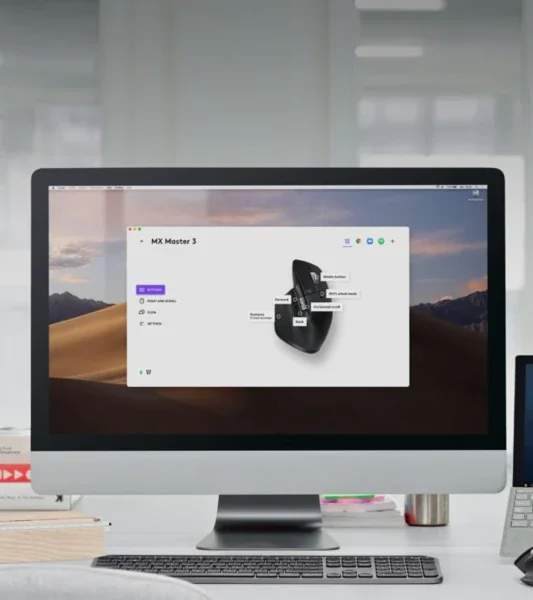

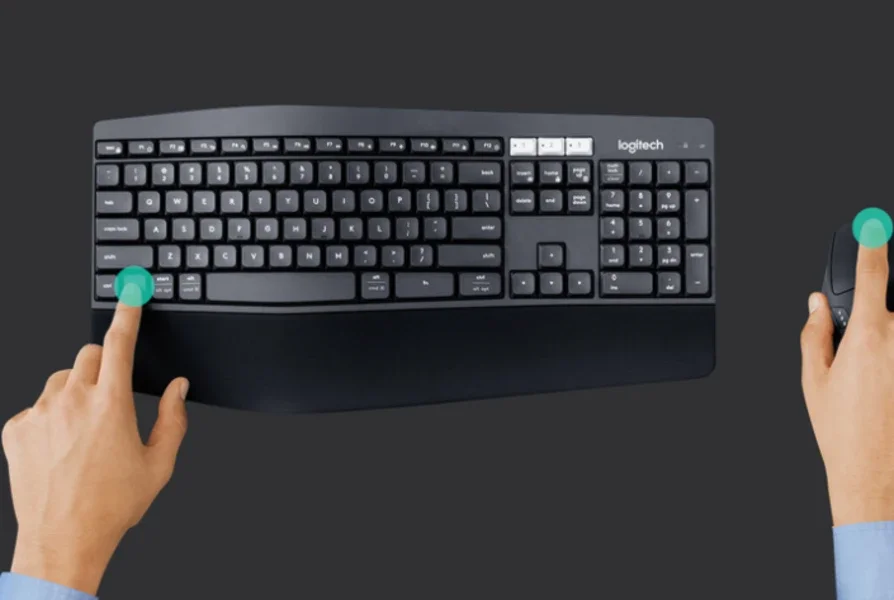
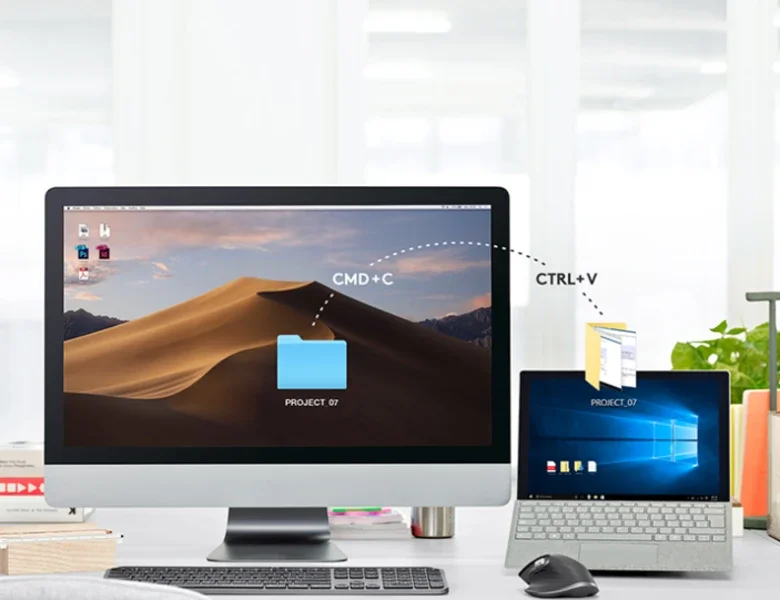
Logitech Options sets up Logitech mice, keyboards and touchpads on a Mac. Buttons on the mouse can be given any task, and scroll wheel and cursor speed can be changed. Keyboard features can be upgraded and tuned to your preferences, covering things like mapping the mouse to custom functions and smarter keyboard navigation. For wireless peripherals the program shows status and alerts, including current battery life and whether Caps Lock is on.
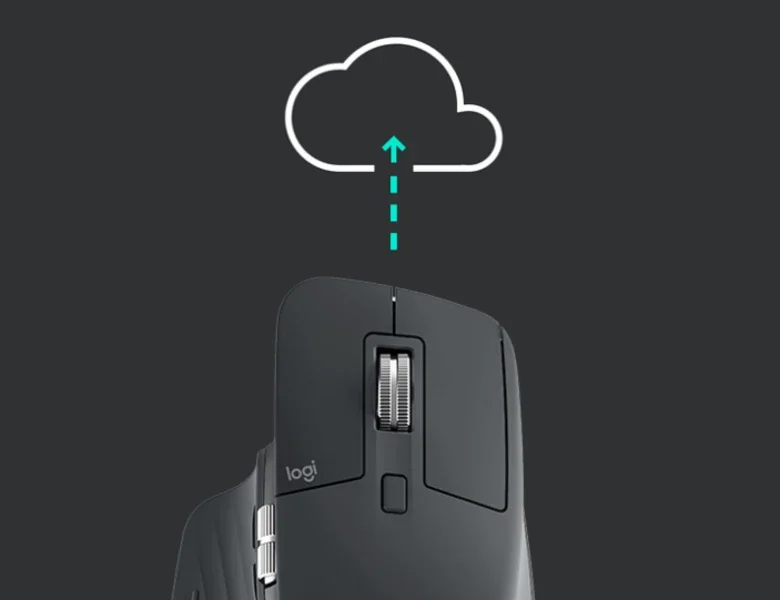
Devices connect through the Add control at the foot of the page, and more than one can be hooked up at a time. When signed in, it finds the input devices attached to the computer on its own. On first activation it asks you to log in with a Logitech account, which you can create if you don't have one. Settings can be saved to cloud storage and restored from it later. You can build a configuration for a particular application, so each program gets its own setup. The Advanced Configuration tab walks you through several guided steps. Trackpad automation reproduces movements to run a monotonous task for you. Unsyncing a device from the program is difficult: there is no Erase button, and devices are deleted only by going into advanced settings and unpairing them.
It runs on macOS and is free.
[Release notes coming soon]
Verify the file
Compare the SHA-256 of the file you downloaded with the value below. Files exactly as the publisher released them.
-
10.26.49
10.26.49 · ZIP · 238.5 MB
SHA-256
a8011da687d10989360c0caa231c525e7c71daa17aac0d1999b934b3cfb546a7Check on VirusTotal Get
Files exactly as the publisher released them.
Information
- Seller
- Logitech
- Size
- 238.5 MB
- Category
- Desktop Tools
- Compatibility
macOS
- Age rating
- All ages
- License
- Proprietary
- Price
- Free
- Platform
- Also available on Windows