Mounty for NTFS2.4 for macOS
Menu bar utility that remounts write-protected NTFS drives as writable on macOS
Free · Proprietary
You are on Windows — this is the macOS version.
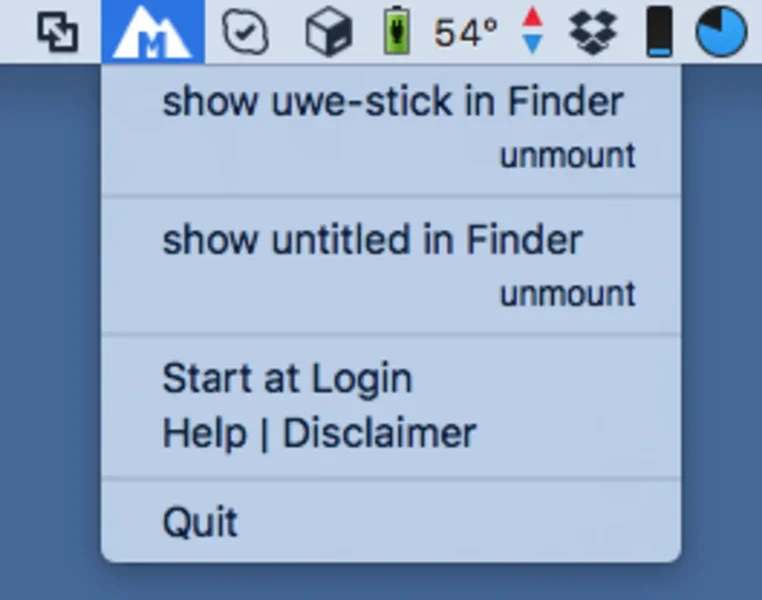
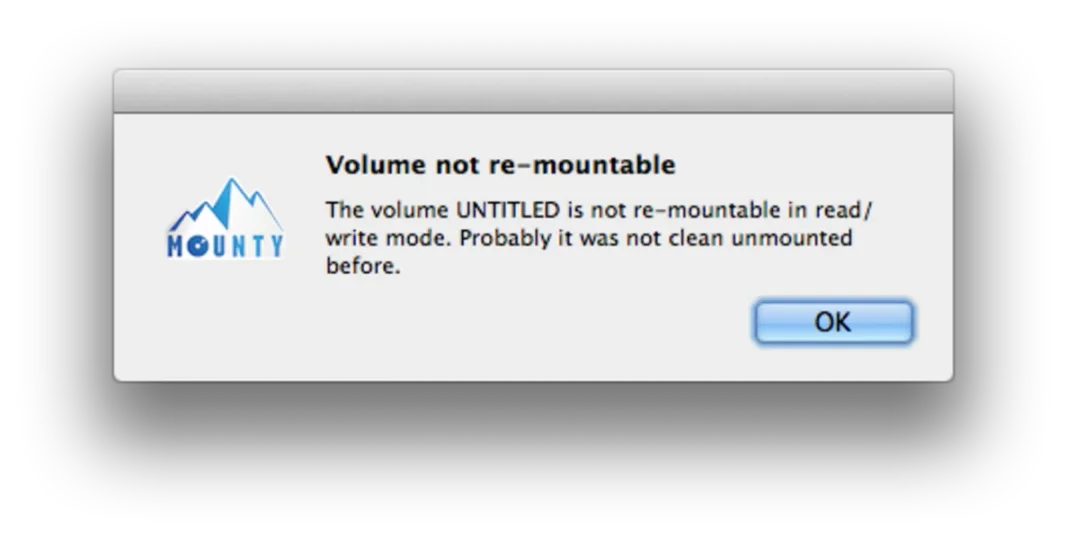
Mounty for NTFS sits in the menu bar and remounts a write-protected NTFS drive in writable mode through a few clicks and prompts. That replaces typing out long mount commands by hand. Once installed it runs quietly in the background, and it detects NTFS drives when you connect them. The notification center tells you when a drive shows up. Volumes that are write-protected get picked out on their own, without you pointing at them.
- Black: no NTFS volumes detected for mounting
- Green: an NTFS volume was found
- Yellow: the app is working on the task
- Blue: the volume is mounted and writable
- Red: the mount process failed
The icon changes color with mount status, so the menu bar shows where things stand. Everything is reachable from the status bar menu, and a Finder window can be opened straight to the mount point. Unmounting and remounting write-protected NTFS formats is the main job. Recognition and remounting can be unreliable when some other program has changed a volume's name. The tool is claimed not to affect system performance, and no technical expertise is needed to use it.
[Release notes coming soon]
Verify the file
Compare the SHA-256 of the file you downloaded with the value below. Files exactly as the publisher released them.
-
2.4
2.4 · DMG · 1.9 MB
SHA-256
b5f0867af3ee034c61582bc40e6ebeae549cb4570381ba82d012aca8d5c72888Check on VirusTotal Get
Files exactly as the publisher released them.
Information
- Seller
- Chris & Uwe
- Size
- 1.9 MB
- Category
- Disc/Files
- Compatibility
macOS 10.12 Sierra or later
- Languages
English
- Age rating
- All ages
- License
- Proprietary
- Price
- Free