Ollama0.40.17 for macOS
Runs LLMs such as Llama 3 locally on your Mac from the command line
Free · MIT
You are on Windows — this is the macOS version. See the Windows version
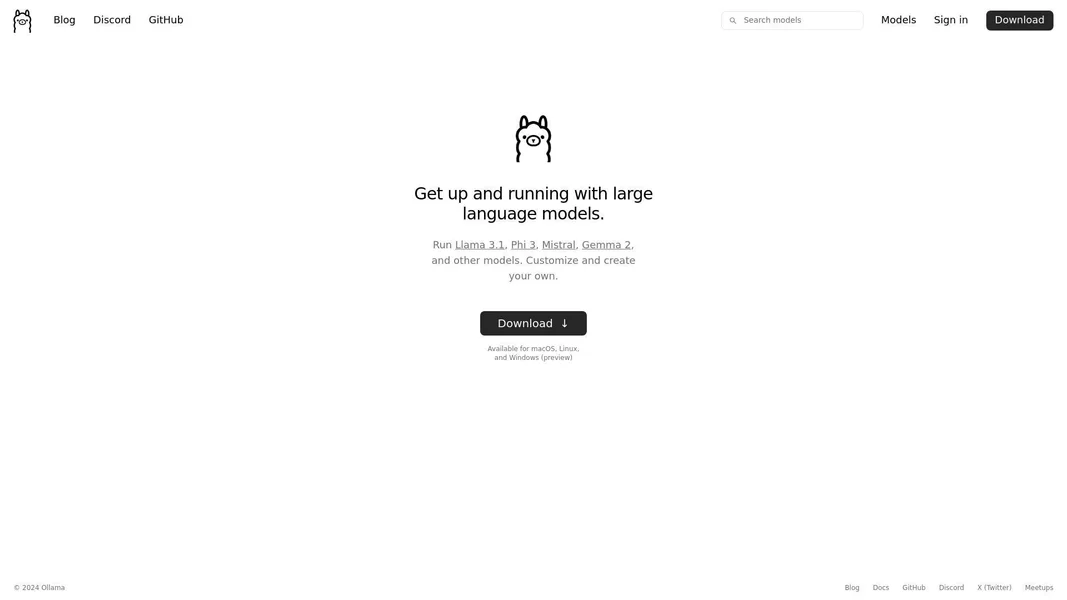
Ollama is an open source tool for running LLMs locally on a Mac, and it is controlled by typing commands into the computer's CMD. Entering ollama run llama3 in CMD starts the installation of Meta's Llama 3.
Which models it runs
The list includes Llama 3 and Llama 2, along with Gemma, Mistral and Phi 3. Llama 3 needs several GB of free hard drive space to run smoothly.
Stored context
Ollama keeps earlier questions and answers and takes that stored context into account when it generates results, the way ChatGPT and Copilot do.
Adding a visual interface
A visual interface can be installed by running a Docker command. That command runs the open-webui image with port mapping 3000:8080, the host.docker.internal:host-gateway host entry, a volume named open-webui mounted at /app/backend/data, the container name open-webui, and restart always. The visual interface is easier to use than the command console.
[Release notes coming soon]
Verify the file
Compare the SHA-256 of the file you downloaded with the value below. Files exactly as the publisher released them.
-
ollama-0-40-17.zip
0.40.17 · ZIP · 220.1 MB
SHA-256
86756dc45f30e1447fc9626f828ab6098c26d8c5cc3620bab689f4cbb5411469Check on VirusTotal Get
Files exactly as the publisher released them.
Information
- Seller
- ollama
- Size
- 220.1 MB
- Category
- Artificial Intelligence
- Compatibility
macOS 14.0 Sonoma or later
- Languages
Afrikaans and 47 more
- Afrikaans, Amharic, Arabic, Armenian, Belarusian, Bulgarian, Catalan, Chinese, Croatian, Czech, Danish, Dutch, English, Estonian, Farsi, Finnish, French, German, Greek, Hebrew, Hindi, Hungarian, Icelandic, Indonesian, Italian, Japanese, Kazakh, Korean, Latvian, Lithuanian, Malay, Norwegian, Polish, Portuguese, Romanian, Russian, Serbian, Slovak, Slovenian, Spanish, Swahili, Swedish, Tagalog, Thai, Turkish, Ukrainian, Vietnamese, Zulu
- Age rating
- All ages
- License
- MIT
- Price
- Free
- Platform
- Also available on Windows