Google Gemini1.147.6.1557 for macOS
Google's AI assistant as a native Mac app, called up with Option + Space
Free · Proprietary
You are on Windows — this is the macOS version. See the Windows version
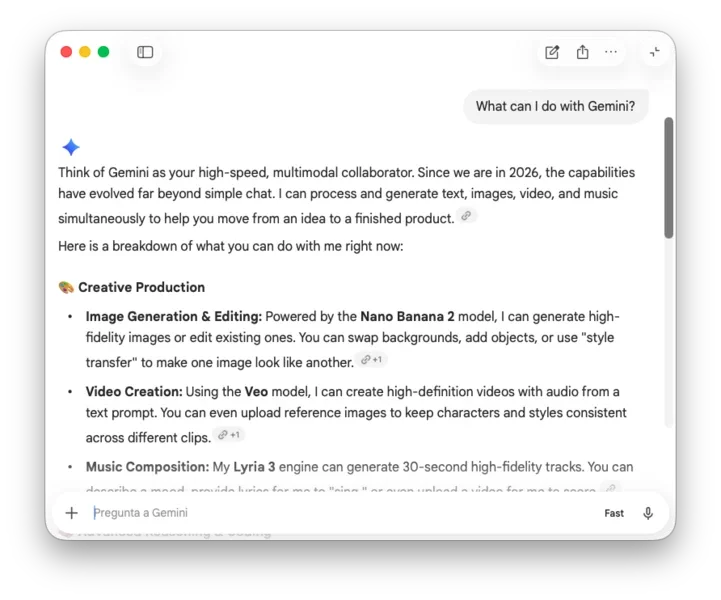
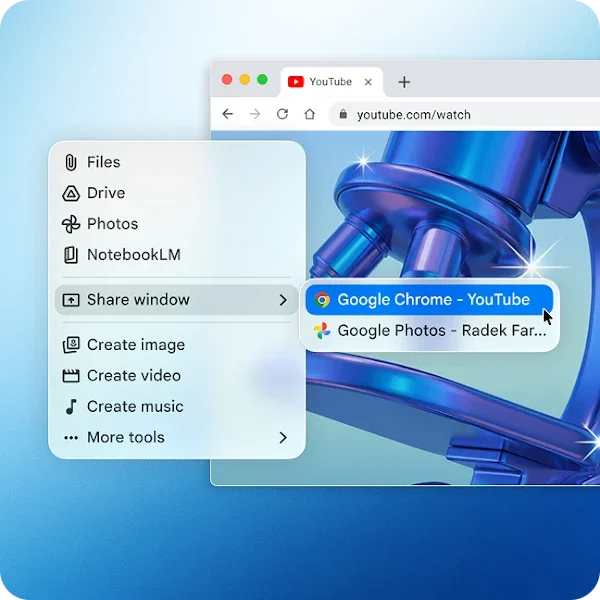
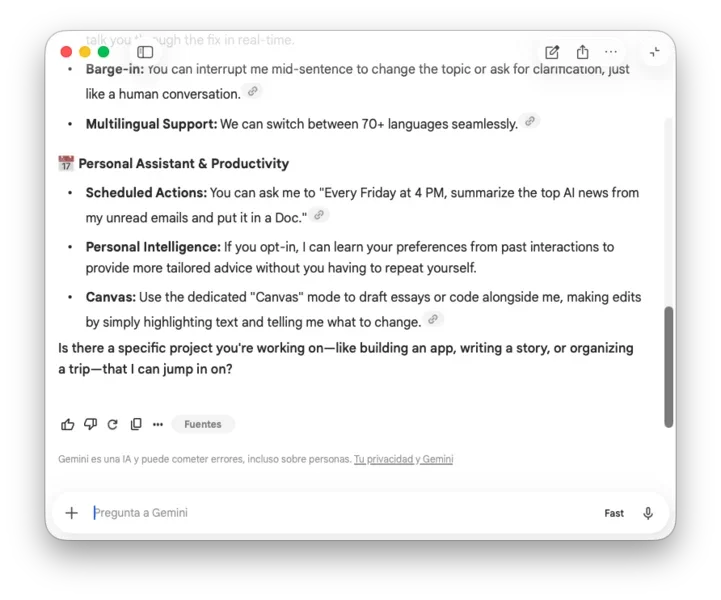
Press Option + Space and Google Gemini opens in a floating window over whatever app you are using. The window is the point of the Mac build: you can ask it to write an email, translate a text, plan a trip or prep for an interview without leaving the document you are working in. Gemini can also look at what is on your screen. Share a window in real time and it answers questions about a document, a data table or a code snippet; share an editor or paste a snippet and it will correct or generate code. Answers can draw on more than one kind of input at once.
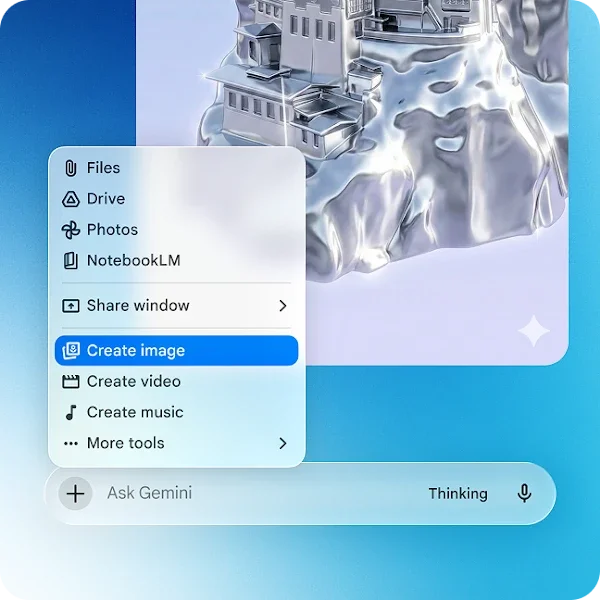
Google Drive and NotebookLM connect to the app, so files and notes are reachable from inside it. It also hooks into other tools installed on the computer. Image generation runs on Nano Banana and video on Veo. The heavier capabilities sit behind the paid tier.
Conversation history is reviewable in a browser or on a mobile device. Compared with the web version there is little difference, and the app can be adjusted so it gets in the way of daily computer use less.
[Release notes coming soon]
Verify the file
Compare the SHA-256 of the file you downloaded with the value below. Files exactly as the publisher released them.
-
google-gemini-1-147-6-1557.dmg
1.147.6.1557 · DMG · 165.4 MB
SHA-256
092bc0b41e6f546959f3ef316ce837c284c31774902ca83c47e6dccf9670259bCheck on VirusTotal Get
Files exactly as the publisher released them.
Information
- Seller
- Google LLC
- Size
- 165.4 MB
- Category
- Artificial Intelligence
- Compatibility
macOS 15.0 Sequoia or later
- Languages
English
- Age rating
- 3+
- License
- Proprietary
- Price
- Free
- Platform
- Also available on Windows