Overcaption0.4.6 for macOS
Offline subtitle studio with local transcription and a timing editor
You are on Windows — this is the macOS version.
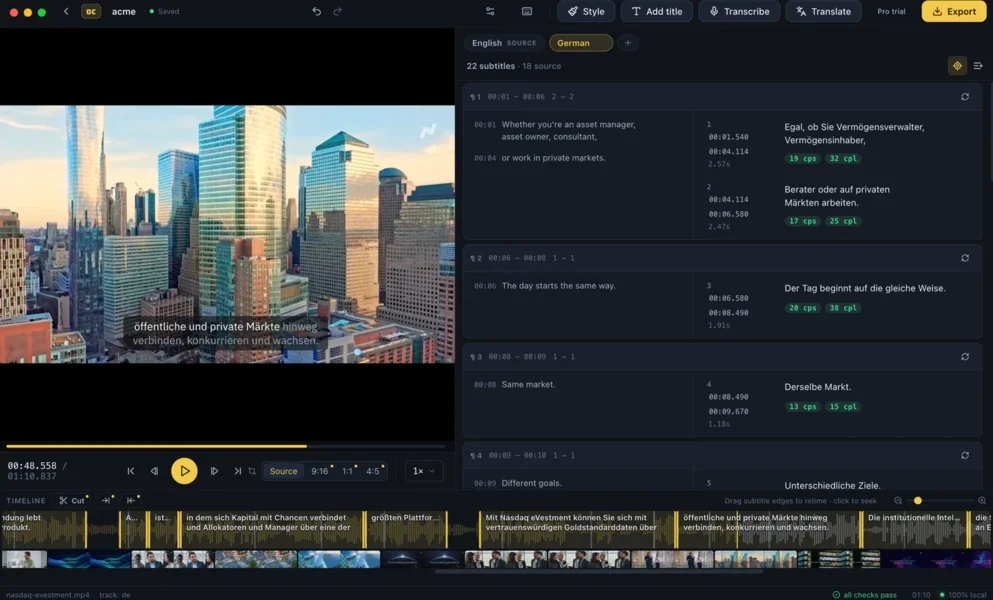
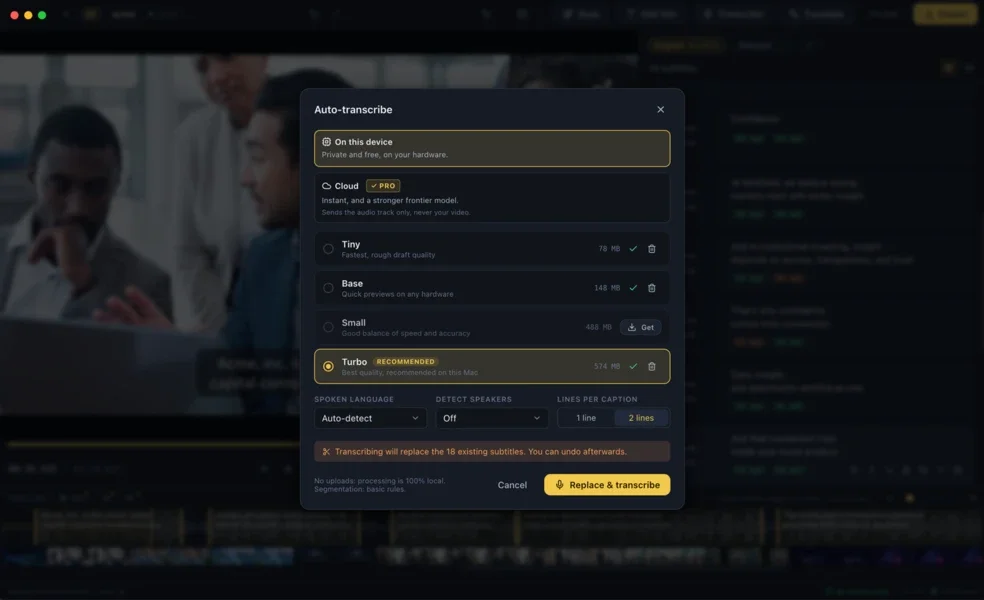
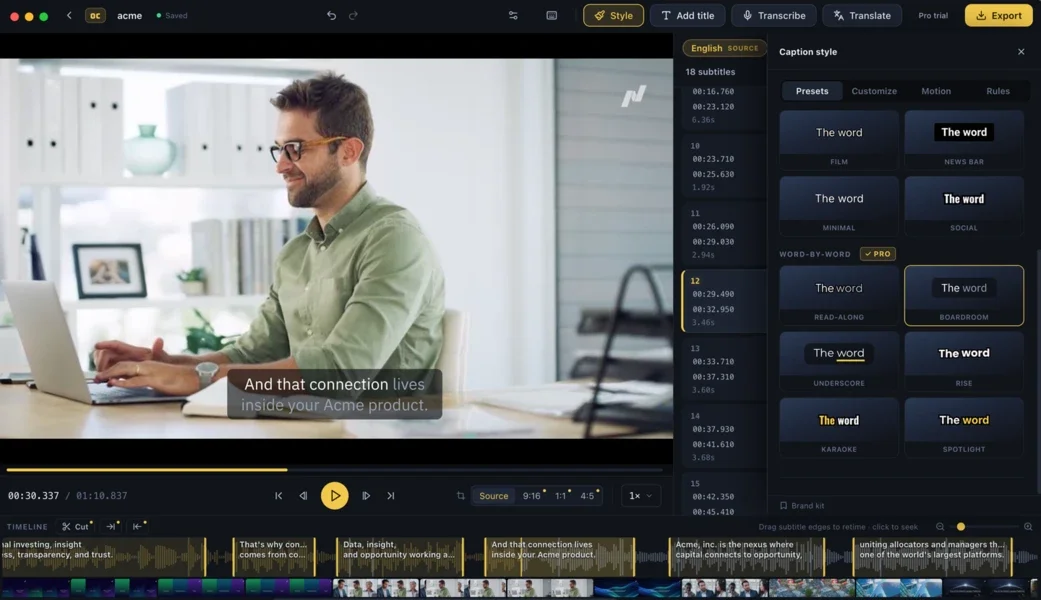
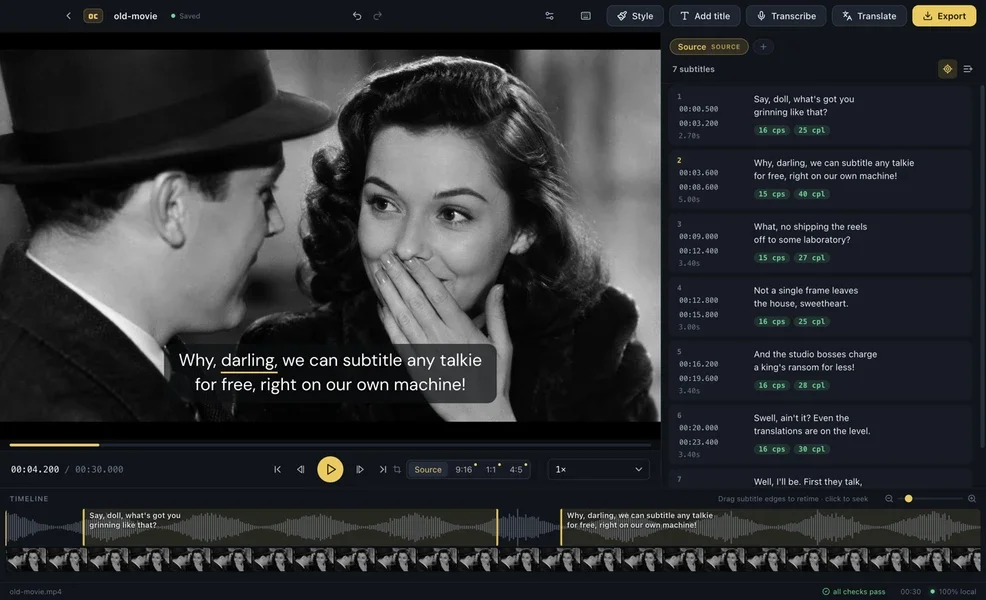
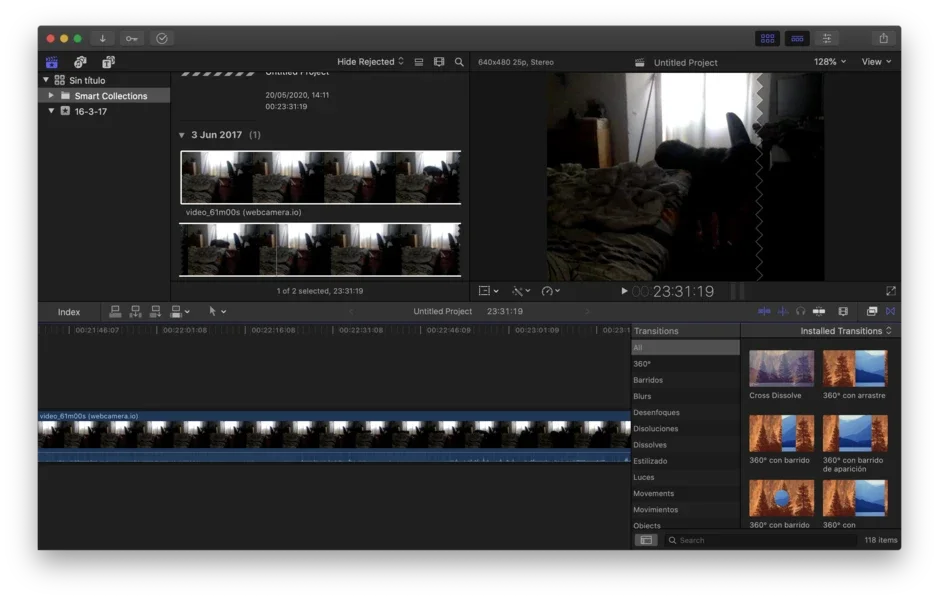
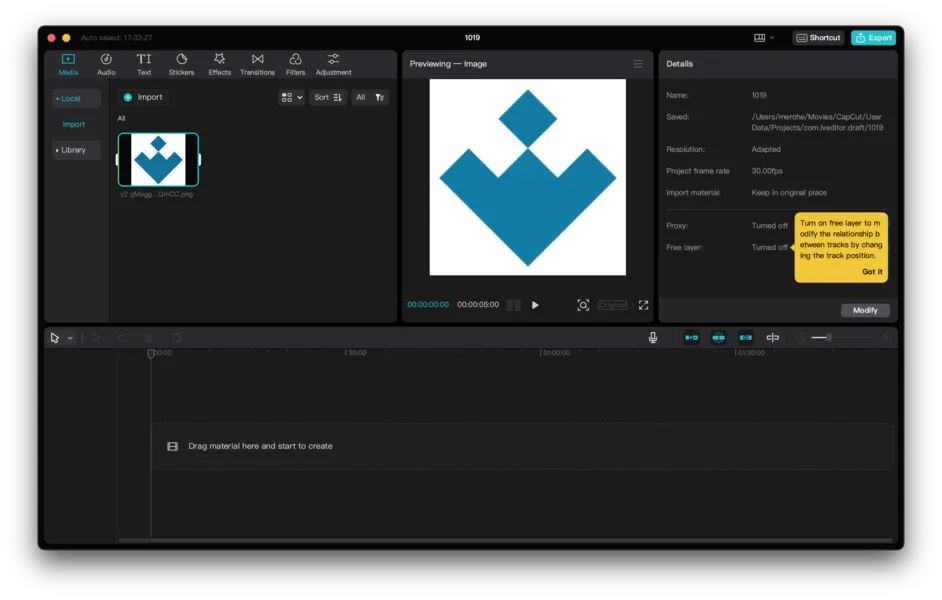
Overcaption is a subtitle studio for macOS and Windows. It transcribes video on the machine itself using Whisper-class speech recognition, with word-level timestamps and hallucination filtering.
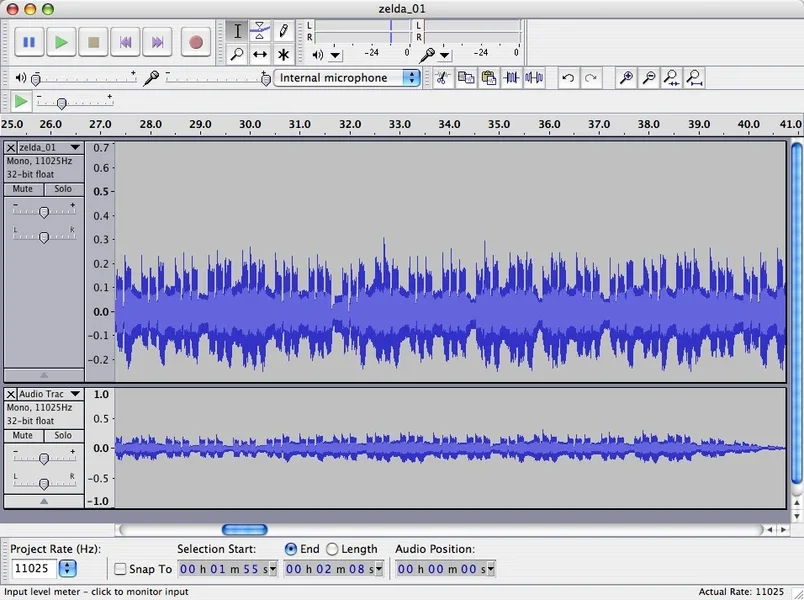
An editor lets you correct the text and its timing, with keyboard shortcuts and a waveform timeline. It checks reading speed and line length as you work. Translation runs locally into about 50 languages using downloadable models. Transcription and translation both work fully offline, with no account and no uploads. Nothing in the app costs anything to use, and there is no time limit on it. Subtitle files export as SRT, VTT or TXT, and styled subtitles can be burned into the video without a watermark.
Some advanced Pro features require payment. It runs on macOS with Apple Silicon and on Windows 10 and 11.
[Release notes coming soon]
Verify the file
Compare the SHA-256 of the file you downloaded with the value below. Files exactly as the publisher released them.
-
overcaption-0-4-6.dmg
0.4.6 · DMG · 186.1 MB
SHA-256
5195cddf7a6973c77f9a37e12b0b4c56c6bd1af4895470219571b50f3ee25a1dCheck on VirusTotal Get
Files exactly as the publisher released them.
Information
- Seller
- Overcaption
- Size
- 186.1 MB
- Category
- Design & editing
- Compatibility
macOS 11.0 Big Sur or later
- Languages
English
- Age rating
- All ages