Proton Pass1.44.1 for macOS
Stores, shares and manages passwords on a Mac
Free · Proprietary
You are on Windows — this is the macOS version. See the Windows version
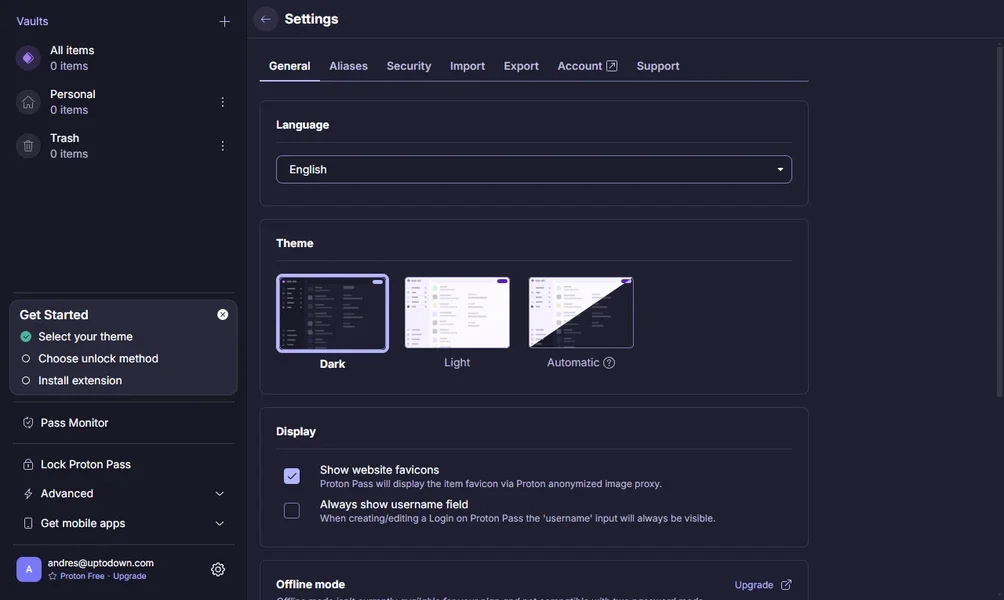
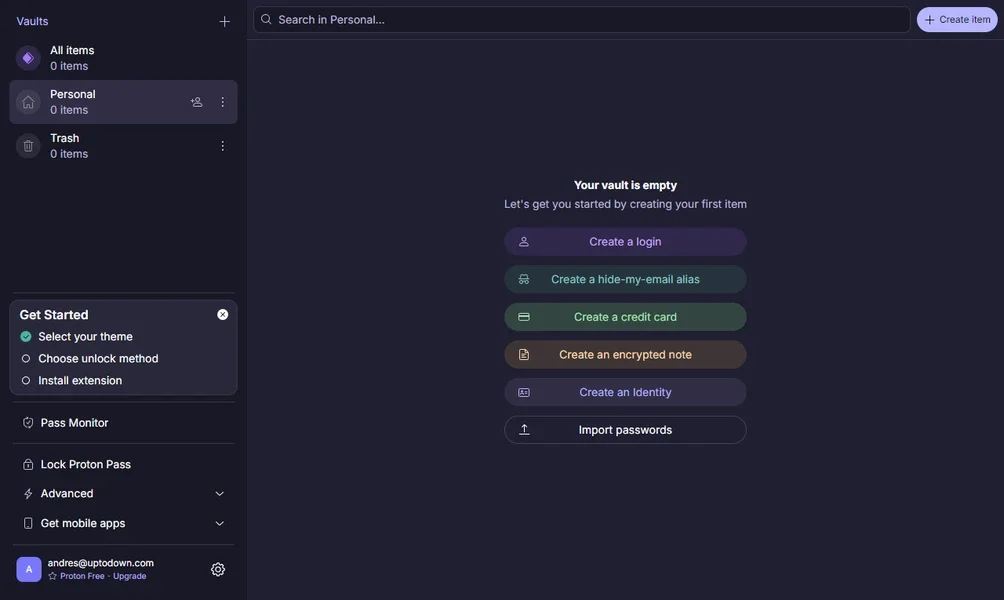
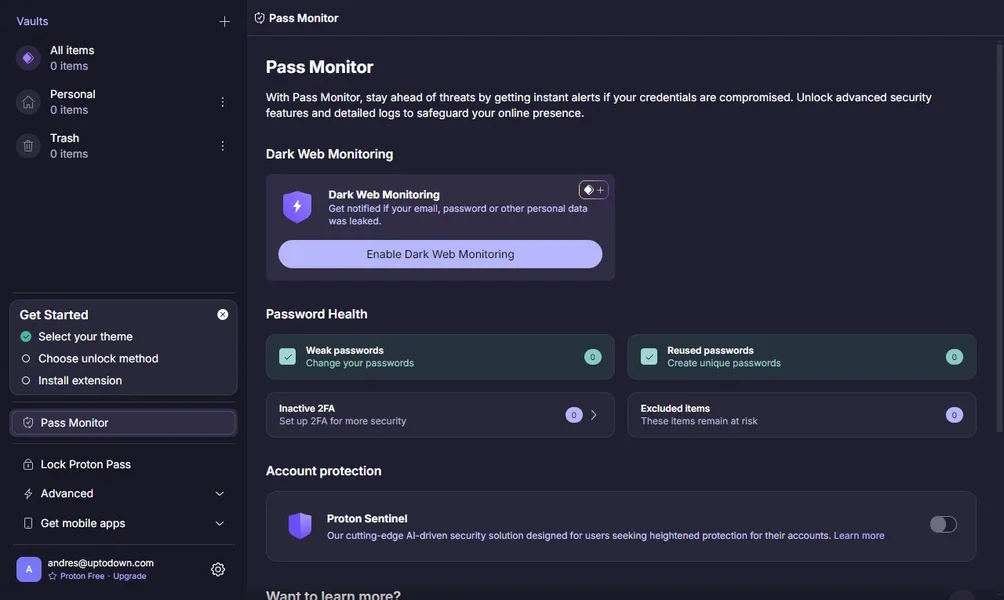
Proton Pass is a password manager for the Mac. It stores, shares and manages passwords and other sensitive information, and it comes from Proton AG.
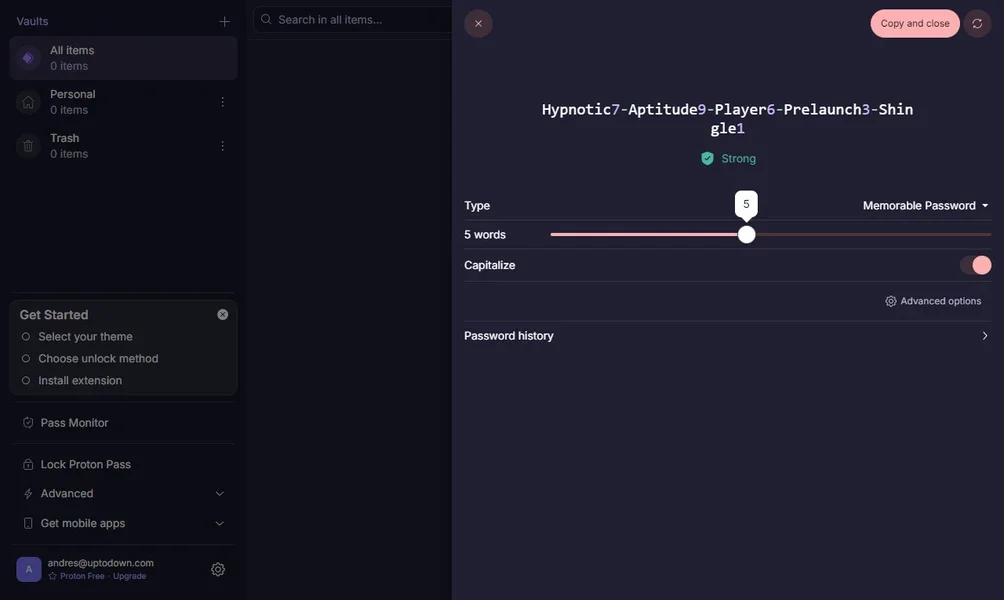
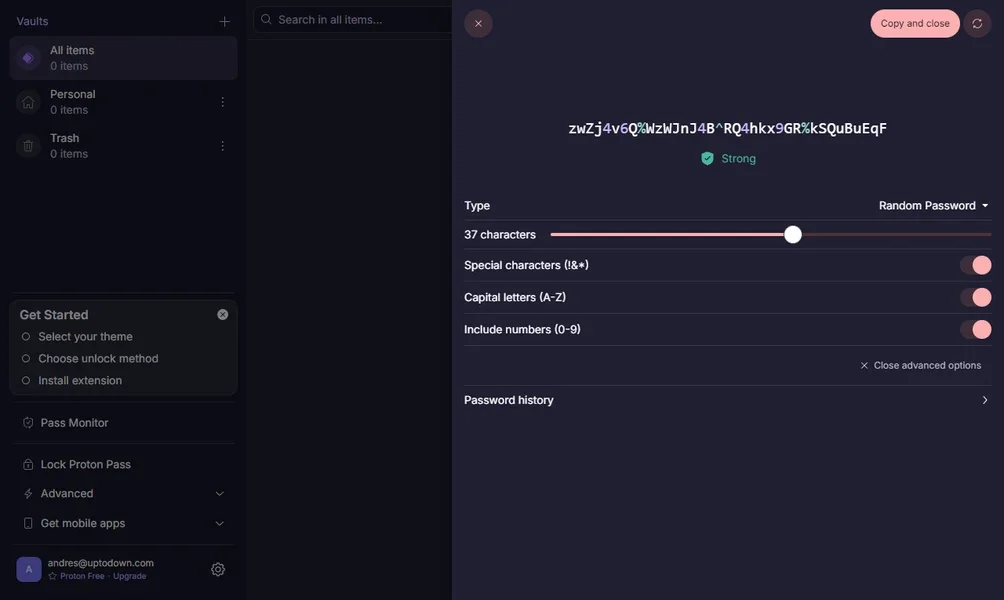
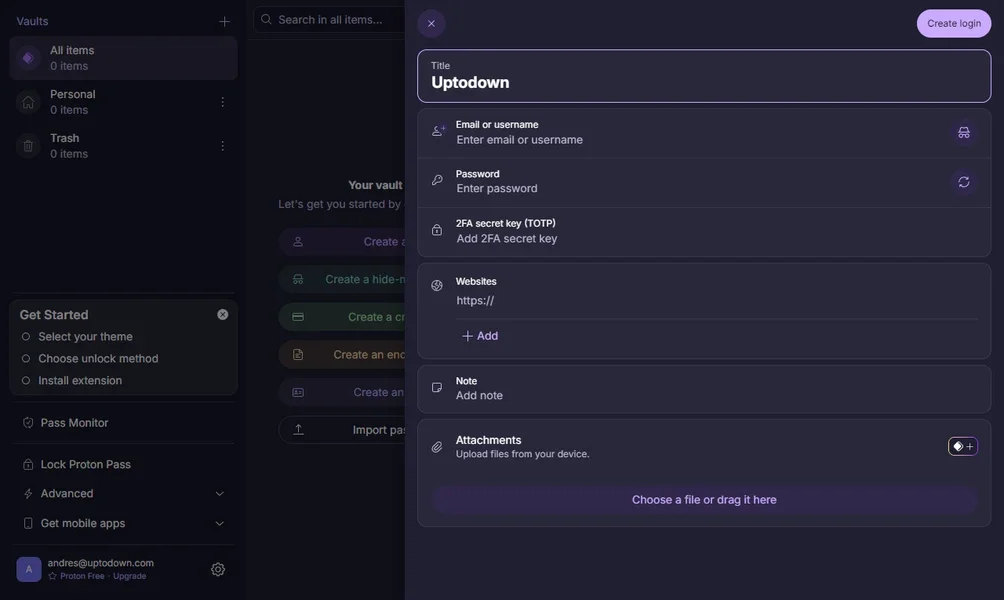
You need a Proton account to use it, and everything becomes accessible only after you log in. Signing up means entering an email address, verifying it, and creating a secure password that contains numbers, letters and symbols. On first launch the app offers an interactive tutorial on common actions; you can skip it. The tutorial covers adding entries to virtual safes, generating secure passwords and changing the interface. The built-in generator lets you set a length from 4 to 64 characters and choose special characters, numbers and upper or lower case letters. Generated passwords go into the virtual safe. Stored passwords can be shared with a single click. A dark theme is the default, and a light theme is available. The app is cross-platform and synchronizes data with the Android version.
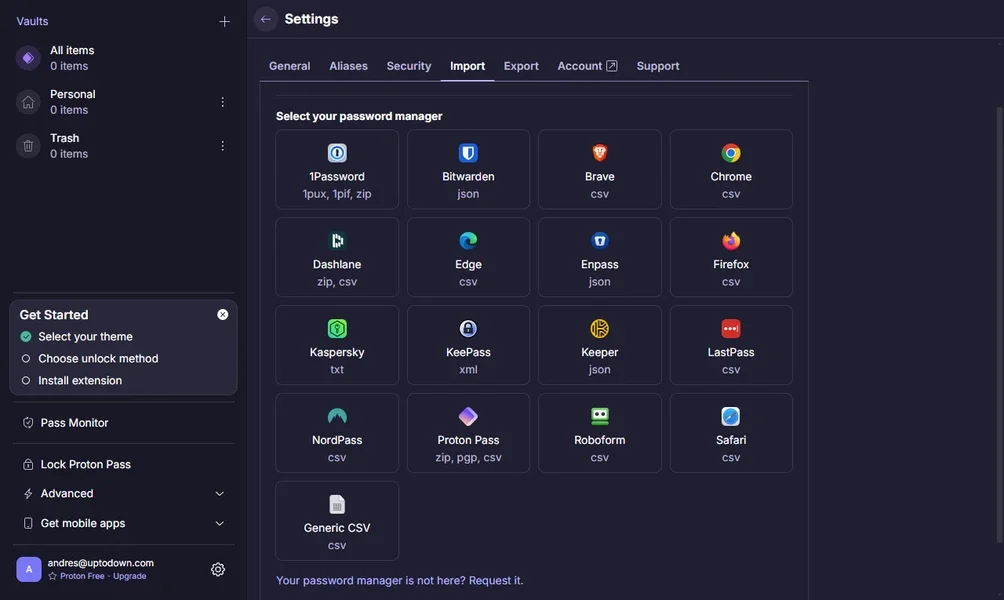
Passwords kept in Firefox, Chrome, Edge, KeePass or Roboform can be brought over. The import takes files in seven formats: CSV, JSON, ZIP, 1PUX, 1PIF, TXT and XML. Export comes in PGP, ZIP or CSV.
[Release notes coming soon]
Verify the file
Compare the SHA-256 of the file you downloaded with the value below. Files exactly as the publisher released them.
-
proton-pass-1-44-1.dmg
1.44.1 · DMG · 255.6 MB
SHA-256
4e0dbf4dd4907de748286e2bd6c43dd3c30661333414a713ef34c6ff7ff3579eCheck on VirusTotal Get
Files exactly as the publisher released them.
Information
- Seller
- Proton AG
- Size
- 255.6 MB
- Category
- Security
- Compatibility
macOS 13.0 Ventura or later
- Languages
English
- Age rating
- 3+
- License
- Proprietary
- Price
- Free
- Platform
- Also available on Windows