
Stores, shares and manages passwords and private data from Windows
You are on macOS — this is the Windows version. See the macOS version
Screenshots
Description
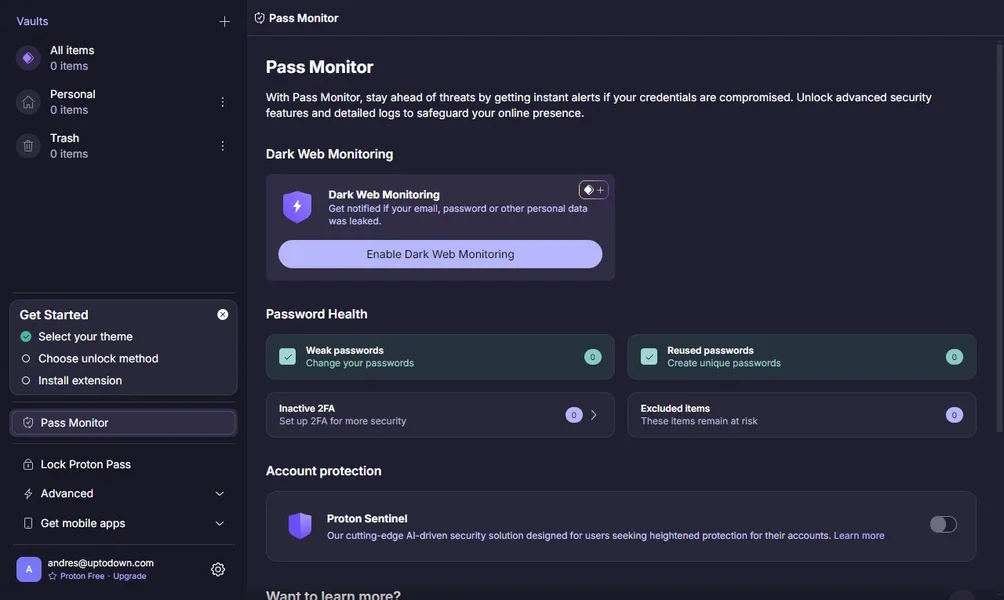
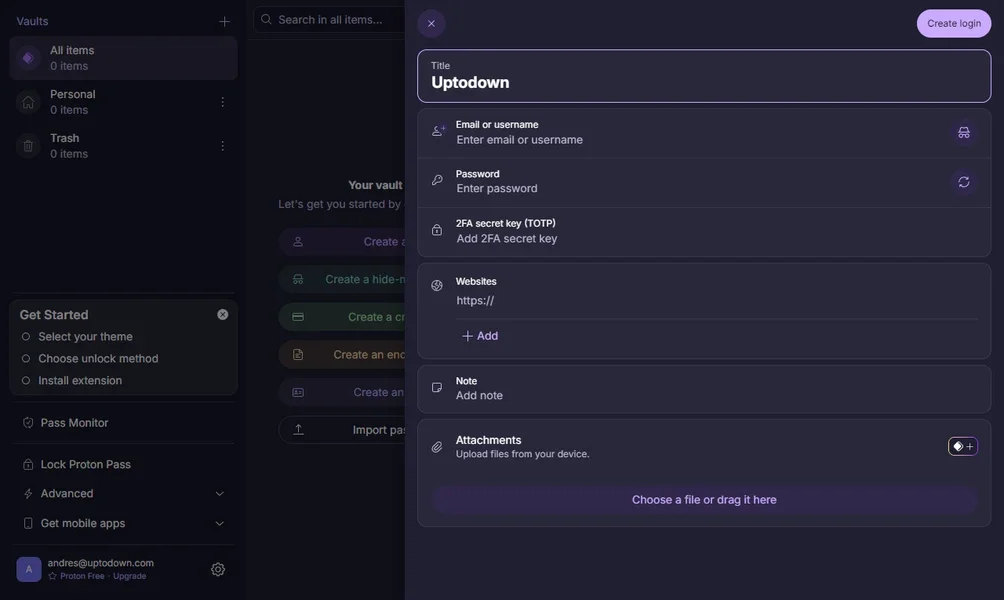
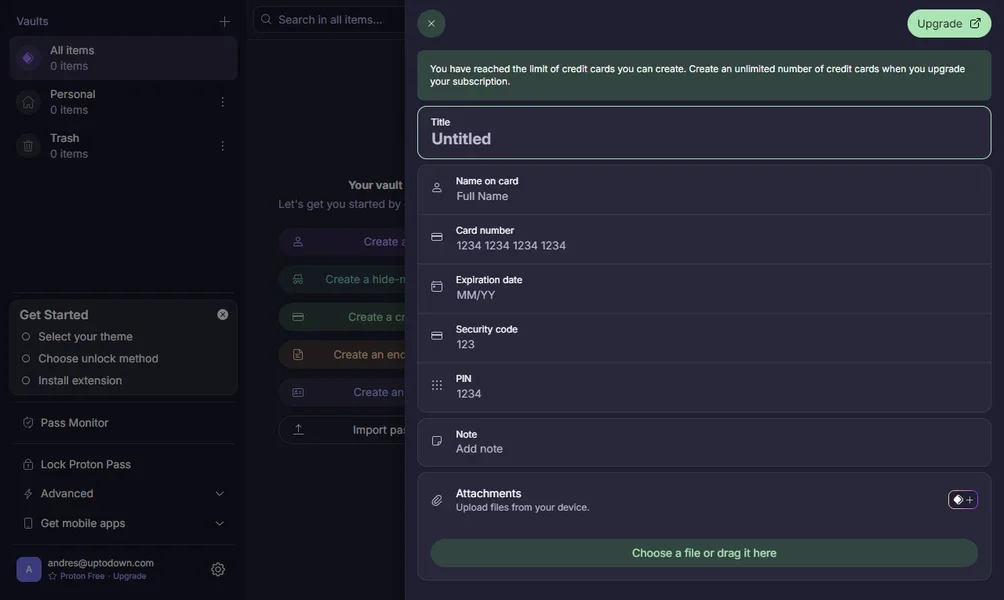
Proton Pass keeps passwords and private information in one place and syncs them between Windows and the Android app. You need a Proton account to use it.
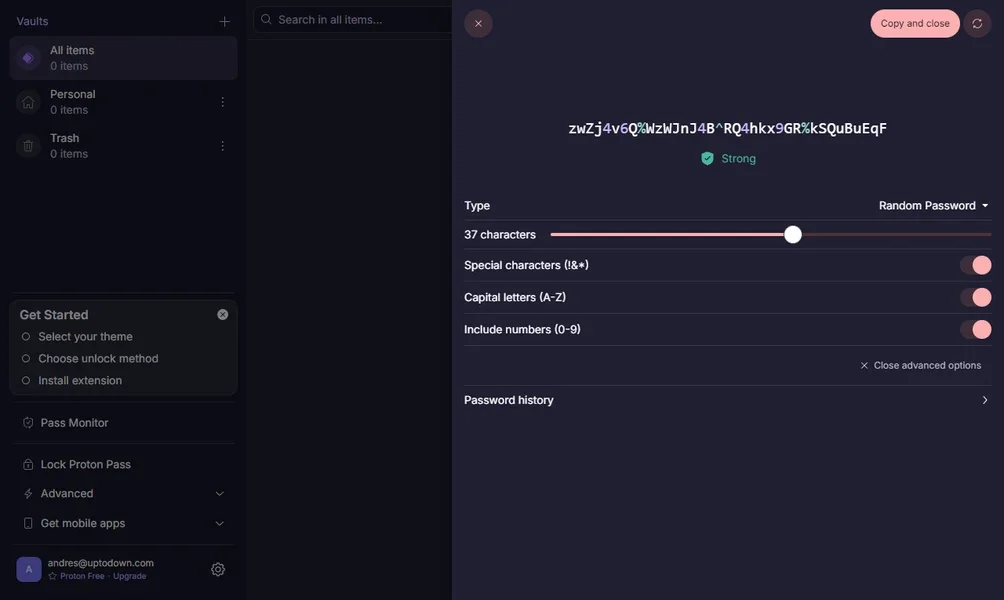
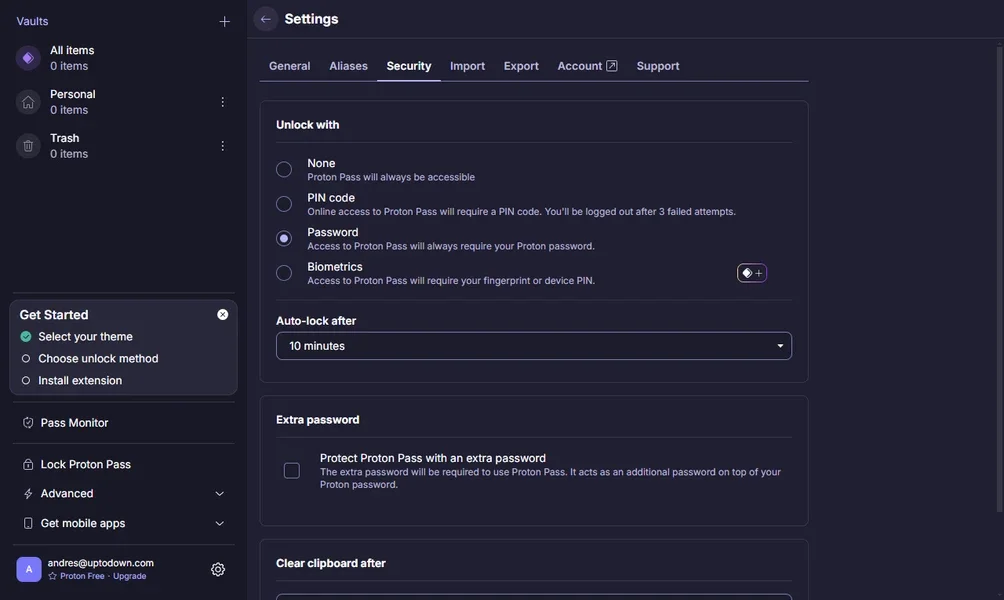
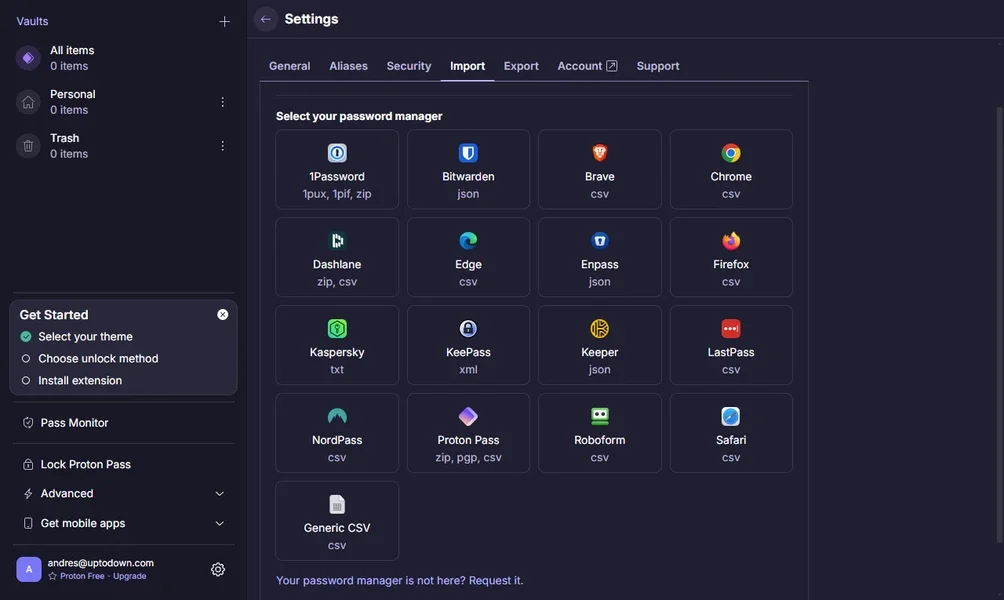
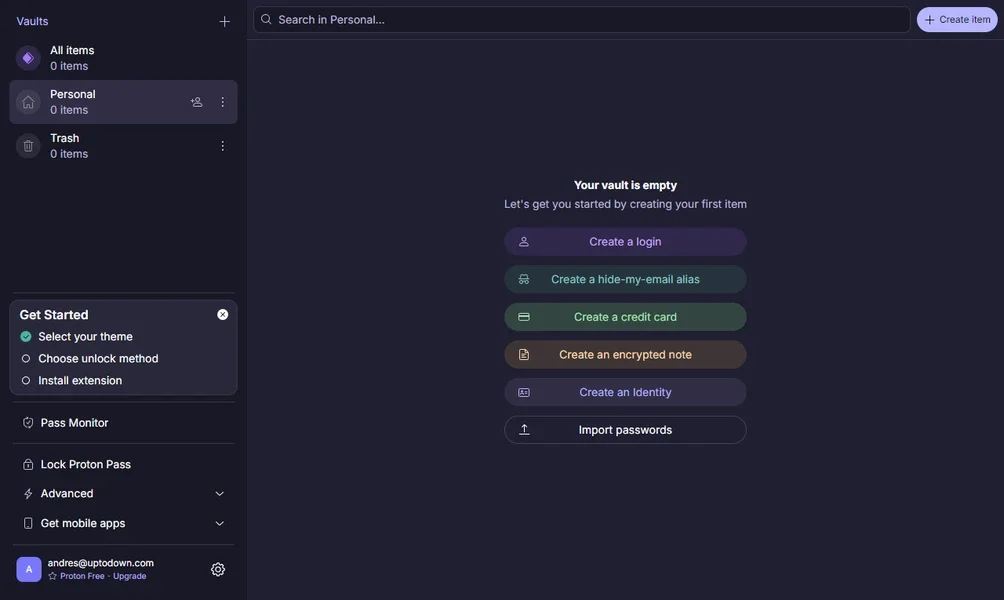
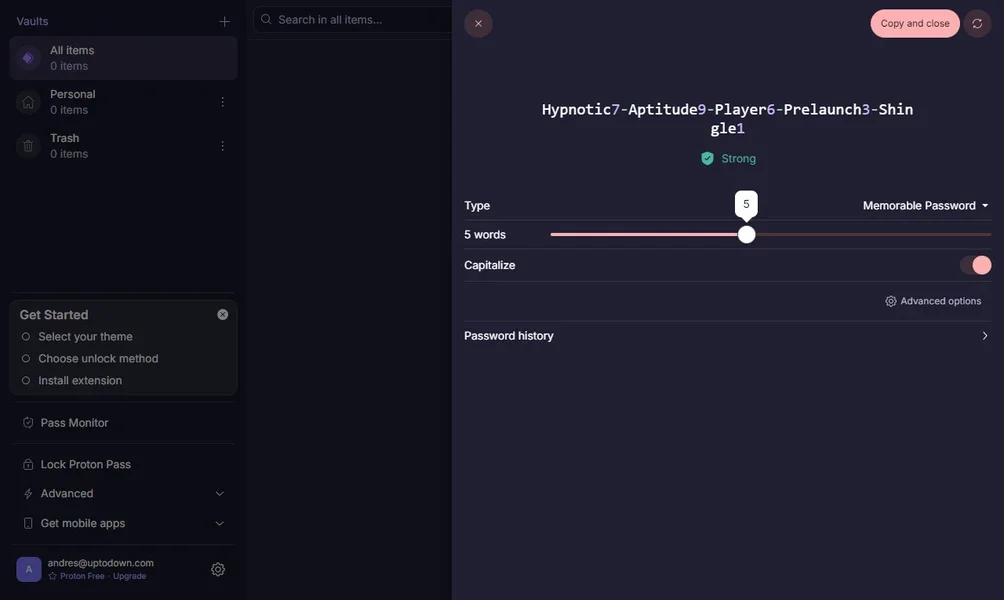
Signing up means entering an email address, verifying the account and choosing a password, which the documentation puts at under a minute. On first launch an interactive tutorial opens and runs through adding entries to virtual safes, generating secure passwords and changing the interface; it is said to take less than five minutes. The generator lets you set a length between 4 and 64 characters and choose whether to include special characters, numbers and upper and lower case letters. Generated passwords can be saved and shared. Moving existing logins in is handled by import, which takes files in 1PUX, 1PIF, TXT, XML, JSON and ZIP form, as well as CSV, and pulls in passwords stored in Firefox, Chrome, Edge, KeePass or Roboform. Export goes out as PGP, ZIP or CSV.
The dark theme is the default, and a light theme is available. It comes from Proton AG.
Download files
186b5984e51cf3866561b61d4c87fc10aafd55c711e33e891b1a66ceb3a17c2d
Signed by Proton AG · valid until Mar 16, 202891bcfba6348a8f46b2916d299d4b9a0b56af8721791727ac0a4312be3f3a6ba8
Signed by Proton AG · valid until Mar 16, 2028461695c552da38b43eae8d6f7d7f141b7f1a58095b324ae8104fa3b0056e5390
Signed by Proton AG · valid until Mar 16, 2028b8e707d530e57d2de7e8f990e20ea3bed228b41ee4df99ee3eaf0ca674f53773
Signed by Proton AG · valid until Mar 16, 20286d79822fc096da7e819e915badf1e92db6ffa577d4e8615a6ea0a506d5acabd4
Signed by Proton AG · valid until Mar 16, 2028System requirements
Available on:
Additional information
Developer
Latest release
Size
File type
SHA-256
186b5984e51cf3866561b61d4c87fc10aafd55c711e33e891b1a66ceb3a17c2d