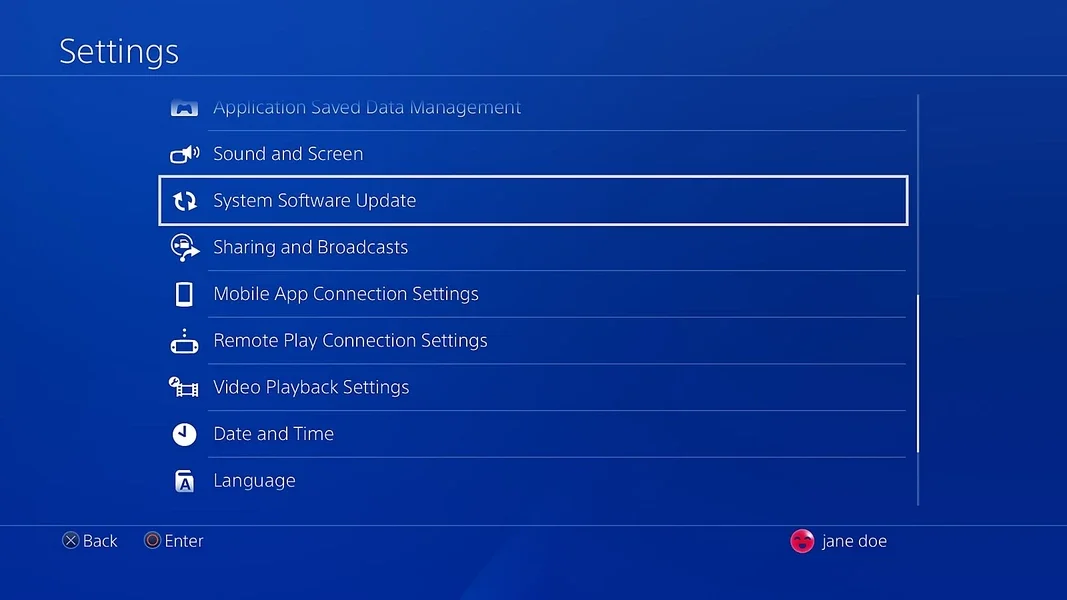
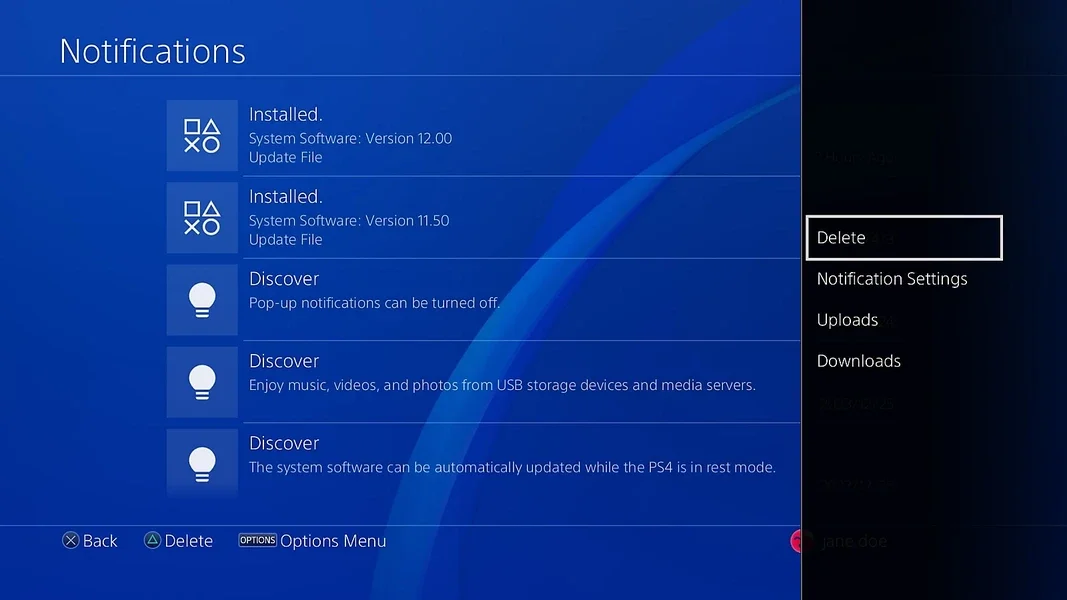
PS4 System Software Update installs PlayStation 4 system software from a USB drive. It is Sony's official update package, meant for manual installation when the console cannot reach the Internet or an earlier update left errors behind.
Format the USB drive as FAT32 or exFAT, then create a folder named PS4, and inside it a folder named UPDATE. After you extract the downloaded file, save it in that location as PS4UPDATE.PUP so the console recognizes it. Renaming the file should not be necessary for it to work. Connect the drive to the PlayStation 4 and keep the power button held down until the second beep sounds. In the safe mode menu, choose Update System Software, followed by Update from USB Storage Device. The console then begins installing the .PUP file.
The manual update can take quite a while to complete. Several minutes is normal.
[Release notes coming soon]
Verify the file
Compare the SHA-256 of the file you downloaded with the value below. Files exactly as the publisher released them.
-
ps4-system-software-update-2026-06-11.zip
2026.06.11 · ZIP · 480.0 MB
SHA-256
29e12083c4704b346f67aad41ea8bdf3bf1b8671a4d12afdd4ea7fcf5c272091Check on VirusTotal Get
Files exactly as the publisher released them.
Information
- Seller
- Sony
- Size
- 480.0 MB
- Category
- Gaming Tools
- Compatibility
macOS 10.4 Tiger or later
- Languages
Afrikaans and 47 more
- Afrikaans, Amharic, Arabic, Armenian, Belarusian, Bulgarian, Catalan, Chinese, Croatian, Czech, Danish, Dutch, English, Estonian, Farsi, Finnish, French, German, Greek, Hebrew, Hindi, Hungarian, Icelandic, Indonesian, Italian, Japanese, Kazakh, Korean, Latvian, Lithuanian, Malay, Norwegian, Polish, Portuguese, Romanian, Russian, Serbian, Slovak, Slovenian, Spanish, Swahili, Swedish, Tagalog, Thai, Turkish, Ukrainian, Vietnamese, Zulu
- Age rating
- All ages
- Price
- Free