Skip to content

QOwnNotes26.11.13 for macOS

Markdown notes on your Mac, synced through Nextcloud

Patrizio Bekerle

Free · GPL 2.0

Download 26.11.13 · 53.3 MB
  • Age rating
    0+
    All ages
  • Category
    Text & documents
  • Developer
    Patrizio Bekerle
  • Languages
    1
    English
  • Size
    53.3
    MB

Mac

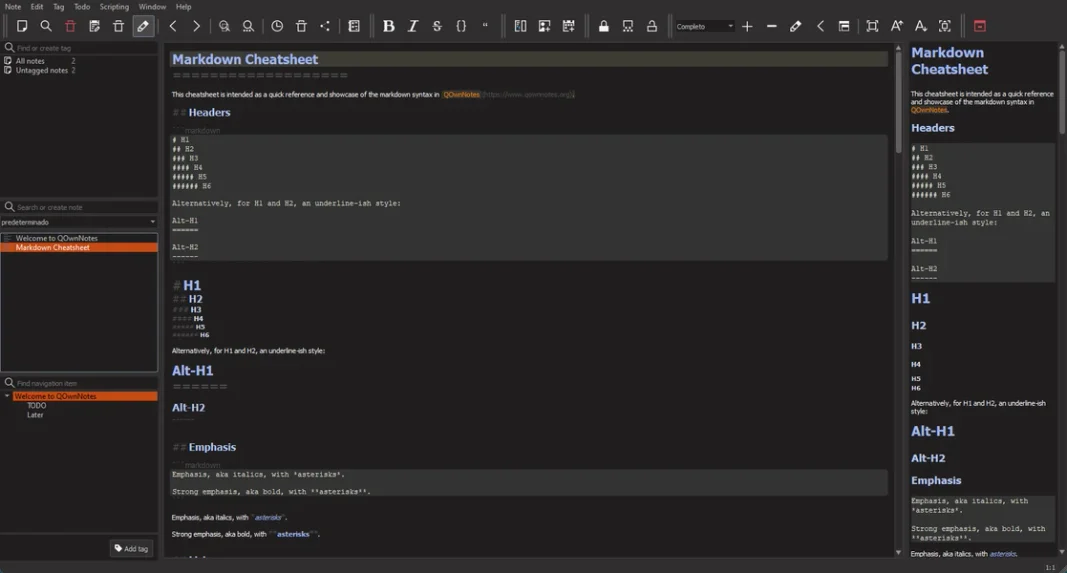
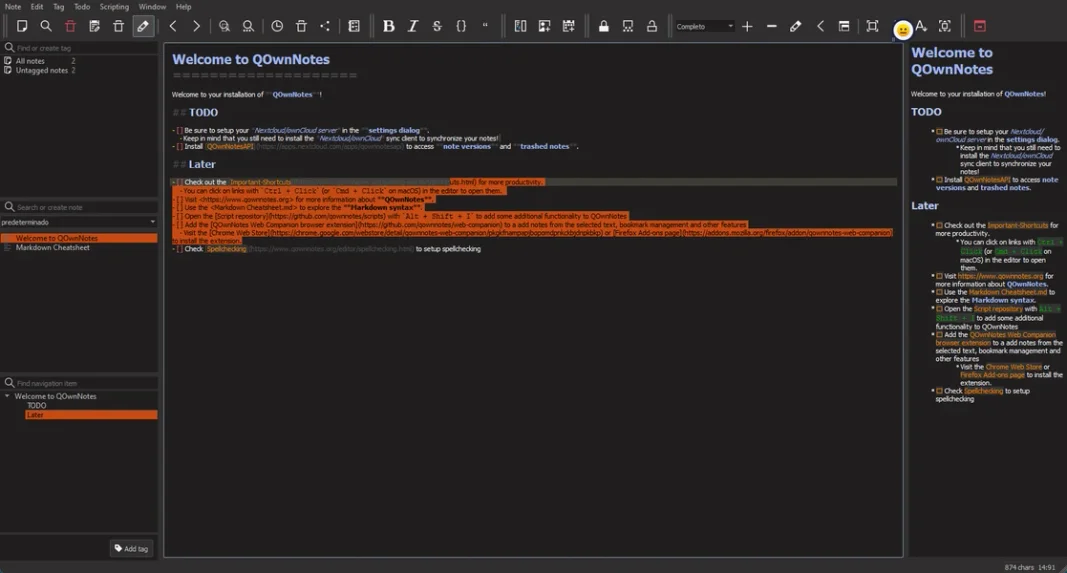
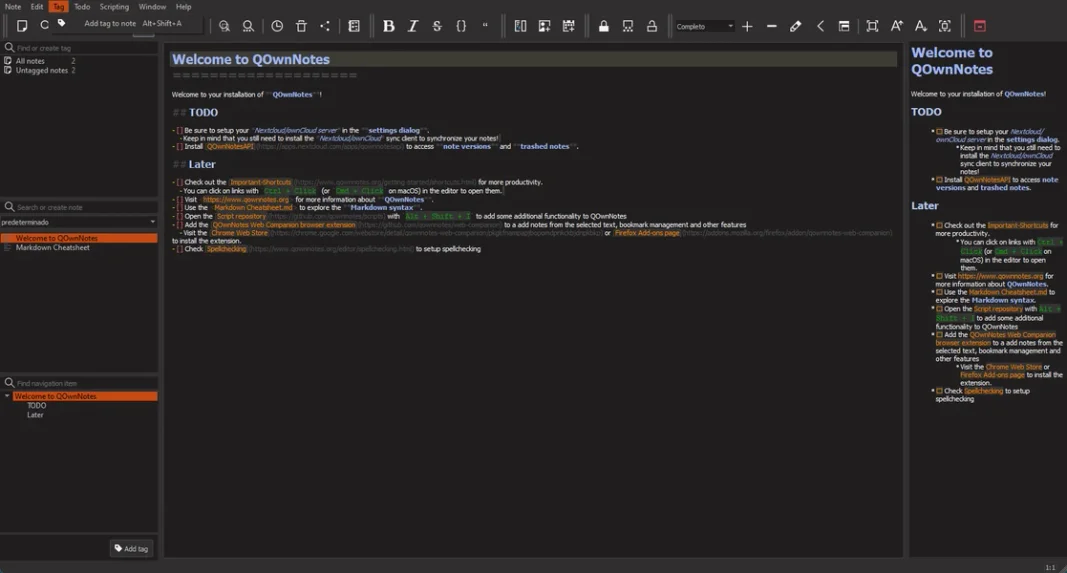
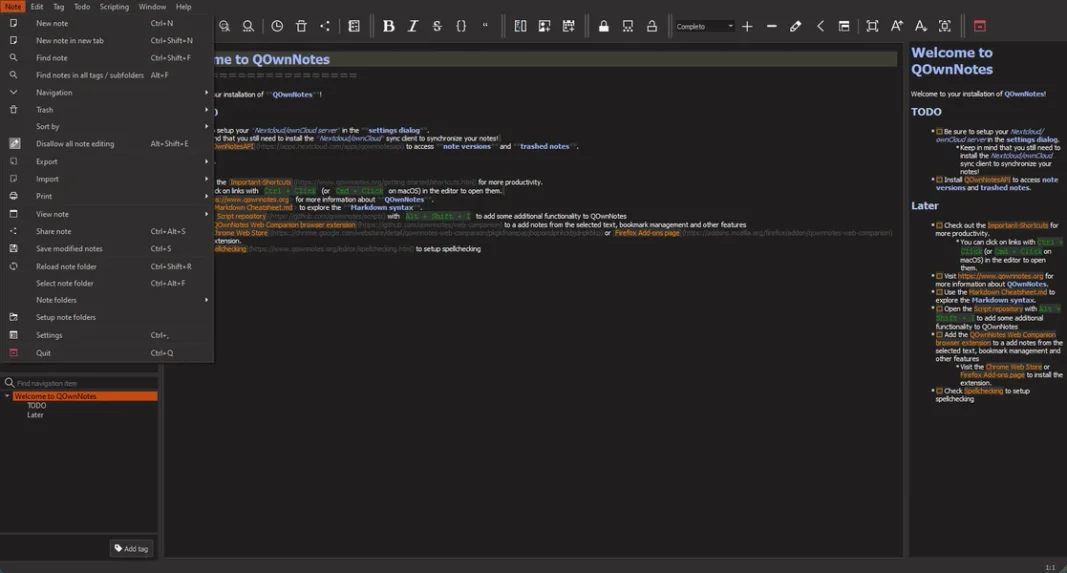
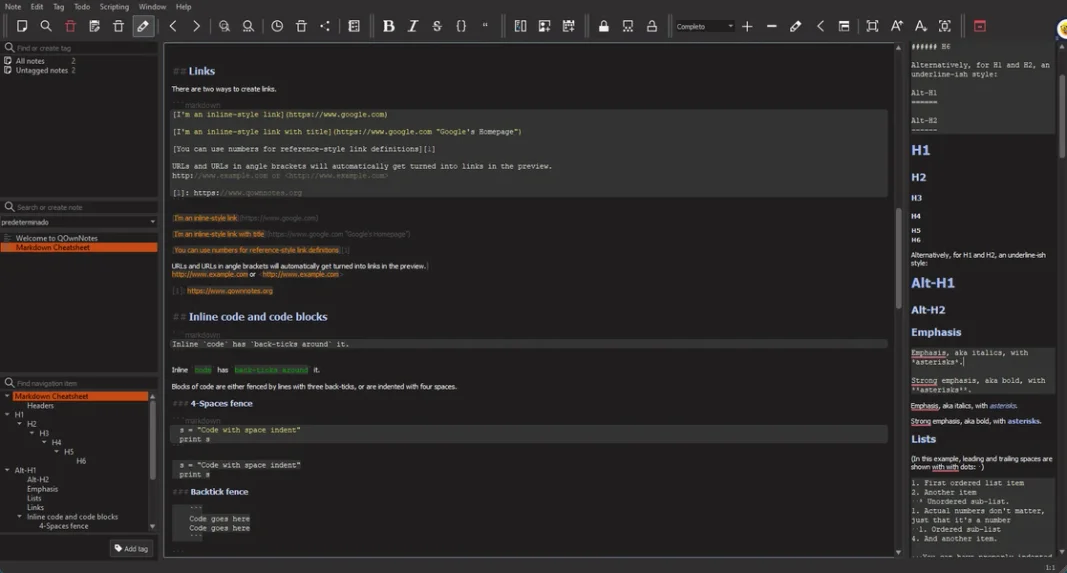
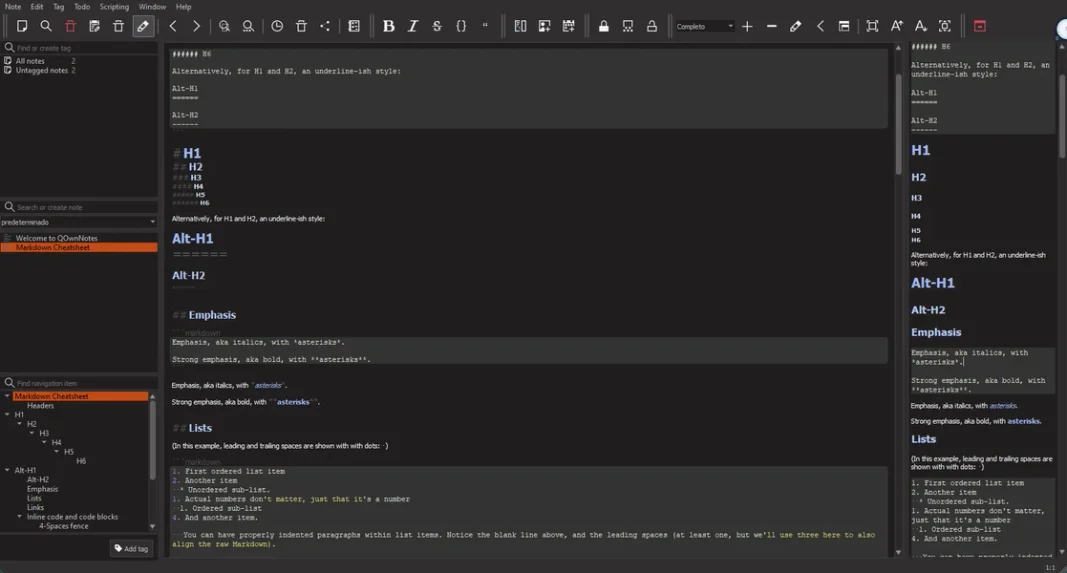
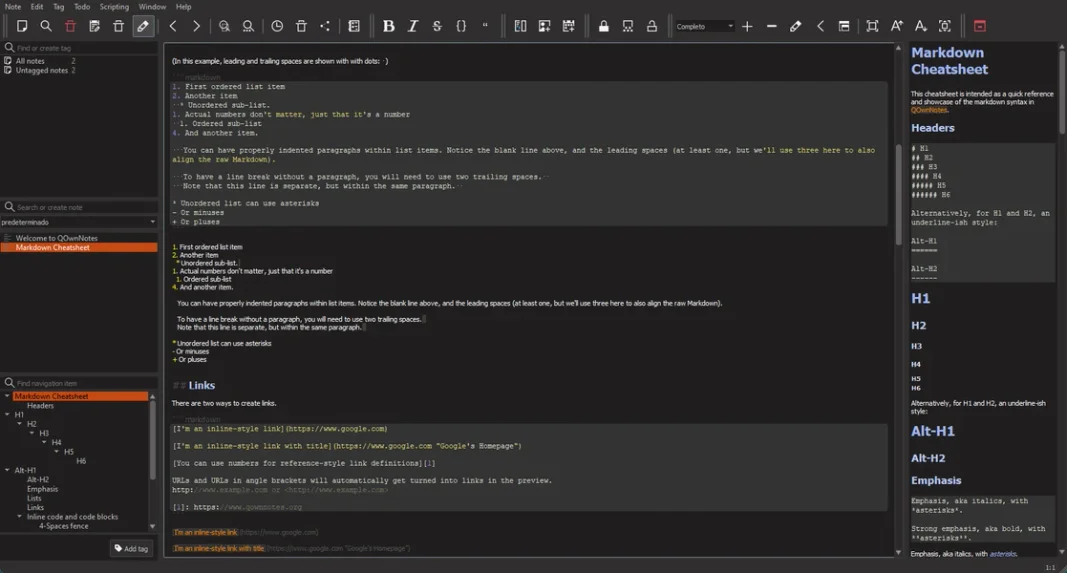
QOwnNotes writes your notes as markdown files kept on the computer itself. It is an open-source note-taking program, and it has no vendor lock-in: you keep full control over the notes and do not need another external program to work with them.

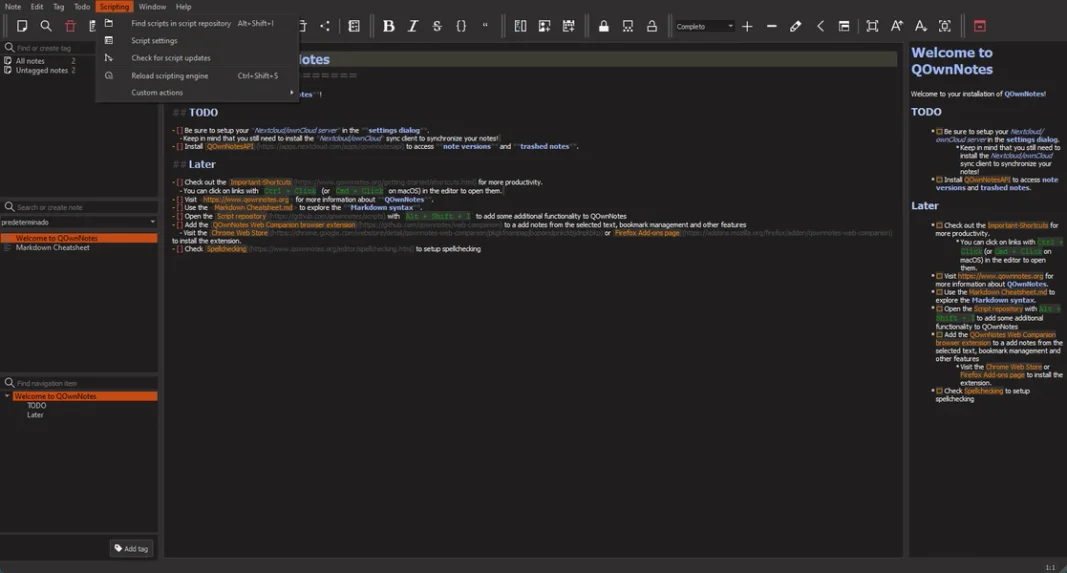
The program integrates with Nextcloud and ownCloud. Notes can be synchronized across devices through Nextcloud upload, and it can manage a Nextcloud or ownCloud task list. Another CalDAV server can also be used to synchronize tasks. If a task is changed by mistake, an earlier state of it can be brought back from the Nextcloud server. The program is written in C++, uses very little storage space, and is optimized for low processor and memory consumption as well as for speed. It is free and customizable, and you can create your own scripts for it.

What you get is a small desktop tool for markdown files that stays out of the way and keeps your notes under your own control. The latest version is 26.10.12.

[Release notes coming soon]

Version 26.11.13

Verify the file

Compare the SHA-256 of the file you downloaded with the value below. Files exactly as the publisher released them.

  • qownnotes-26-11-13.dmg

    26.11.13 · DMG · 53.3 MB

    SHA-256

    160243aa64368afee97536f5e5c5e20e491355c2f60ecfe20d3225a73fd40b10 Check on VirusTotal Get

Files exactly as the publisher released them.

Information

Size
53.3 MB
Compatibility
macOS 10.4 Tiger or later
Languages
English
Age rating
All ages
License
GPL 2.0
Price
Free

Version history

  • [Release notes coming soon]

    26.11.13
  • [Release notes coming soon]

    26.11.10
  • [Release notes coming soon]

    26.11.9
  • [Release notes coming soon]

    26.11.4
  • [Release notes coming soon]

    26.11.3
  • [Release notes coming soon]

    26.10.12
  • [Release notes coming soon]

    26.10.11
  • [Release notes coming soon]

    26.10.8
  • [Release notes coming soon]

    26.10.5
  • [Release notes coming soon]

    26.10.3
  • [Release notes coming soon]

    26.10.2
  • [Release notes coming soon]

    26.10.1
  • [Release notes coming soon]

    26.9.12
  • [Release notes coming soon]

    26.9.8
  • [Release notes coming soon]

    26.9.1
  • [Release notes coming soon]

    26.8.8
  • [Release notes coming soon]

    26.8.6
  • [Release notes coming soon]

    26.8.4
  • [Release notes coming soon]

    26.8.1
  • [Release notes coming soon]

    26.8.0
  • [Release notes coming soon]

    26.7.10
  • [Release notes coming soon]

    26.7.9
  • [Release notes coming soon]

    26.7.8
  • [Release notes coming soon]

    26.7.8
  • [Release notes coming soon]

    26.7.8
  • [Release notes coming soon]

    26.7.7
  • [Release notes coming soon]

    26.7.6
  • [Release notes coming soon]

    26.7.5
  • [Release notes coming soon]

    26.7.3
  • [Release notes coming soon]

    26.7.2
  • [Release notes coming soon]

    26.7.1
  • [Release notes coming soon]

    26.7.1
  • [Release notes coming soon]

    26.7.0
  • [Release notes coming soon]

    26.6.12
  • [Release notes coming soon]

    26.6.10
  • [Release notes coming soon]

    26.6.9
  • [Release notes coming soon]

    26.6.7
  • [Release notes coming soon]

    26.6.7
  • [Release notes coming soon]

    26.6.5
  • [Release notes coming soon]

    26.6.4
  • [Release notes coming soon]

    26.6.4
  • [Release notes coming soon]

    26.6.2
  • [Release notes coming soon]

    26.6.0
  • [Release notes coming soon]

    26.6.1
  • [Release notes coming soon]

    26.5.16
  • [Release notes coming soon]

    26.5.16
  • [Release notes coming soon]

    26.5.15
  • [Release notes coming soon]

    26.5.15
  • [Release notes coming soon]

    26.5.14
  • [Release notes coming soon]

    26.5.13

All versions ›