QOwnNotes 26.11.13 for Windows
Notes as markdown files on your own disk, synced through Nextcloud
You are on macOS — this is the Windows version. See the macOS version
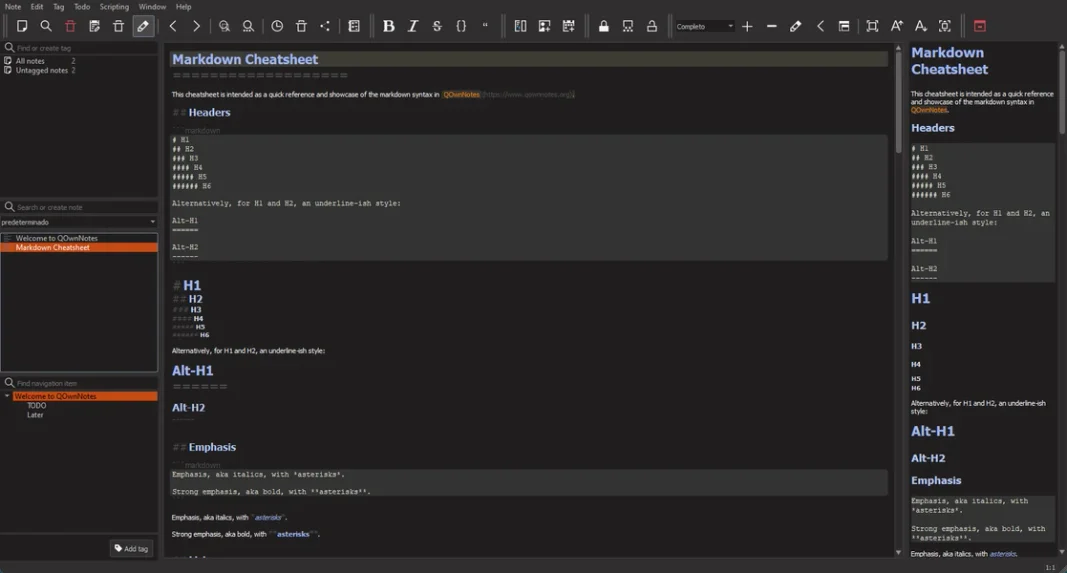
Screenshots
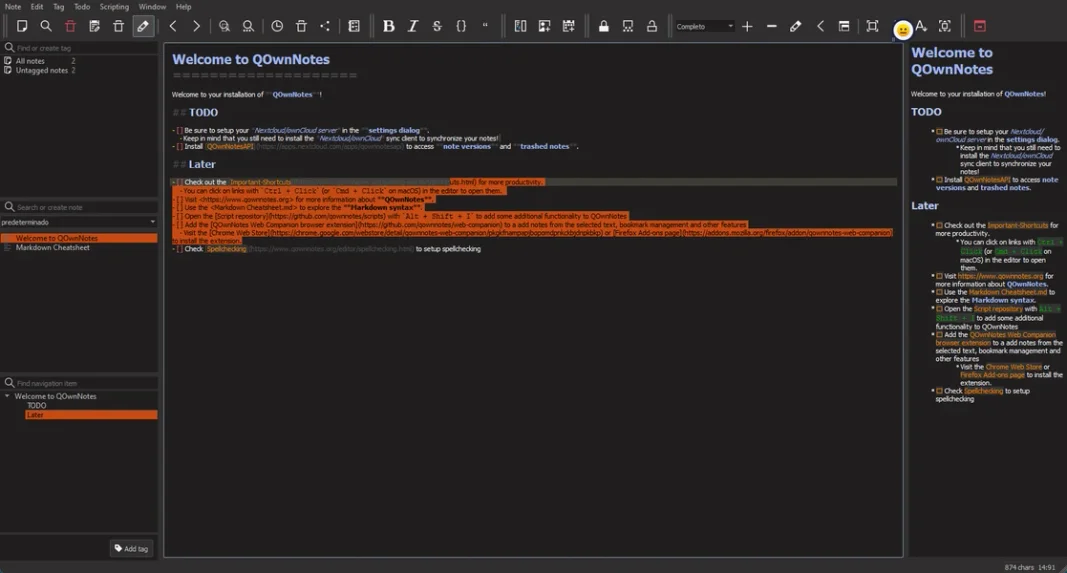
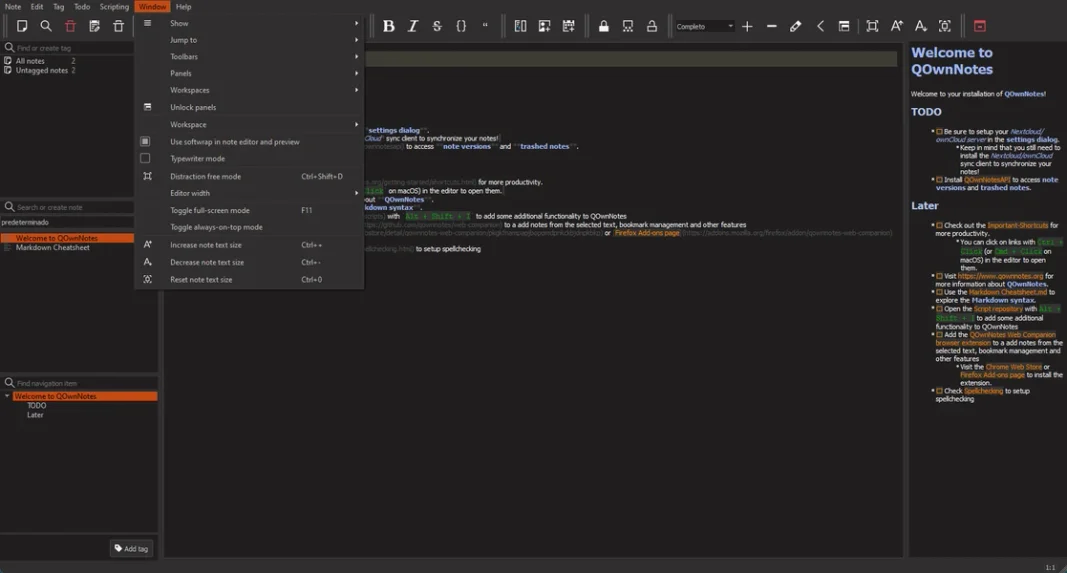
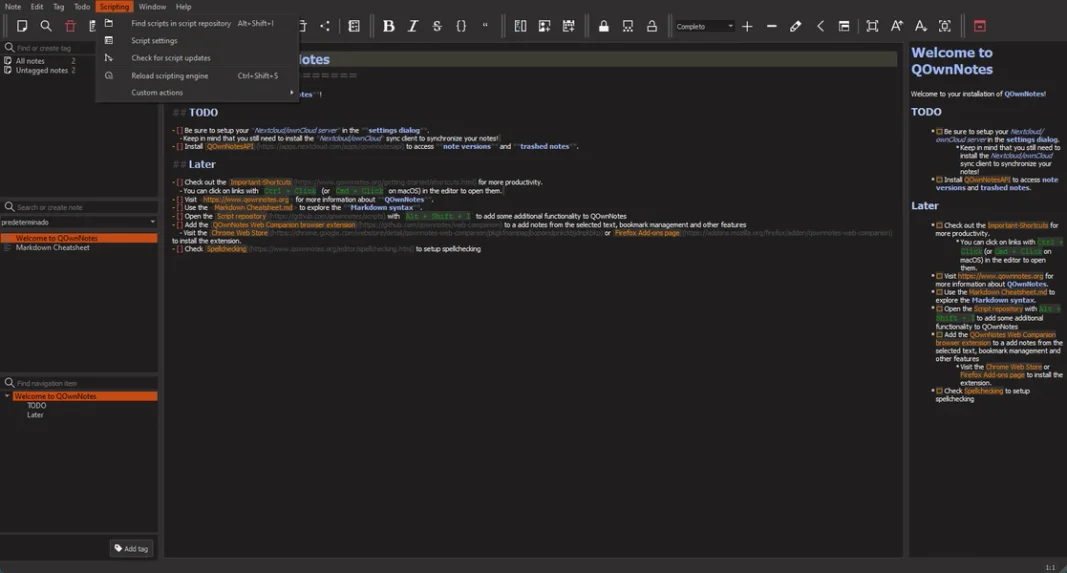
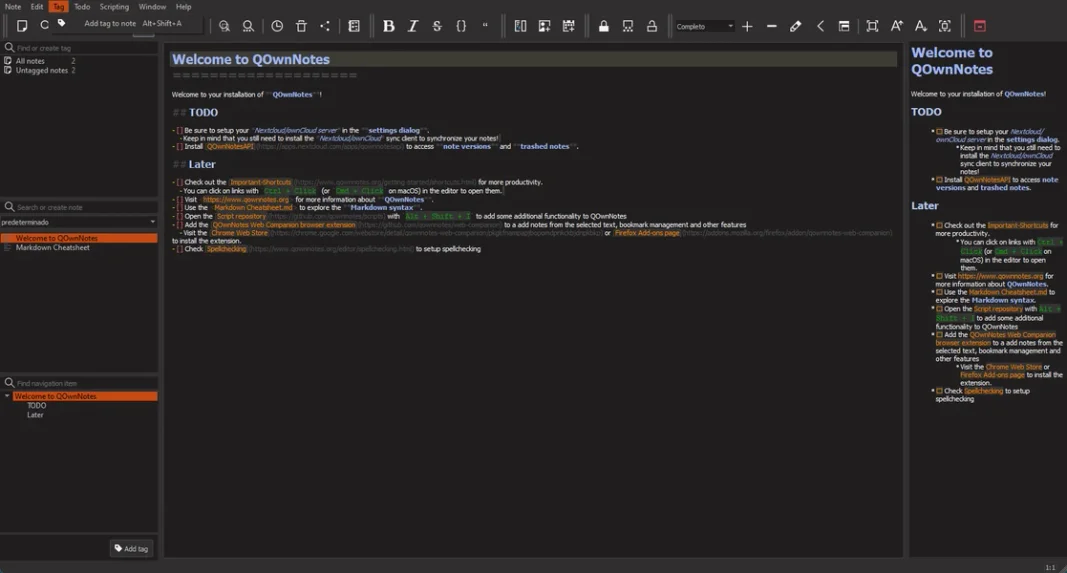
Description
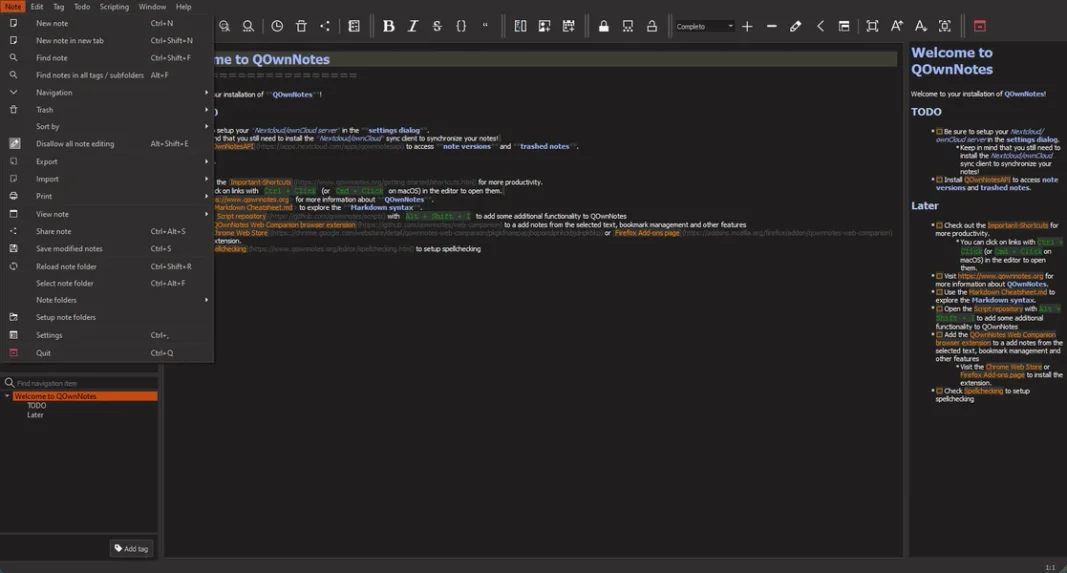
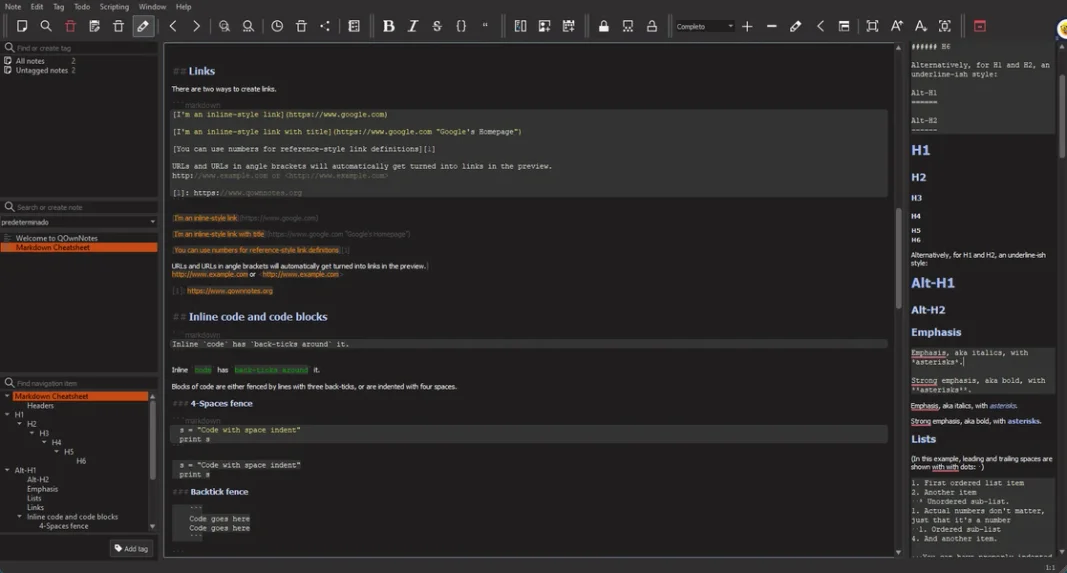
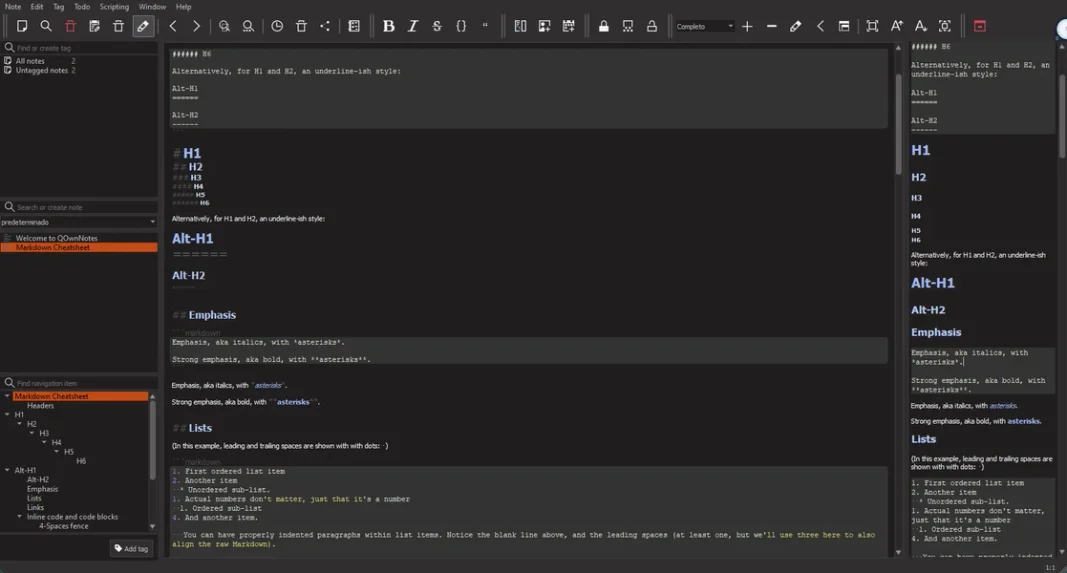
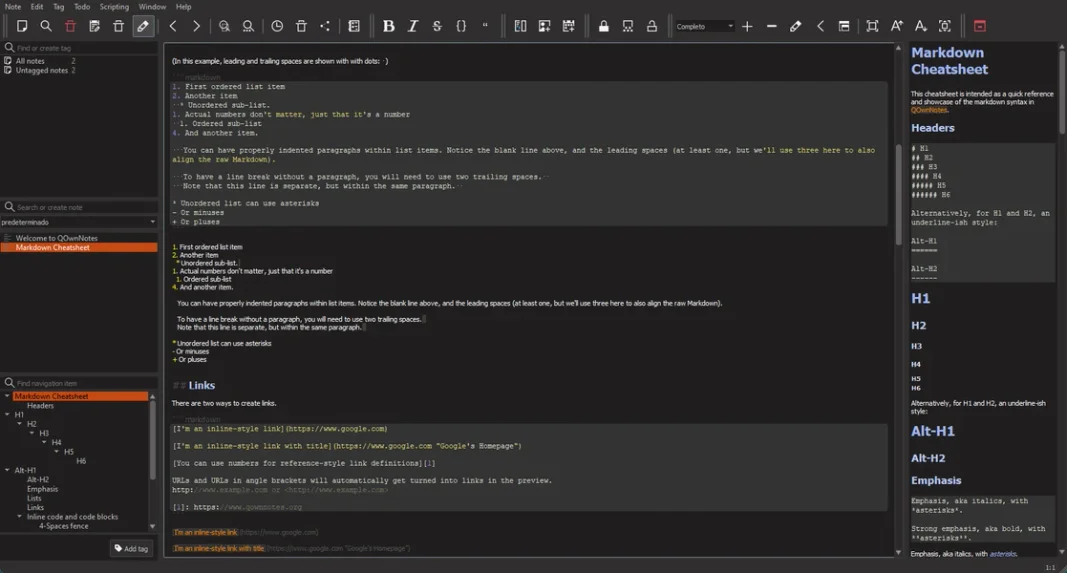
You write notes in QOwnNotes and they sit on your computer as markdown files, plain text you can open with anything. The program connects to Nextcloud and ownCloud servers, and notes sync right away through the Nextcloud upload. Backups and older versions of files can be retrieved from the Nextcloud server, which is how notes and files stay safe. A personal task list can be managed through Nextcloud, ownCloud, or another CalDAV server, and tasks and notes both synchronize through that server.
The notes are not tied to an external or paid provider, and you have full control over the ones you create. It is written in C++ and optimized to run at maximum speed. It is designed to use little CPU and memory and takes up very little storage space. You can write your own scripts, and the program is customizable. It is open-source and free.
The current version is 26.10.12, under GPL 2.0, developed by Patrizio Bekerle.
Download files
020f818e15df11c905f14458430281ace079a13946b8f288aef9f96cd8485963
5e02b33a9e5ef8123c45eea7f4841acfe5d3c88c2bcfacce5ea39c123b1f7e3e
249a3ccc8ba7f48b0e8de18b1e212317b1692fddde960b64dbfa37bd7ff00caa
0e9fc42fdae0011c3bcc3ab367ce7ae1c26c5529cde89c8e2306b4d6a84537cb
No digital signatureba5d822648fa8080fc4dc1c929ef008d8664234f50319ec205186a10382f108b
System requirements
Available on:
Minimum OS:
Windows XP or later
Additional information
Developer
Latest release
Size
File type
SHA-256
020f818e15df11c905f14458430281ace079a13946b8f288aef9f96cd8485963