ScreenSteps4.6.2 for macOS
Builds PDF or HTML tutorials from screenshots and on-image notes
Trial · Proprietary
You are on Windows — this is the macOS version. See the Windows version
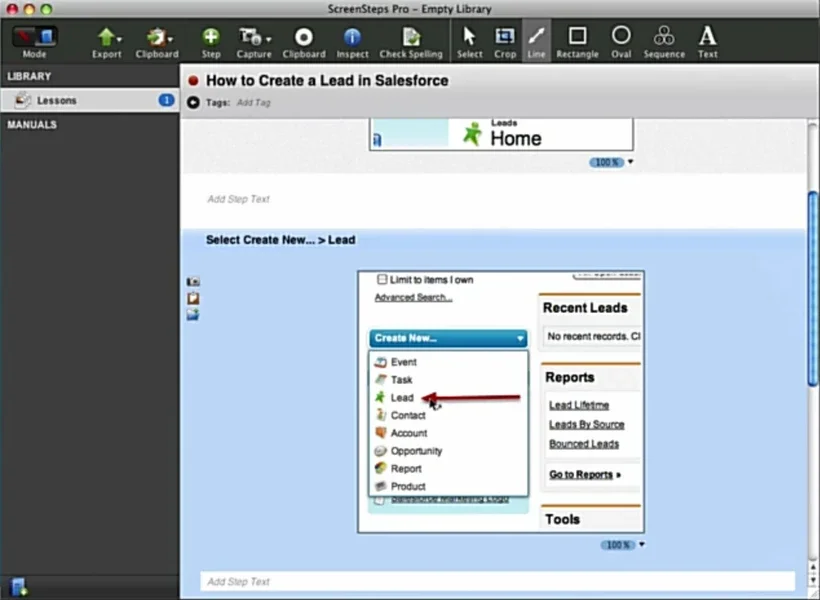
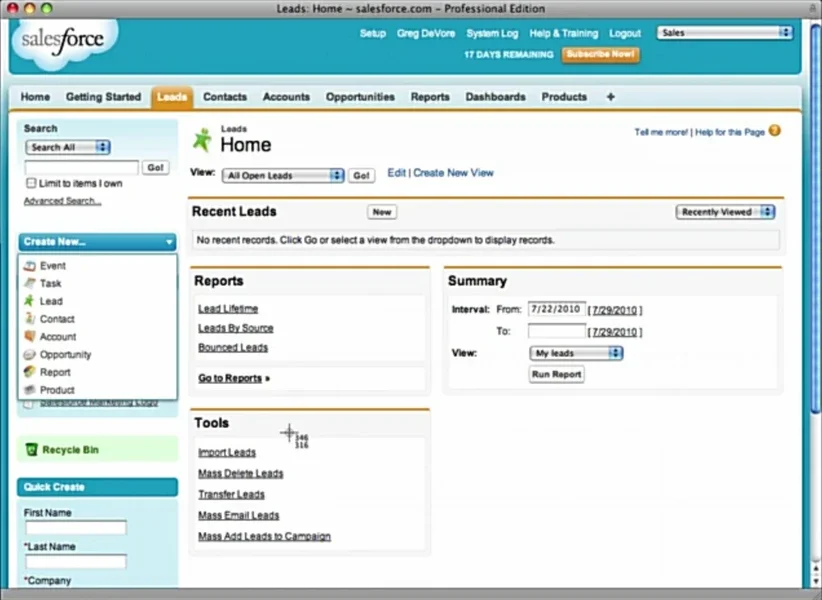
ScreenSteps builds a tutorial from screenshots and the notes you write on them. You start by capturing screenshots inside the program, with a short delay if you need one, or by bringing in images from another capture tool like Gadwin PrintScreen. The notes appear styled like Polaroid photographs. After you add screenshots and notes, you reposition everything, make minor changes in the built-in image editor, and export the result as a PDF or HTML tutorial. The program is made for Mac and is used to produce tutorials. A trial is available.
[Release notes coming soon]
Verify the file
Compare the SHA-256 of the file you downloaded with the value below. Files exactly as the publisher released them.
-
4.6.2
4.6.2 · DMG · 39.5 MB
SHA-256
ee31b8d1341d92a3aed3204421e380b227399fd197ced5e61a214dc5bcd0b057Check on VirusTotal Get
Files exactly as the publisher released them.
Information
- Seller
- Blue Mango Learning Systems
- Size
- 39.5 MB
- Category
- Education
- Compatibility
macOS 10.4 Tiger or later
- Languages
English
- Age rating
- All ages
- License
- Proprietary
- Price
- Trial
- Platform
- Also available on Windows