
ScreenSteps 4.6.0 for Windows
Builds step-by-step PDF and HTML tutorials from screenshots
You are on macOS — this is the Windows version. See the macOS version
Screenshots
Description
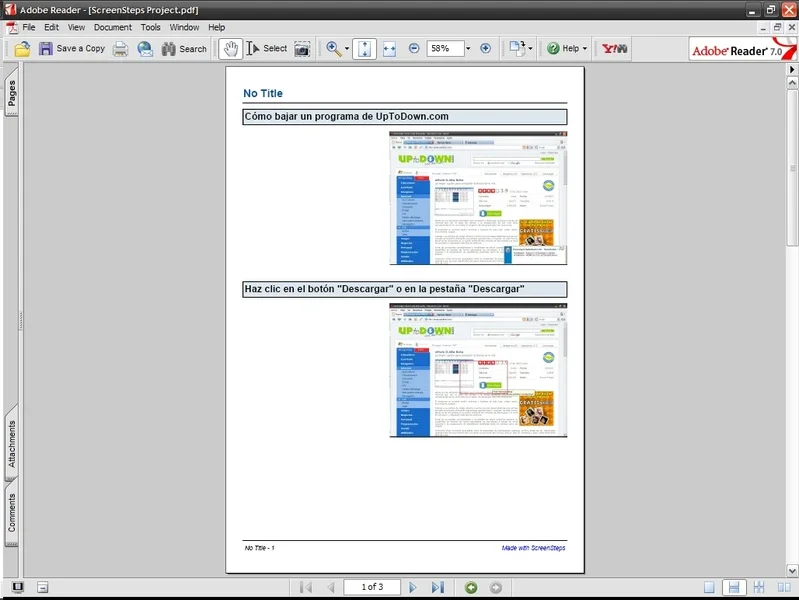
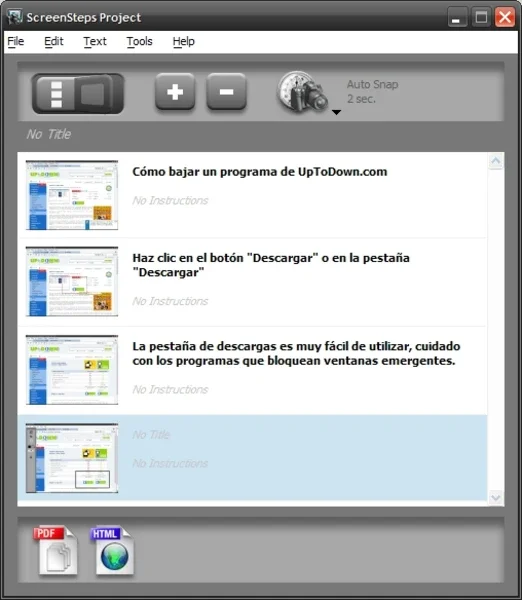
ScreenSteps builds step-by-step tutorials out of screenshots. You take the screenshots in the application itself, setting a time delay in seconds before each capture, and then assemble a tutorial by adding slides. Each slide has its own image or images and brief instructions. You choose the image layout, with one or more images per page.
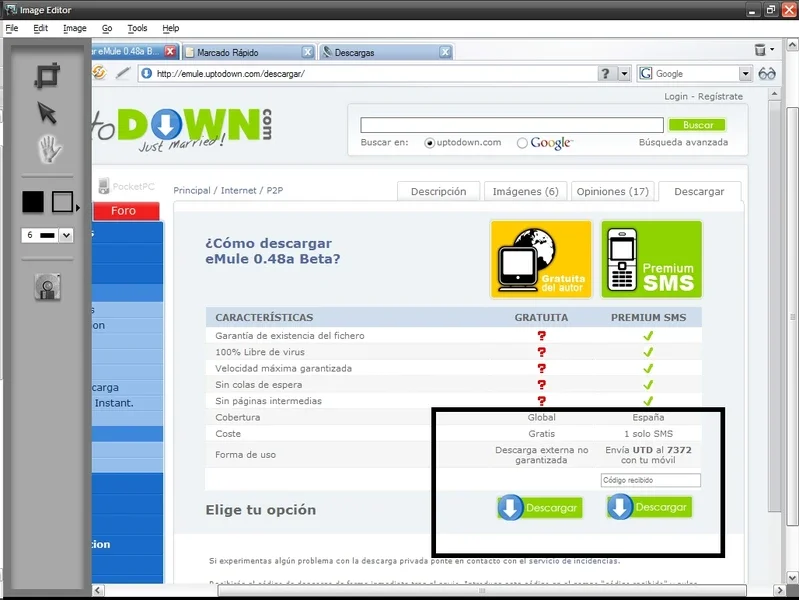
After capturing, you pick the output format: PDF or HTML. The tutorials use the images captured by the program. A basic image editor is included, and it can crop a picture and add shapes and frames. The program can also work with other screenshot tools such as Gadwin PrintScreen.
It runs on Windows.
Download files
5aa404329449065e6afc9eb7e80693aec43194f024f9416eaf18e5fefd6ada42
Signed by Blue Mango Multimedia LLC · valid until May 2, 20259174d01aad5d27e6d1dfda7f95ed5edb5a11437539114c9e4afb79fd3b108126
Signed by Blue Mango Multimedia LLC · valid until May 2, 202563346fcdb7144367229388a2ca8776d2da81223ccc81374e994c471f5b785a37
3bd6fdc94fdead083ca3ba98ba73e5ba0ed8729f2f0551aecf623192bbd2fb1b
812bd7959aab823be79f337ff5b7dad88cba75c5dee2bbf6a4a758d51b300459
System requirements
Available on:
Minimum OS:
Windows Windows Vista or later
Additional information
Developer
Latest release
Size
Category
File type
SHA-256
5aa404329449065e6afc9eb7e80693aec43194f024f9416eaf18e5fefd6ada42