Sejda PDF Desktop7.10.2 for macOS
Edit, secure and manage PDFs on a Mac
Demo · Proprietary
You are on Windows — this is the macOS version. See the Windows version
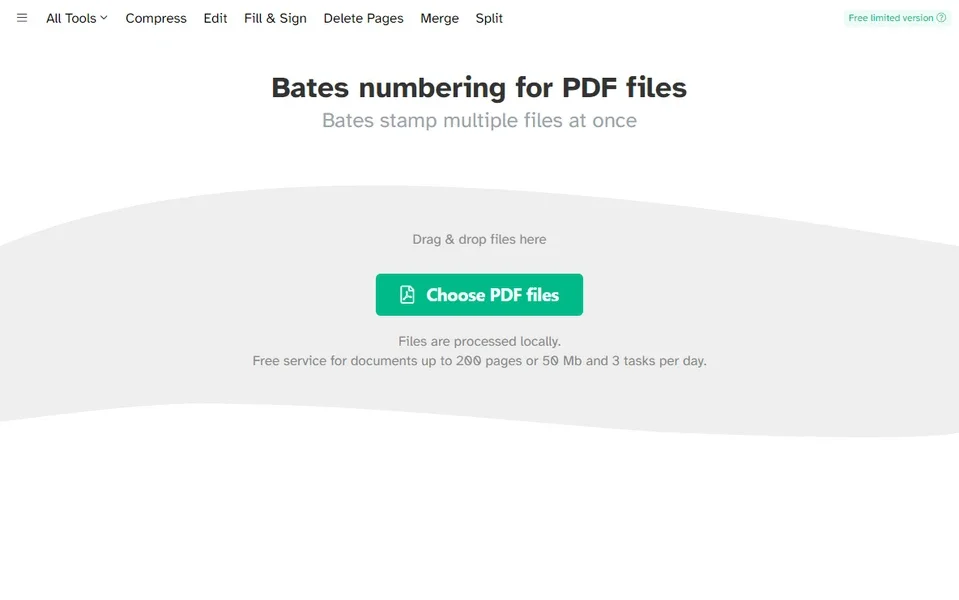
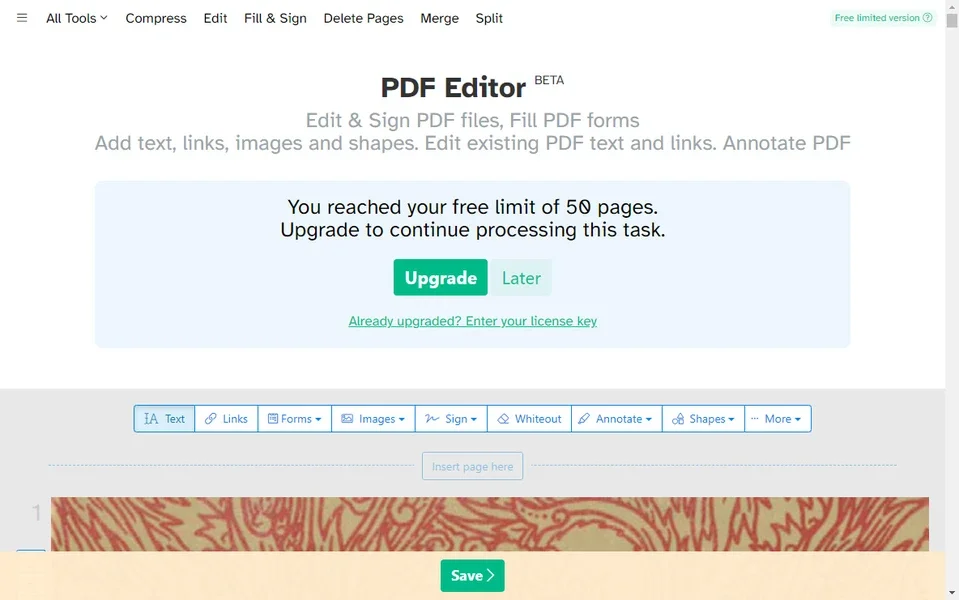
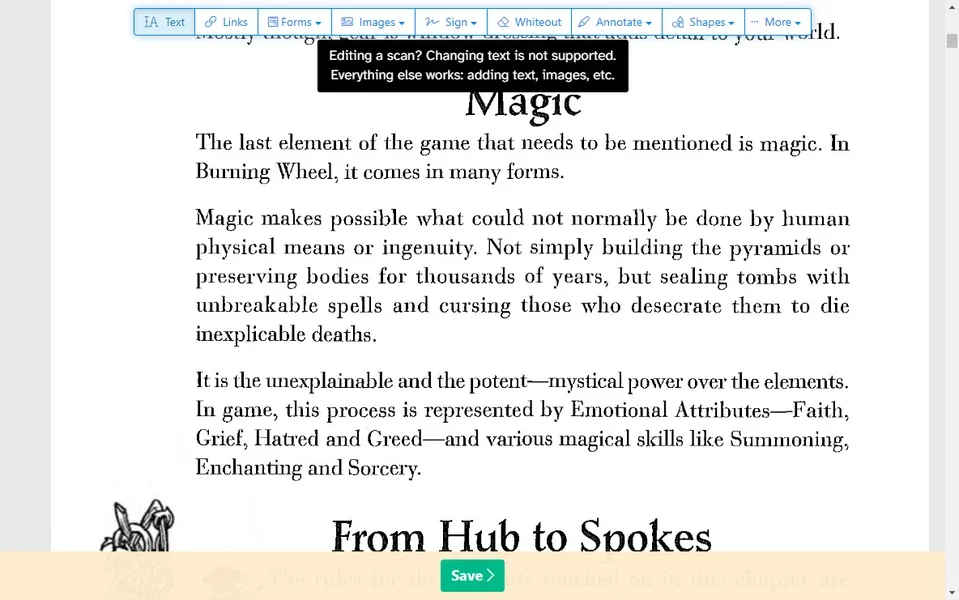
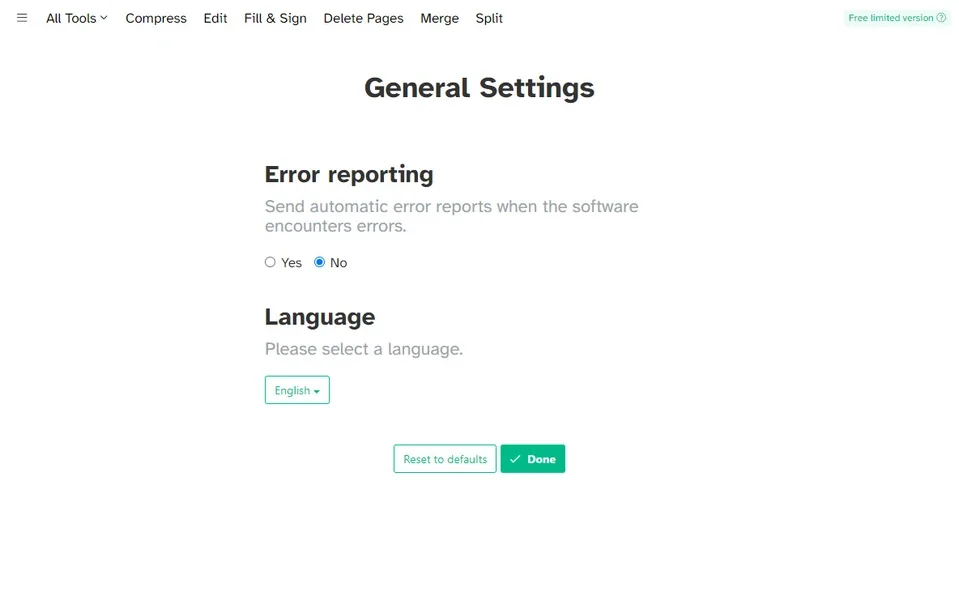
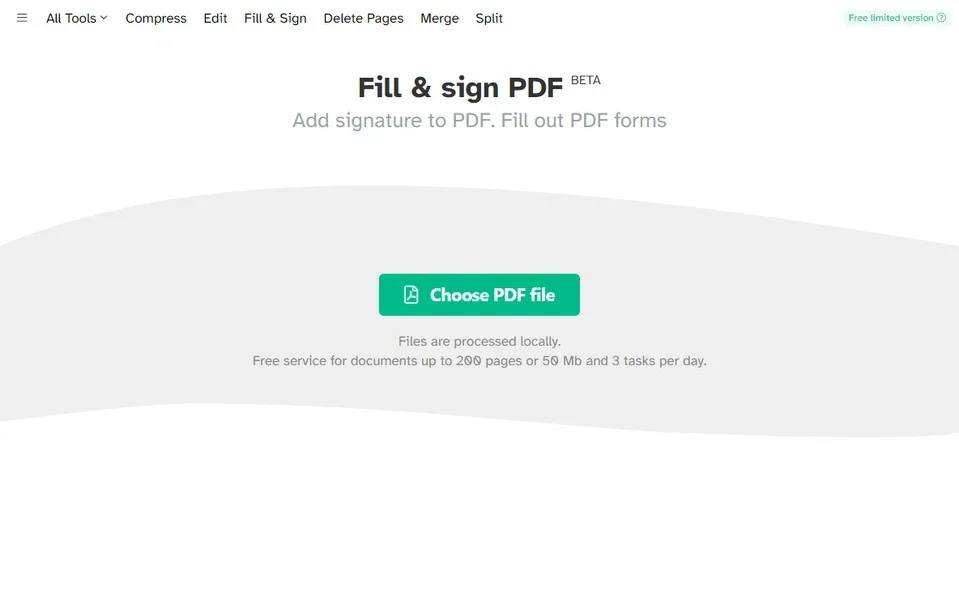
Sejda PDF Desktop is a Mac app for working with PDF documents. You open a file and edit it directly, without converting it first. You can delete or insert text, add images, drop in annotations and sign the document. Most of these tools also work on scanned PDFs.
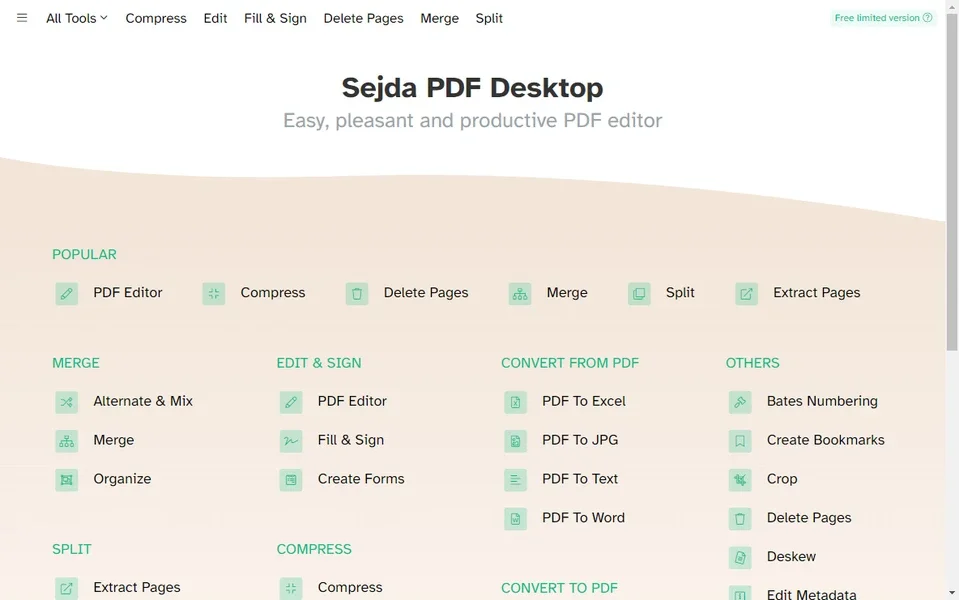
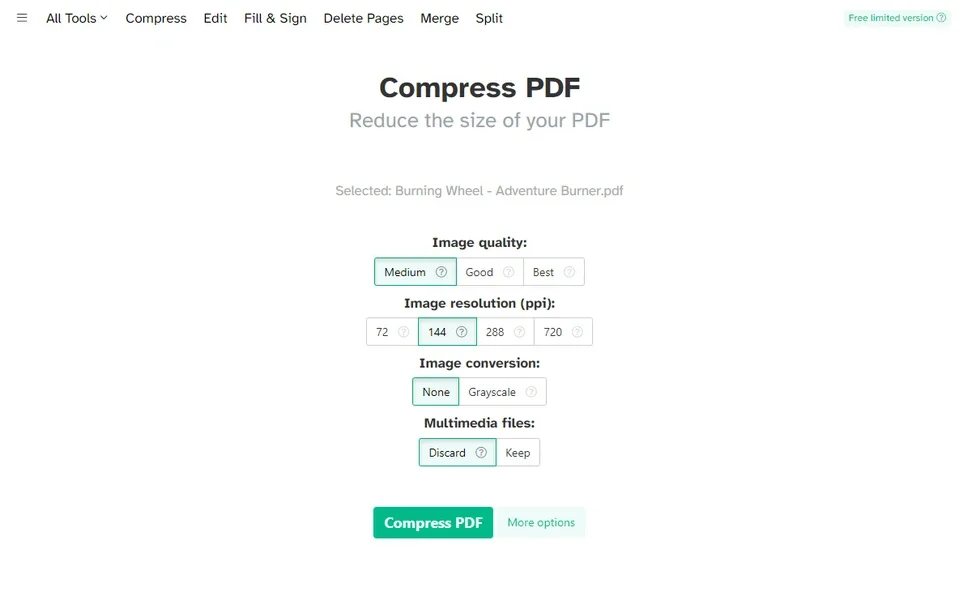
The app groups more than thirty actions under categories, all reached from one interface. The Security category has four operations. Protect adds a password to a file, Unlock opens a password-protected one, Watermark stamps each page and Smooth turns an edited PDF into a read-only copy. Elsewhere you can split a document into two files or reduce the size of a large one.
The demo version allows three jobs a day. It also caps PDFs at 50 pages and 50MB.
[Release notes coming soon]
Verify the file
Compare the SHA-256 of the file you downloaded with the value below. Files exactly as the publisher released them.
-
sejda-pdf-desktop-7-10-2.dmg
7.10.2 · DMG · 246.1 MB
SHA-256
c22b35aa25252bfac00b63d0e2f02343354cf0c2f1aa61145971a1601a734ad6Check on VirusTotal Get
Files exactly as the publisher released them.
Information
- Seller
- Sejda
- Size
- 246.1 MB
- Category
- Text & documents
- Compatibility
macOS 10.8 Mountain Lion or later
- Languages
Afrikaans and 47 more
- Afrikaans, Amharic, Arabic, Armenian, Belarusian, Bulgarian, Catalan, Chinese, Croatian, Czech, Danish, Dutch, English, Estonian, Farsi, Finnish, French, German, Greek, Hebrew, Hindi, Hungarian, Icelandic, Indonesian, Italian, Japanese, Kazakh, Korean, Latvian, Lithuanian, Malay, Norwegian, Polish, Portuguese, Romanian, Russian, Serbian, Slovak, Slovenian, Spanish, Swahili, Swedish, Tagalog, Thai, Turkish, Ukrainian, Vietnamese, Zulu
- Age rating
- All ages
- License
- Proprietary
- Price
- Demo
- Platform
- Also available on Windows