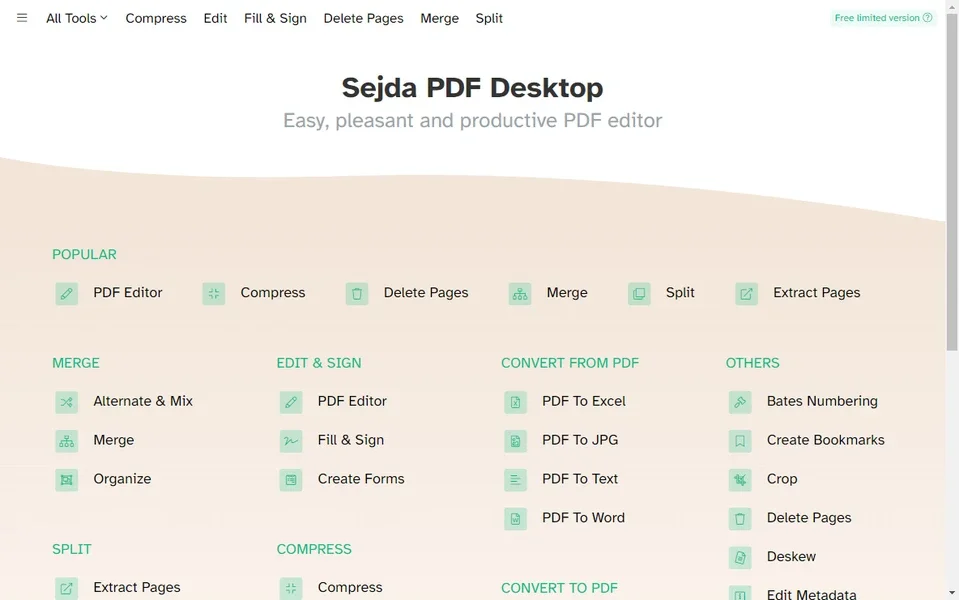

Sejda PDF Desktop 7.10.2 for Windows
Edits, merges, compresses and password-protects PDF files
You are on macOS — this is the Windows version. See the macOS version
Screenshots
Description
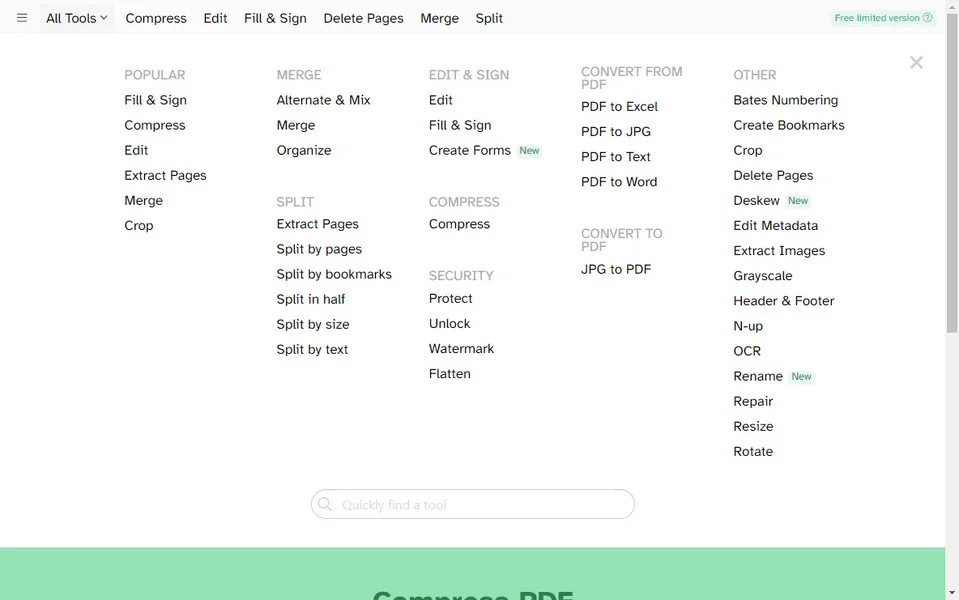
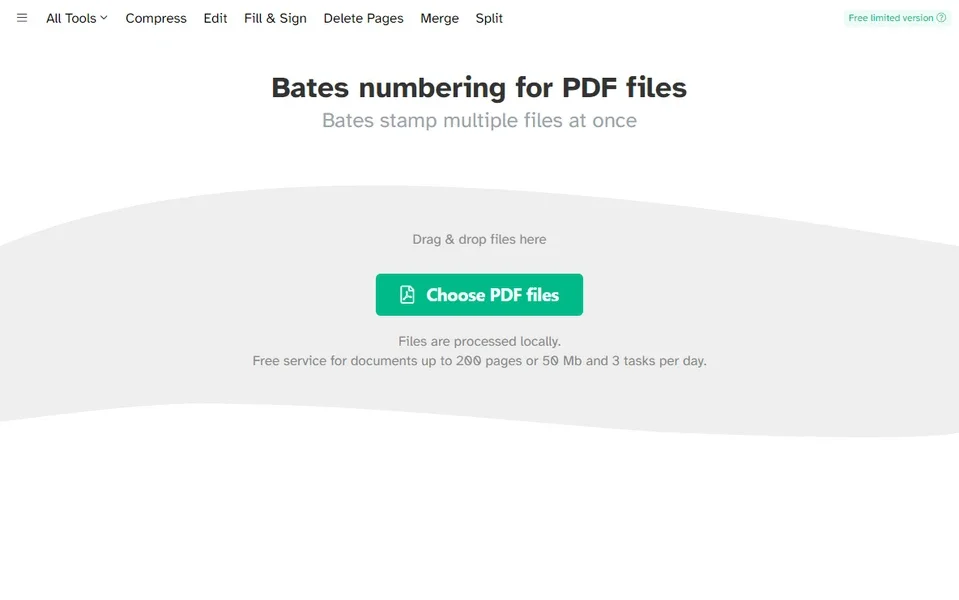
Sejda PDF Desktop performs many operations on PDF files from one unified interface. The tools are listed and organized by category, and every feature sits behind that single window. There are over thirty built-in tools in all.
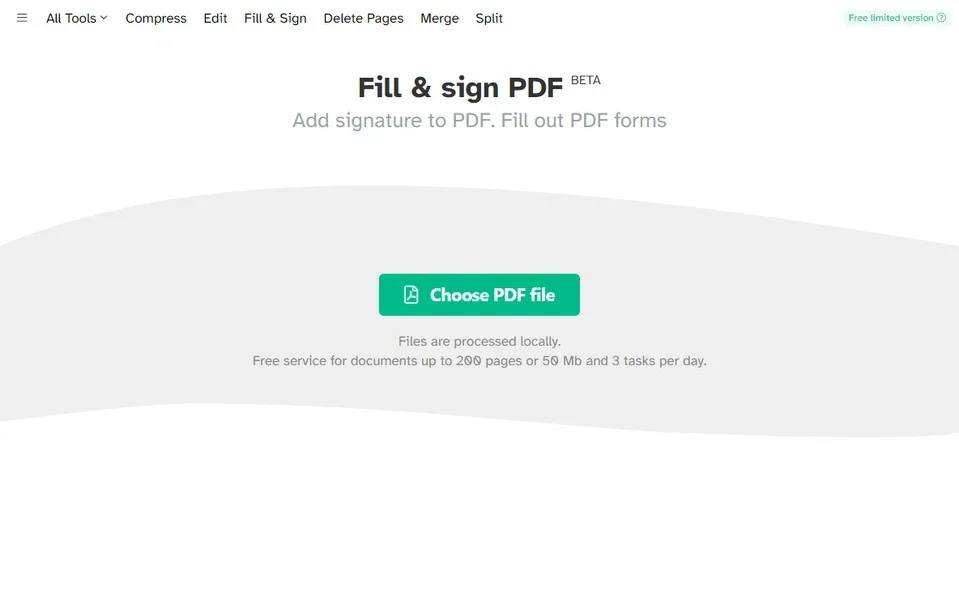
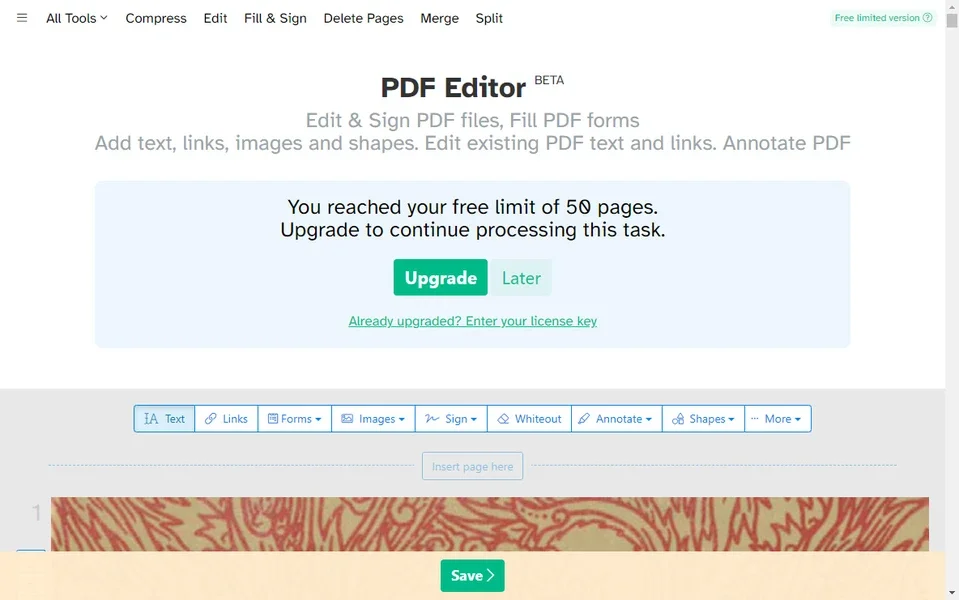
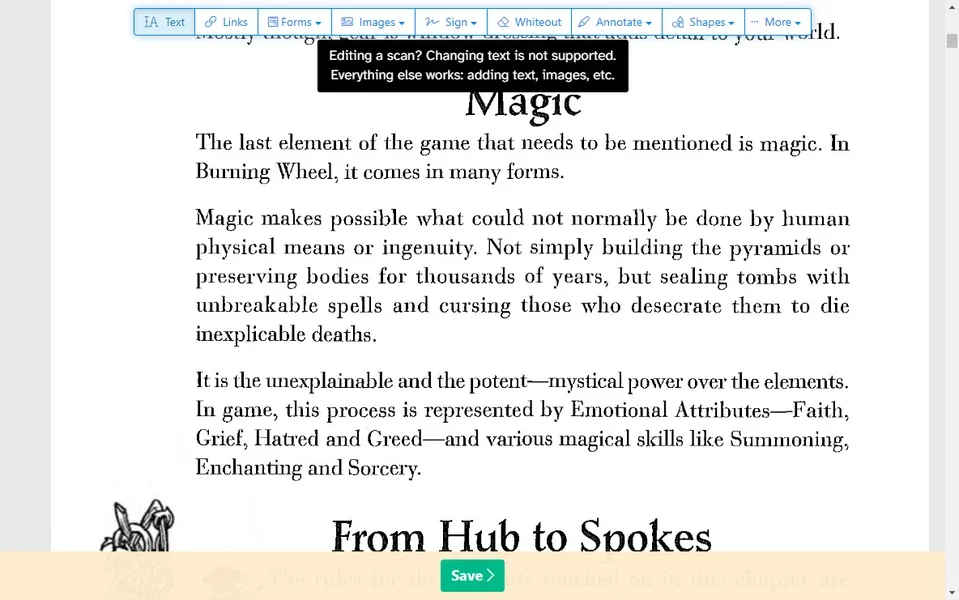
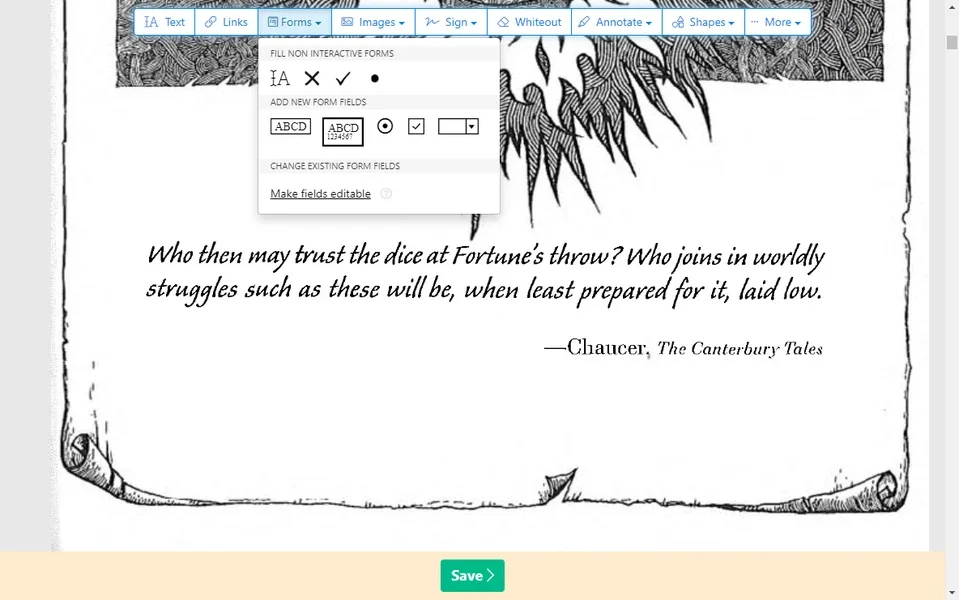
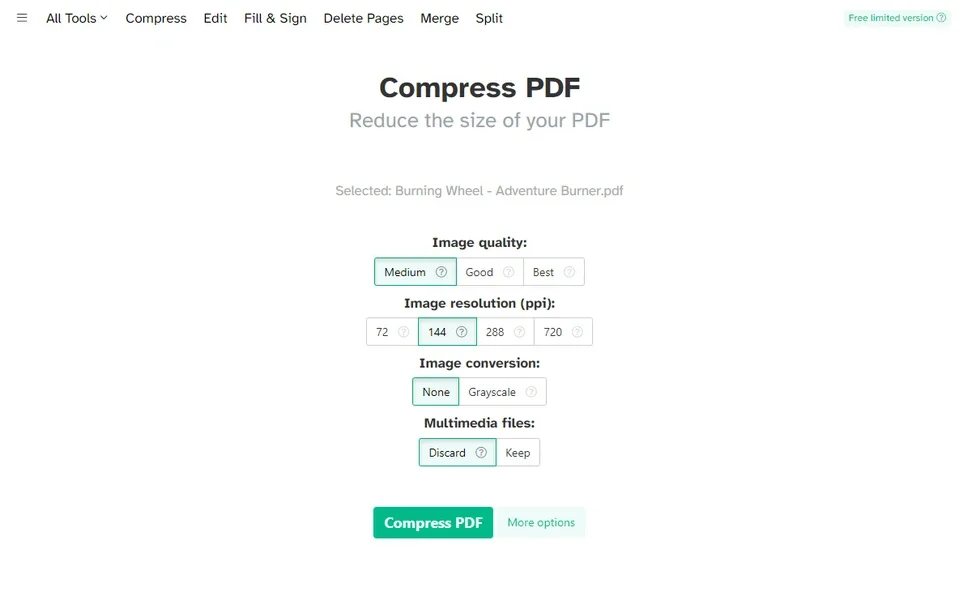
Open a file and the text is yours to change: remove what you do not want and put new text where it belongs. Text or images can be inserted, and you can add images, make notes, and sign documents. Two files can be merged into one, and large documents can be compressed. The Security section has four options. Protect adds a password to a PDF; Unlock opens password-protected files; Watermark stamps every page; Flatten turns editable PDFs into read-only versions. The free version allows up to three tasks per day, handles files up to 50 MB and 50 pages, and most tools work best with digital PDFs, though many also work on scanned files.
It offers traditional PDF editing, which is what most of the tool list amounts to.
Download files
54abc225851a766977dd7787cc9d37fd37a8e049f3b6c1bd43b30613d9c99e03
Signed by Sejda BV · valid until Mar 30, 20280f7b5ca9b99a69fac7a2b74539458e06965b4feffa9c12d3eb9def7c836aaf72
Signed by Sejda BV · valid until Mar 30, 20281b468bd0ddd48b1fff43847f1513235689517dbbeef0eae91636fd74c691769e
Signed by Sejda BV · valid until Mar 30, 20286fef2143b8d06b4163a278560cf73cf80efc9aaff2283986802e7ef92bf61751
Signed by Sejda BV · valid until Mar 30, 2028283f24388c4fde26d8dc2134679170ef212e4042bae220413678edf545c5fe61
Signed by Sejda BV · valid until Mar 30, 2028System requirements
Available on:
Additional information
Developer
Latest release
Size
Category
File type
SHA-256
54abc225851a766977dd7787cc9d37fd37a8e049f3b6c1bd43b30613d9c99e03





