Set Icon0.3 for macOS
Changes a disk drive's icon on Leopard from an ICNS file
Free · Proprietary
You are on Windows — this is the macOS version.
Download
0.3 · 785.7 KB
Mac
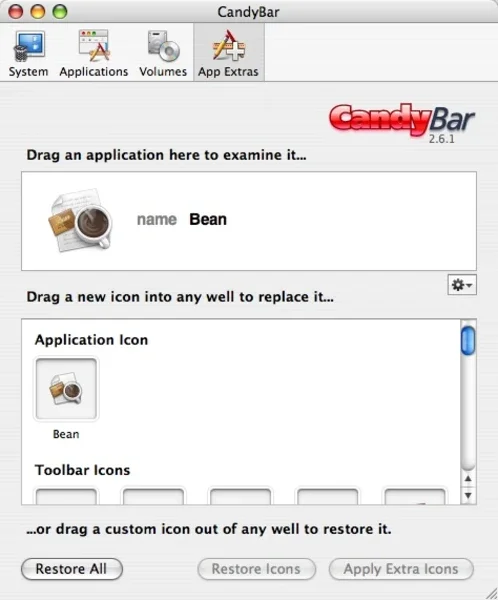
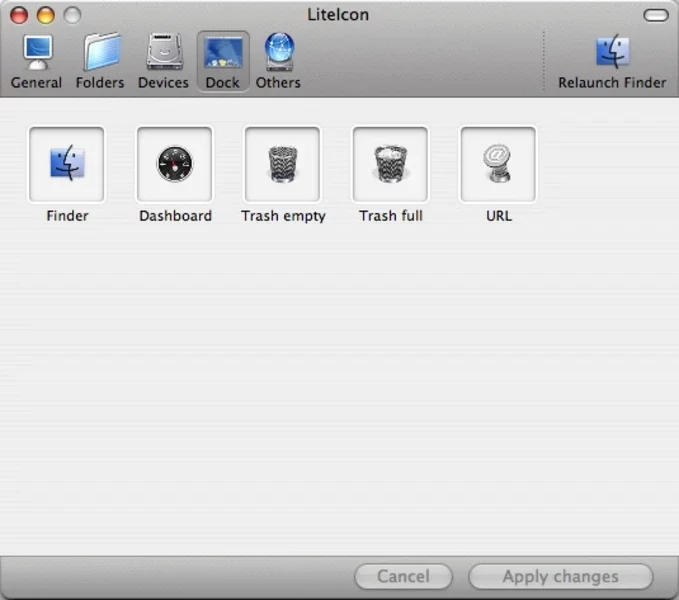
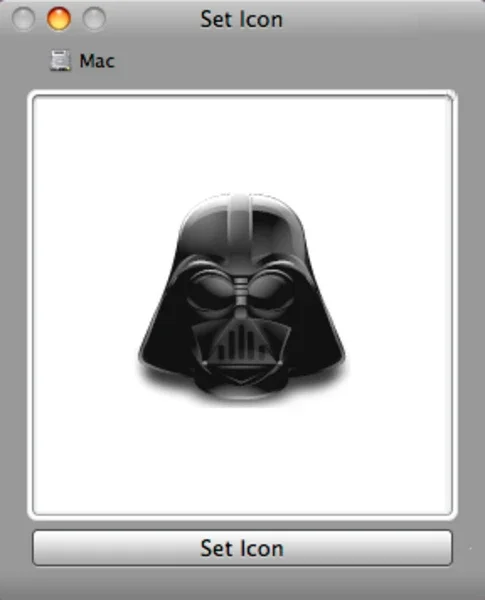
Set Icon is a Mac OS X Leopard tool for changing the icon that represents a disk drive. You start by selecting the drive, then drag and drop the icon you want onto the Set Icon interface; the file has to be in ICNS format. A button at the bottom labeled 'Set icon' applies it.
The ICNS requirement
Other image formats won't work as the dropped file. Have the artwork in ICNS before you drag it in.
[Release notes coming soon]
Version 0.3
Verify the file
Compare the SHA-256 of the file you downloaded with the value below. Files exactly as the publisher released them.
-
0.3
0.3 · DMG · 785.7 KB
SHA-256
de2f3ab01a310ea484cfc2cd9ef5af1aa56e020185dc35d51a37aff8bc134311Check on VirusTotal Get
Files exactly as the publisher released them.
Information
- Seller
- digital: pardoe
- Size
- 785.7 KB
- Category
- Wallpapers & Icons
- Compatibility
macOS
- Languages
English
- Age rating
- All ages
- License
- Proprietary
- Price
- Free