Skip to content

Shutter Encoder20.5 for macOS

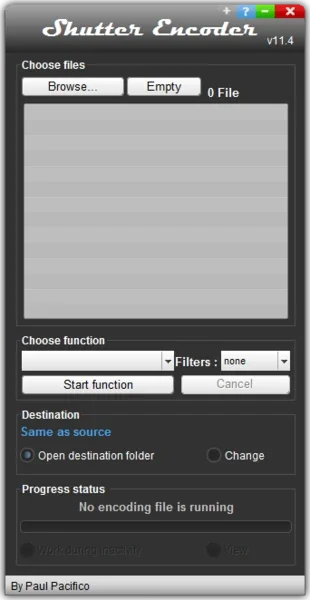
Compress media files by dragging them onto the app window

Shutter Encoder

Free · Proprietary

Download 20.5 · 175.0 MB
  • Age rating
    0+
    All ages
  • Category
    Compressors
  • Developer
    Shutter Encoder
  • Languages
    3
    English
  • Size
    175.0
    MB

Mac

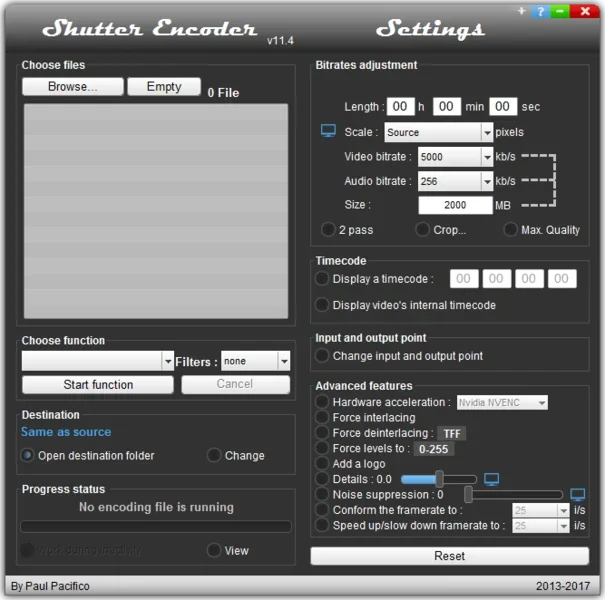
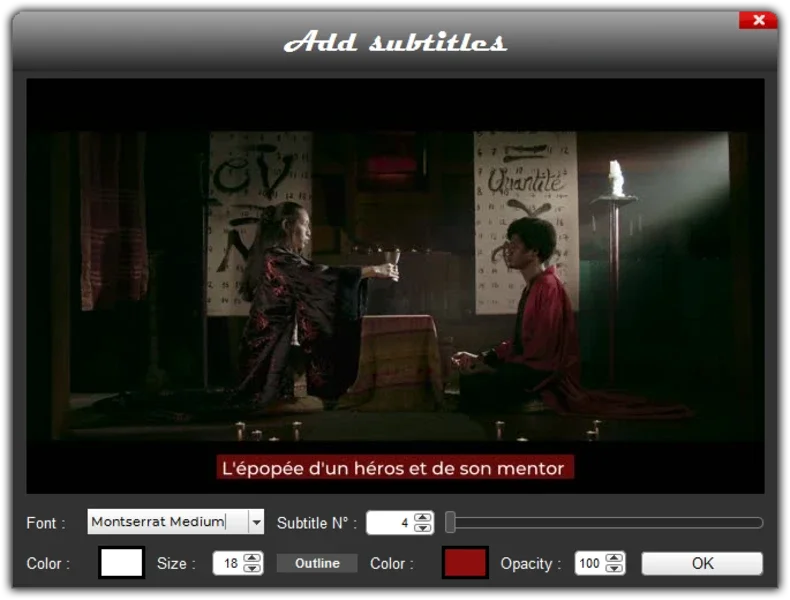
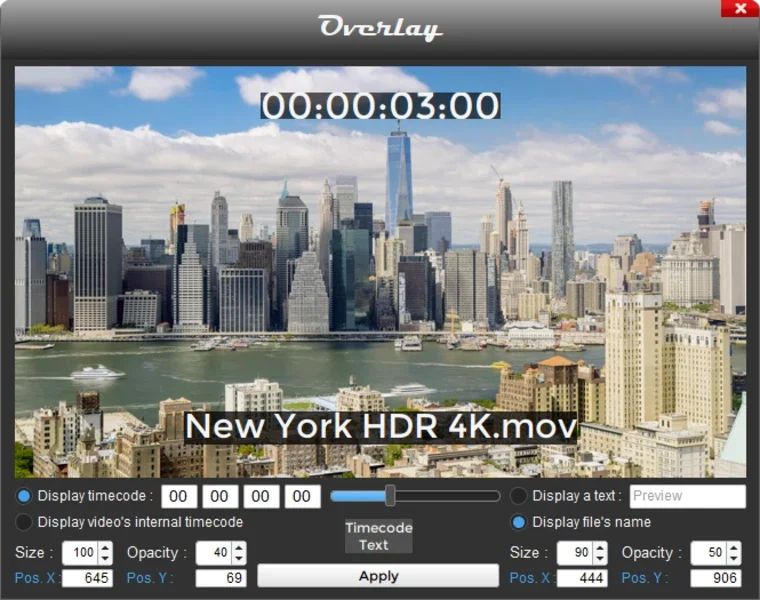
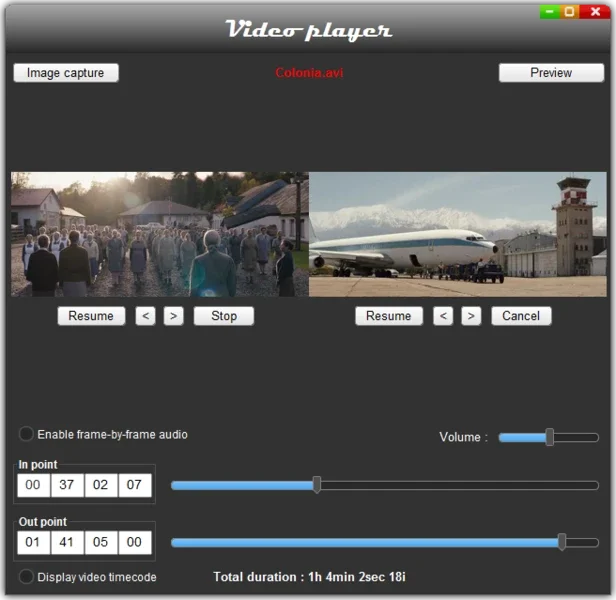
Shutter Encoder compresses different file types from a simple interface. You drag files onto the window to load them, and the app reads many formats. Batch processing lets you compress several files at once without adding them one by one. It is intended for both personal and professional use.

The app is free on Mac.

Shutter Encoder does its main job, file compression, without extra steps.

[Release notes coming soon]

Version 20.5

Verify the file

Compare the SHA-256 of the file you downloaded with the value below. Files exactly as the publisher released them.

  • shutter-encoder-20-5.pkg

    20.5 · PKG · 175.0 MB

    SHA-256

    2901a3ec8936fc0229ec48c262ed91c9819f89604ec99b20d0b1116de0ec3cd4 Check on VirusTotal Get

Files exactly as the publisher released them.

Information

Size
175.0 MB
Category
Compressors
Compatibility
macOS
Languages
English, French, Italian
Age rating
All ages
License
Proprietary
Price
Free

Version history

  • [Release notes coming soon]

    20.5
  • [Release notes coming soon]

    20.4
  • [Release notes coming soon]

    20.3
  • [Release notes coming soon]

    20.3
  • [Release notes coming soon]

    20.1.0
  • [Release notes coming soon]

    19.4.0
  • [Release notes coming soon]

    19.3.0
  • [Release notes coming soon]

    19.2.0
  • [Release notes coming soon]

    19.1
  • [Release notes coming soon]

    19.0
  • [Release notes coming soon]

    18.7
  • [Release notes coming soon]

    18.6
  • [Release notes coming soon]

    18.4
  • [Release notes coming soon]

    18.3
  • [Release notes coming soon]

    17.9
  • [Release notes coming soon]

    17.8
  • [Release notes coming soon]

    17.7
  • [Release notes coming soon]

    17.5
  • [Release notes coming soon]

    17.4
  • [Release notes coming soon]

    16.9
  • [Release notes coming soon]

    16.6
  • [Release notes coming soon]

    16.5
  • [Release notes coming soon]

    16.4
  • [Release notes coming soon]

    16.3
  • [Release notes coming soon]

    16.2
  • [Release notes coming soon]

    16.1
  • [Release notes coming soon]

    16.0
  • [Release notes coming soon]

    15.9
  • [Release notes coming soon]

    15.8
  • [Release notes coming soon]

    15.7
  • [Release notes coming soon]

    15.5
  • [Release notes coming soon]

    15.4
  • [Release notes coming soon]

    15.3
  • [Release notes coming soon]

    15.2
  • [Release notes coming soon]

    15.0
  • [Release notes coming soon]

    14.8
  • [Release notes coming soon]

    14.5
  • [Release notes coming soon]

    14.3
  • [Release notes coming soon]

    14.2
  • [Release notes coming soon]

    13.9
  • [Release notes coming soon]

    13.6
  • [Release notes coming soon]

    20.1
  • [Release notes coming soon]

    18.9
  • [Release notes coming soon]

    20.2

All versions ›