Sign PDF3.3.0 for macOS
Signs PDFs on Mac with created or freehand signatures, watermarks, comments
Free · Proprietary
You are on Windows — this is the macOS version. See the Windows version
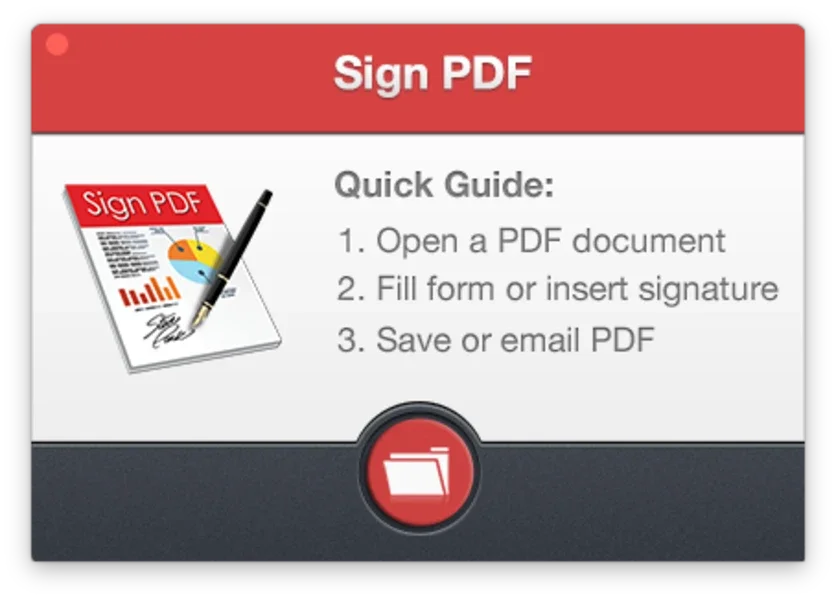
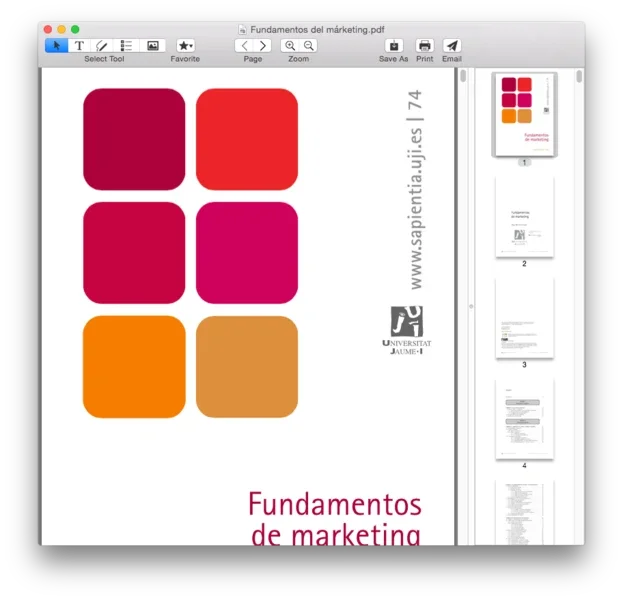


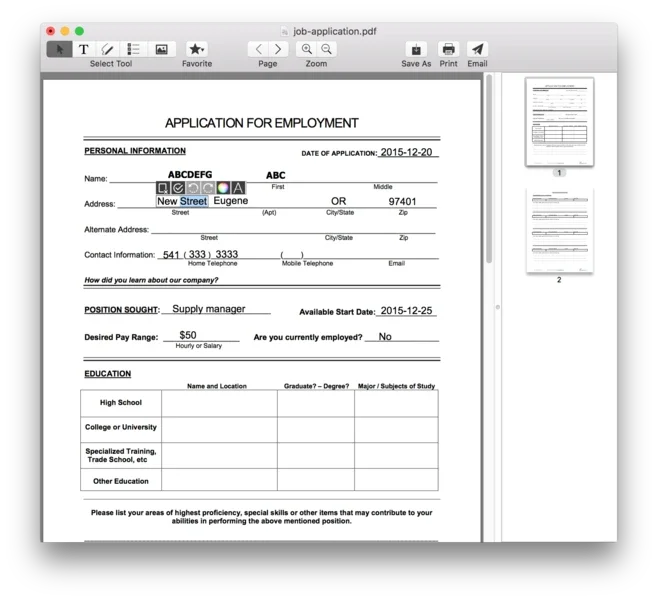
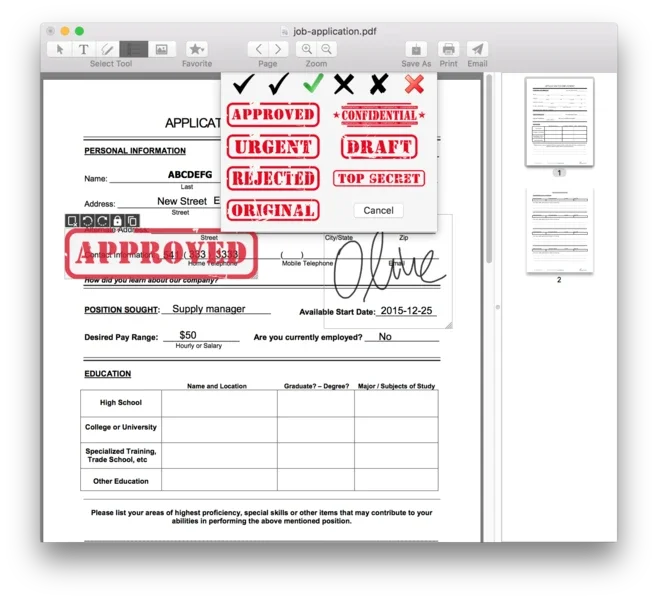
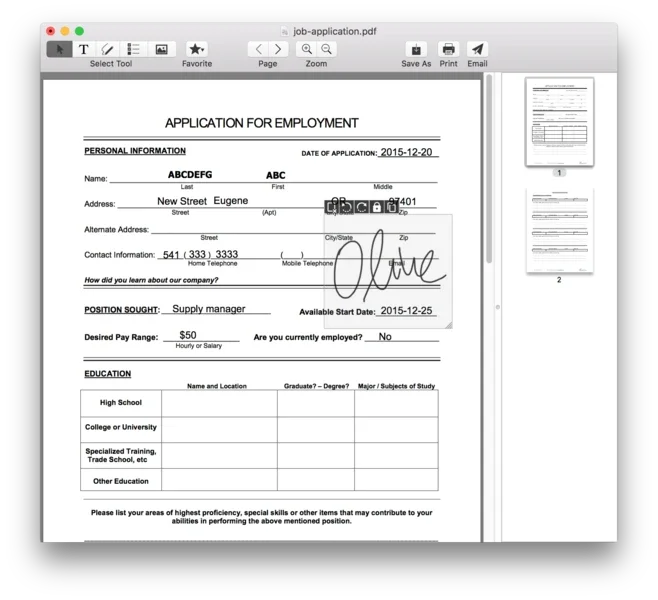
Sign PDF is a Mac app for putting signatures, watermarks, or comments on PDF pages. You tap the 'open document' button to open a PDF. Then you need to locate the specific page you intend to edit.
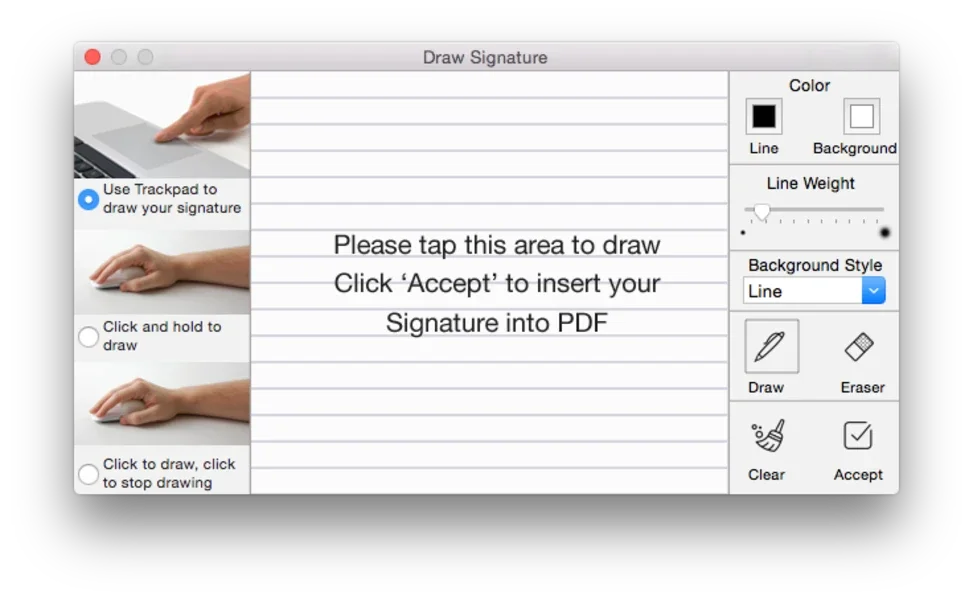
A signature has to be created before you can sign anything. Creating one is a one-time step, and after that the same signature can be inserted into many other documents. The editing options are adding text, signing freehand, or inserting an image. No third-party tools are needed for any of this. The trial version only allows editing the first page.
It runs on macOS and is free to download.
[Release notes coming soon]
Verify the file
Compare the SHA-256 of the file you downloaded with the value below. Files exactly as the publisher released them.
-
3.3.0
3.3.0 · DMG · 4.1 MB
SHA-256
c44fe26dfee22d04b3d909a5e307b91559e7966793550ec4a4169471cffccfebCheck on VirusTotal Get
Files exactly as the publisher released them.
Information
- Seller
- Lighten Software Limited
- Size
- 4.1 MB
- Category
- Business
- Compatibility
macOS
- Languages
English
- Age rating
- All ages
- License
- Proprietary
- Price
- Free
- Platform
- Also available on Windows