Snapshot Editor2.0.4 for macOS
Captures screenshots and annotates them with text, shapes and blur
Trial · Proprietary
You are on Windows — this is the macOS version.
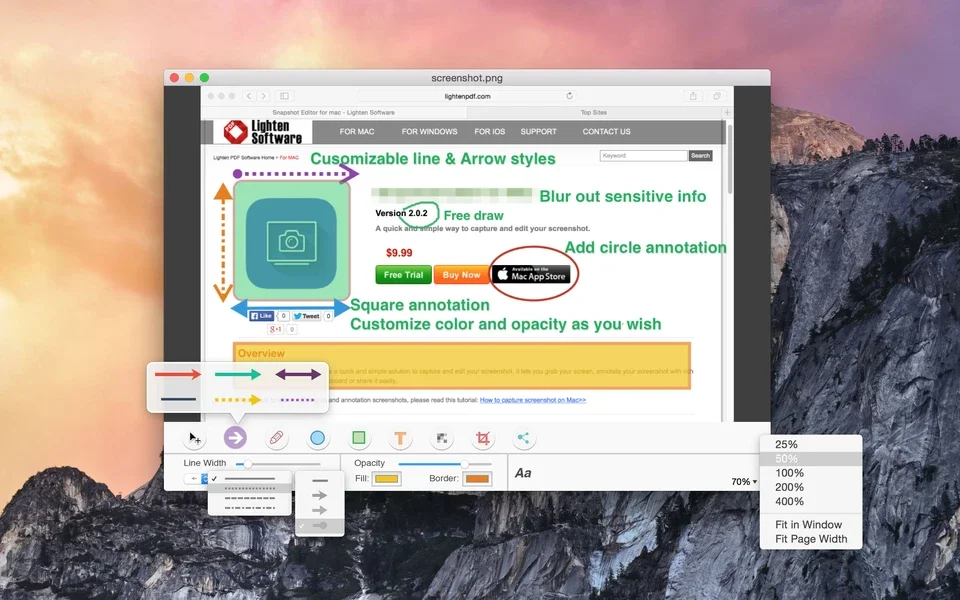
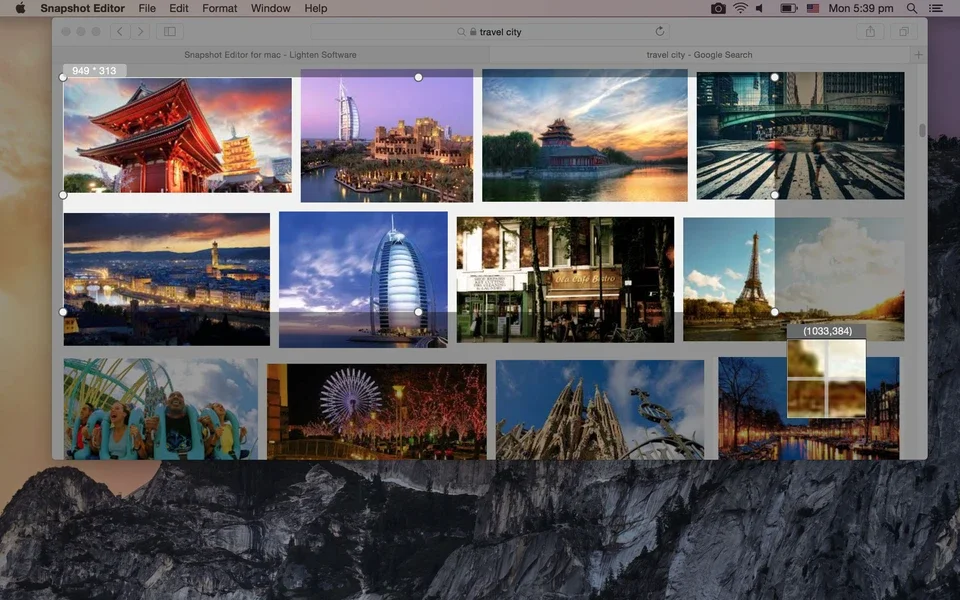
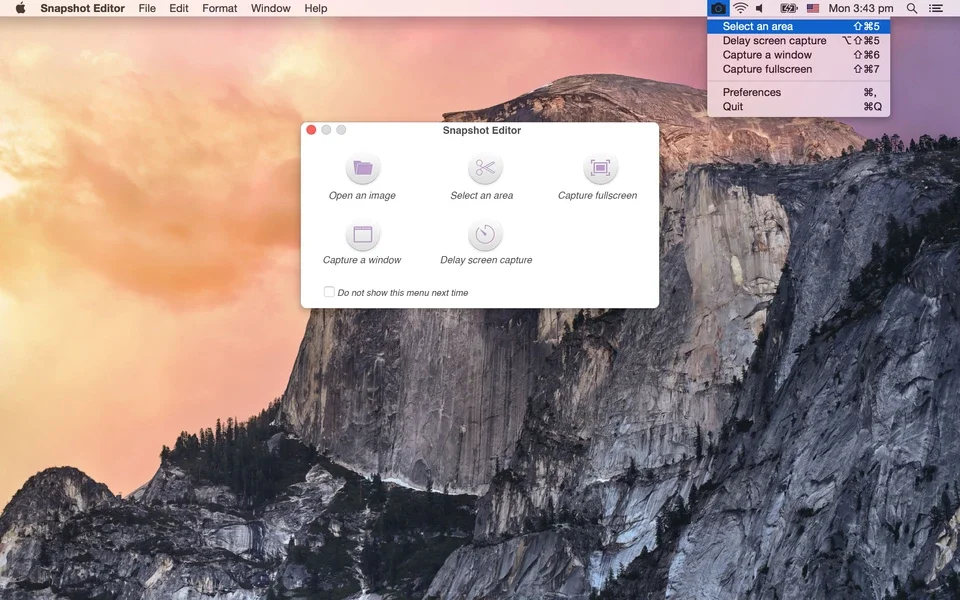
Snapshot Editor takes screenshots of a Mac desktop and lets you mark them up. You can capture a selected area, a single window, or the whole screen, and set a delay before the shot is taken.
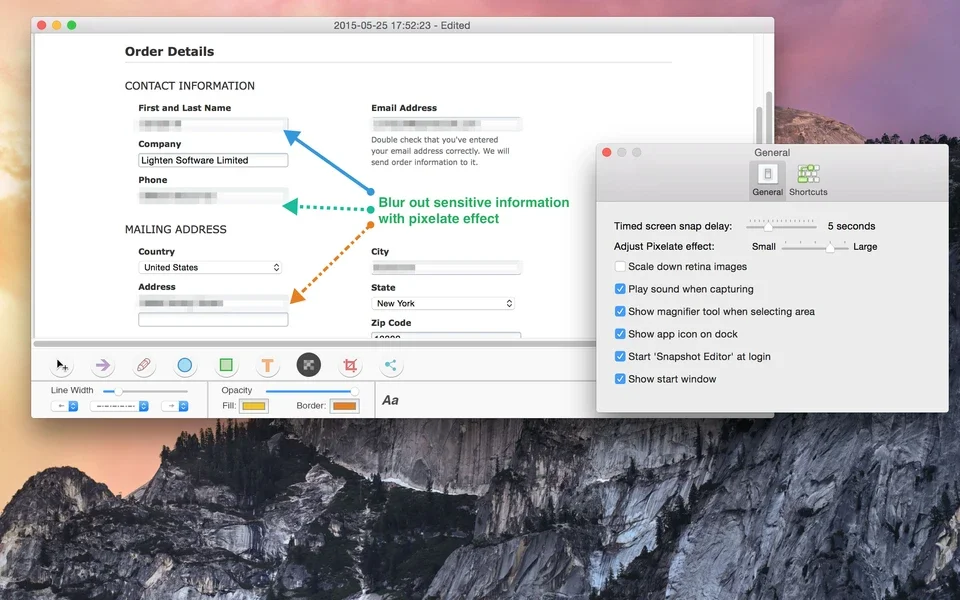
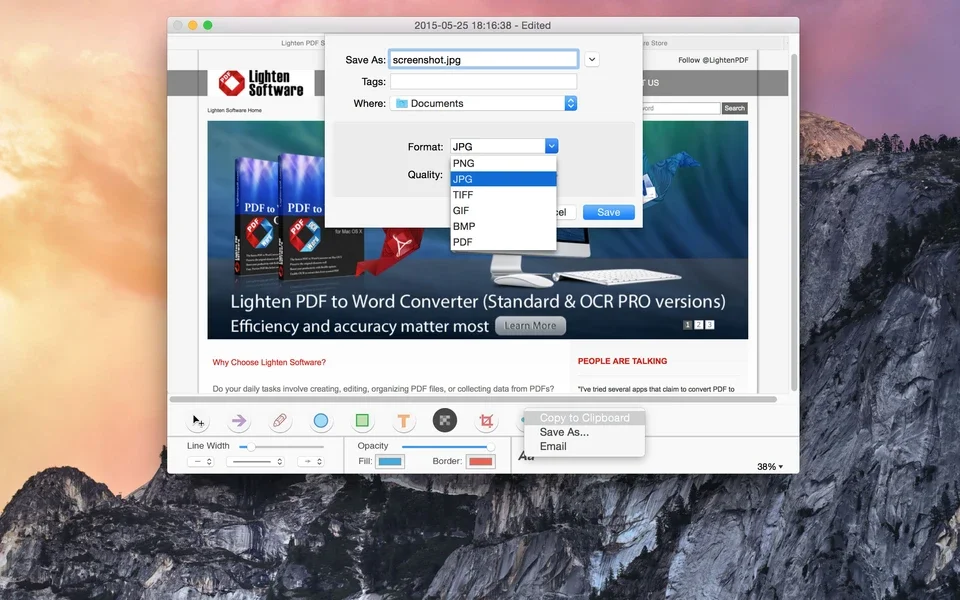
Once the image is in, the editing tools cover most of what you would want on a screenshot. You can add text annotations and watermarks, draw by hand, and place lines, rectangles, and circles. Any area can be pixelated to hide private information or faces in a photo. Border size can be changed, transparency effects added, and layer styles personalized. Screenshots can be captured in different formats and saved as PNG, JPG, TIFF, GIF, BMP, or PDF. Finished images can be sent by email from the program.
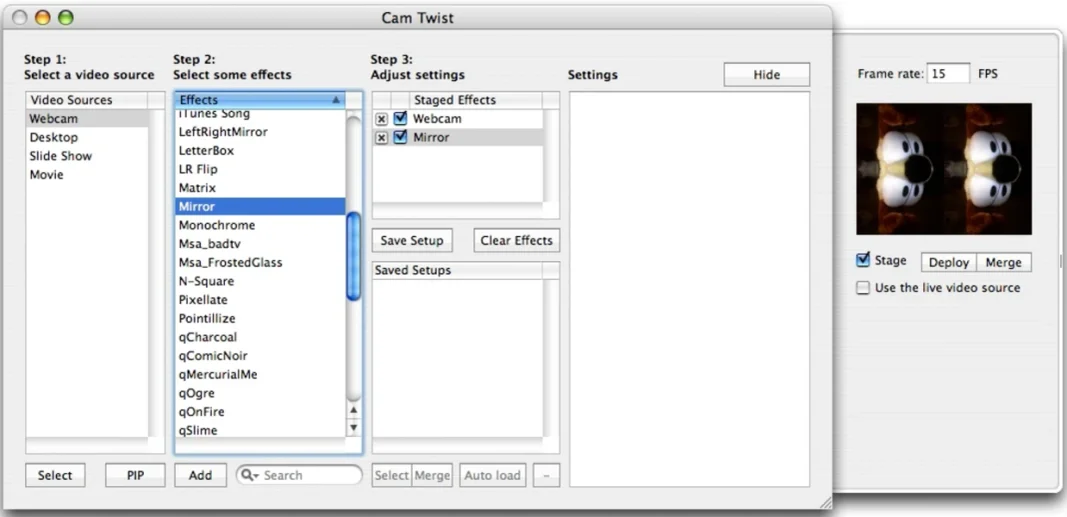
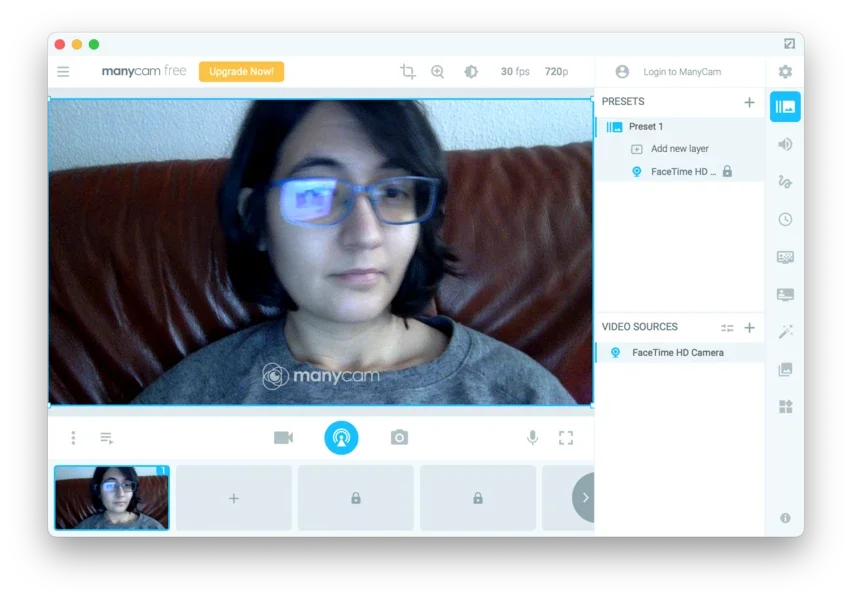
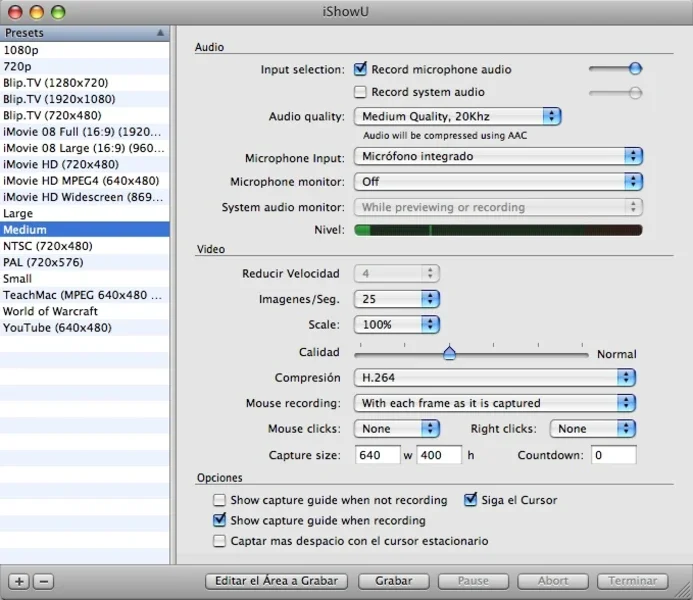
The interface is laid out around the capture and the edit, with the annotation tools kept close to the image. Everything you add sits on the screenshot as you work, and the export options stay available until you save.
[Release notes coming soon]
Verify the file
Compare the SHA-256 of the file you downloaded with the value below. Files exactly as the publisher released them.
-
2.0.4
2.0.4 · DMG · 1.9 MB
SHA-256
e677575a7ee23d6e90a6647f086f7d3e3b320b2ecd85814ea0f93b802b6e2e24Check on VirusTotal Get
Files exactly as the publisher released them.
Information
- Seller
- Lighten Software Limited
- Size
- 1.9 MB
- Category
- Capture
- Compatibility
macOS
- Languages
English
- Age rating
- All ages
- License
- Proprietary
- Price
- Trial