Skip to content

SnagIt2027.0.0 for macOS

Grabs anything on screen, then edits, watermarks and organizes it

TechSmith Corporation

Trial · Proprietary

Download 2027.0.0 · 210.7 MB
  • Age rating
    0+
    All ages
  • Category
    Capture & editing
  • Developer
    TechSmith Corporation
  • Languages
    1
    English
  • Size
    210.7
    MB

Mac

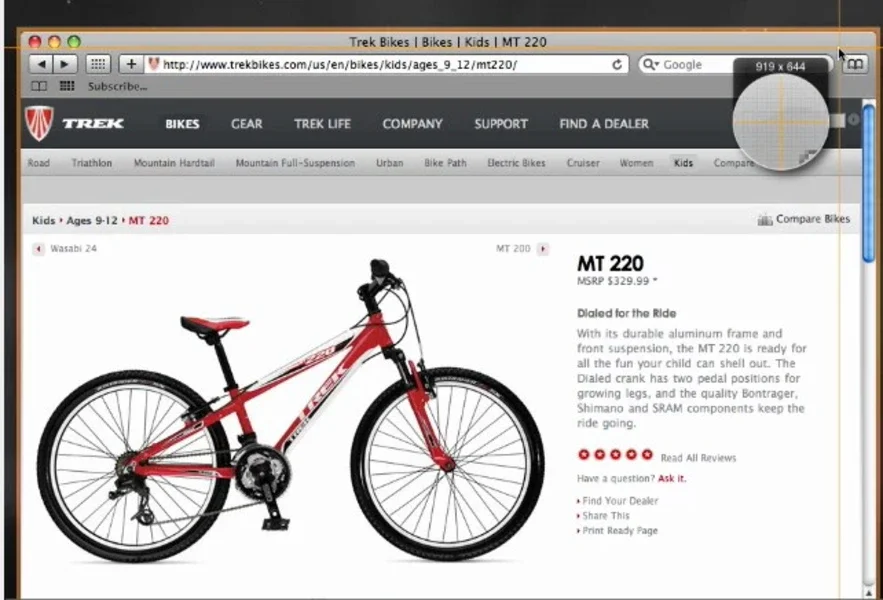
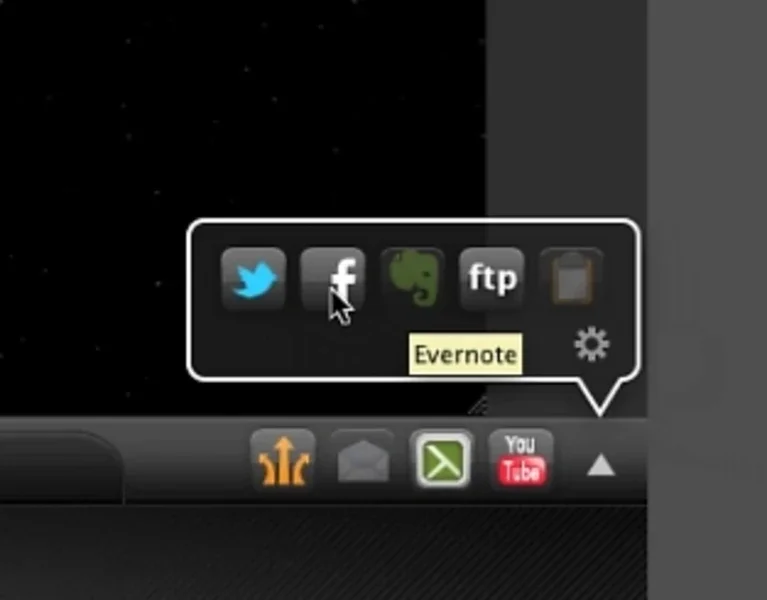
SnagIt captures any element on the screen, including video images without configuring RGB options in the video player. Twelve established capture patterns are built in, and you can create your own custom pattern. Capture options cover the full screen, a portion of it, and a web page with automatic scrolling.

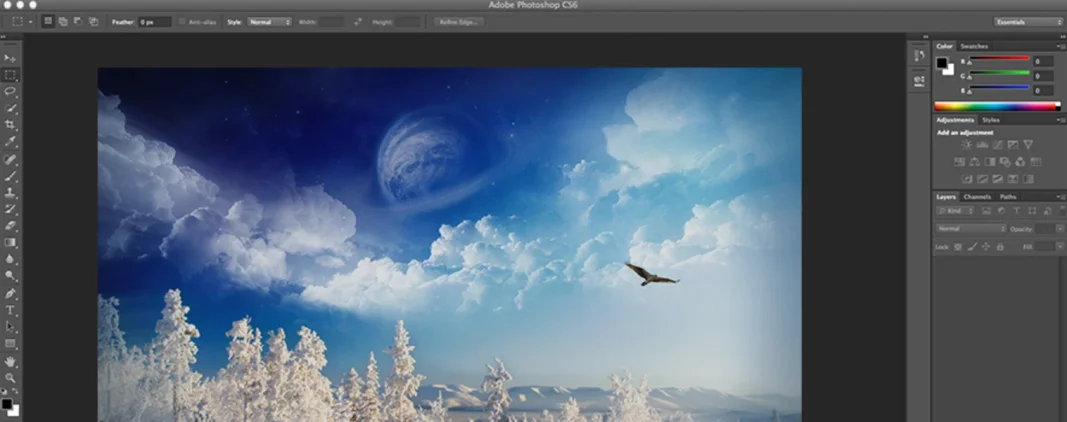
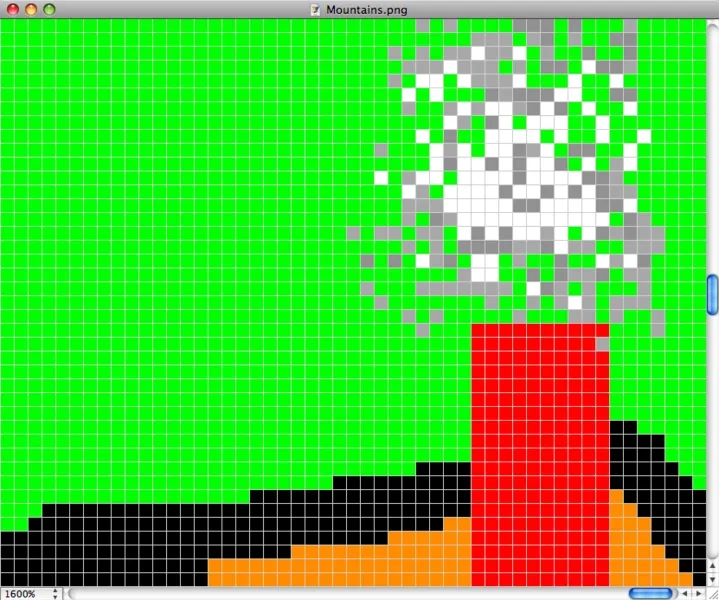
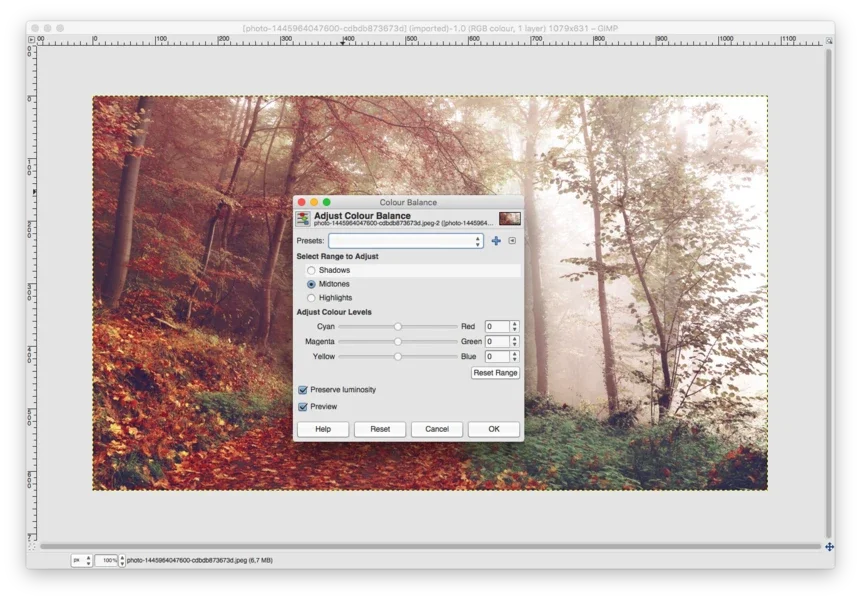
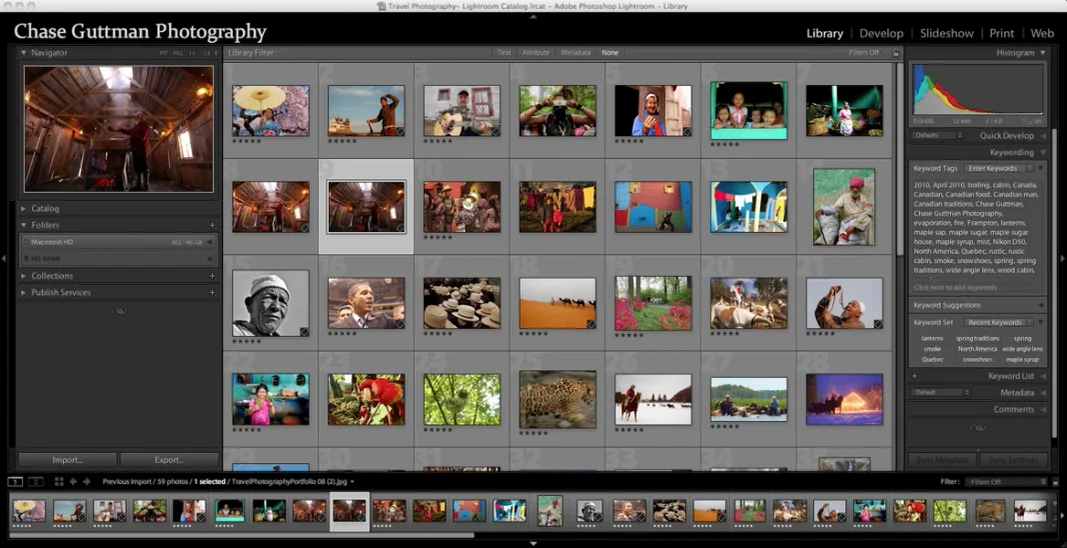
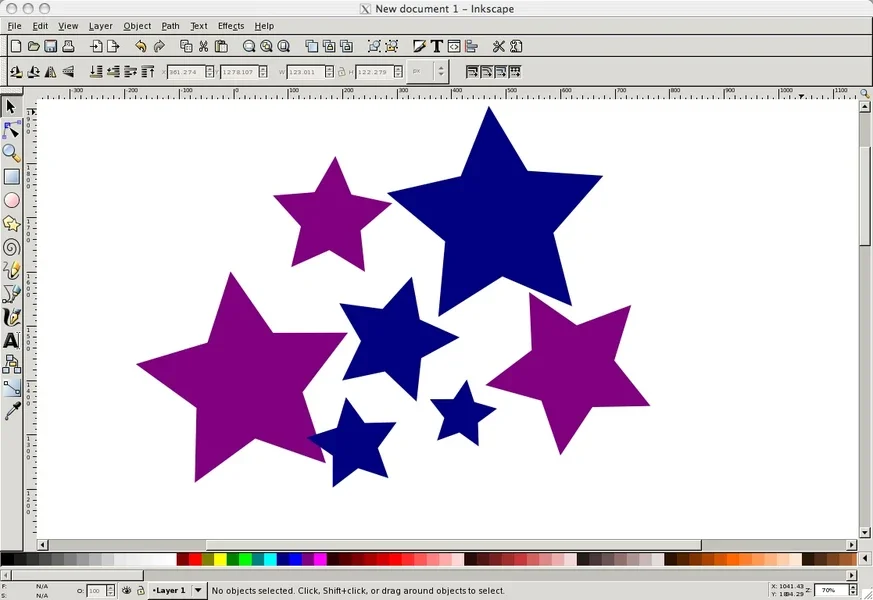
Images are saved as jpg, bmp, gif, thm and other formats. The built-in editor adds edges, paint and writing, and watermarks can be placed on images. The editor works with any image, not only ones captured by SnagIt, and can convert your own photos. A photo organizer is included.

The interface is described as intuitive and easy to use.

[Release notes coming soon]

Version 2027.0.0

Verify the file

Compare the SHA-256 of the file you downloaded with the value below. Files exactly as the publisher released them.

  • snagit-2027-0-0.dmg

    2027.0.0 · DMG · 210.7 MB

    SHA-256

    d173ad42a6f41777a3ebcd16ca68754ca837d9dd60153268128920245d1071a0 Check on VirusTotal Get

Files exactly as the publisher released them.

Information

Size
210.7 MB
Compatibility
macOS
Languages
English
Age rating
All ages
License
Proprietary
Price
Trial

Version history

  • [Release notes coming soon]

    2027.0.0
  • [Release notes coming soon]

    2026.4.3
  • [Release notes coming soon]

    2026.4.2
  • [Release notes coming soon]

    2026.4.1
  • [Release notes coming soon]

    2026.4.0
  • [Release notes coming soon]

    2026.3.3
  • [Release notes coming soon]

    2026.3.1
  • [Release notes coming soon]

    26.2.2.11088
  • [Release notes coming soon]

    2026.1.0
  • [Release notes coming soon]

    2026.0.1
  • [Release notes coming soon]

    2026.0.0
  • [Release notes coming soon]

    2025.4.0
  • [Release notes coming soon]

    2025.3.0
  • [Release notes coming soon]

    2025.2.1
  • [Release notes coming soon]

    2025.2.0
  • [Release notes coming soon]

    2025.1.1
  • [Release notes coming soon]

    25.0.0.5691
  • [Release notes coming soon]

    24.3.0.4481
  • [Release notes coming soon]

    24.2.3.3820
  • [Release notes coming soon]

    2024.2.2
  • [Release notes coming soon]

    24.2.0.3285
  • [Release notes coming soon]

    2024.1.4
  • [Release notes coming soon]

    2024.1.3
  • [Release notes coming soon]

    2024.2.1
  • [Release notes coming soon]

    2024.1.1
  • [Release notes coming soon]

    2024.1.0
  • [Release notes coming soon]

    2024.0.3
  • [Release notes coming soon]

    24.0.2.909
  • [Release notes coming soon]

    2024.0.0
  • [Release notes coming soon]

    23.1.3
  • [Release notes coming soon]

    2023.0.0
  • [Release notes coming soon]

    2022.2.1
  • [Release notes coming soon]

    2022.2.0
  • [Release notes coming soon]

    2022.1.1
  • [Release notes coming soon]

    2022.1.0
  • [Release notes coming soon]

    2022.0.1
  • [Release notes coming soon]

    2021.4.4
  • [Release notes coming soon]

    2021.4.3
  • [Release notes coming soon]

    2021.4.2
  • [Release notes coming soon]

    2021.4.1
  • [Release notes coming soon]

    21.4.0.9789
  • [Release notes coming soon]

    21.3.1.9423
  • [Release notes coming soon]

    2021.2.0
  • [Release notes coming soon]

    21.2.0.7921
  • [Release notes coming soon]

    21.0.0.7200
  • [Release notes coming soon]

    2020.2.0
  • [Release notes coming soon]

    4.1.3
  • [Release notes coming soon]

    4.0.3
  • [Release notes coming soon]

    3.0.2
  • [Release notes coming soon]

    2.1.6

All versions ›