
SnagIt 27.0.0.13131 for Windows
Captures screenshots, scrolling pages, video and step-by-step guides
You are on macOS — this is the Windows version. See the macOS version
Screenshots
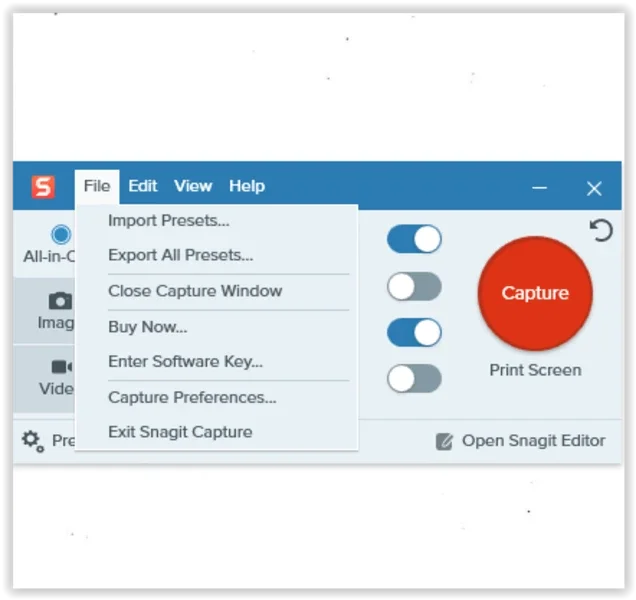
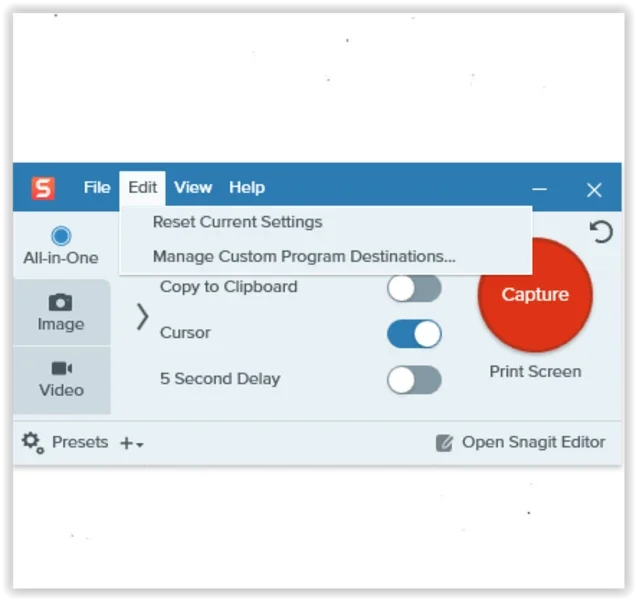
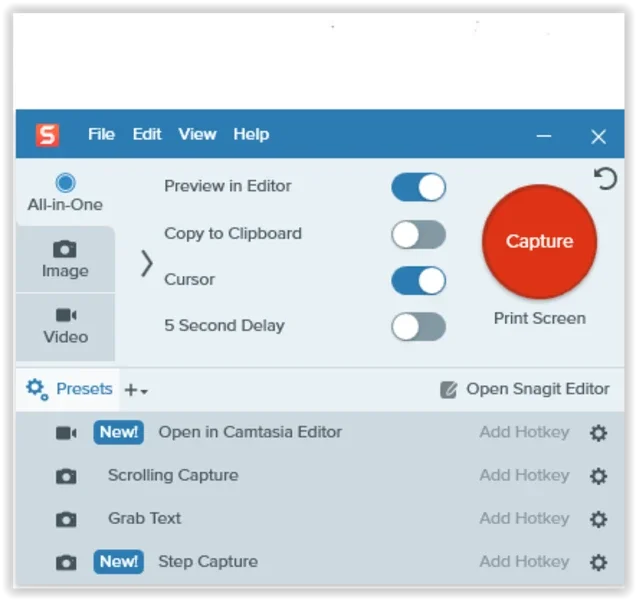

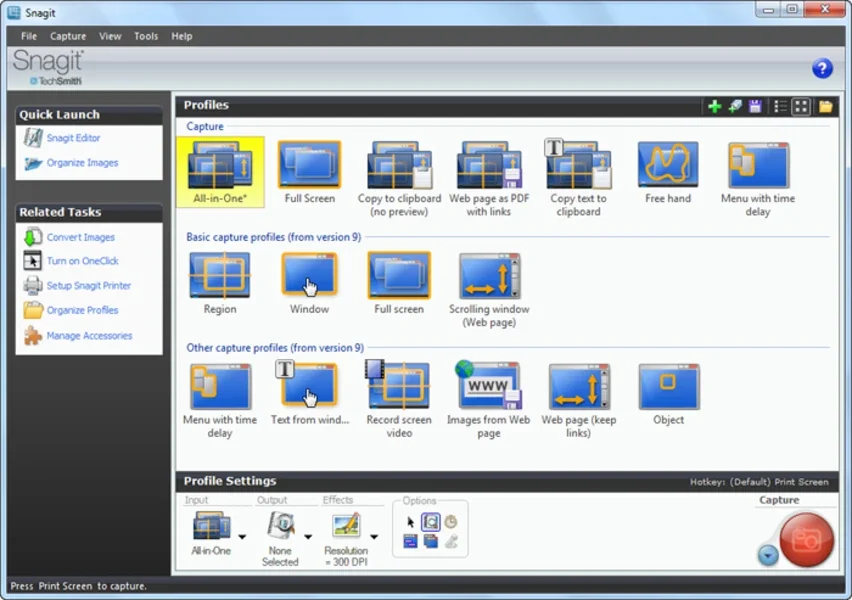
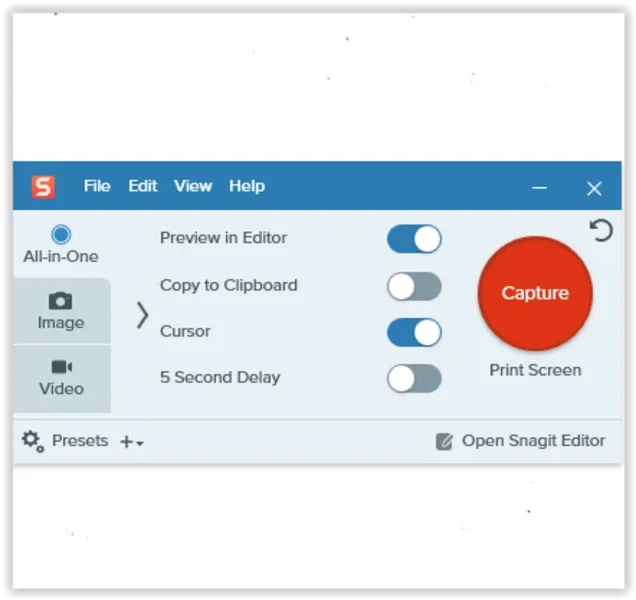
Description
SnagIt takes screenshots and records video, and the capture side covers more than a plain full-window grab. You can pull a specific area, take a scrolling screenshot of a website or long document that runs past the screen, and grab still images or short videos. Screen recordings carry system audio and microphone audio, and visual effects can highlight mouse clicks so the clicks are easy to follow. Clips can be combined, and GIFs can be built from them.
Captured content takes annotations directly on top, and quick editing follows the capture. The program can also take automatic screenshots triggered by clicks, which builds a step-by-step visual guide as you work.
For someone who only takes an occasional screenshot, it may be excessive. It runs on Windows.
Download files
0446e7135a726f29f0d21148dbb5edb9a7af67dc5fdc304ea7b1a8df98991549
Signed by TechSmith Corporation · valid until Feb 24, 2027a6ab1018464958a232101fffa9ba4d4cb214192d2580a90b38a2273f9344ae6a
Signed by TechSmith Corporation · valid until Feb 24, 20279ed866c2545ffc6aae2bd6b6ed1a1f68df09dd33350bf35f9baf06fe2e3d93d9
Signed by TechSmith Corporation · valid until Feb 24, 20276f7443b342883fbf912e07840084bc20941936fbd3e03d7f244e01bec4f5b2a6
Signed by TechSmith Corporation · valid until Feb 24, 2027da987d4c1942be60d13c1ab87b9ccd772845c6bd27a3fa4a9d949091d58310ca
Signed by TechSmith Corporation · valid until Feb 24, 2027System requirements
Additional information
Developer
Latest release
Size
Category
File type
SHA-256
0446e7135a726f29f0d21148dbb5edb9a7af67dc5fdc304ea7b1a8df98991549




