SpiderOak7.5.0 for macOS
Backs up selected folders to online storage and syncs them between Macs
Free · Proprietary
You are on Windows — this is the macOS version. See the Windows version
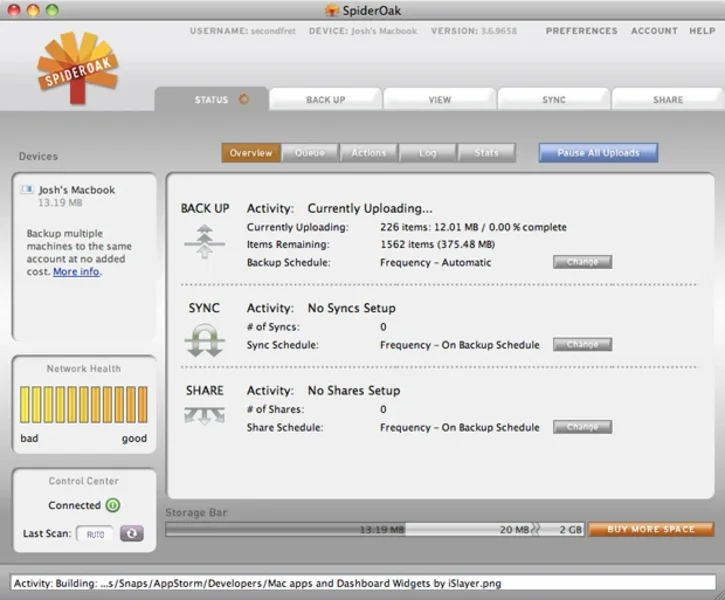
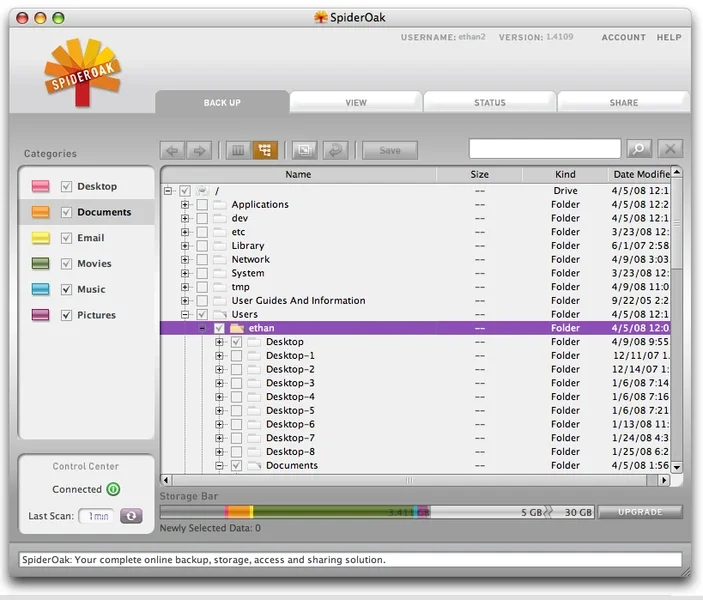
SpiderOak is a backup and folder synchronization tool for the Mac. It keeps track of changes made to files and directories it has already backed up. You pick the directories you want to protect, and the program uploads their files to the online storage drive.
The five panels in the interface
The main window is organized around a handful of screens. One covers backup, another is for cloud preview, a third shows the state of transfers, a fourth previews shared files, and a fifth handles directory synchronization.
Syncing between machines
Directories on the same computer can be synced as well. Synchronization also works between several computers that each have SpiderOak installed. What can be selected and synced is limited: only directories that have already been set up with that particular installation of the program.
Accounts
A user account is required. You can create one during installation, and it is verified by email.
[Release notes coming soon]
Verify the file
Compare the SHA-256 of the file you downloaded with the value below. Files exactly as the publisher released them.
-
SpiderOakGroups-7.5.0-osx.dmg
7.5.0 · DMG · 41.1 MB
SHA-256
0811a2bfacaef2ab77288682a8a06ca8092cce53ee549f90c222b3e5169e1d5cCheck on VirusTotal Get
Files exactly as the publisher released them.
Information
- Seller
- SpiderOak
- Size
- 41.1 MB
- Category
- Business
- Compatibility
macOS Mac OS X or later
- Languages
English
- Age rating
- All ages
- License
- Proprietary
- Price
- Free
- Platform
- Also available on Windows