
Online backup, folder sync and cloud file sharing
You are on macOS — this is the Windows version. See the macOS version
Screenshots
Description
SpiderOak is used for online backup, folder synchronization between computers, and cloud file sharing. You need a user account, which you can create during installation and confirm by email.
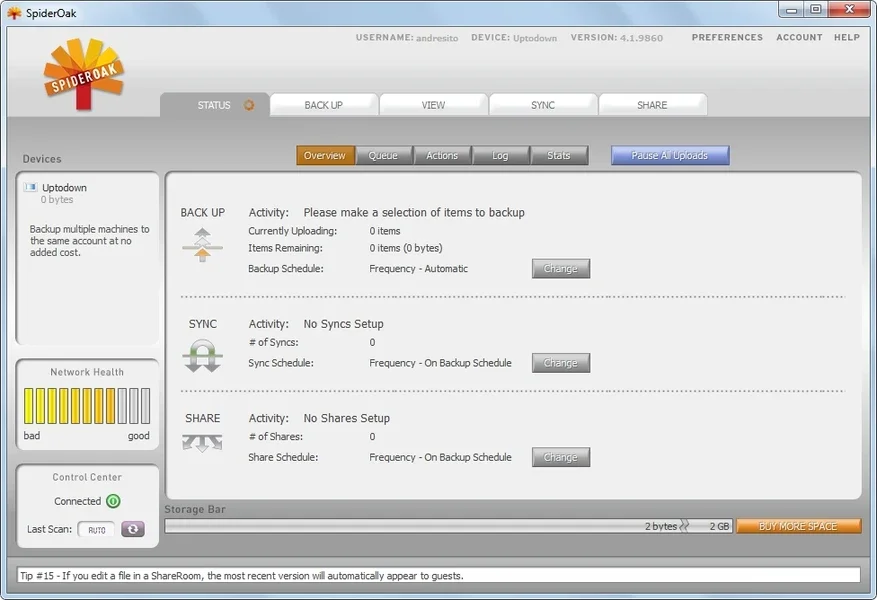
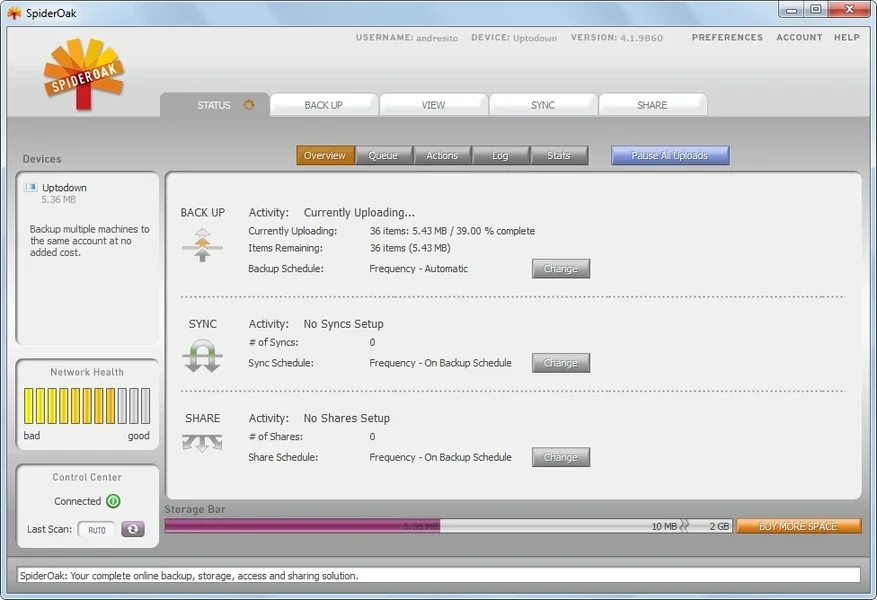
For backup, you pick the folders you want protected. SpiderOak uploads them and keeps track of later changes. The interface brings together backup, viewing files in the cloud, transfer status, shared files, and folder synchronization.
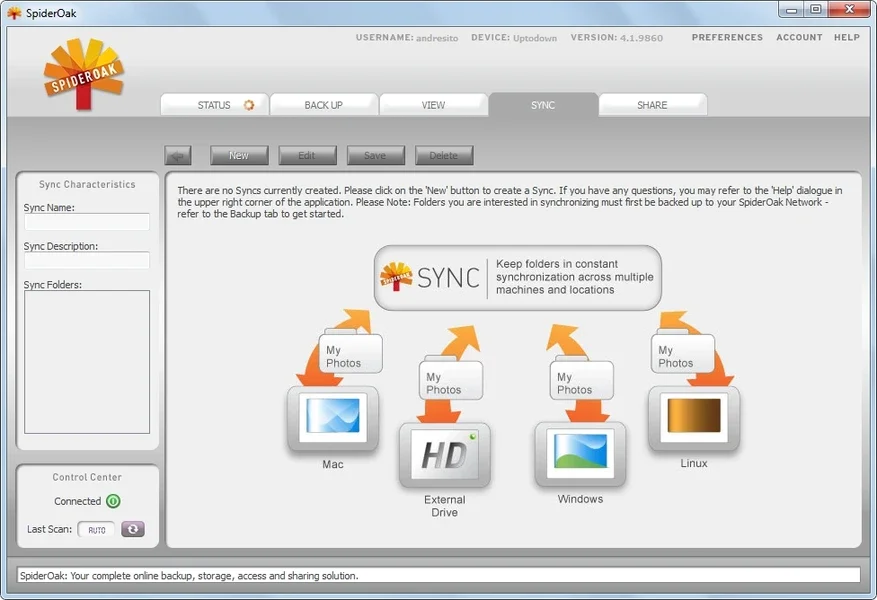
Synchronization also works for folders on the same computer, but only between computers that have SpiderOak installed. Each installation has its own configured folders, and only those folders can be chosen for synchronization.
Download files
8a5ddebdb9dfaad6c41b716bf5f09c9806a5f2fa2c05a482b4138a4a62916ac1
Signed by SpiderOak, Inc. · valid until Jun 26, 20204d1b445e71f97b6d18edfd3c8502c983f8afe826323d168d09c83febed8b77f6
Signed by SpiderOak, Inc. · valid until Jun 23, 20174bd0955be22651a8061d470a03c2afaf60da46e24e79ff2d09383a3ffb32cccf
dad24aa4da0688346b2a0c9cb10354280844f3b9ea8cfc0bce96a13e09648100
ea01dacf94c4e4b1c86b3fc2e8c0bbf9619639bb9d008f3883d54f4ba1e8dfcd
System requirements
Available on:
Minimum OS:
Windows Windows 2003 or later
Additional information
Developer
Latest release
Size
File type
SHA-256
8a5ddebdb9dfaad6c41b716bf5f09c9806a5f2fa2c05a482b4138a4a62916ac1





