Super Logo2.0.0 for macOS
Generates logos from an industry, style and element picks, then edits them
Free · Proprietary
You are on Windows — this is the macOS version.
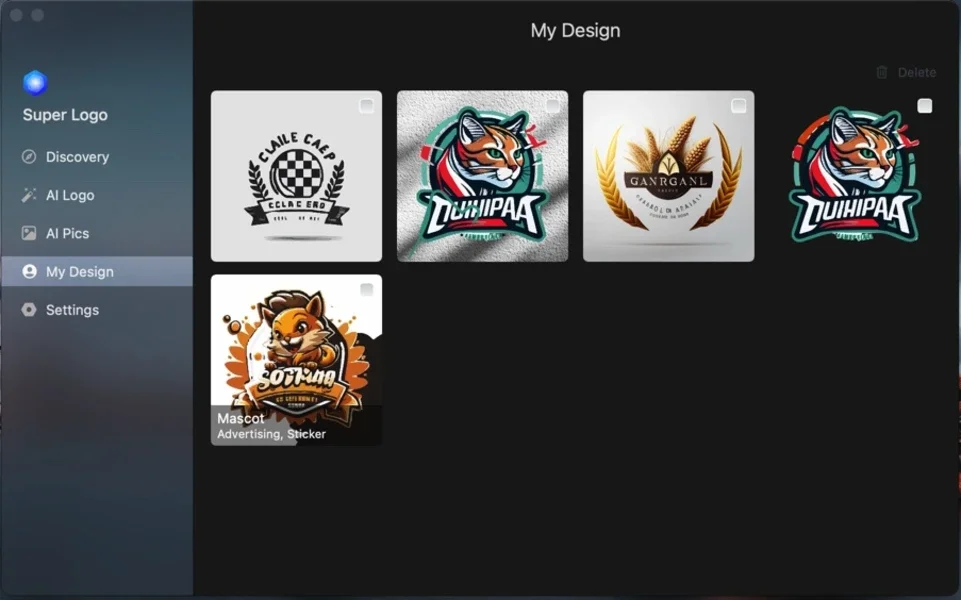
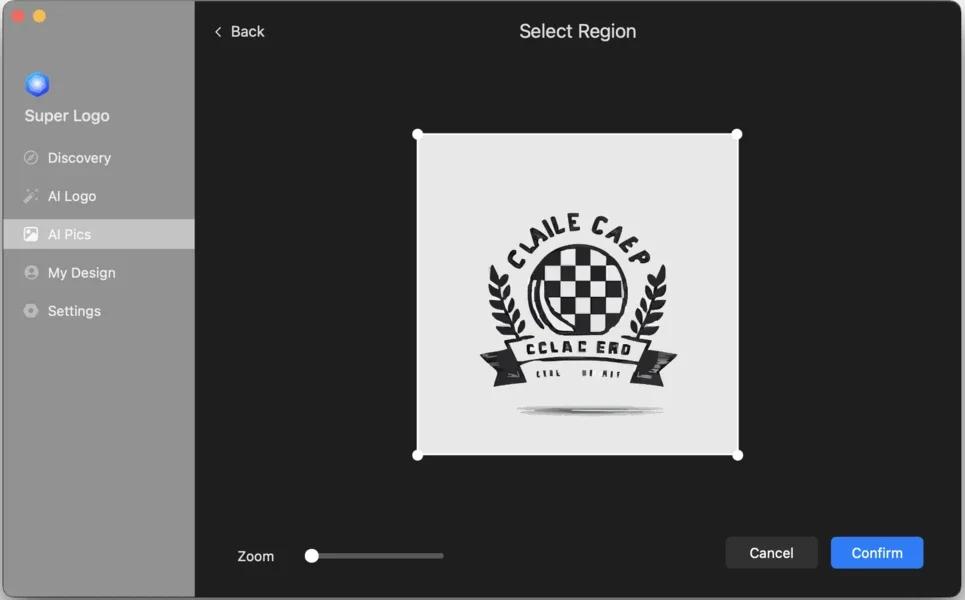
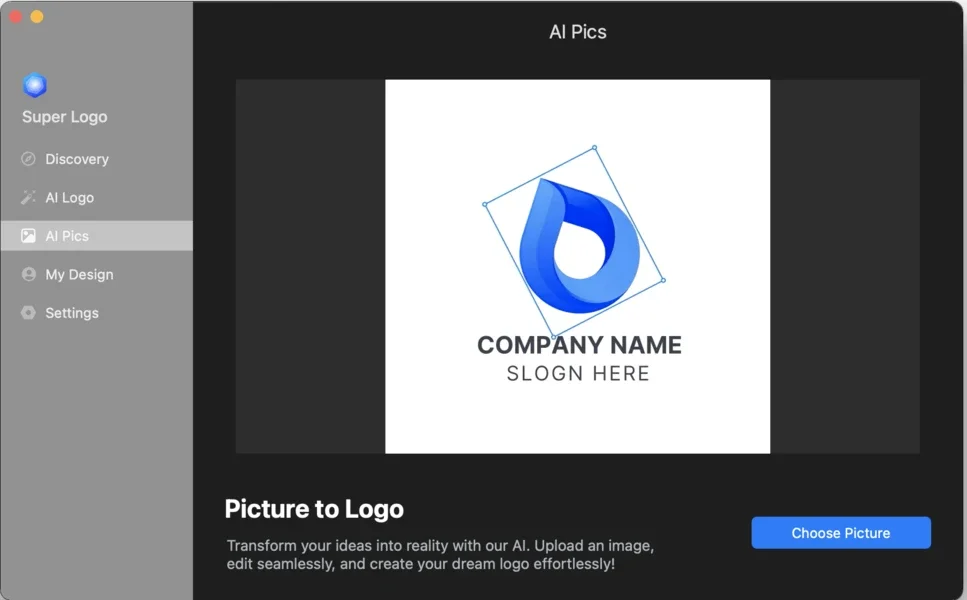
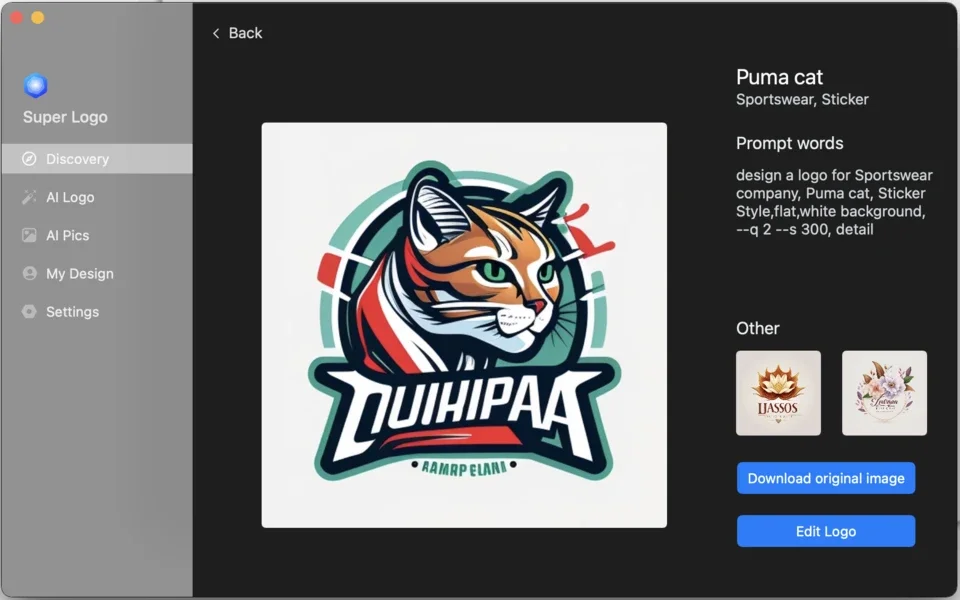
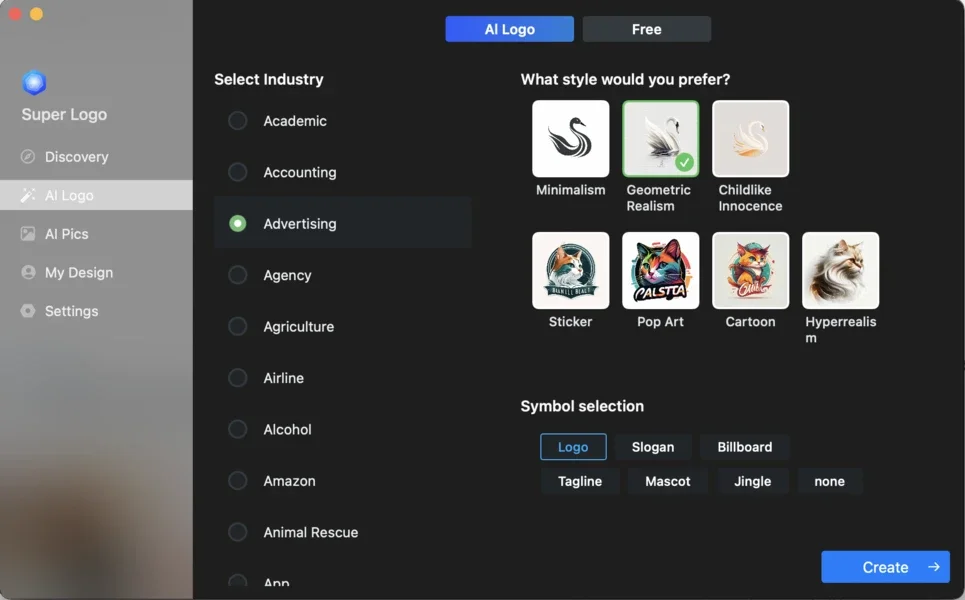
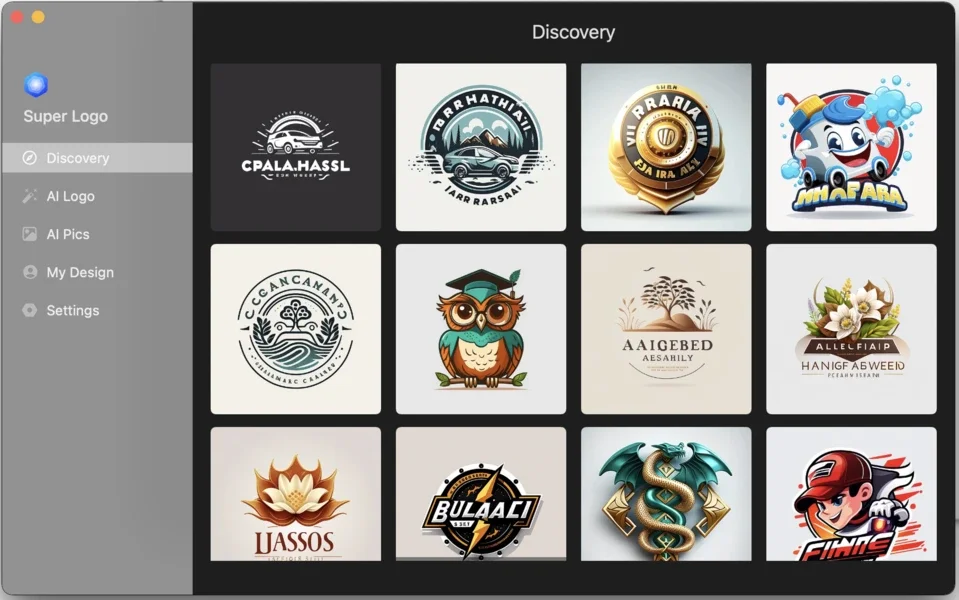
You start Super Logo by choosing an industry, a style and the elements you want, and the AI algorithms put a logo together from those picks. If you already have a logo, you can upload it, and the program generates a vector file from it.
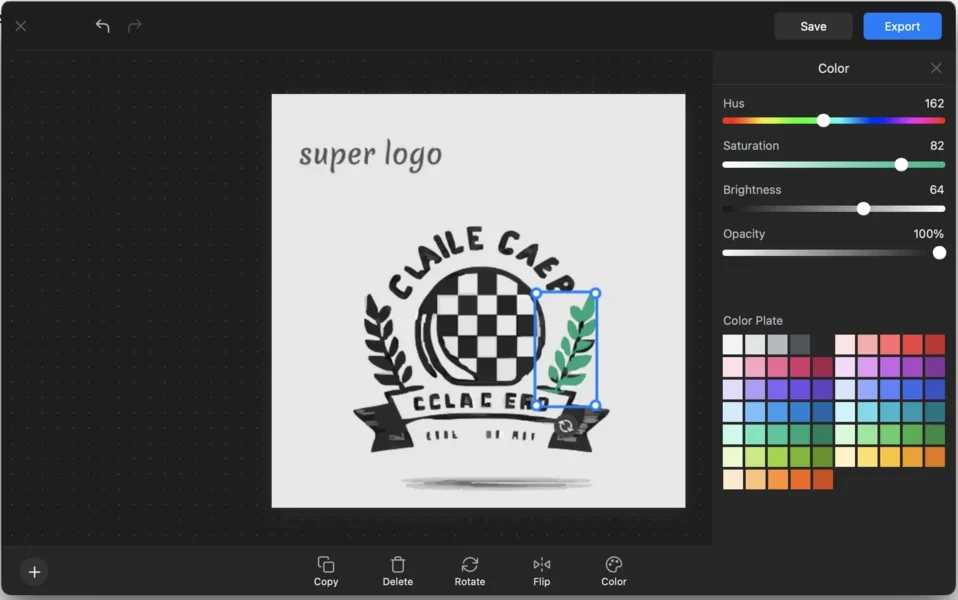
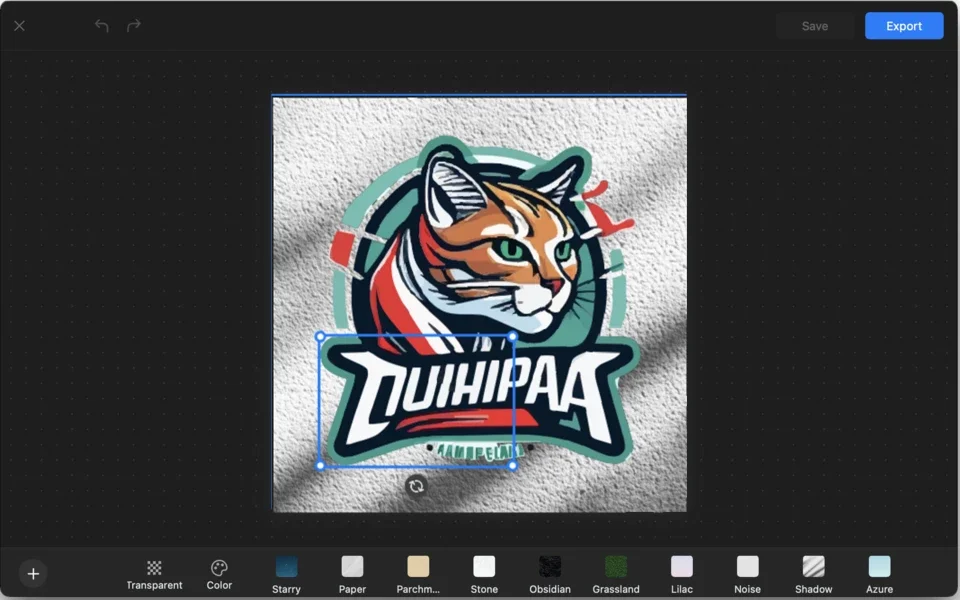
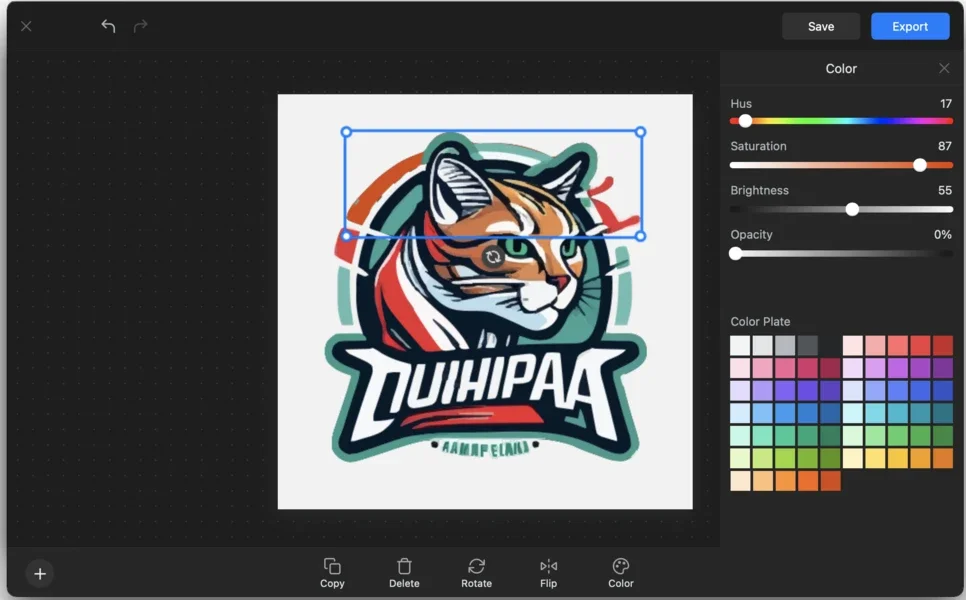
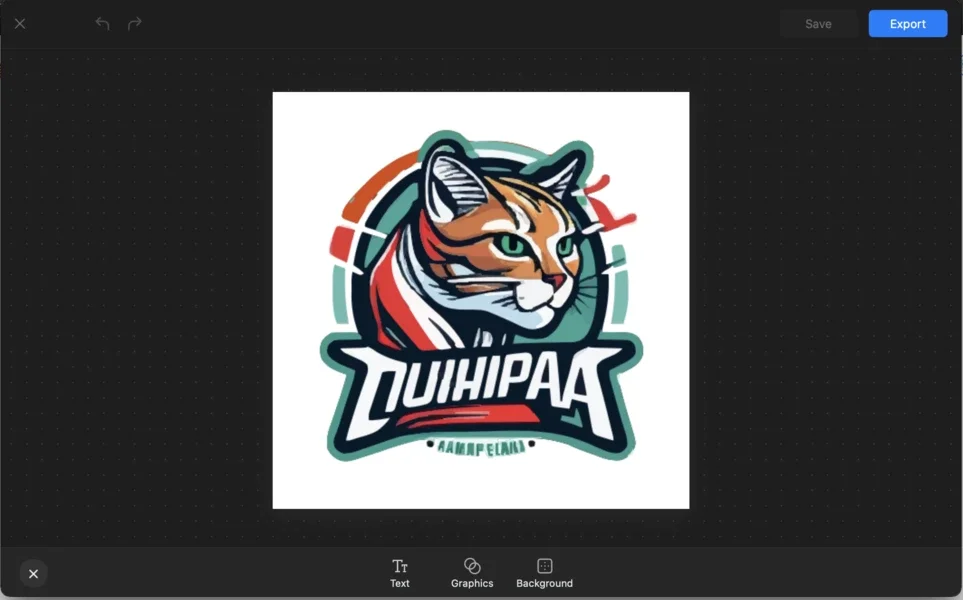
The editor is where most of the work happens. It lets users adjust fonts, symbols, shapes, icons and backgrounds, and the color scheme can be changed as well. Elements can be added, elements can be taken away, and the layout can be rearranged until it looks right. Exported logos can be edited further, so a design does not have to be finished in one sitting.
Logos can be exported in high-resolution formats including PNG, JPEG and SVG. It runs on the Mac. Pricing is free.
[Release notes coming soon]
Verify the file
Compare the SHA-256 of the file you downloaded with the value below. Files exactly as the publisher released them.
-
2.0.0
2.0.0 · DMG · 21.2 MB
SHA-256
5ecc131df2c99bba469cab46bcced6c1d596d9a5f76b1bf66eaf18c24f71328bCheck on VirusTotal Get
Files exactly as the publisher released them.
Information
- Seller
- Nabla Mind
- Size
- 21.2 MB
- Category
- Design & editing
- Compatibility
macOS
- Languages
English
- Age rating
- All ages
- License
- Proprietary
- Price
- Free