Telegram Desktop13.2.0 for macOS
Official Telegram client for macOS with calls, polls and file sync
Free · Proprietary
You are on Windows — this is the macOS version. See the Windows version
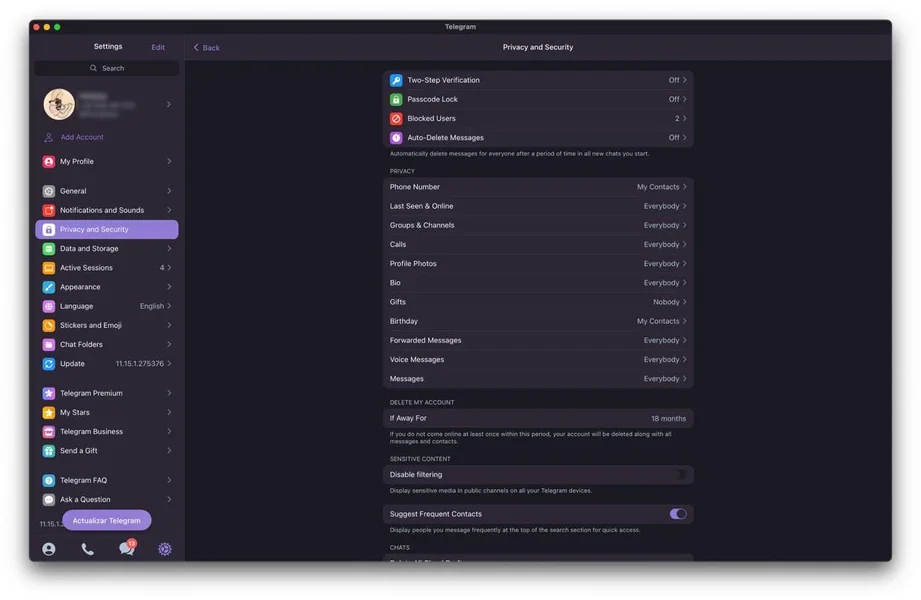
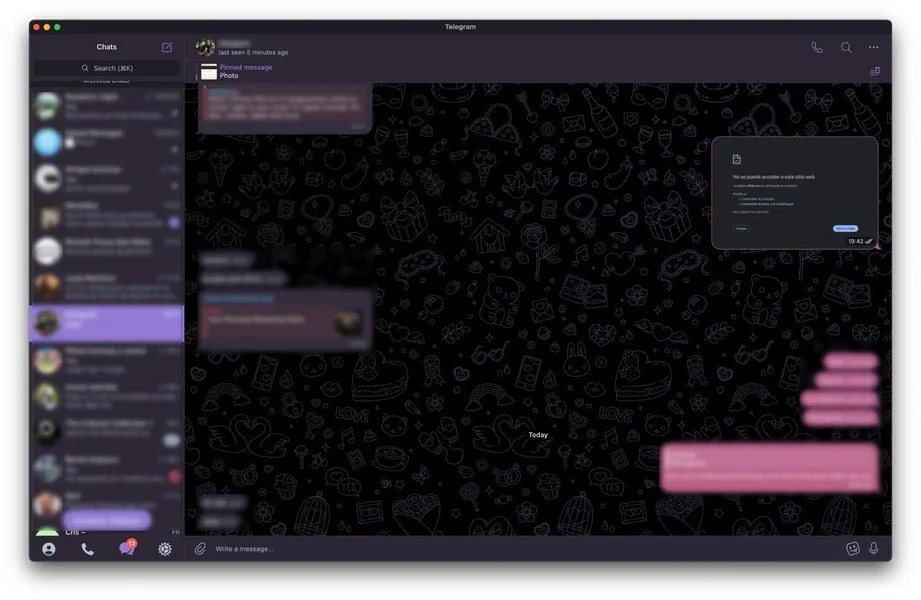
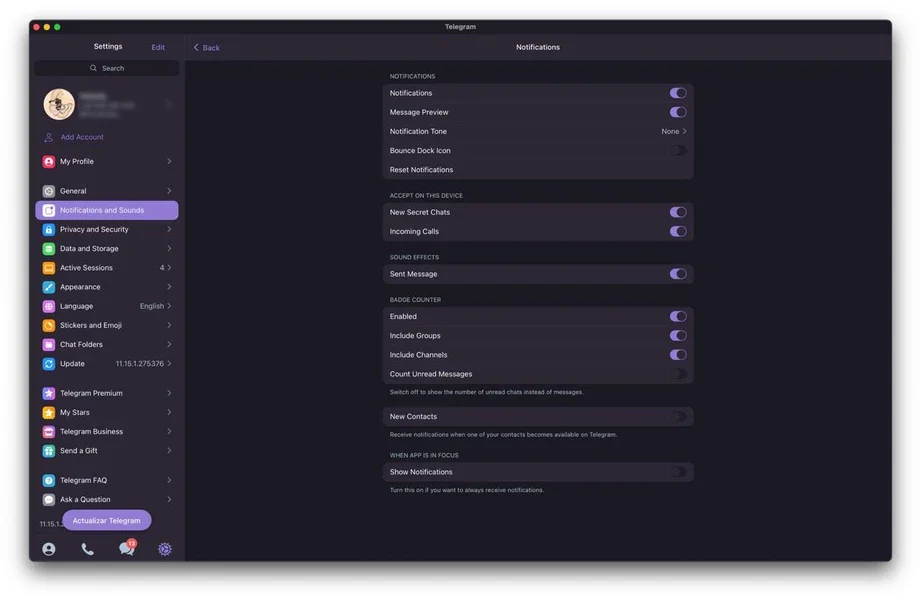
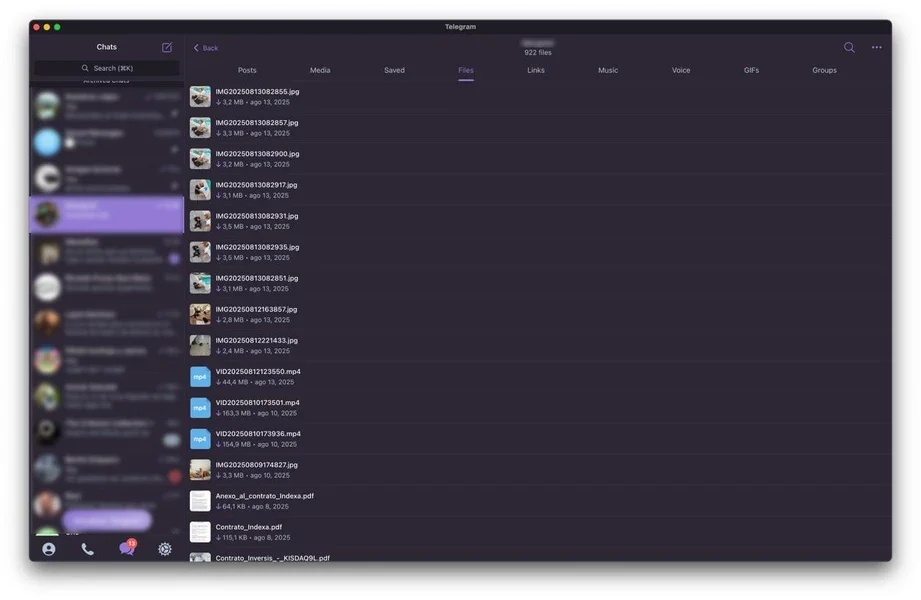
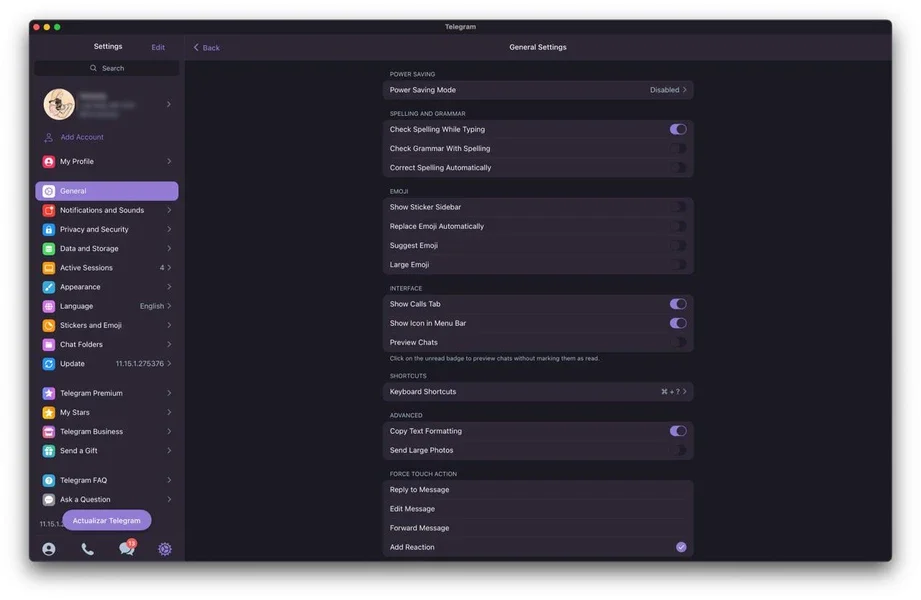
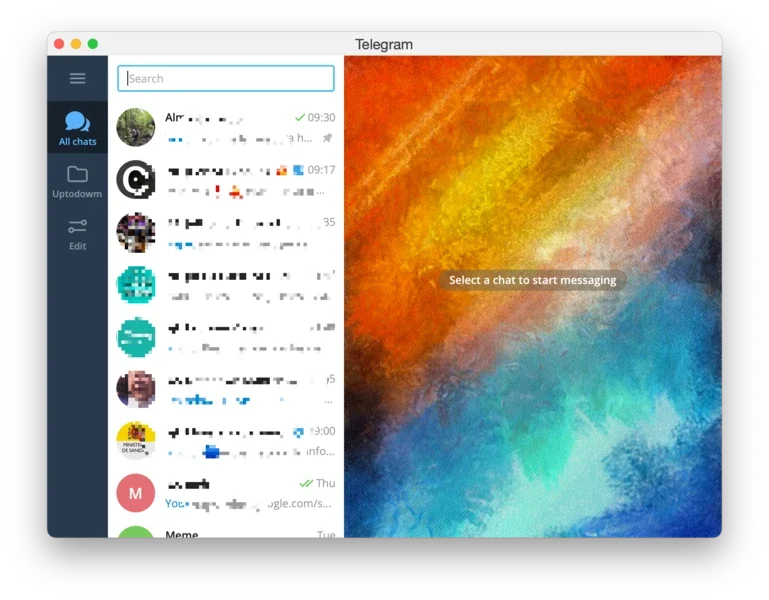
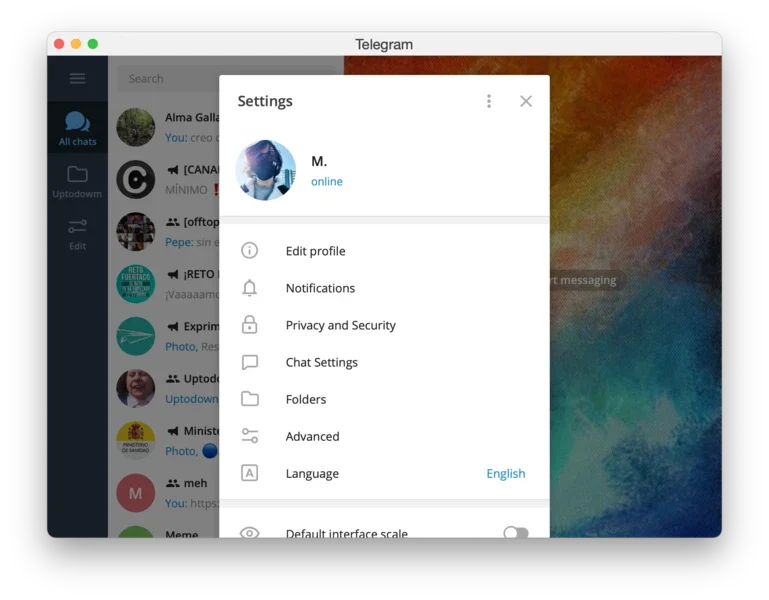
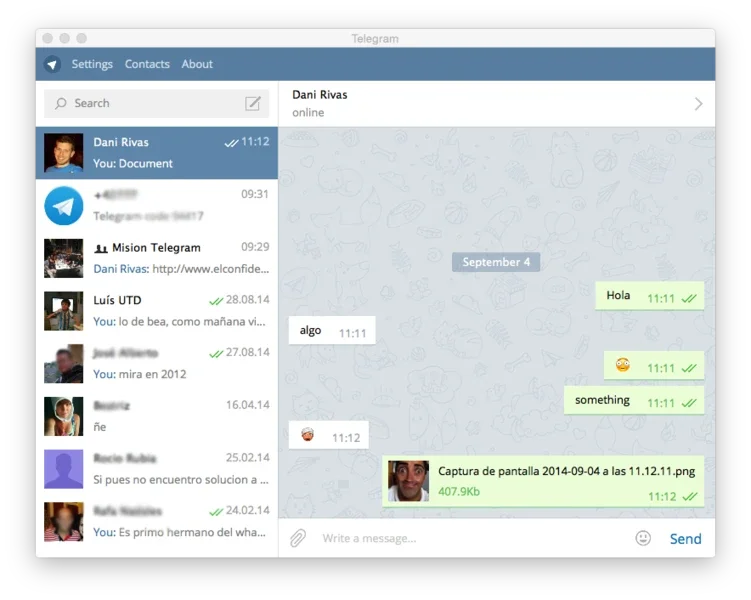
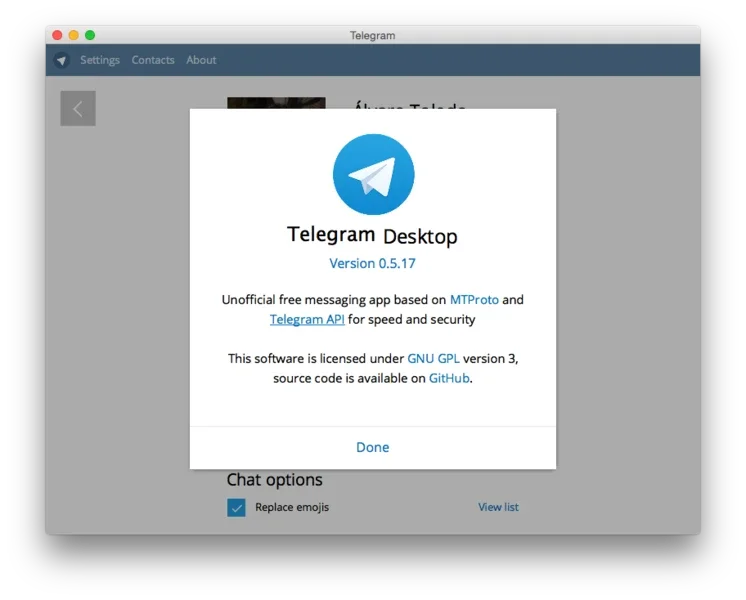
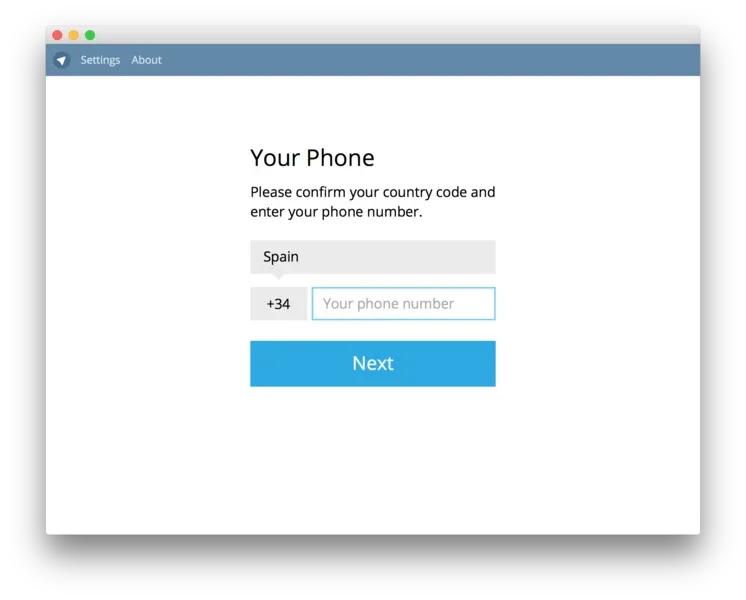
Telegram Desktop is the official Telegram client for macOS. You sign in with an account, created with a phone number or an email address, and the app is required to have one before use. On first launch it syncs your conversations and groups, which can take seconds to minutes. After that, conversations started in the iOS app continue on the Mac, and files, images and voice memos shared earlier on the same account are accessible again.
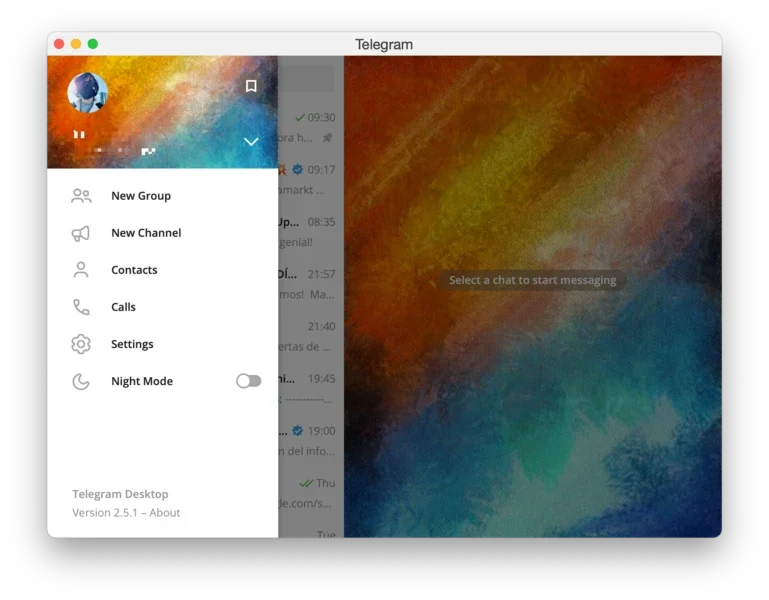
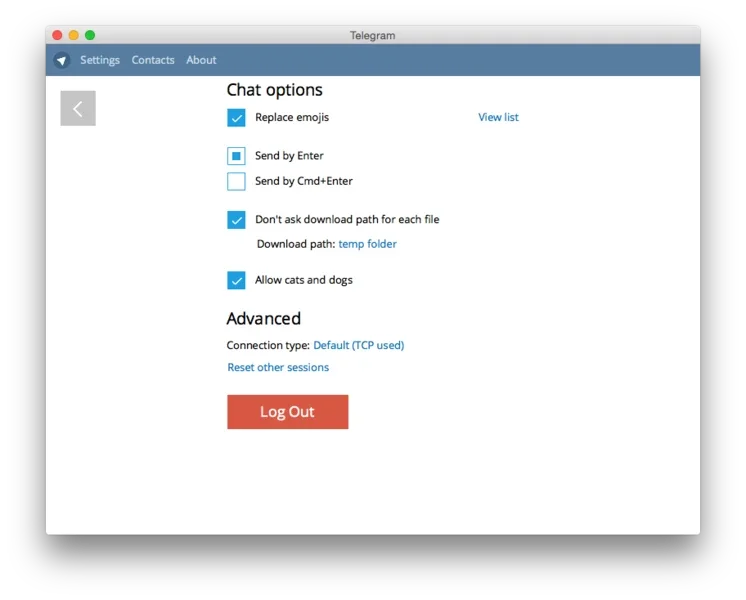
The client is light and uses few resources. The interface has more than six color palettes, and night mode has two controls: a drop-down on the left toggles it, and the configuration options can automate it. Calls can be one-to-one with contacts or group calls with up to 1000 users. Audio quality is prioritized over video, the screen can be shared, and the volume can be adjusted individually for each participant.
Polls are a group tool. Votes can be public or anonymous, and a poll can permit multiple responses or run in quiz mode. Files can move between a Mac and an iPhone, and voice memos can be saved.
[Release notes coming soon]
Verify the file
Compare the SHA-256 of the file you downloaded with the value below. Files exactly as the publisher released them.
-
telegram-desktop-13-2-0.dmg
13.2.0 · DMG · 161.9 MB
SHA-256
9aa66f00484f8b7b58606789f041a75b9ee5d03a3f1702ce558a81b63a330da3Check on VirusTotal Get
Files exactly as the publisher released them.
Information
- Seller
- Telegram LLC
- Size
- 161.9 MB
- Category
- Communication
- Compatibility
macOS
- Age rating
- 12+
- License
- Proprietary
- Price
- Free
- Platform
- Also available on Windows