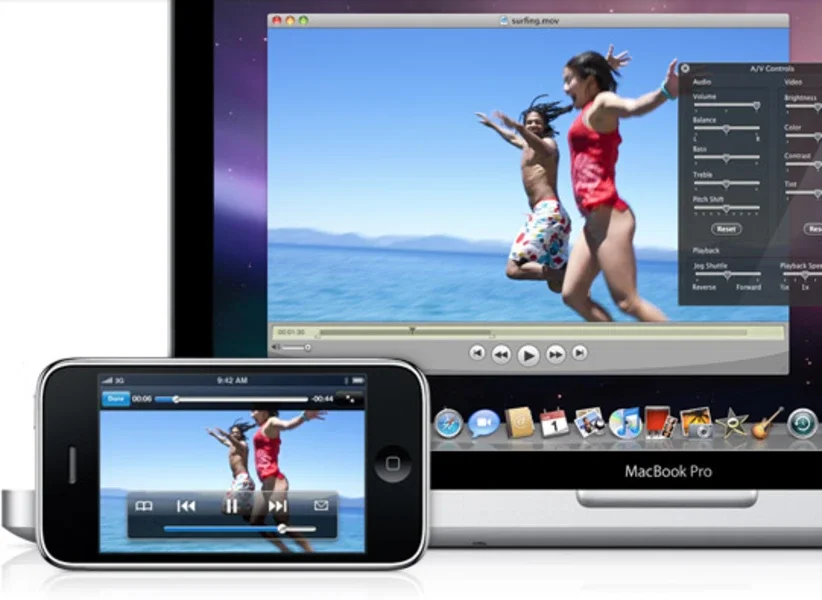
Windows Media Player9 for macOS
Plays WMA and WMV files on a Mac
Free · Proprietary
You are on Windows — this is the macOS version. See the Windows version
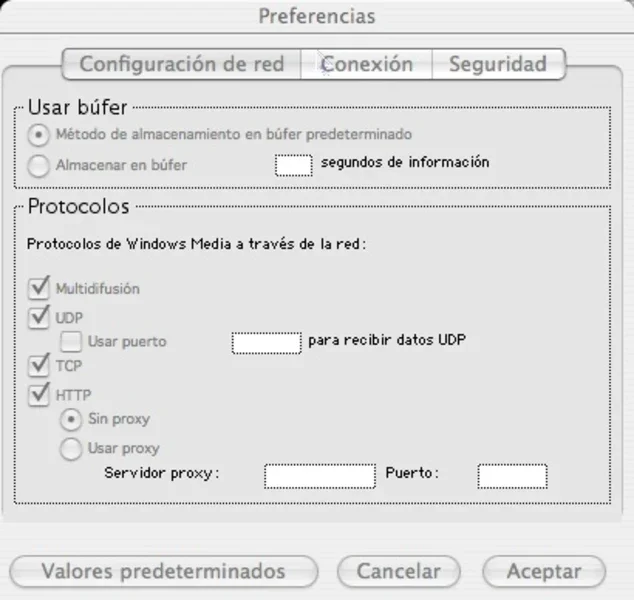
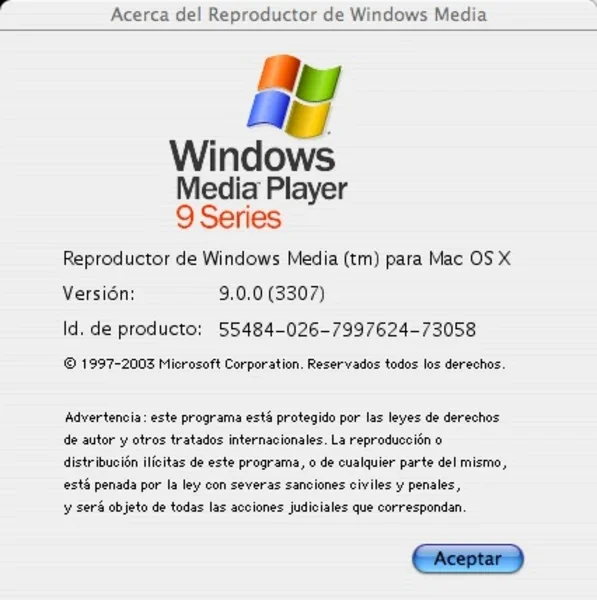
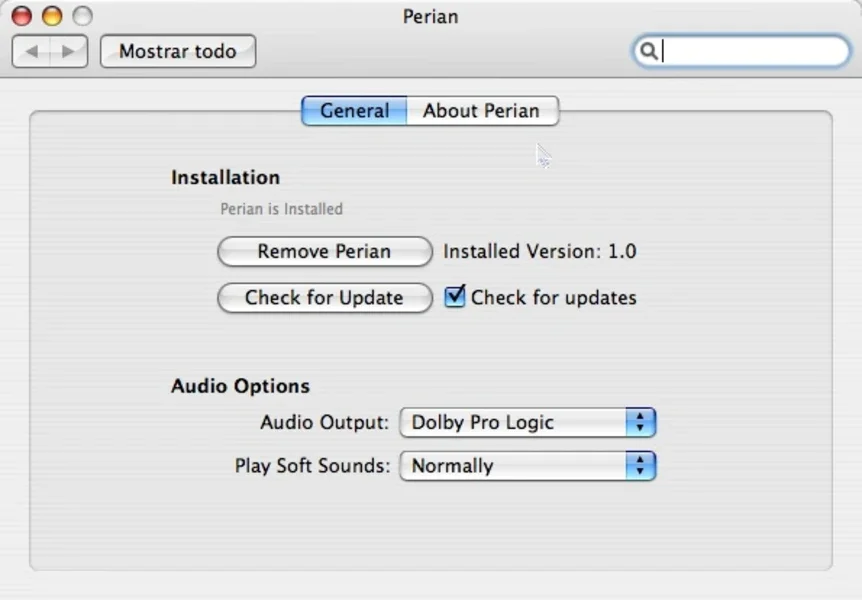
Windows Media Player for Mac opens WMA and WMV files. Getting it installed takes some work. The installation file is compressed, so you need Stuffit Expander to decompress it first. After that, click the installation file and follow the steps. When installation finishes, you open the Windows Media Player folder in the Applications folder to run it. The process is described as not easy.
Microsoft no longer updates Windows Media Player for Mac. Another route to Windows Media formats is Flip4Mac, a QuickTime plugin that lets you play them in QuickTime.
The program itself is free and proprietary.
[Release notes coming soon]
Verify the file
Compare the SHA-256 of the file you downloaded with the value below. Files exactly as the publisher released them.
-
9
9 · ZIP · 7.0 MB
SHA-256
a4df720e3302f3a5649b0140ccd2841c3d36068b4a6559d44fa779ffc6146fc4Check on VirusTotal Get
Files exactly as the publisher released them.
Information
- Seller
- Microsoft
- Size
- 7.0 MB
- Category
- Media Players
- Compatibility
macOS
- Age rating
- All ages
- License
- Proprietary
- Price
- Free
- Platform
- Also available on Windows