Microsoft OneDrive2013 for macOS
Cloud storage that puts your files on every device you sign in to
Free · Proprietary
You are on Windows — this is the macOS version. See the Windows version
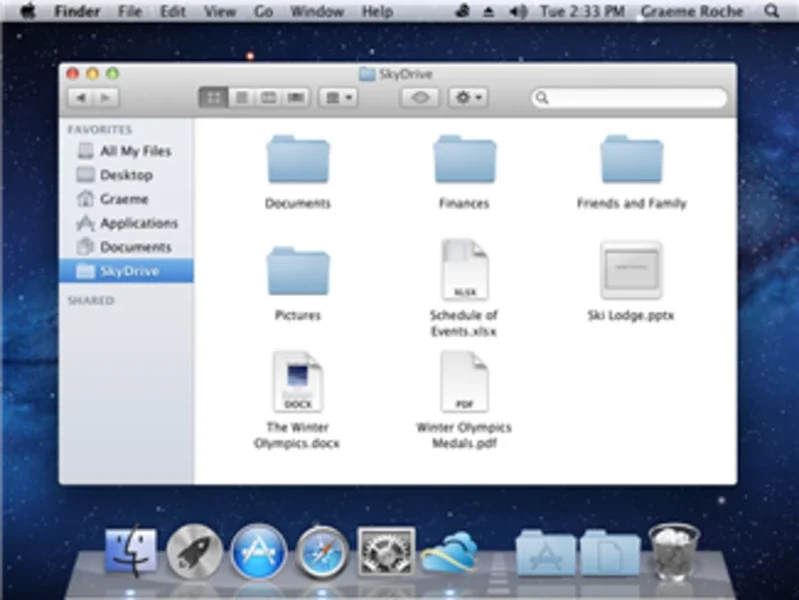
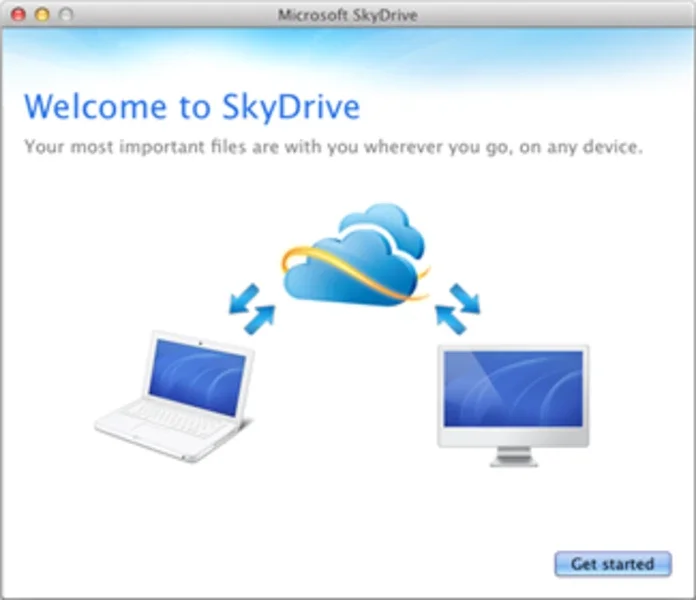
Microsoft OneDrive stores your files in the cloud, and after installation the account's full storage is available for putting files there. New accounts get 7GB by default. Accounts that already had OneDrive before keep 25GB.
Adding files is a drag: drop them into the program window and they are uploaded. From any device you can then access, manage, download and share what is stored. The upload-then-download habit is the simple case, useful when you want a document on another computer without carrying it there. Files can be reordered and organized so the things you need are easier to reach. Images uploaded to the account can be viewed inside the program. Office files stored on the account open for viewing without installing other programs.
The Mac build is the 2013 release, distributed by Microsoft under a proprietary license. It costs nothing to use.
[Release notes coming soon]
Verify the file
Compare the SHA-256 of the file you downloaded with the value below. Files exactly as the publisher released them.
-
2013
2013 · PKG · 5.0 MB
SHA-256
5422d19f6306cf19f1e90544877fea98b15b7417d253c02ec0ff96a9b753491dCheck on VirusTotal Get
Files exactly as the publisher released them.
Information
- Seller
- Microsoft
- Size
- 5.0 MB
- Category
- Disc/Files
- Compatibility
macOS
- Languages
English
- Age rating
- All ages
- License
- Proprietary
- Price
- Free
- Platform
- Also available on Windows