Ally Display
Horloge connectée Familiale
Projetado para iPhone, iPad, iPod touch
Grátis
- Classificação etária4+
- CategoriaProdutividade
- DesenvolvedorSenior Shop Sàrl
- IdiomasInglêse mais 28
- Tamanho29,7 MB
Leva à página oficial na App Store
O Download.org não hospeda nenhum arquivo de Ally Display. O botão abre a página do app na App Store, onde Senior Shop Sàrl o publica. Página verificada pela última vez em 23/11/2026.
Capturas de tela



Sobre
O desenvolvedor não forneceu este texto no seu idioma.
Ally Display turns an iPad or an iPhone into a connected clock for an elderly parent — no menus to learn, no notifications to understand.
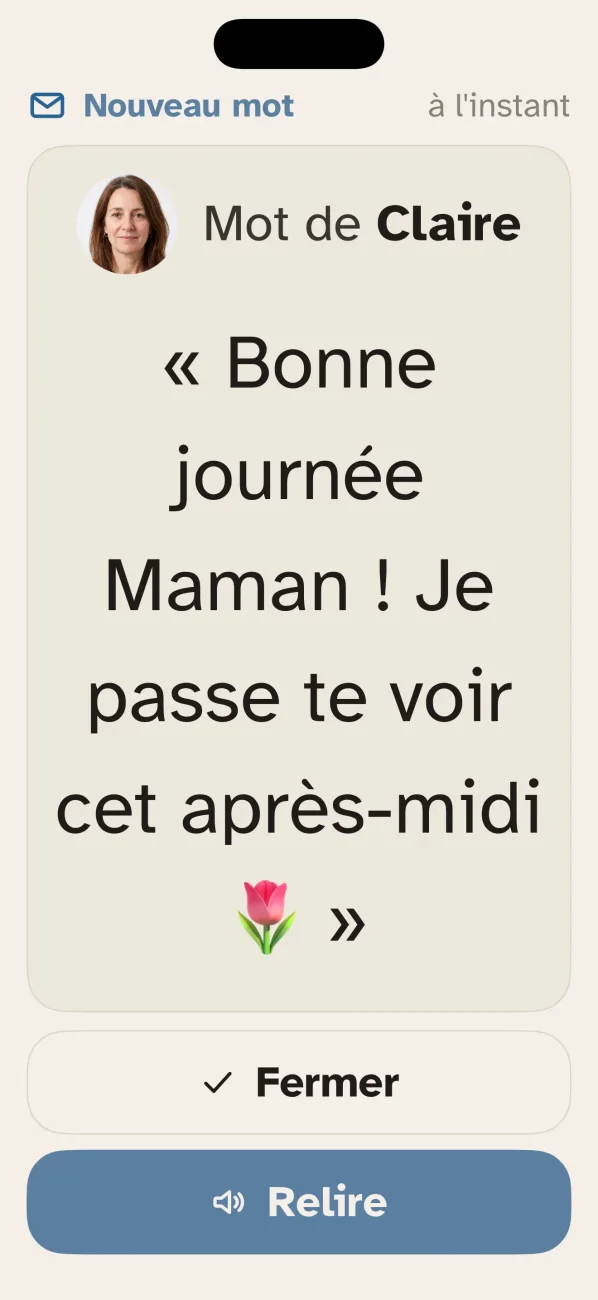
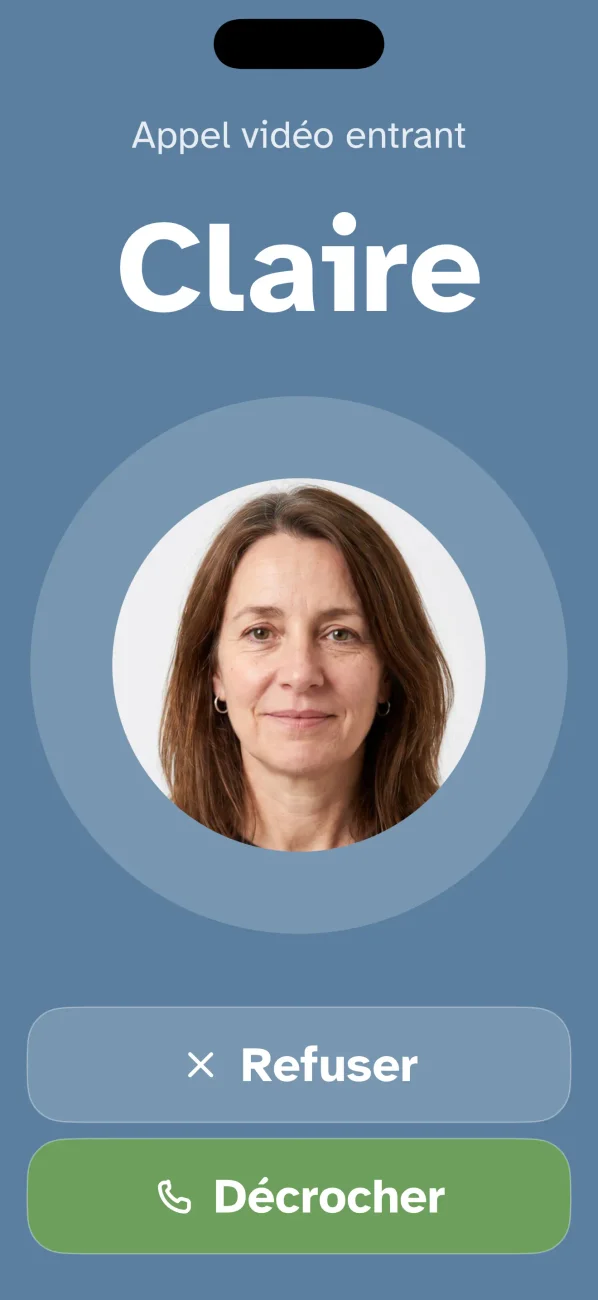
The screen shows the time, very large, all the time. When a loved one sends a photo or voice message from the Ally Companion app, the clock briefly steps aside to display the message full-screen, reads the caption aloud, then returns to the time. For a video call, the tablet rings and shows one large "Answer" button: a single tap is enough.
FOR YOUR LOVED ONE
• The time, always, very large
• Photos and voice messages full-screen
• Simple video calls: "Answer" or "Decline"
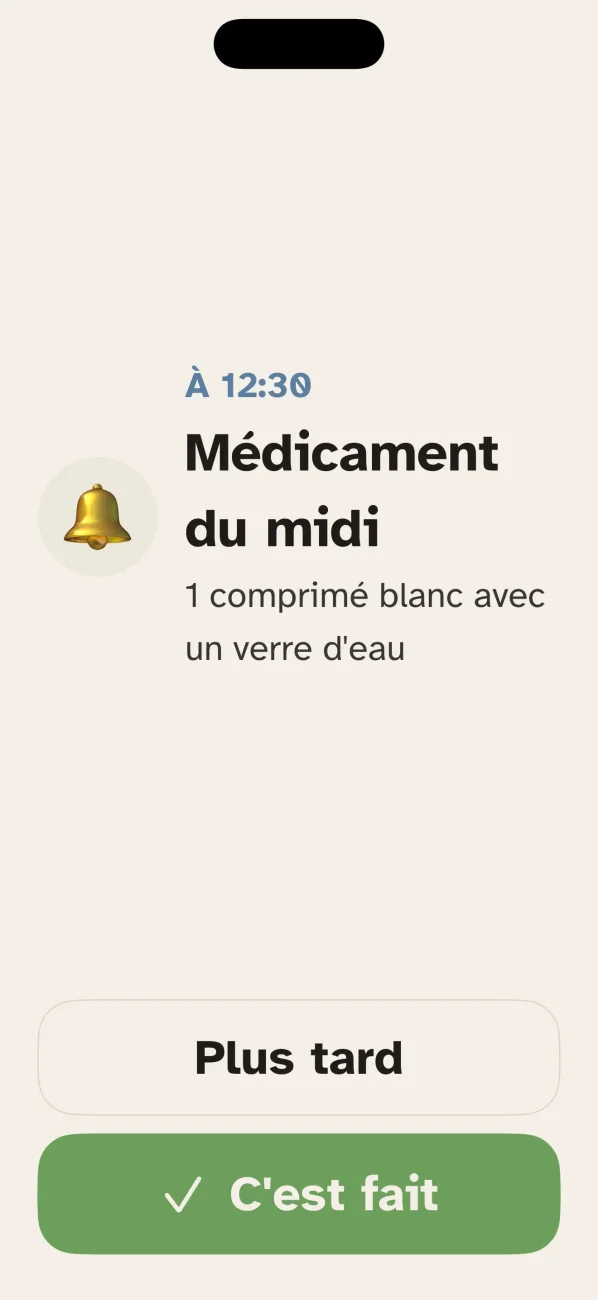
• Routine reminders ("medication 8 AM", "lunch 12:30")
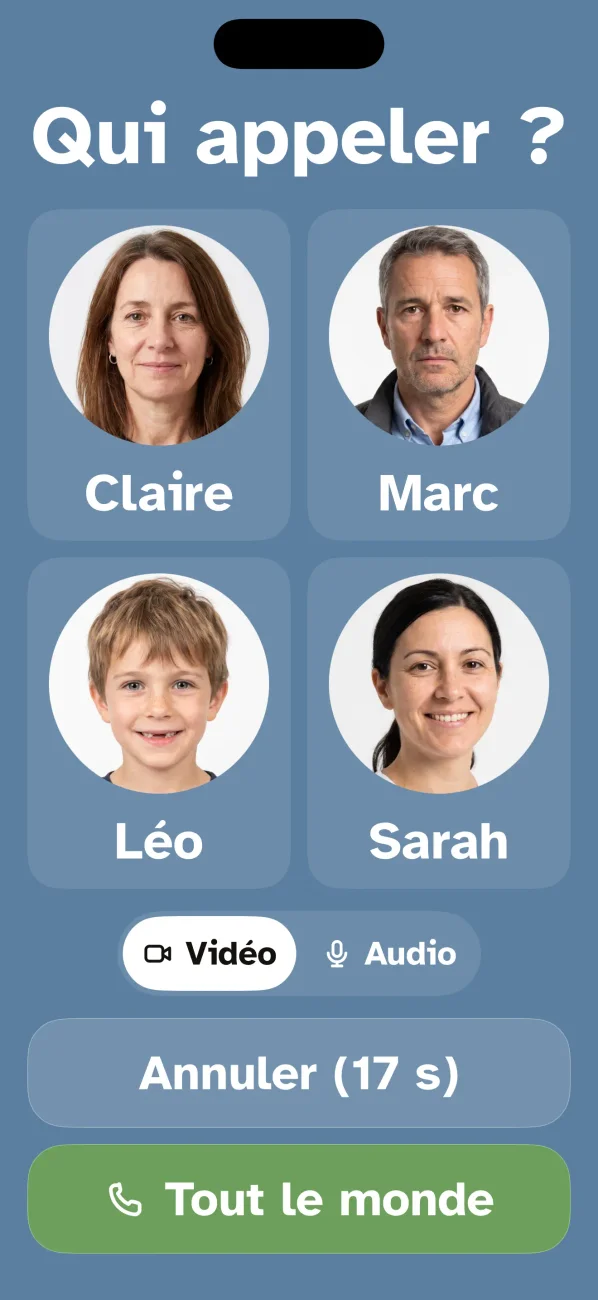
• One button to call the family, in a single tap
FOR YOU AND YOUR FAMILY (via the Ally Companion app on your phone)
• See what's on the screen in real time
• Send photos, voice messages, reminders
• Manage routines across multiple caregivers
• Get your loved one's call when they tap that button
SETUP
1. Also install "Ally Companion" on your phone.
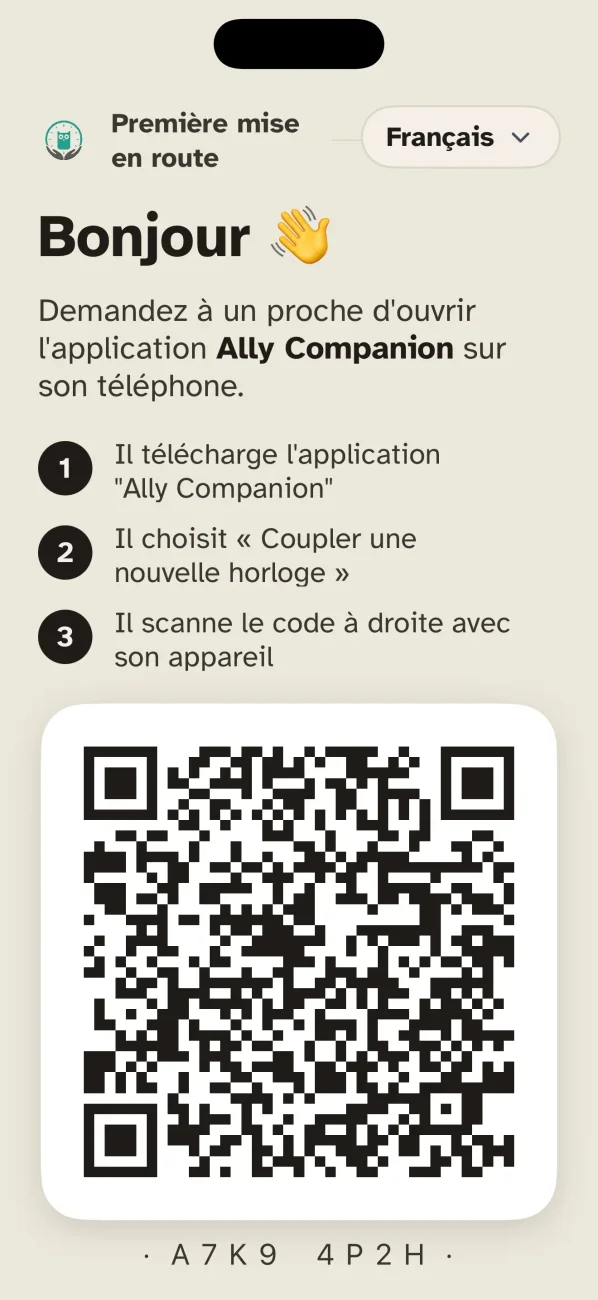
2. Open Ally Display: a QR code appears on screen.
3. Scan the QR with Ally Companion — paired.
4. Enable Guided Access (Settings → Accessibility) so the device stays on Ally Display.
PRIVACY
Ally Display is NOT a medical device. No continuous monitoring, no always-on camera: the mic and camera only activate during a video call. Data stored in Switzerland. See allydisplay.com/privacy for details.
A question? hello@allydisplay.com
Novidades
Versão 1.5.0 · 13/11/2026
Choose the sound before the time announcement, including "Ally Display"
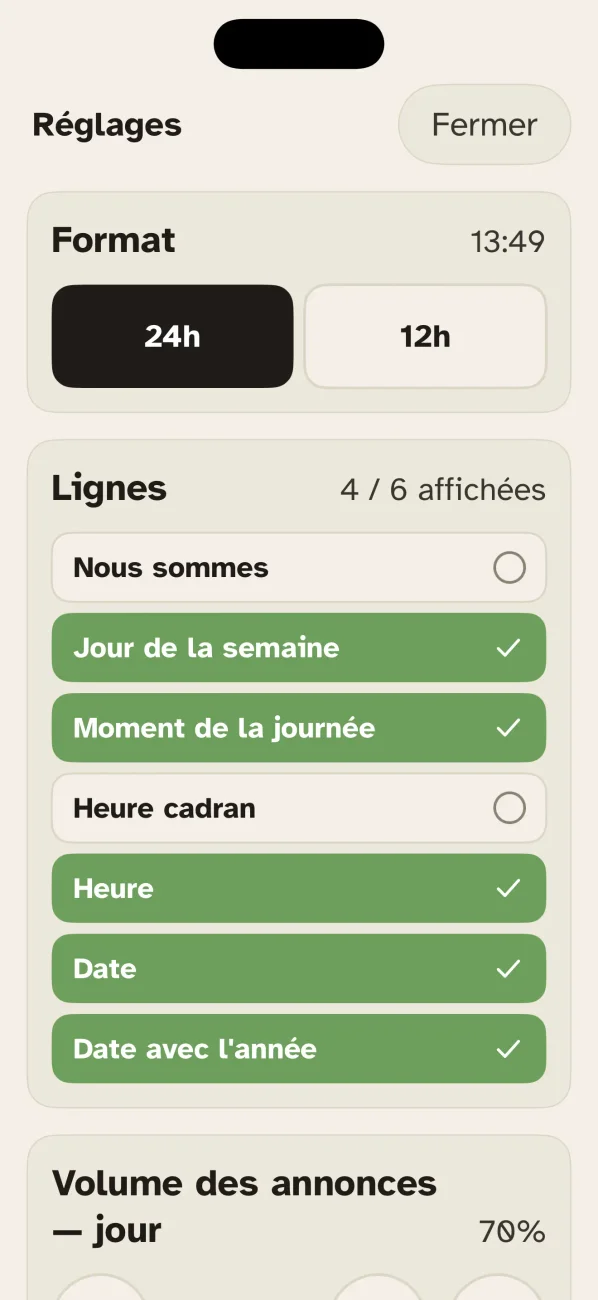
Touching the clock speaks the time, adjustable from the app
The clock shifts gently to protect the screen
Family can control the camera during a call
A new tablet takes the household's settings
Spoken time fixed in German
Privacidade do app
O que Senior Shop Sàrl declara na App Store sobre como este app lida com os dados.
-
Dados não coletados
O desenvolvedor não coleta nenhum dado deste app.
As práticas de privacidade podem variar, por exemplo, com base nos recursos que você usa ou na sua idade.
Informações
- Vendedor
- LBT Group Sarl
- Categoria
- Produtividade
- Versão
- 1.5.0
- Atualizado
- 13/11/2026
- Lançamento
- 31/10/2026
- Tamanho
- 29,7 MB
- Requer
- iOS 15.1 ou posterior
- Classificação etária
- 4+
- Preço
- Grátis
- Idiomas
- Inglês, Árabe, Bulgarian, Croata, Checo, Dinamarquês, Holandês, Estoniano, Finlandês, Francês, Alemão, Grego e mais 17
- Copyright
- © Senior Shop Sàrl
Você também pode gostar
-
 Bronkhorst RecorderProdutividade
-
 Bronkhorst FlowSuite 2Produtividade
-
 Amici - Die Heimtier-AppProdutividade
-
 ZMI - AppProdutividade
-
 Banana Accounting MobileProdutividade
-
 WoonigProdutividade
-
 Bvlgari TouchProdutividade
-
 enviolo AUTOMATiQProdutividade
-
 fragab: Criador de enquetesGrupos agendamento fácil
-
 Infomaniak EuriaProdutividade